Demo an issue with using size classes in UICollectionViewCell in storyboard and a workaround
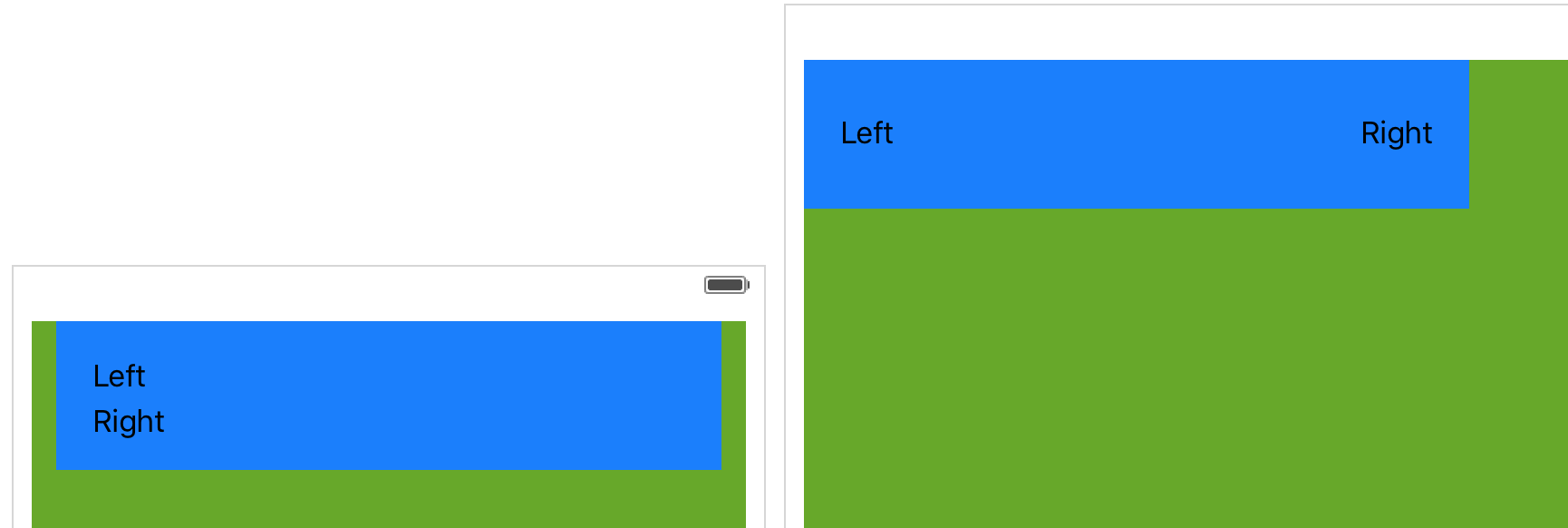
We have 2 labels: Left and Right in the cell. With a wider width (iPad), we want to display the
labels at 2 sides. With a limited width (iPhone), we want to display one above the other.
We first create constraints for Any x Any, switch to Compact x Regular (iPhone) and edit the constraints
accordingly.
Here is the desired screen in iPhone and iPad (produced by Xcode's preview feature, yeah it works on Preview and storyboard but not during run time!)
Unfortunately, there is some issue and UICollectionCell doesn't disable and enable constraints properly when size classes change so we have this instead. (Red cells are the misbehaving ones and blue are those with the workaround fix)
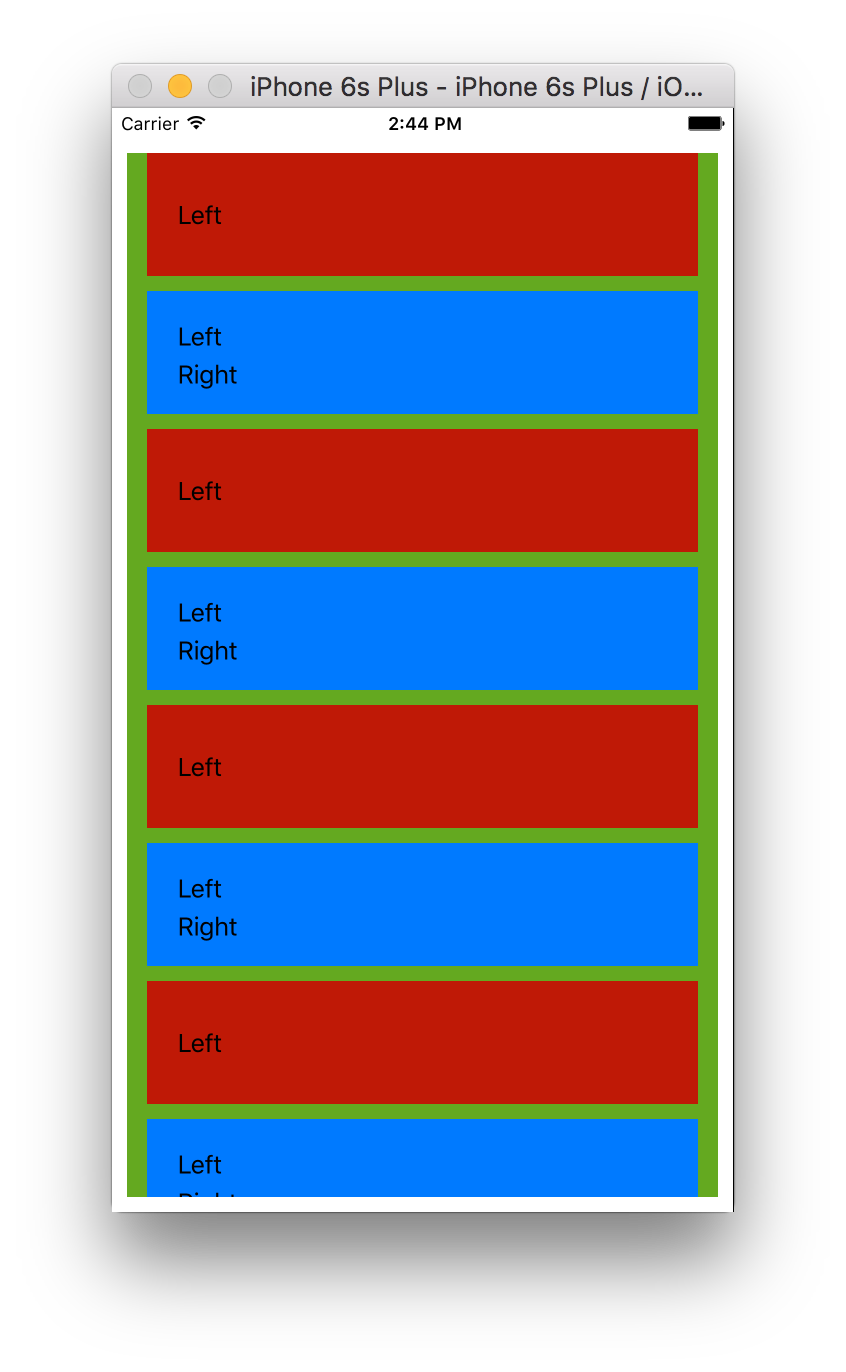
We add a container view (kind of a pseudo content view) which has 4 contraints to tie the view to the cell. Then we add other elements and constraints to this container view.