Type the path and query parameters of your go_router URLs, read them as plain Dart objects, and write them back — without keeping a second copy of that state anywhere else.
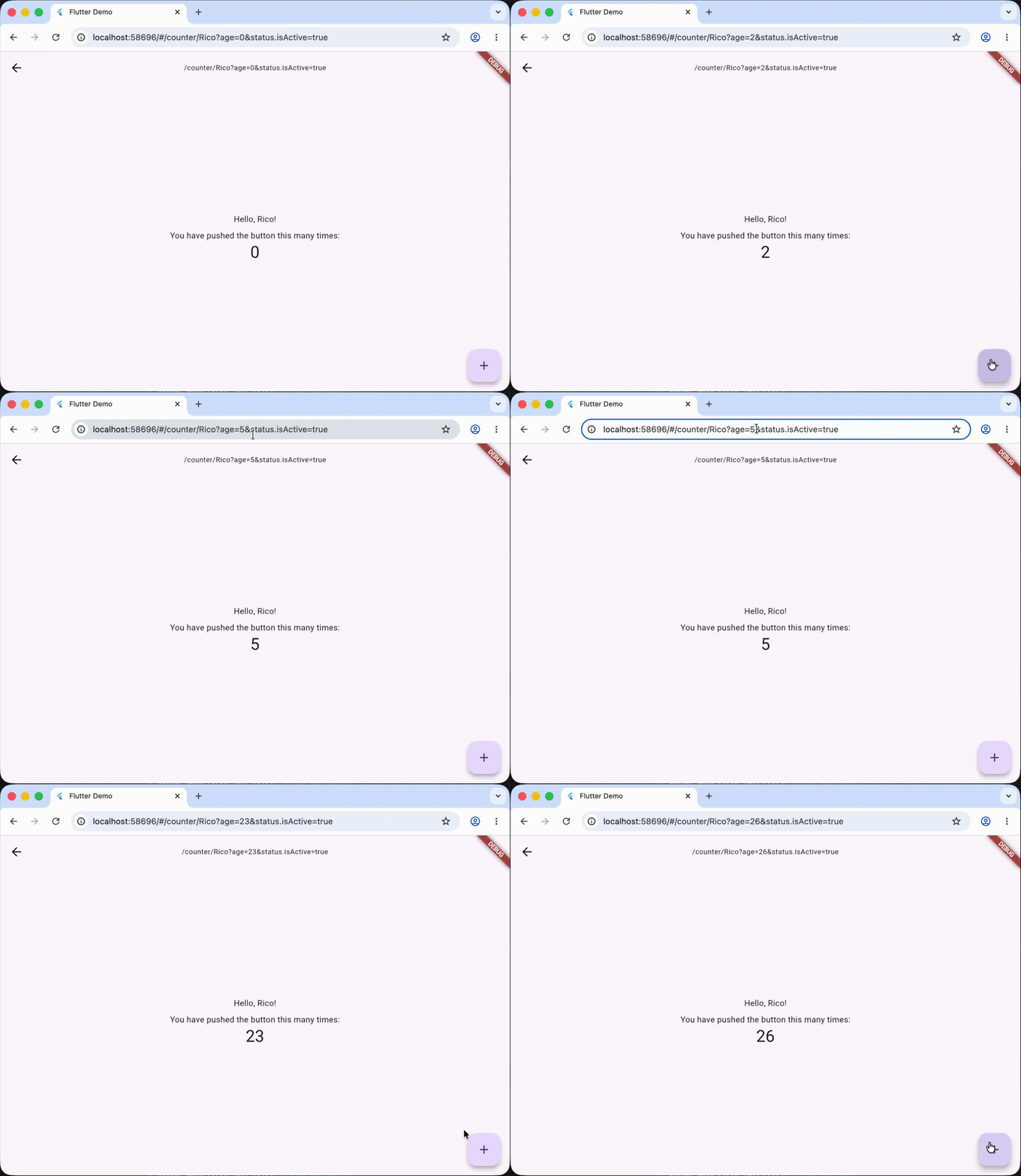
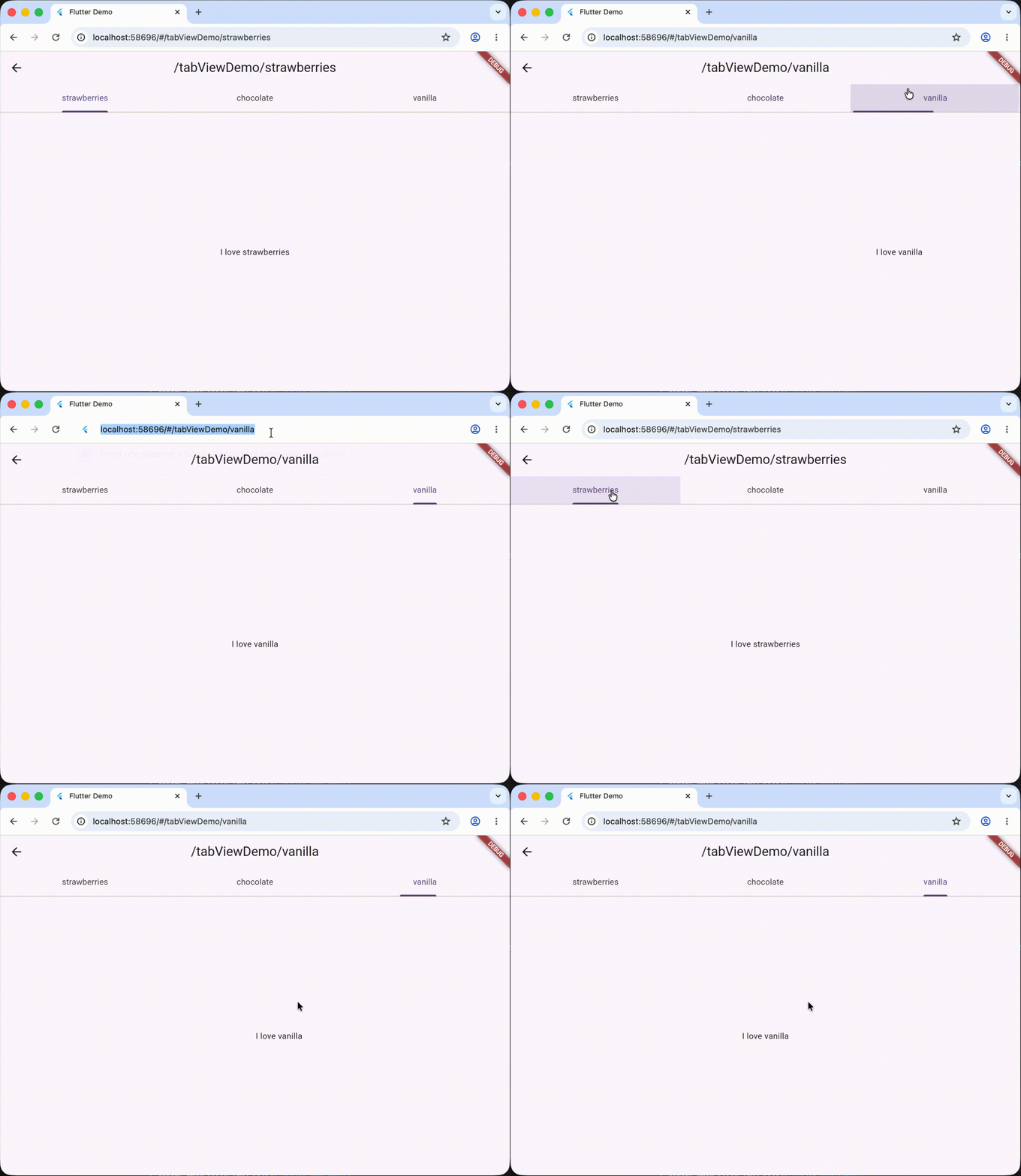
The URL already holds part of your application state: the current route, its path parameters, and its query string.
- First problem: this state is often awkward to read in a typed way, because a URL is entirely a string, and dart doesn't support reflection at runtime for performance reasons, which makes it hard to parse any string into a typed object like javascript does.
- Second problem: this state doesn't belong to the state management library that you probably use (riverpod, bloc, provider, etc.), so manipulating the URL as state management requires its own project standards, which are often complex yet implicit.
For these reasons, it is tempting to replicate it into your state management and keep the two in sync by hand. That duplication introduces boilerplate, imperativeness (one variable "name" in your state management, one query param "initialName", side effects between the two), and unnecessary complexity.
In short, bugs.
go_router_url_params fills that gap by reusing the fromMap/toMap methods that a data class often exposes, and defining a simple, performant interface to read and write the URL as typed objects. The URL becomes the single source of truth, and your widgets read it as typed objects. No boilerplate, no duplicated state.
Use flutter pub add go_router_url_params, or add go_router_url_params to the dependencies of your pubspec.yaml manually. You also need go_router itself.
A class participates by mixing in UrlParamsData and providing toMap() plus a fromMap factory:
class Person with UrlParamsData {
  const Person({this.name, this.age = 0, PersonStatus? status})
      : status = status ?? const PersonStatus();

  final String? name;
  final int age;
  final PersonStatus status;

  factory Person.fromMap(Map<String, dynamic> map) => Person(
        name: map['name'] as String?,
        age: int.tryParse(map['age']?.toString() ?? '') ?? 0,
        status: map['status'] != null
            ? PersonStatus.fromMap(map['status'] as Map<String, dynamic>)
            : null,
      );

  @override
  Map<String, dynamic> toMap() => {
        'name': name,
        'age': age,
        'status': status.toMap(),
      };

  Person copyWith({String? name, int? age, PersonStatus? status}) => Person(
        name: name ?? this.name,
        age: age ?? this.age,
        status: status ?? this.status,
      );
}

class PersonStatus with UrlParamsData {
  const PersonStatus({this.isActive = true, this.labels = const []});

  final bool isActive;
  final List<String> labels;

  factory PersonStatus.fromMap(Map<String, dynamic> map) => PersonStatus(
        isActive: bool.tryParse(map['isActive']?.toString() ?? '') ?? true,
        labels: (map['labels'] as List?)?.cast<String>() ?? const [],
      );

  @override
  Map<String, dynamic> toMap() => {'isActive': isActive, 'labels': labels};
}
Sounds complex? Ok that's fair.
But toMap/fromMap/copyWith are exactly the methods code generators produce, so you don't have to write them by hand. The example/lib/model_examples/ folder shows the same model generated with dart_mappable, freezed, and json_serializable.
UrlParamsScope subscribes to the router and republishes its parameters. Register one UrlParamBuilder per type any widget will read:
MaterialApp.router(
  routerDelegate: router.routerDelegate,
  routeInformationParser: router.routeInformationParser,
  routeInformationProvider: router.routeInformationProvider,
  builder: (context, child) => UrlParamsScope(
    router: router,
    builders: [
      UrlParamBuilder<Person>(Person.fromMap),
    ],
    child: child!,
  ),
)// Read. Rebuilds only when the Person slice of the URL changes.
final person = context.watchUrlParams<Person>();
// Write. Updates the URL, which rebuilds the widgets that read it.
context.setUrlParams(person.copyWith(age: person.age + 1));watchUrlParams<T>() returns null when no Person can be parsed from the current URL, so you should pay attention to that case.
Globally, you can consider that anything can be in the URL (especially in web). Be really careful with nullability and default values.
A widget that uses watchUrlParams<T>() to read a type T rebuilds only when the parsed T changes; it does not rebuild when an unrelated field changes, even though both live in the same URL. Parsing is cached per type for the lifetime of a URL, so a registered builder runs at most once per URL change regardless of how many widgets read that type.
UrlParamsData.toQueryParamsString turns a UrlParamsData into a query string for context.go. Use keysToIgnore/keysToInclude to control which fields are serialized (for instance, to drop a field that is already a path parameter), and pass currentUri to merge with the query params already present, if you don't want the rest of your state to be lost:
context.go(
  '/counter/${person.name}'
  '${person.toQueryParamsString(keysToIgnore: ["name"], currentUri: context.uri)}',
);
context.uri is a shortcut for the router's current Uri.
Path parameters and query parameters share one flat namespace when written. Do not give a path parameter the same name as a query parameter: if both exist, the value is assigned to the path parameter and the query parameter stays empty. If you genuinely need overlapping names, drop down to the lower-level API below.
If two registered types expose colliding field names, or if you want to register to a sub-slice of a type, you can give a prefixKey in the UrlParamBuilder.
Example:
UrlParamsScope(
    router: router,
    builders: [
      UrlParamBuilder<Person>(Person.fromMap),
      UrlParamBuilder<PersonStatus>(PersonStatus.fromMap, prefixKey: "status"),
    ],
    child: child!,
  ),
With prefixKey: "status", PersonStatus.isActive is written as ?status.isActive=true instead of ?isActive=true.
When you do not want to model a whole object, read one parameter at a time. These also require a UrlParamsScope ancestor and rebuild only when that specific key changes:
final age = context.watchQueryParamFromKey<int>('age');
final personName = context.watchPathParamFromKey<String>('name');
final favoriteFlavor = context.watchQueryParamFromKey<FlavorEnum>('flavor', parseFromString: (value) => Flavor.values.byName(value));
Supported types by default: String, int, double, bool, DateTime, and (for query params) a List of these. For other types, you can provide a parseFromString function to parse the value from String to the requested type.
A value that cannot be parsed to the requested type returns null rather than throwing — reading age as a bool gives null.
go_router exposes repeated query keys (?tag=a&tag=b) as a list. Read them with a List type to get every value; reading a scalar type keeps the last value:
final tags = context.watchQueryParamFromKey<List<String>>('tag'); // ['a', 'b']
final ids = context.watchQueryParamFromKey<List<int>>('id'); // null if any value isn't an intsetUrlParamsFromMap writes raw query and path maps, bypassing the typed object layer. Pair it with the single-key readers when you need full control:
context.setUrlParamsFromMap(
  queryParams: {'tag': ['a', 'b']},
  pathParams: {'name': 'Rico'},
);