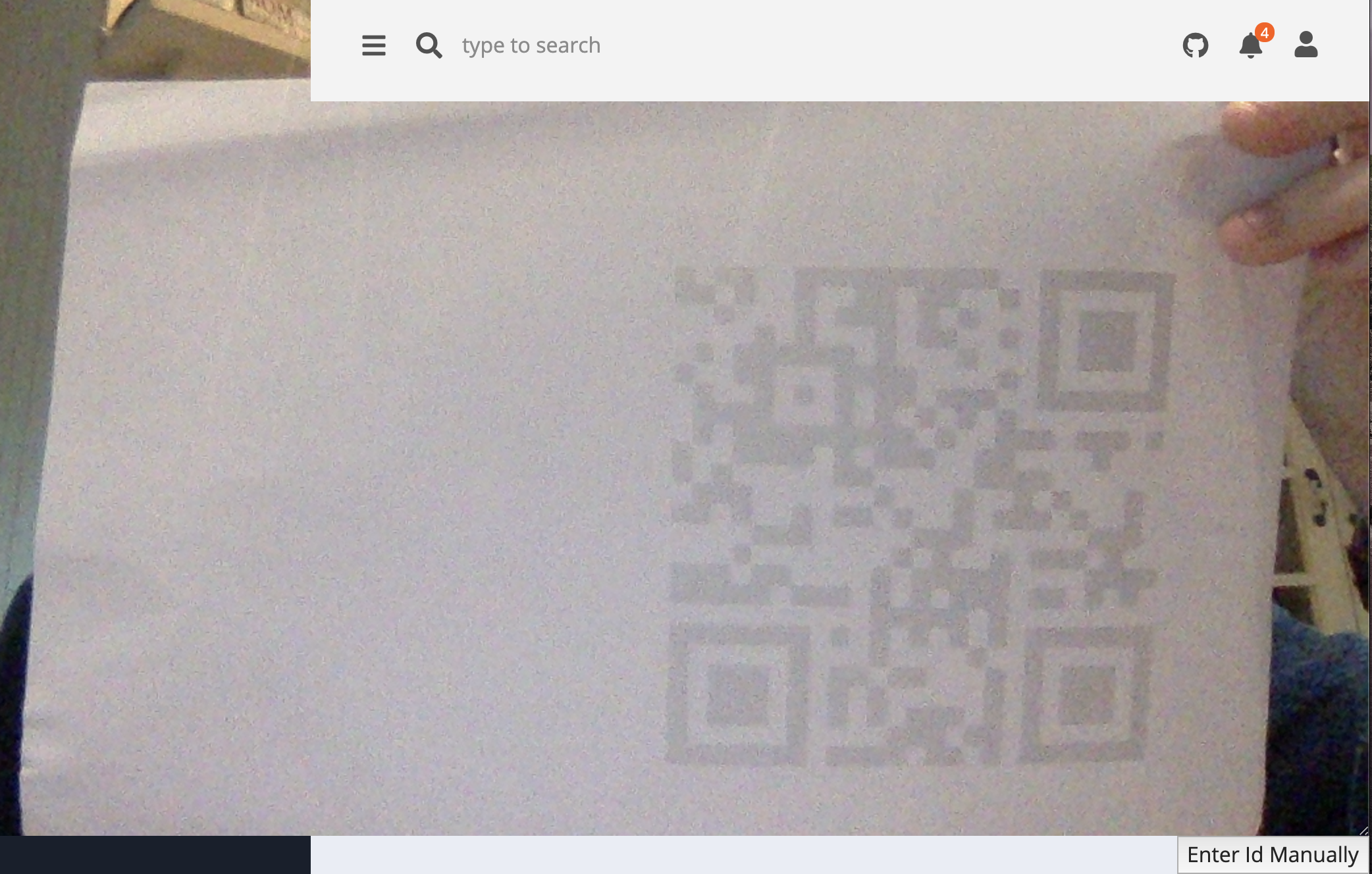
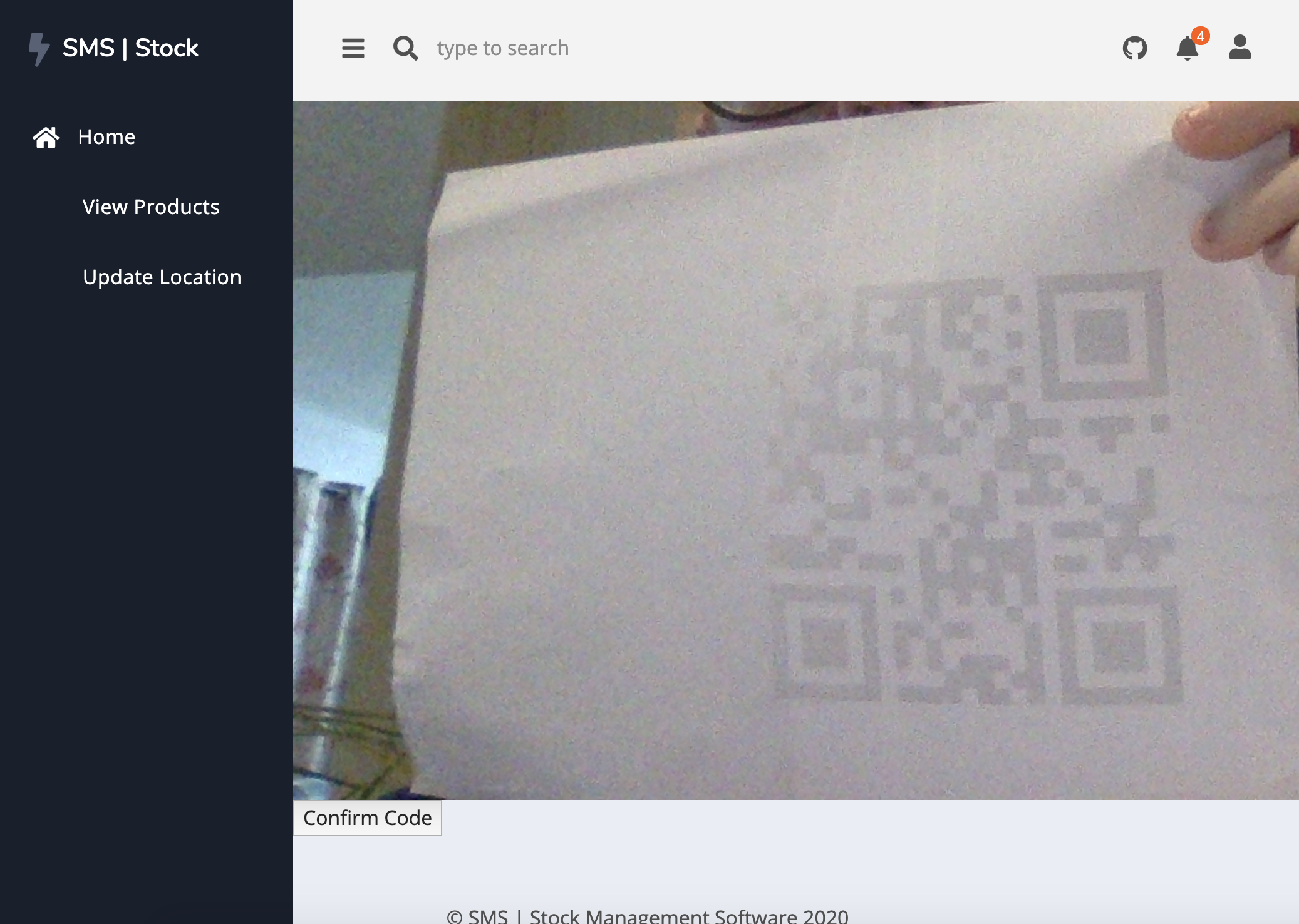
QR Scanner doesn't fit the window size and makes nav disappear #31

Description

When updating product location using updateLocation.py the QR Scanner doesn't fit the webpage correctly. You have to ensure that the website is at full size at all times to ensure correct working order. See screenshots below
Context
When a user wants to update a product location using the QR Scanner which is located in updateLocation.py, the QR Scanner doesn't fit the webpage/window size, unless the webpage is on full-screen mode. This causes the navbar to be taken over by the QR Scanner and also makes Enter Id manually difficult to find.
Process
- User wishes to update a product location, so visits the Update Location page of the website
- User clicks
Scan a Locationto launch the QR Scanner - If not on full-screen mode, the nav disappears, and appearance is then comprised
- Should the QR Scanner not be able to scan the QR Code, the user has to scroll around the webpage and look for the
Enter Id manuallywhich may be more difficult to find - The
Confirm Codebutton may also be difficult to find.
Expected result
The user should be able to operate the Update Locationpage to its full potential no matter what size the window. Confirm Code and Enter Id manually buttons should be easily located
Current result
Possible Fix
- Make the webpage responsive so it can be used on any device at any screen size
- Limit the size that the QR Scanner can expand to, put it in a container
Screenshots