| title | Getting Started | |||
|---|---|---|---|---|
| route | /quick-start | |||
| tags |
|
|||
| layout | default | |||
| order | 14 | |||
| date | 2023-08-02 |
If you want to integrate CatalystSDK into your Unity game development project, this step-by-step guide will help you install the package into Unity.
Meeting the requirements
Before starting with Conductive.ai, ensure you satisfy these requirements:
- Working with Unity 2020 or a later version
- A stable internet connection
- A GitHub account for accessing necessary resources
These prerequisites are designed to facilitate a smooth setup process and are vital in successfully integrating the platform’s functionalities into your project, paving the way for enhanced player LTV and engagement.
You can follow our quick installation guide in our public Github repository, or continue following the instructions below.
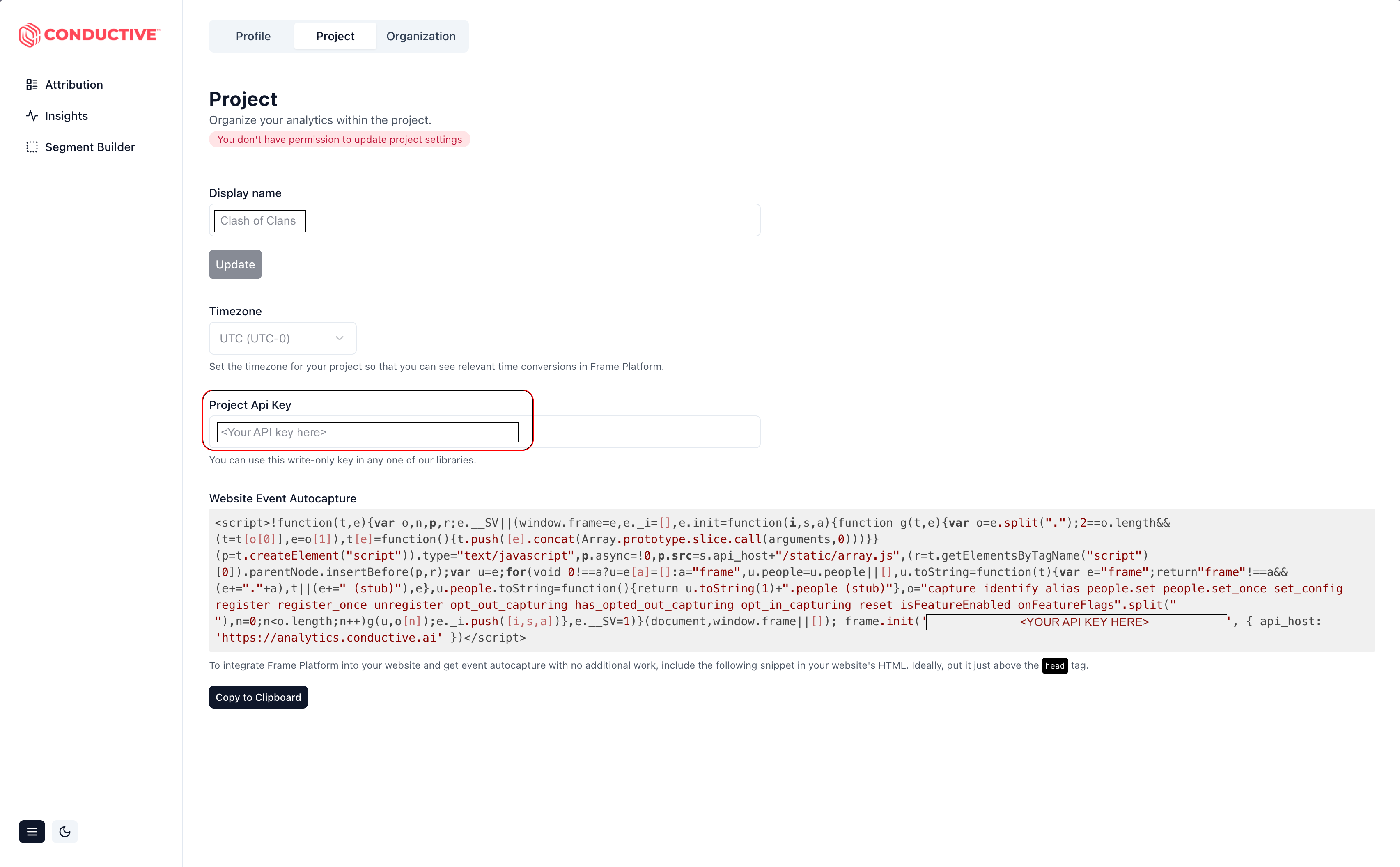
You will first want to acquire an API key by visiting the dashboard https://app.conductive.ai and selecting the settings icon at the bottom, followed by “Settings”.

This should take you to the project settings below. Copy your API key provided for your project.