
My colleague @Emanuel181 and I were assigned to think about a project ideea and implement it.
The purpose of this project is to streamline how the car rental applications work.
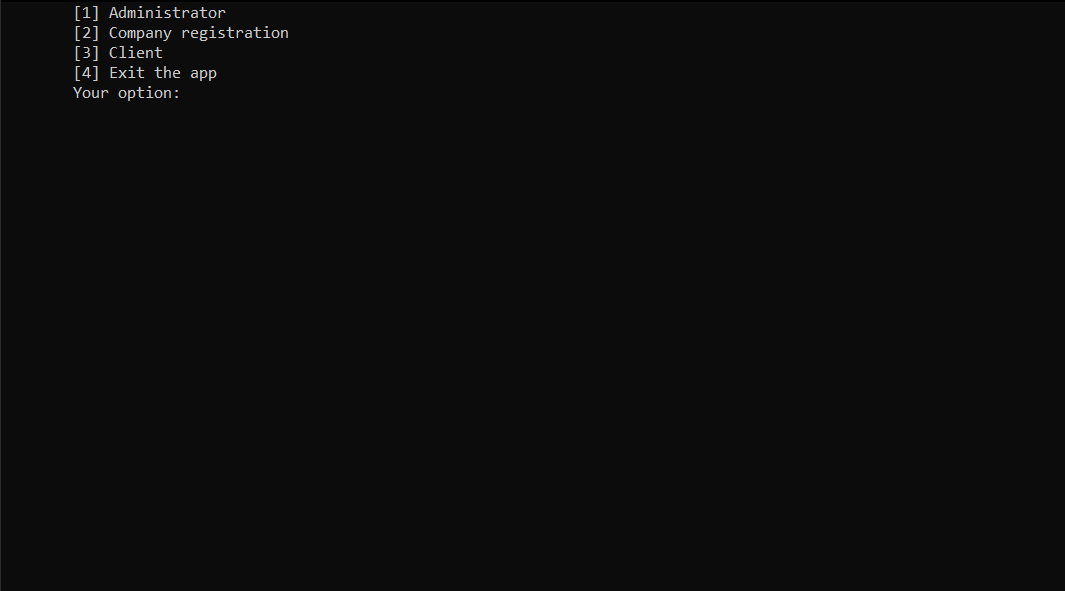
 1. Administrator option
 2. Company registration option
 3. Client option


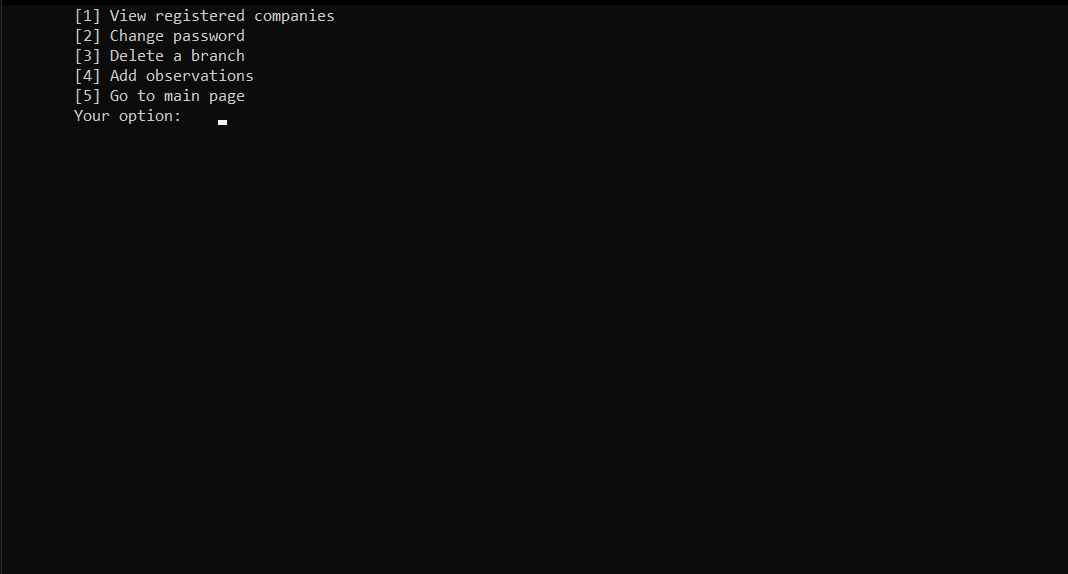
 The administrator part can view the list of companies registered. Addtionally, he can warn the companies if the
 reviews are worse and he can even remove them (after several warnings) if the clients are constantly submitting
 negative reviews. Also, the admin can change the password for this "branch" of the app. To be mentioned is the
 fact that if one person tries to enter the admin password and in case it is introduced 3 times incorrectly,
 the user will be redirected to the main page.

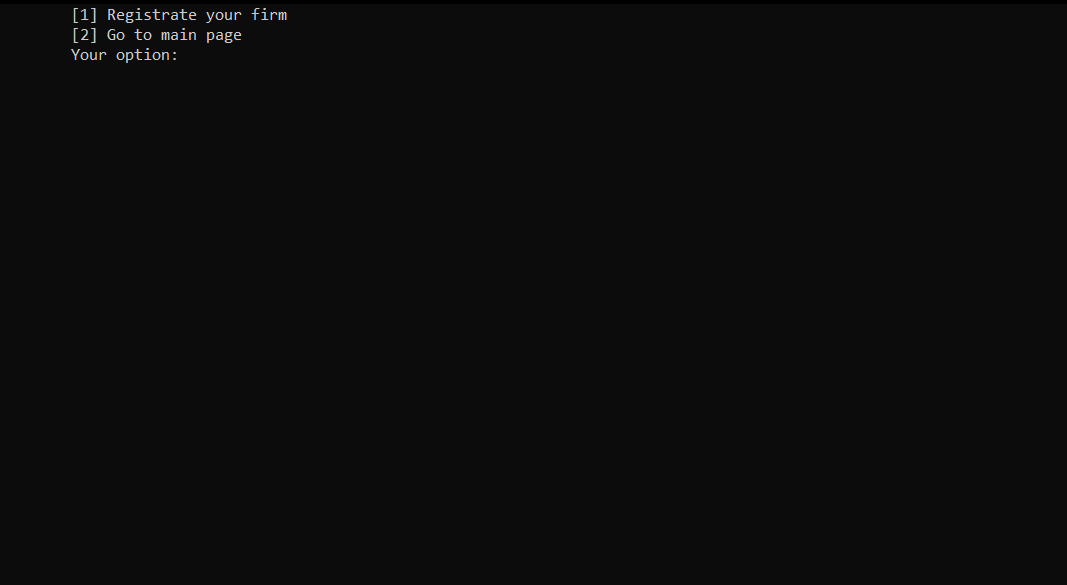
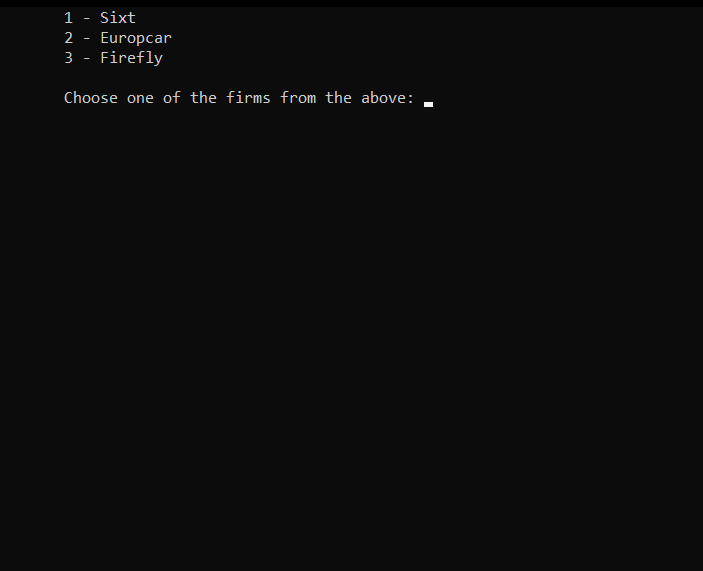
 The company registration option is dedicated to the companies. Each location has its manager and list of cars.
 Clients are able to rent a car from a location and drop it to another location should he wish to.
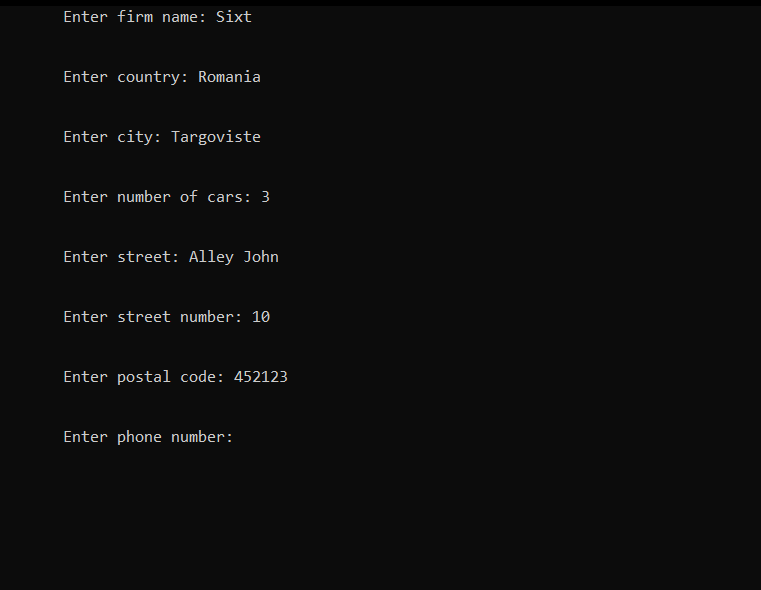
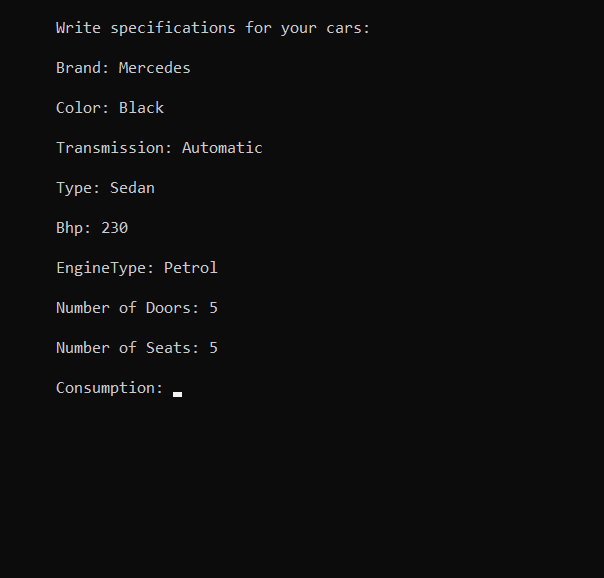
After selecting the first option, the user should introduce the firm name, country, city, the number of the cars, phone number etc. Afterwards, the user should introduce the specifications for each car, from make, color to number of seats, doors and payment details. After completing all the steps, the firm will be registered and available in the firms list for clients.

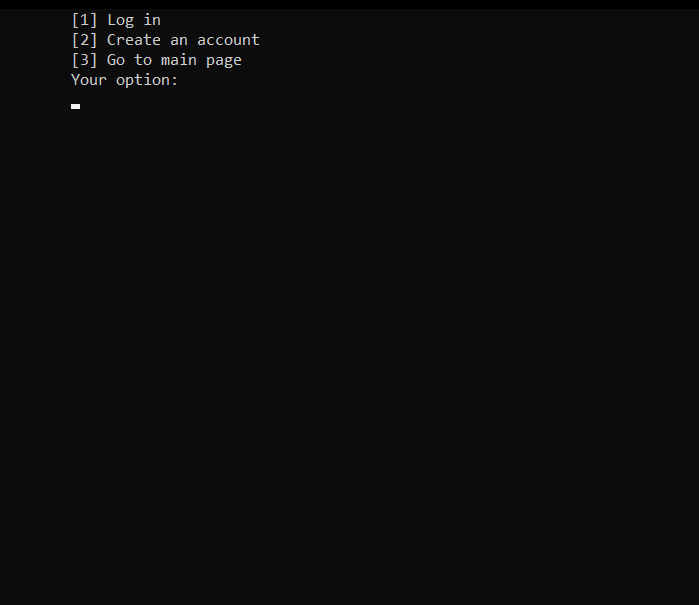
 The client side includes gathering of personal data (firstname, lastname, driving license details etc. ) - because
 the client must have an account and must be logged in in order to rent or drop cars. Furthermore, the client
 has to introduce the location from where he wants to rent the car and where he wants to drop it. Following this
 process, an immediate response will be given regarding the availability of the car and the steps to be followed in
 the case of non-availability of the car.
During the rental process, the user should select one of the companies and the car he would like to rent.
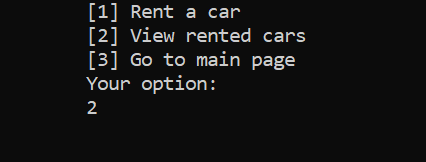
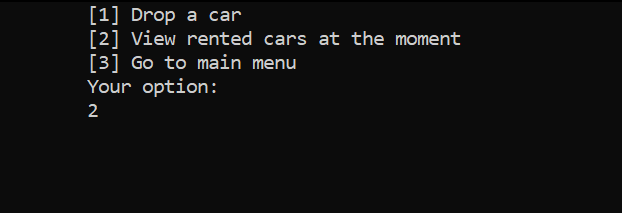
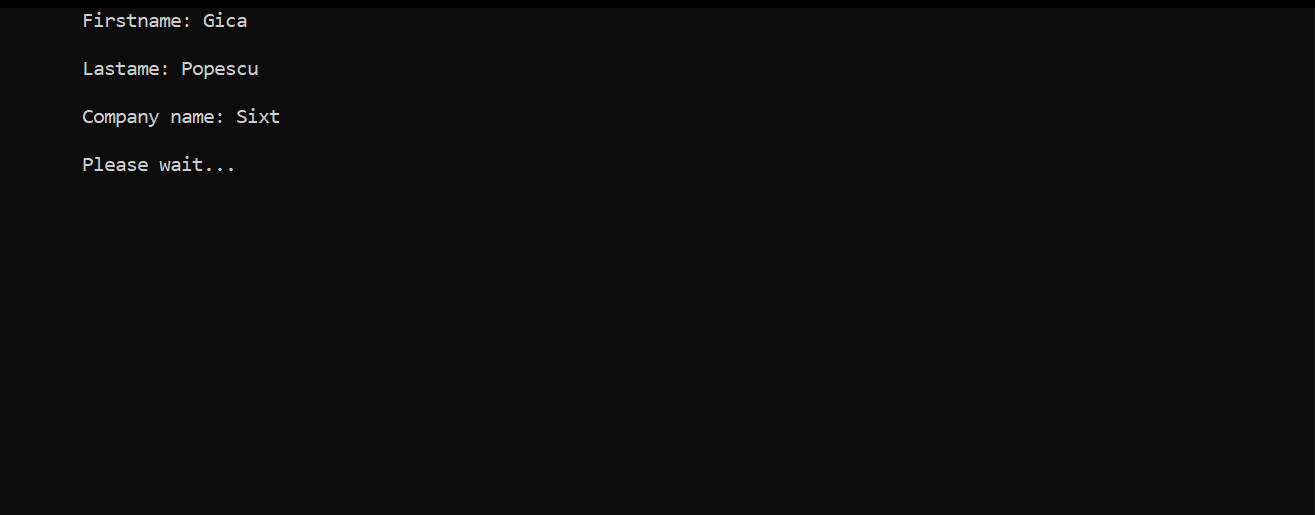
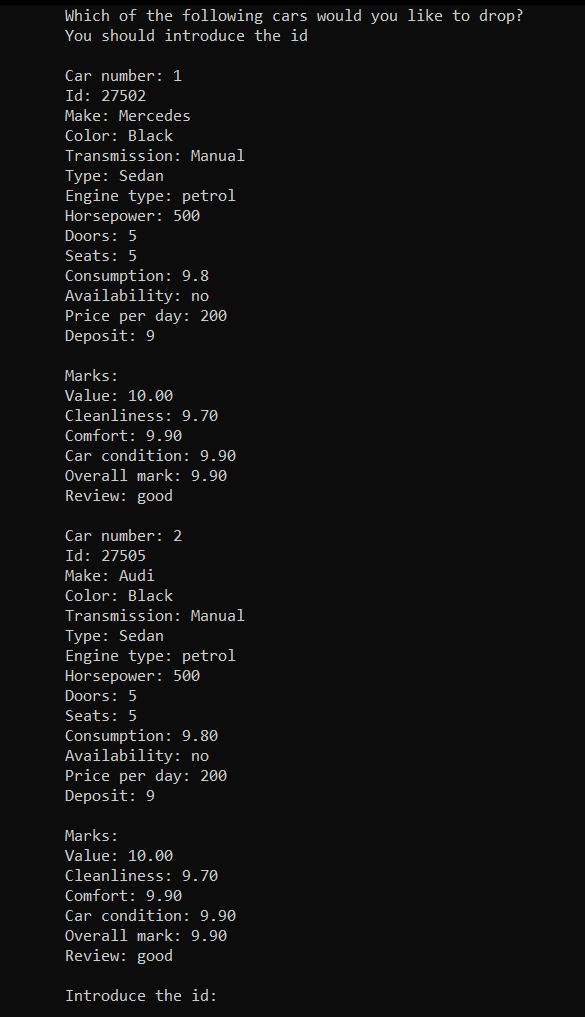
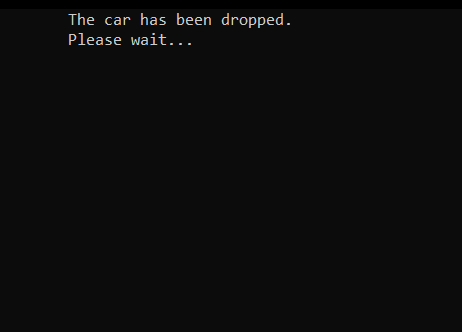
Another option is making use of the current rented cars. Thus, the client may take a look around the rented cars at the moment. The customer may also drop a car or more.

[1] All files must be in the same folder.
[2]
-
If you are using Microsoft Visual Studio IDE (recommended way) you can open the project automatically from here, in the
Codesection, pressOpen with Visual Studioand then search forproiect_cpp.sln(main file). Or you can downlad this repository and open it withMicrosoft Visual Studio IDE. Or you can clone it usinggit clone https://github.com/AlexandruAndrita/Car-Rental-System.git. -
If you are using other sotfware you should search for
Source.cby following the pathCar-Rental-System/proiect_cpp//Source.cand you will probably need to manage the extra headers files defined by me by yourself in order to run the project. It was created inMicrosoft Visual Studio IDEso opening it with another IDE or text editor may require extra work to set all files correctly. The most simple and efficient way is to useMicrosoft Visual Studio IDE.

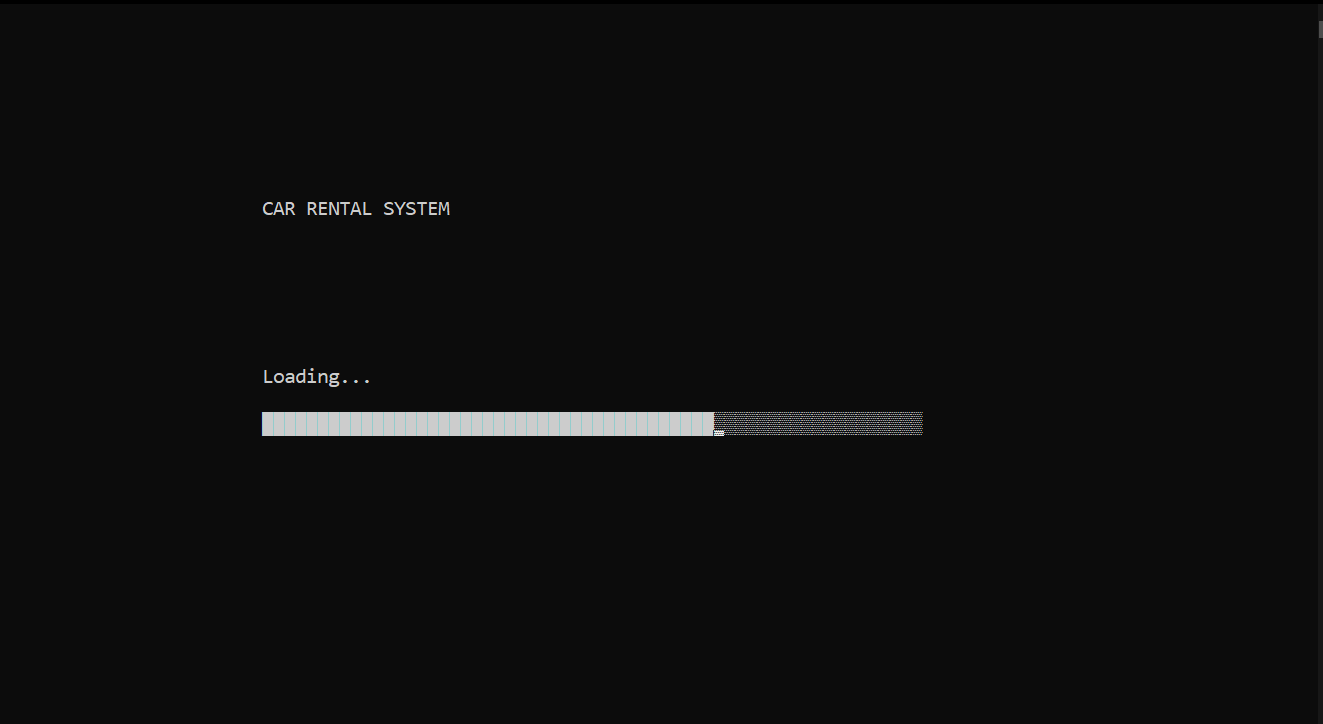
- Loading screen
- The posibility to create accounts
- Validations
- A very complex project
- Databases for clients, accounts, branches, rented cars, cars stored as CSV
- The posibility to add new firms
- The posibility to add a review for a firm
- The posibility to add rent cars
- The posibility to change admin password
- We use an encryption algorithm to hide passwords
- Used OOP paradigm
- Team project (2 persons)

- Adding warnings/observations


- Firm details
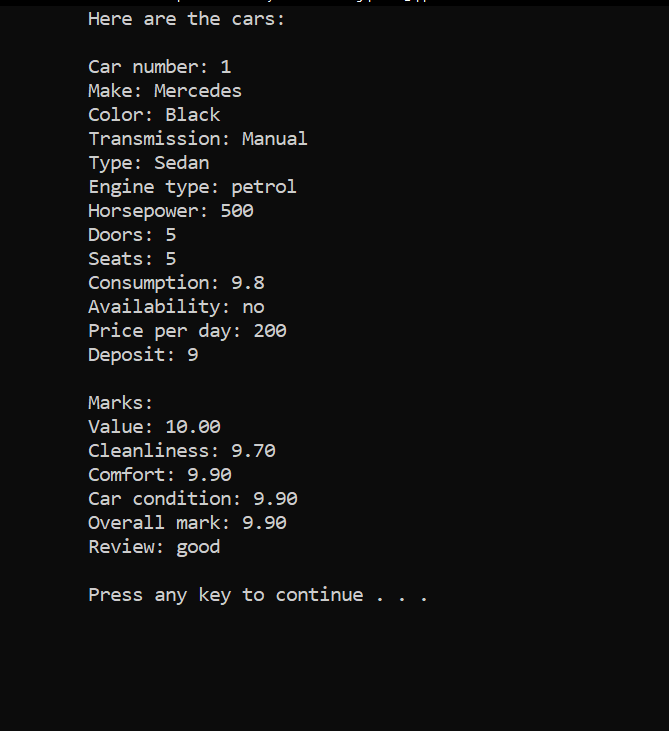
- Car details
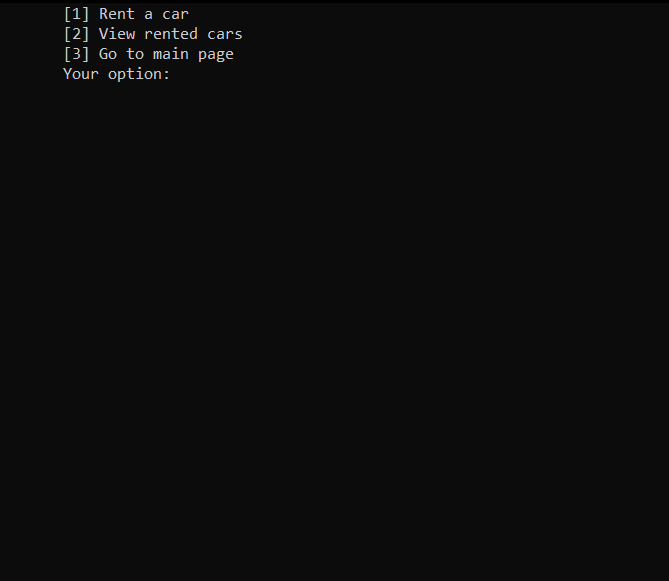
- Cars rented by a person
.
