










TrueFit is a complete full-stack e-commerce web application offering users a seamless shopping experience across various product categories including clothing, accessories, and footwear. Built with the MERN stack, it includes OTP-based authentication, Google OAuth login, a wishlist functionality, a cart system, order management, admin dashboard, and a Telegram bot that notifies the admin when a new order is placed or a new user signs up — all with a clean and responsive custom CSS interface.
TrueFit delivers a rich shopping experience with features like multi-category product listings, secure user authentication (OTP & Google), wishlist, shopping cart, checkout, order tracking, and user profile management. Admins can manage products, orders, coupons, and the hero banners through a protected interface.
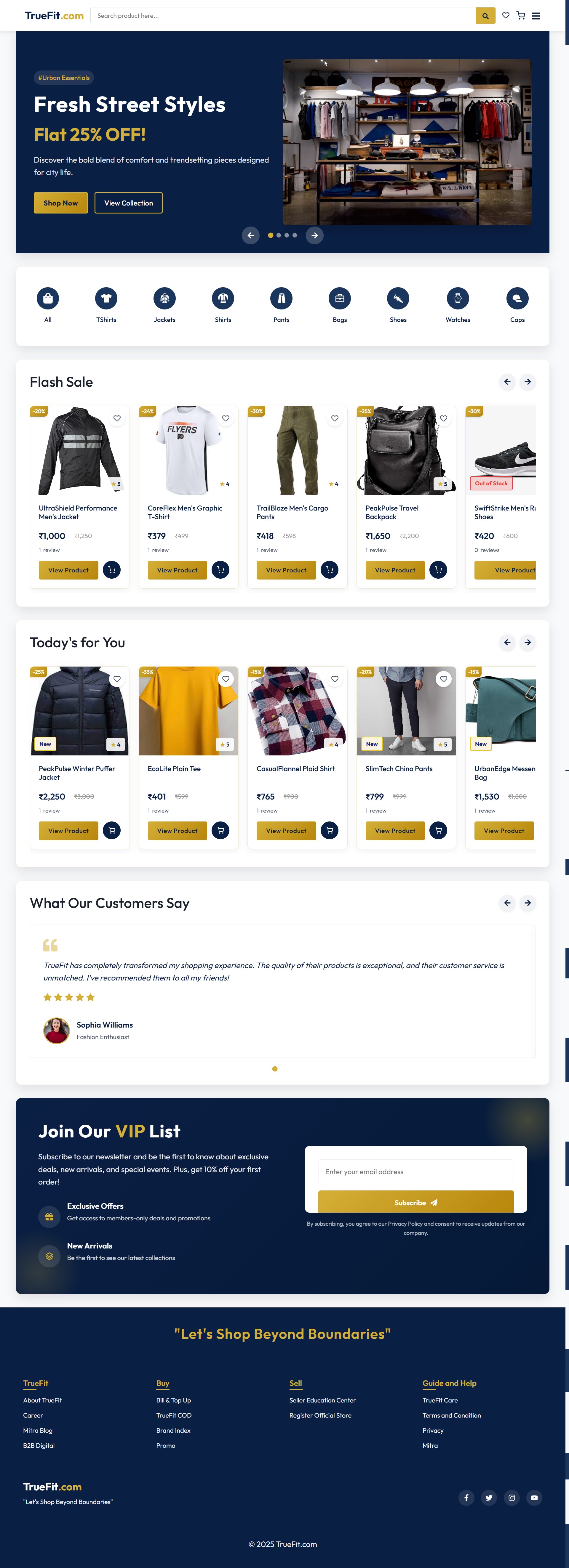
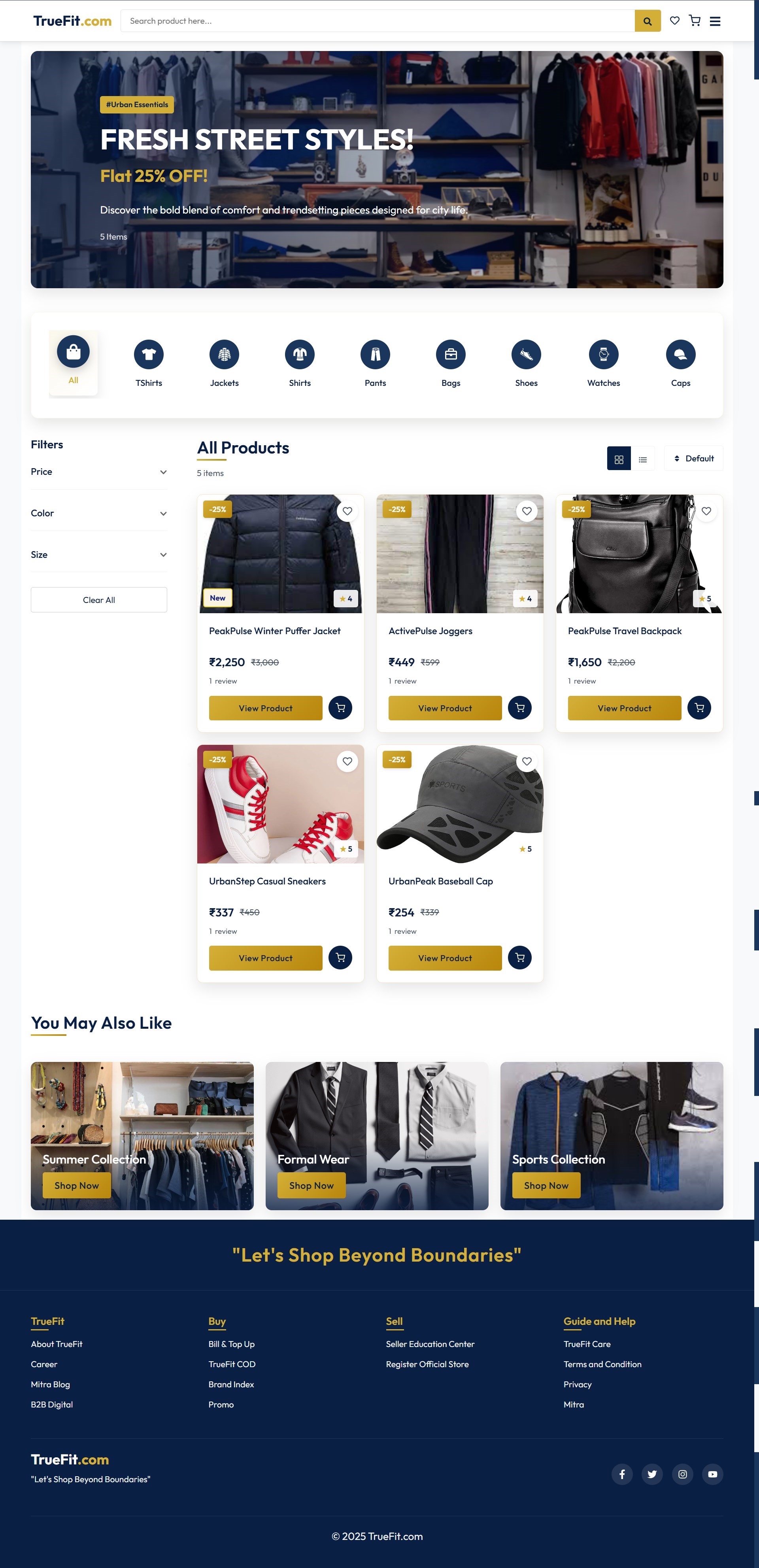
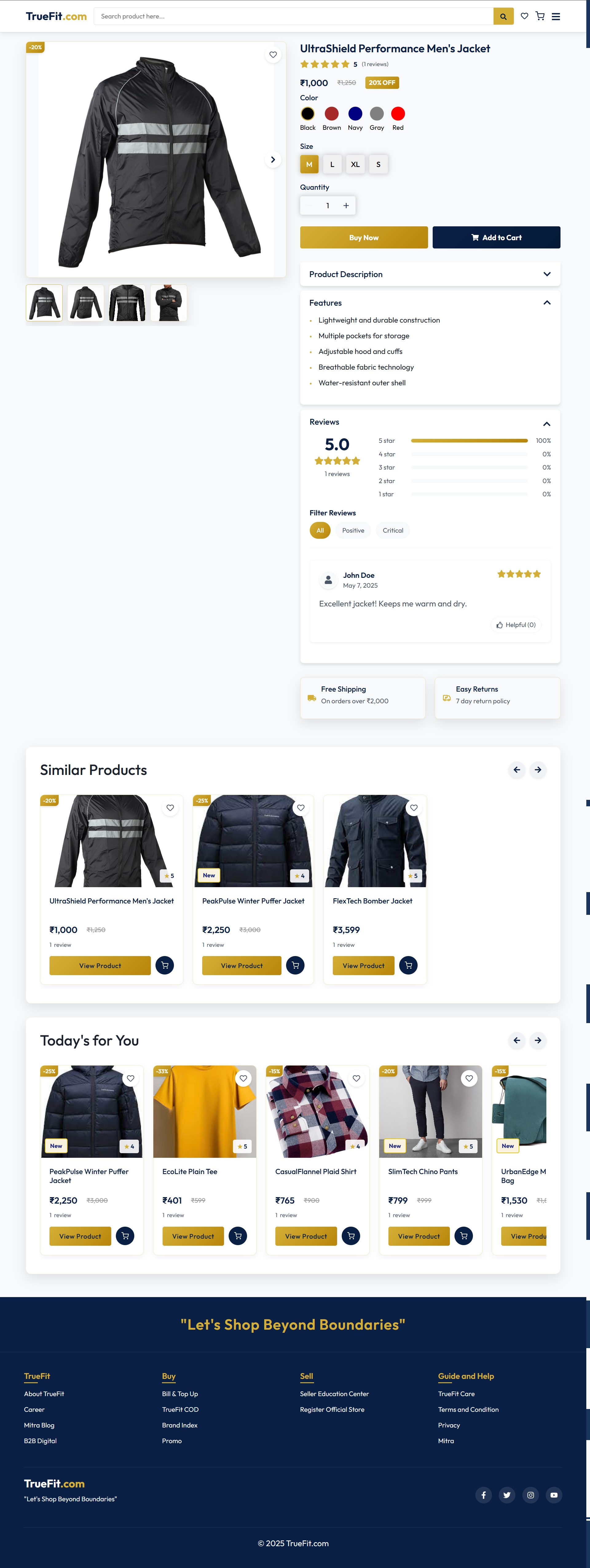
| Landing Page | Shop Now Page | View Product Page |
|---|---|---|
 |
 |
 |
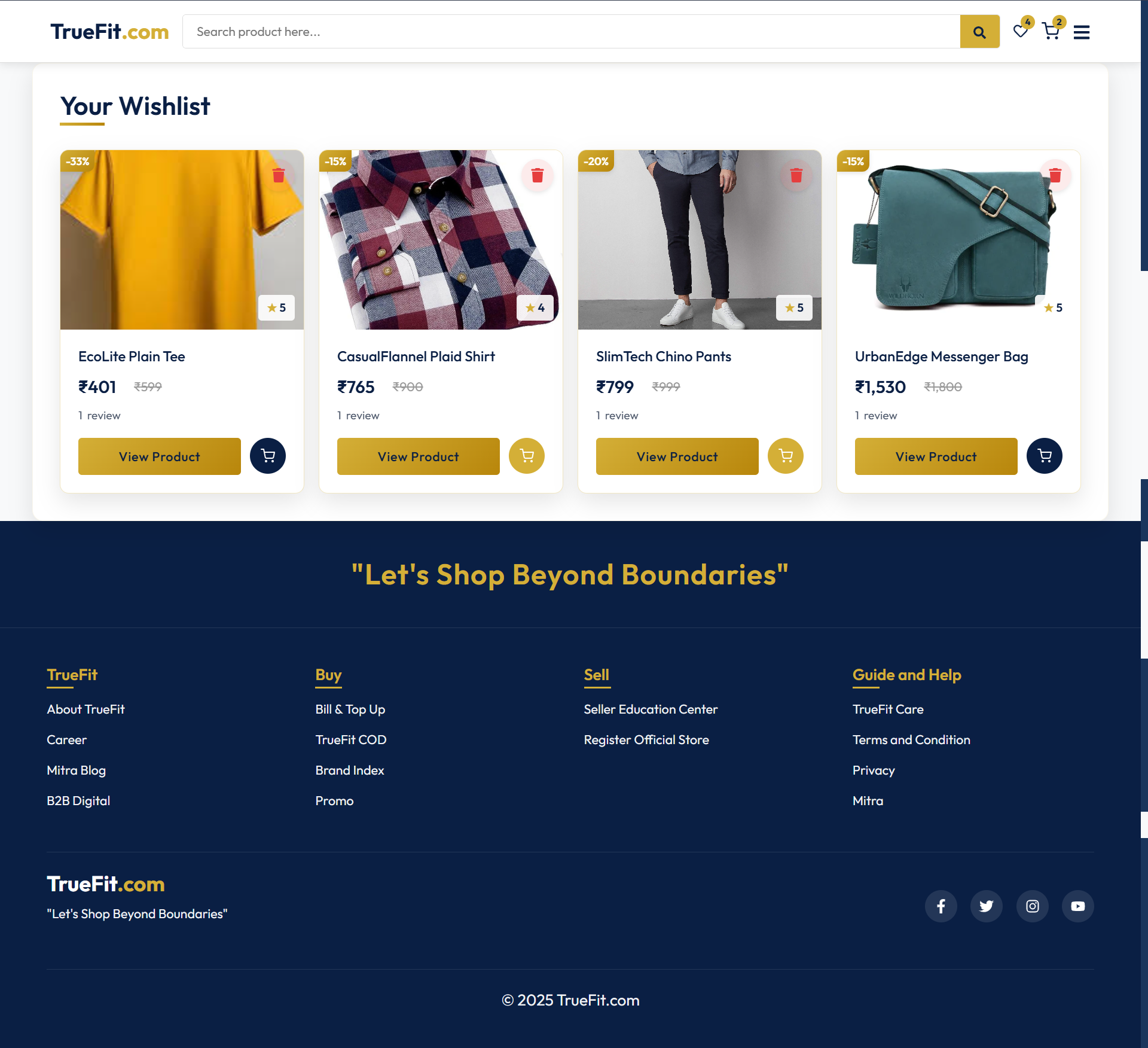
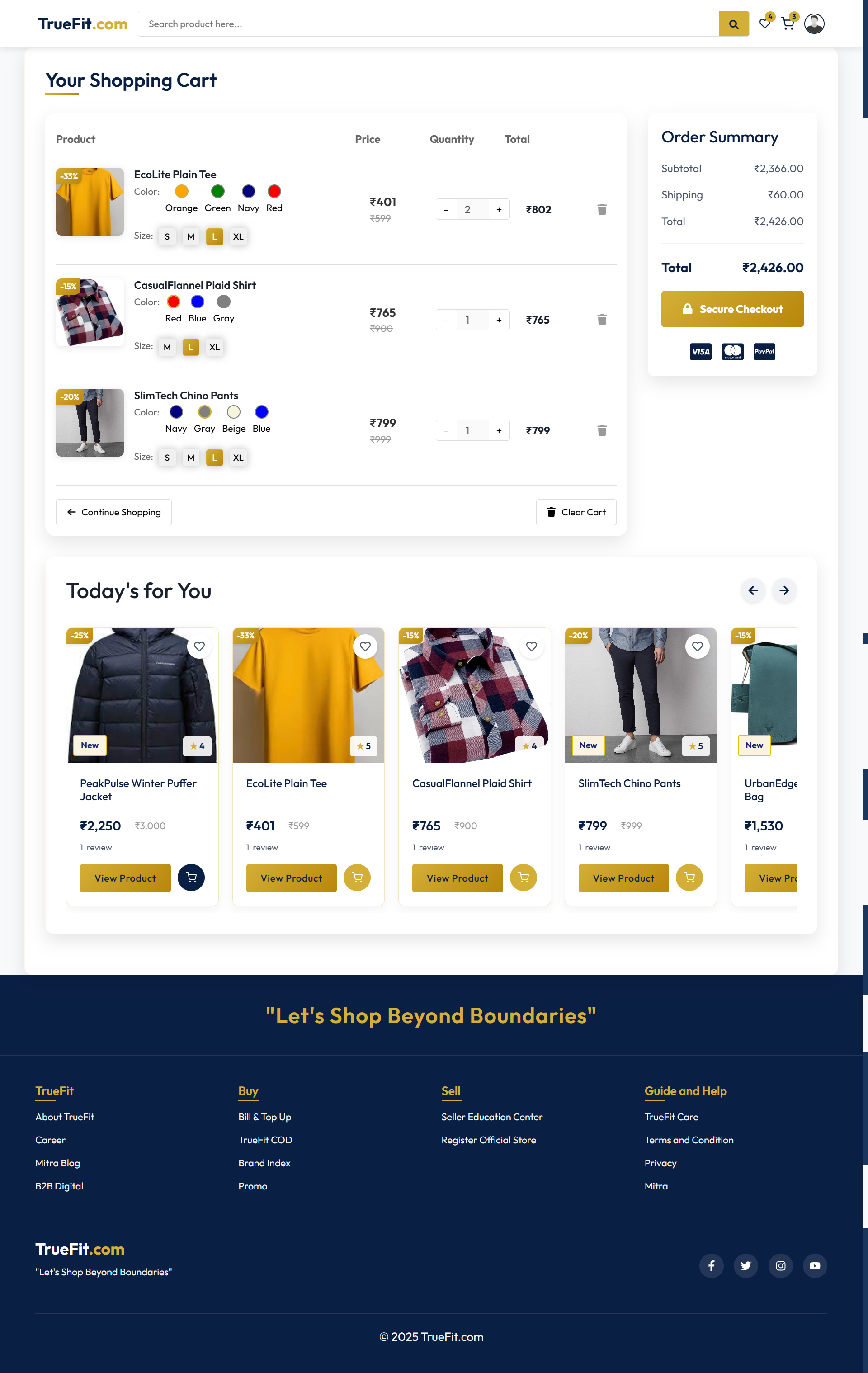
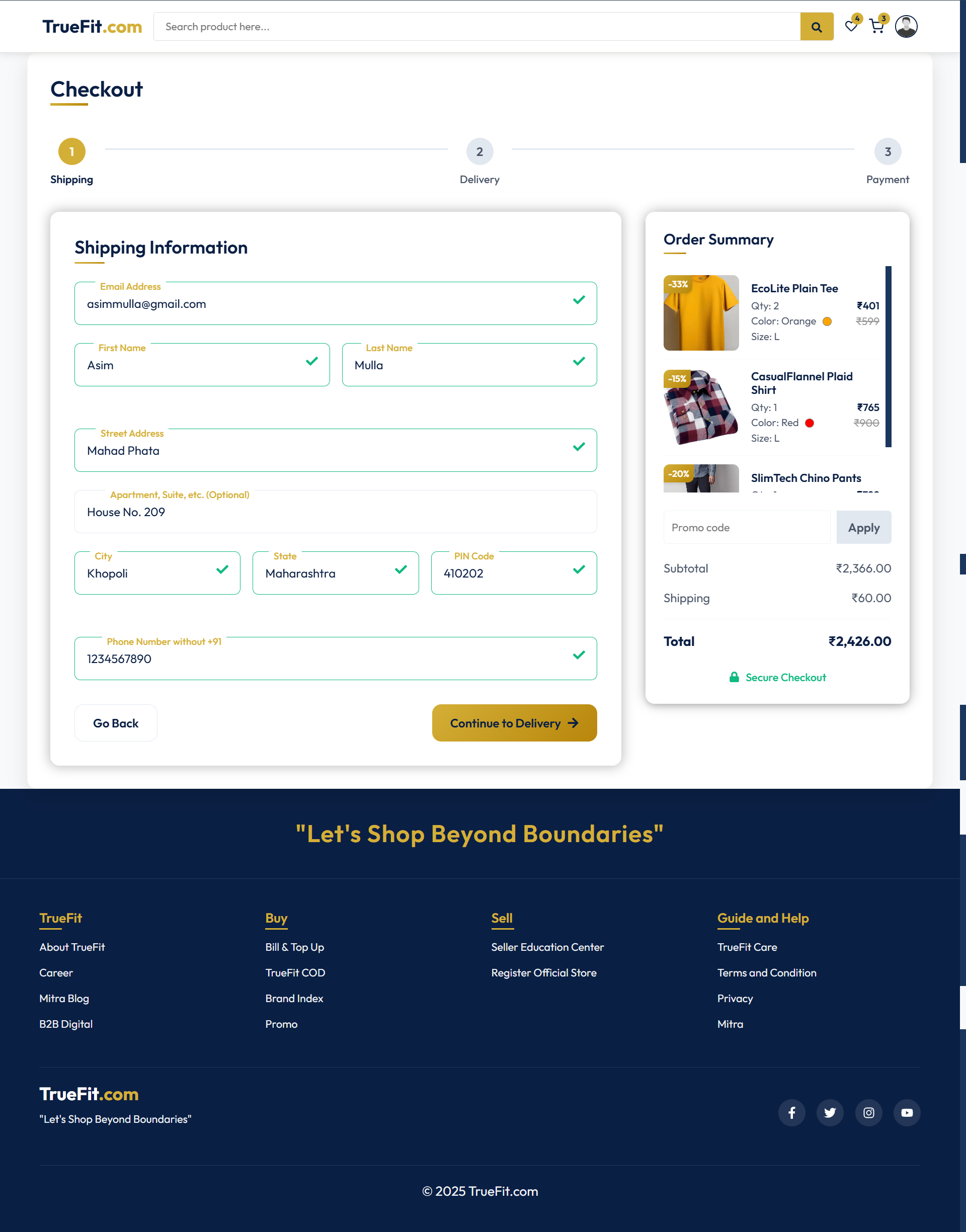
| Wishlist Page | Cart Page | Checkout Address Page |
|---|---|---|
 |
 |
 |
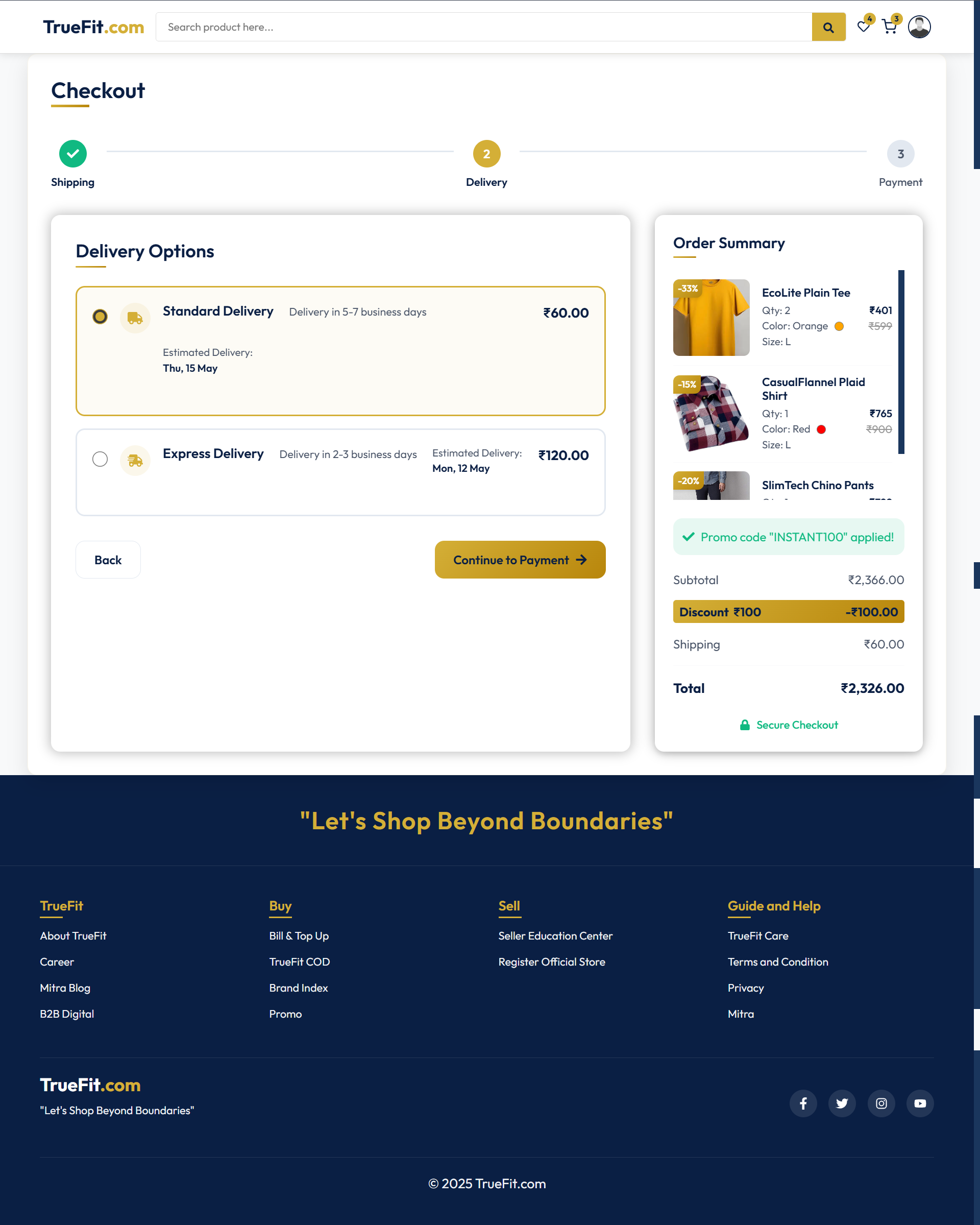
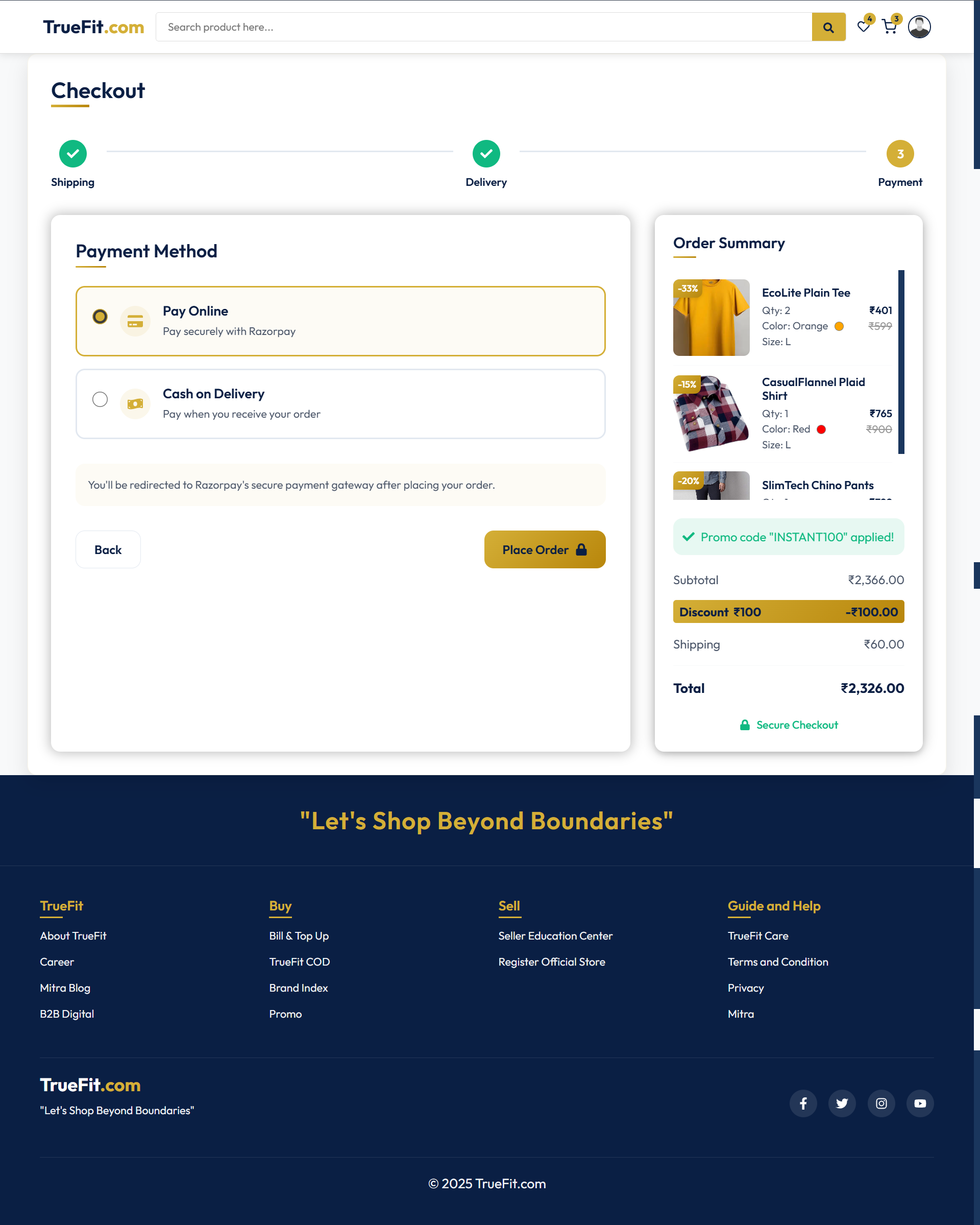
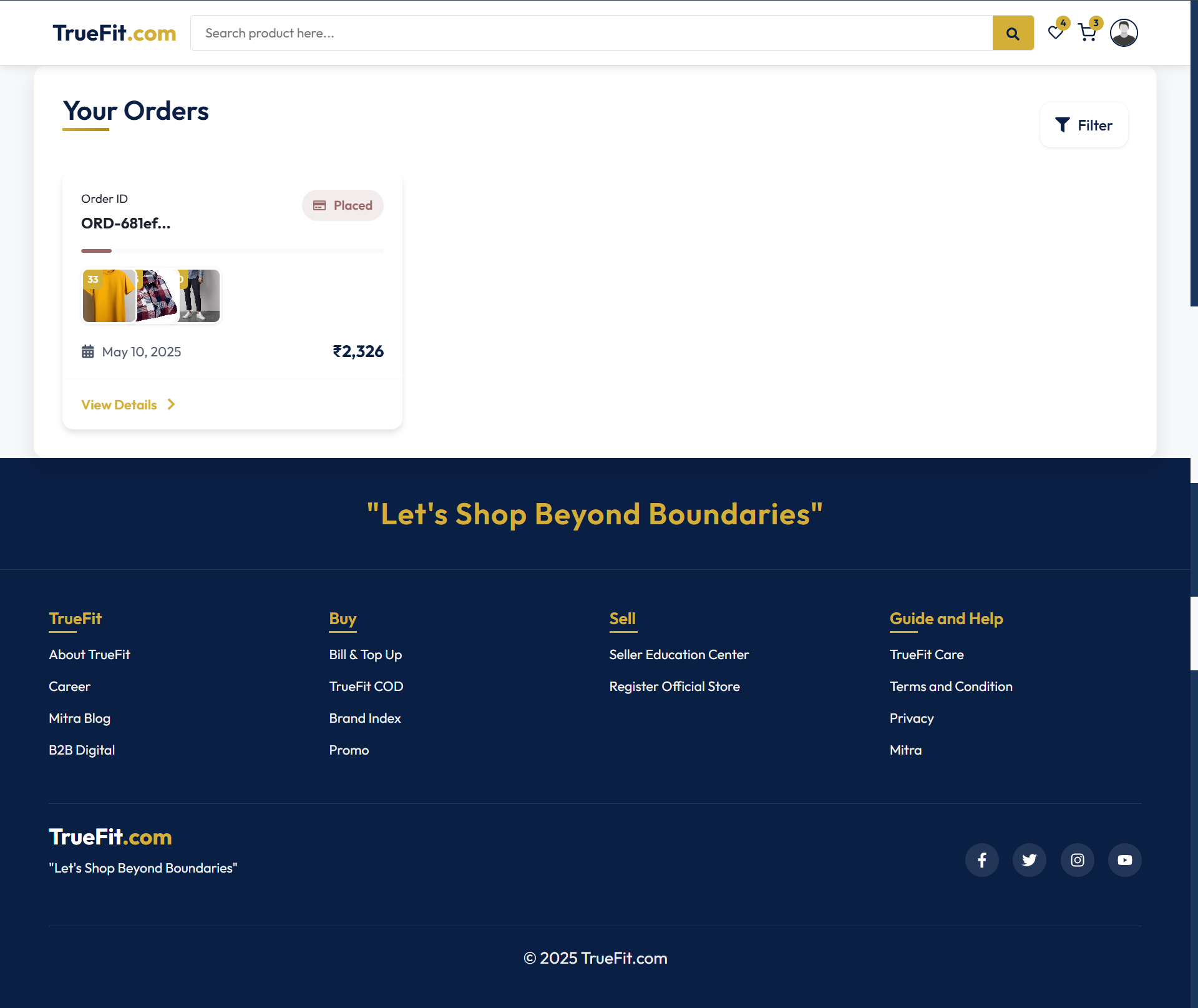
| Checkout Shipping Speed Page | Checkout Payment Page | Orders Page |
|---|---|---|
 |
 |
 |
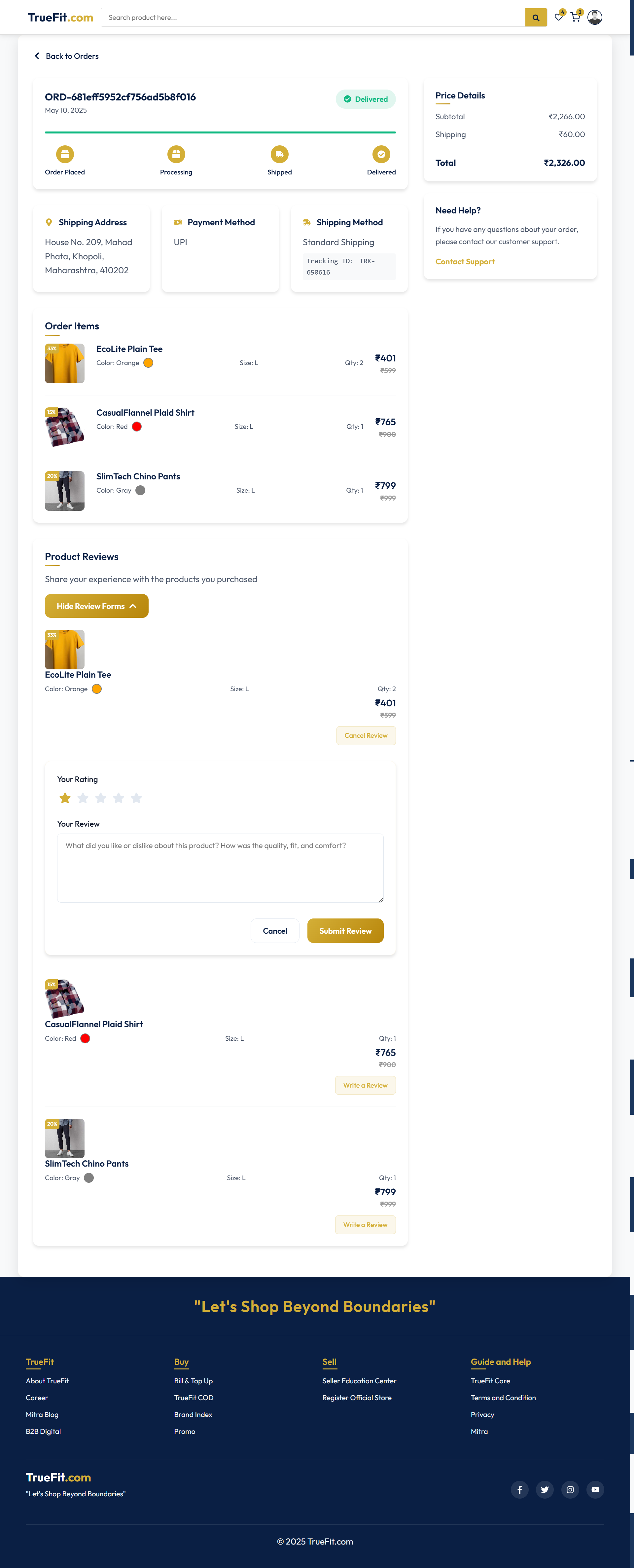
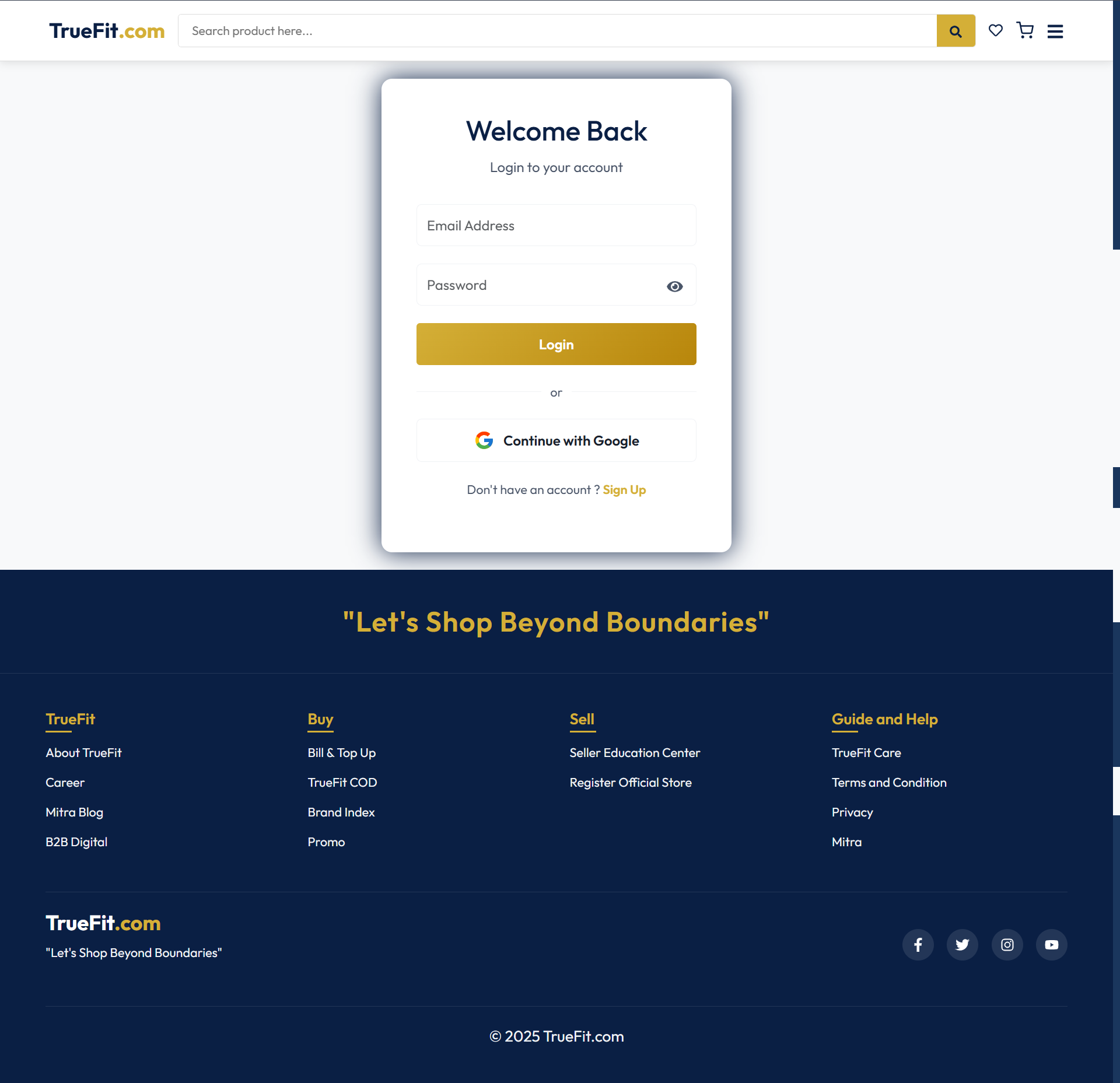
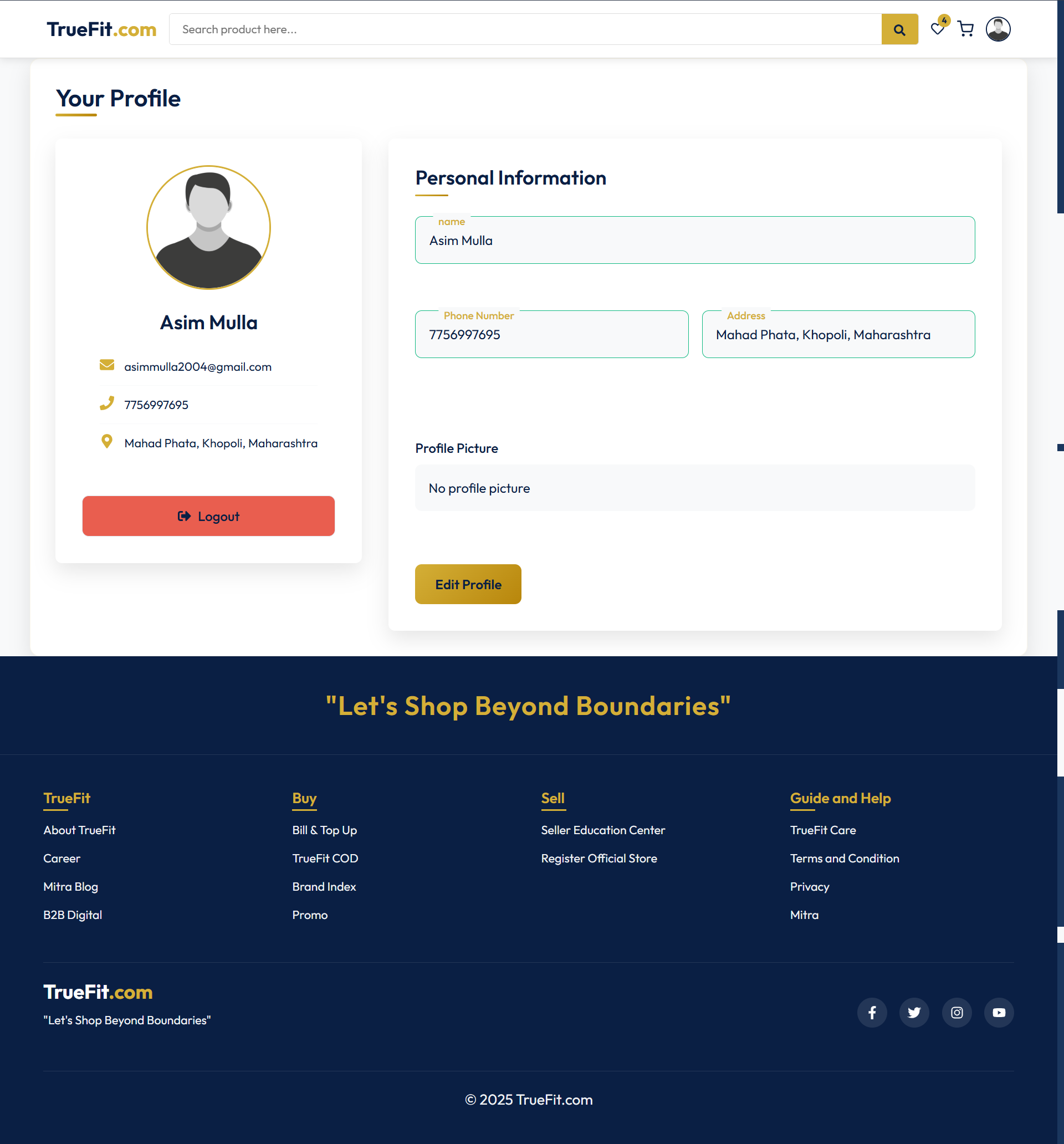
| View Order Page | Login/Signup Page | Profile Page |
|---|---|---|
 |
 |
 |
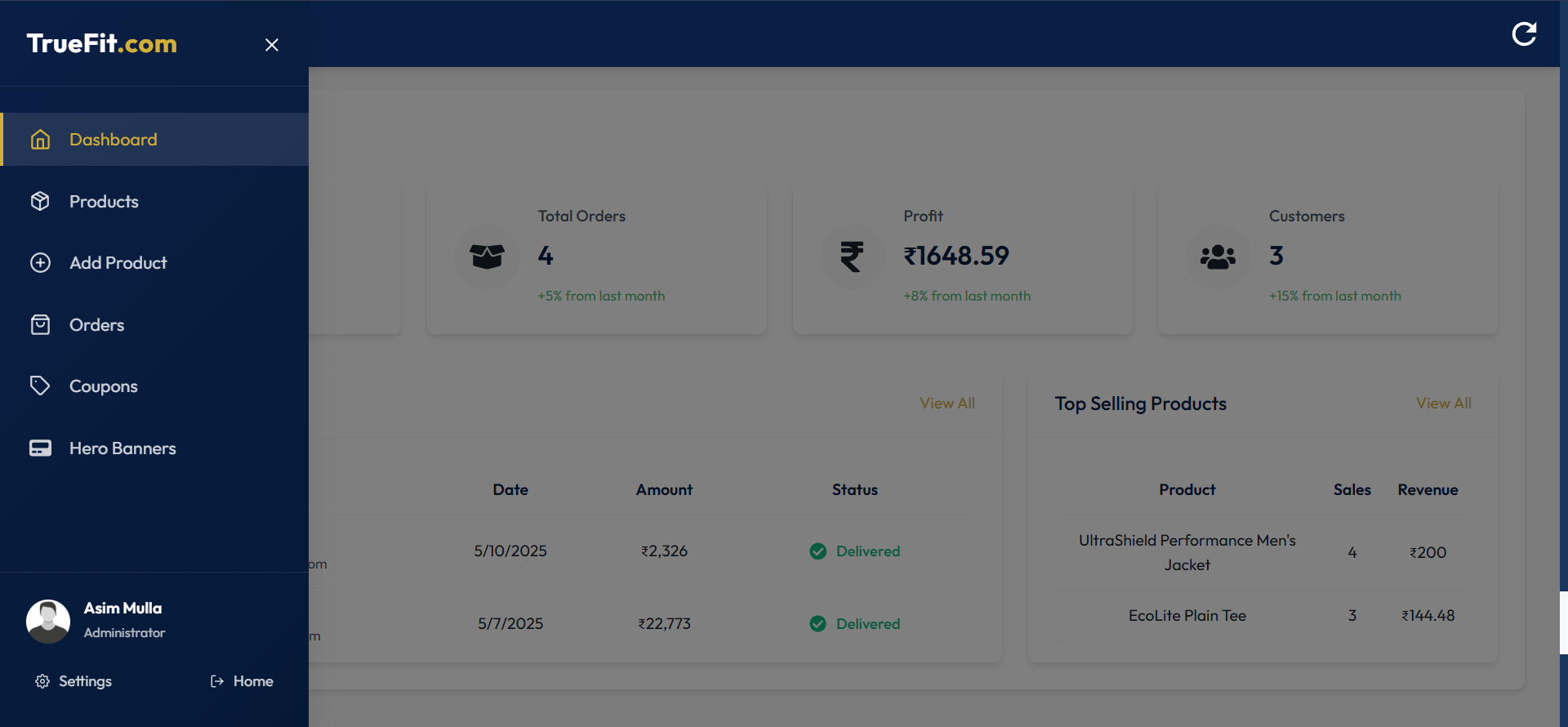
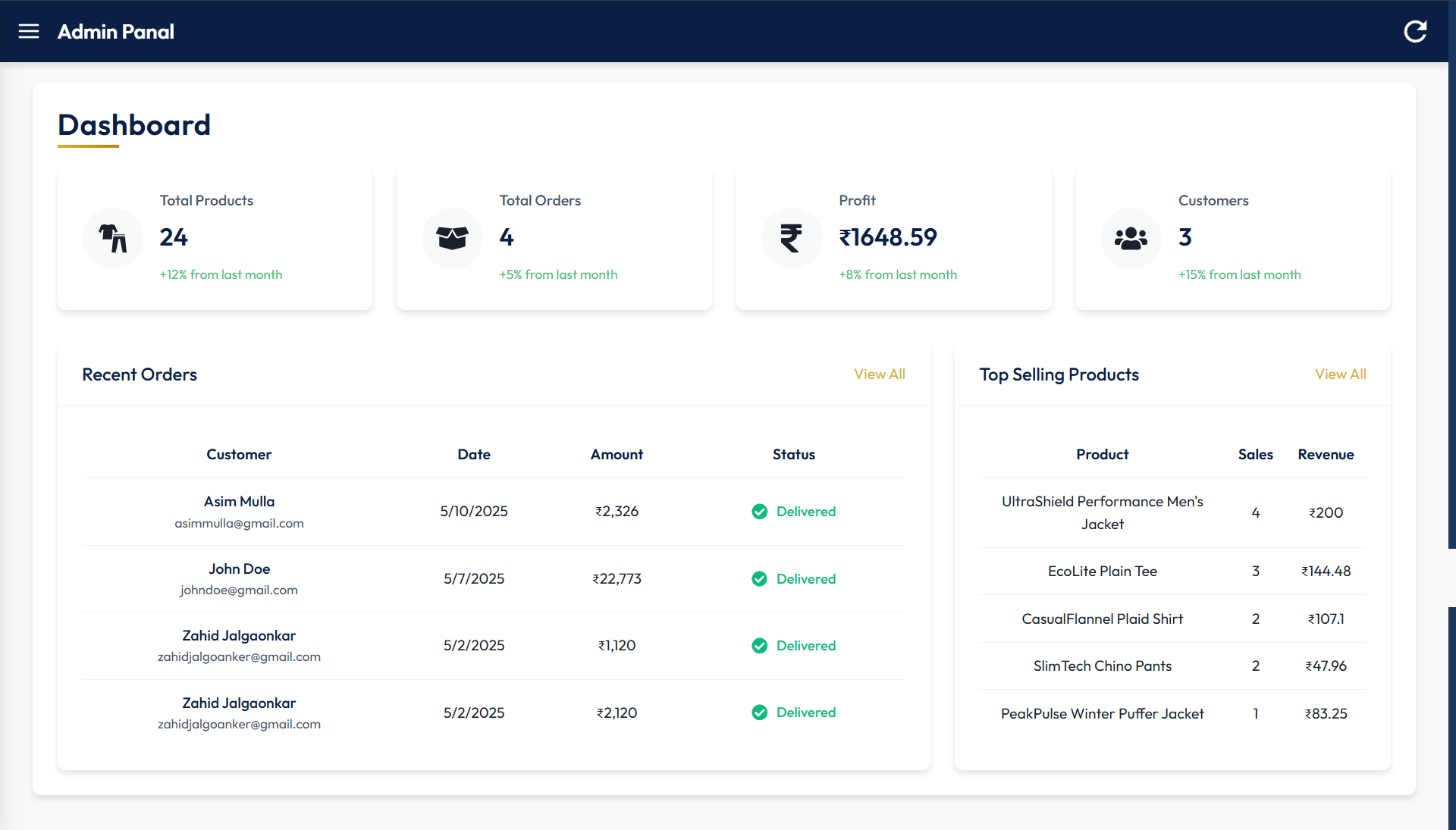
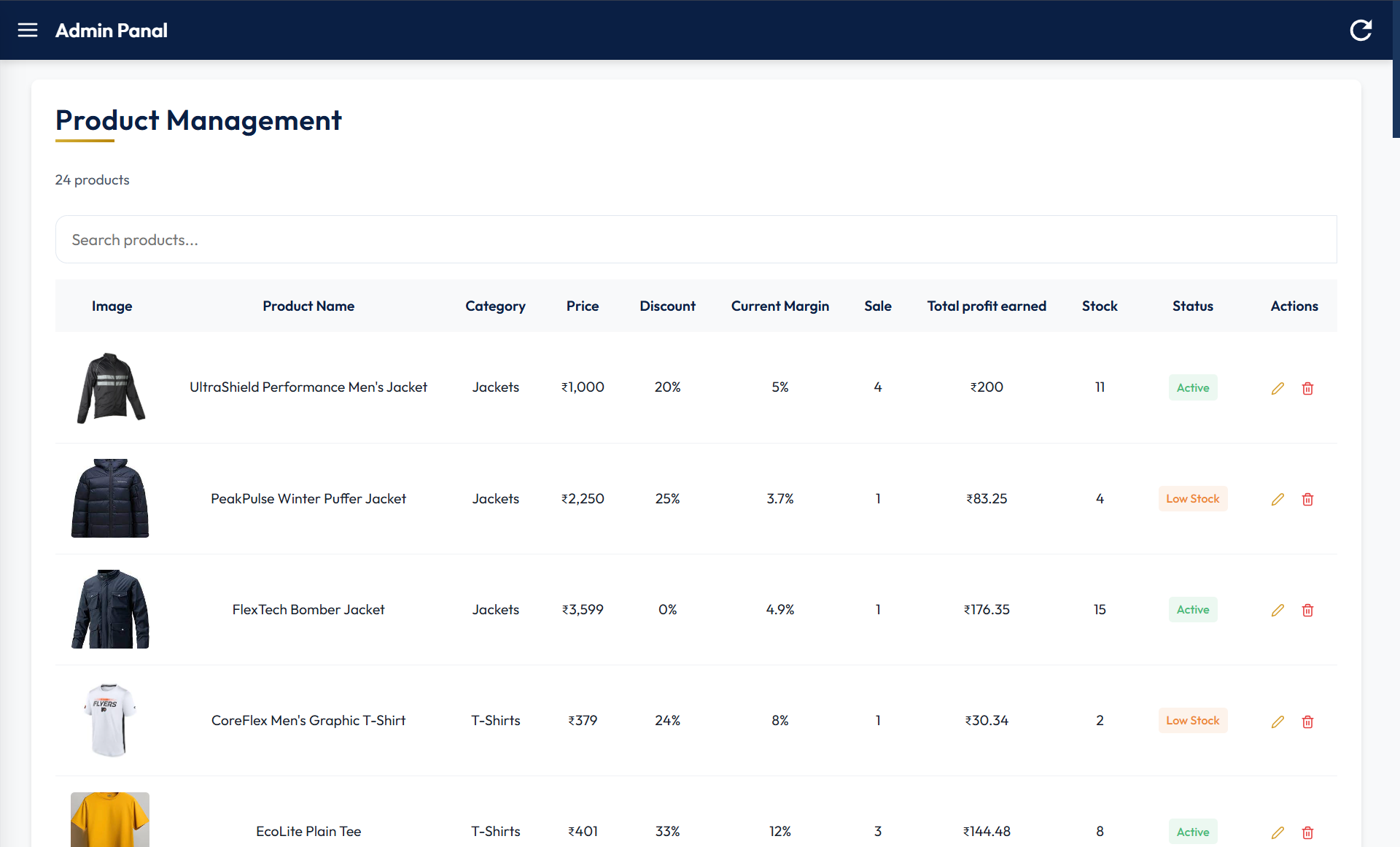
| Admin Panel Sidebar | Dashboard | Product Management |
|---|---|---|
 |
 |
 |
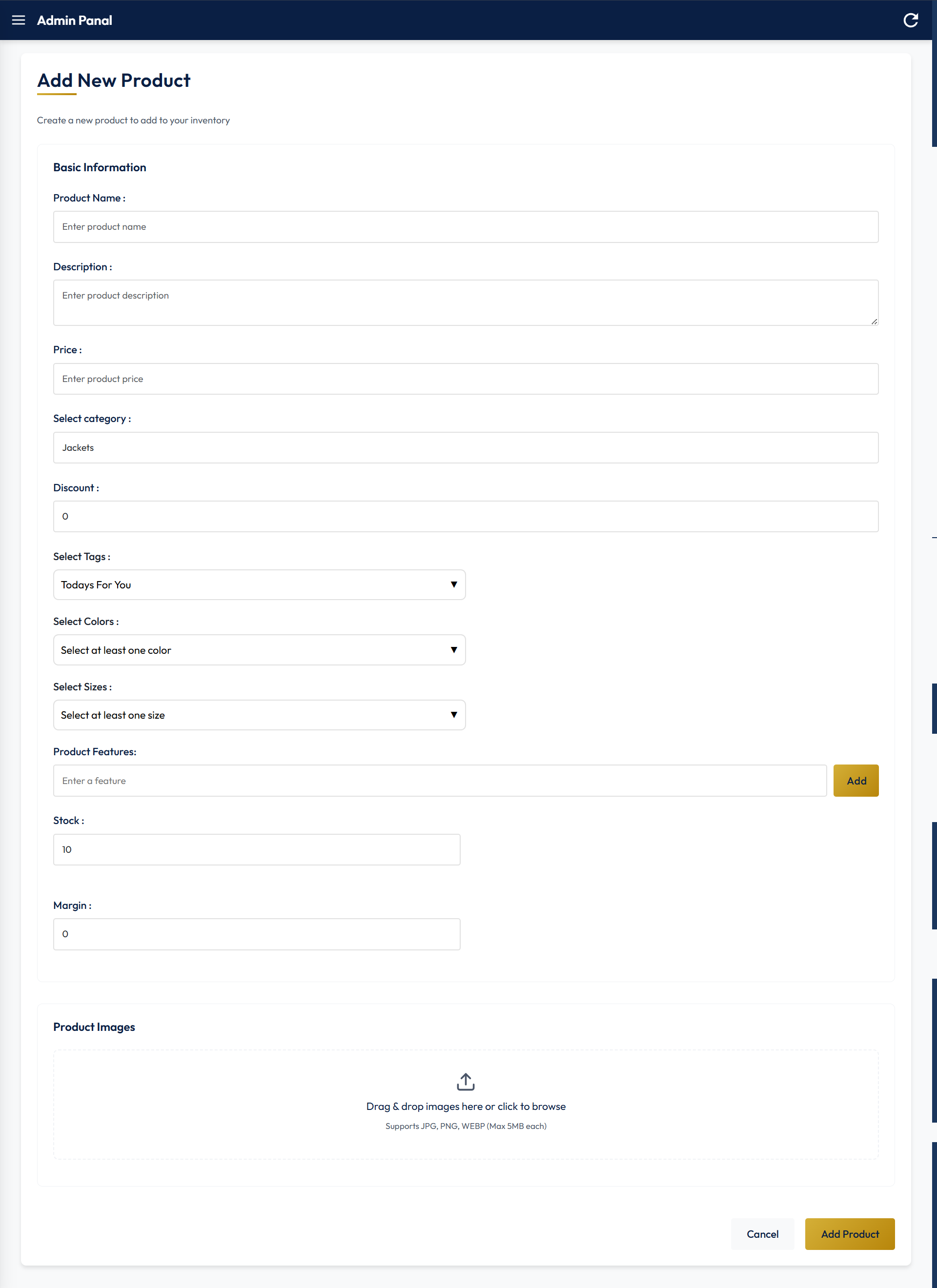
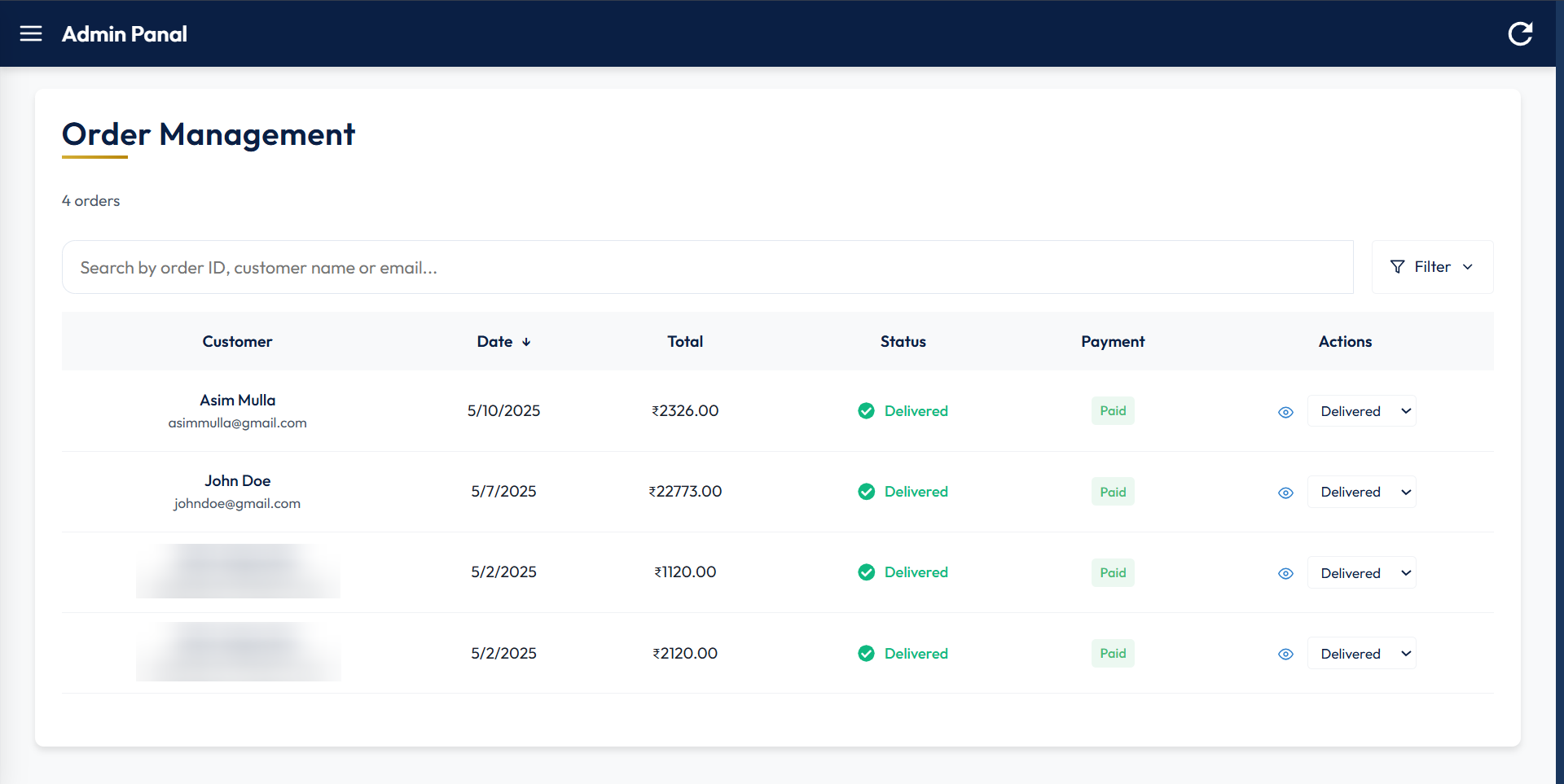
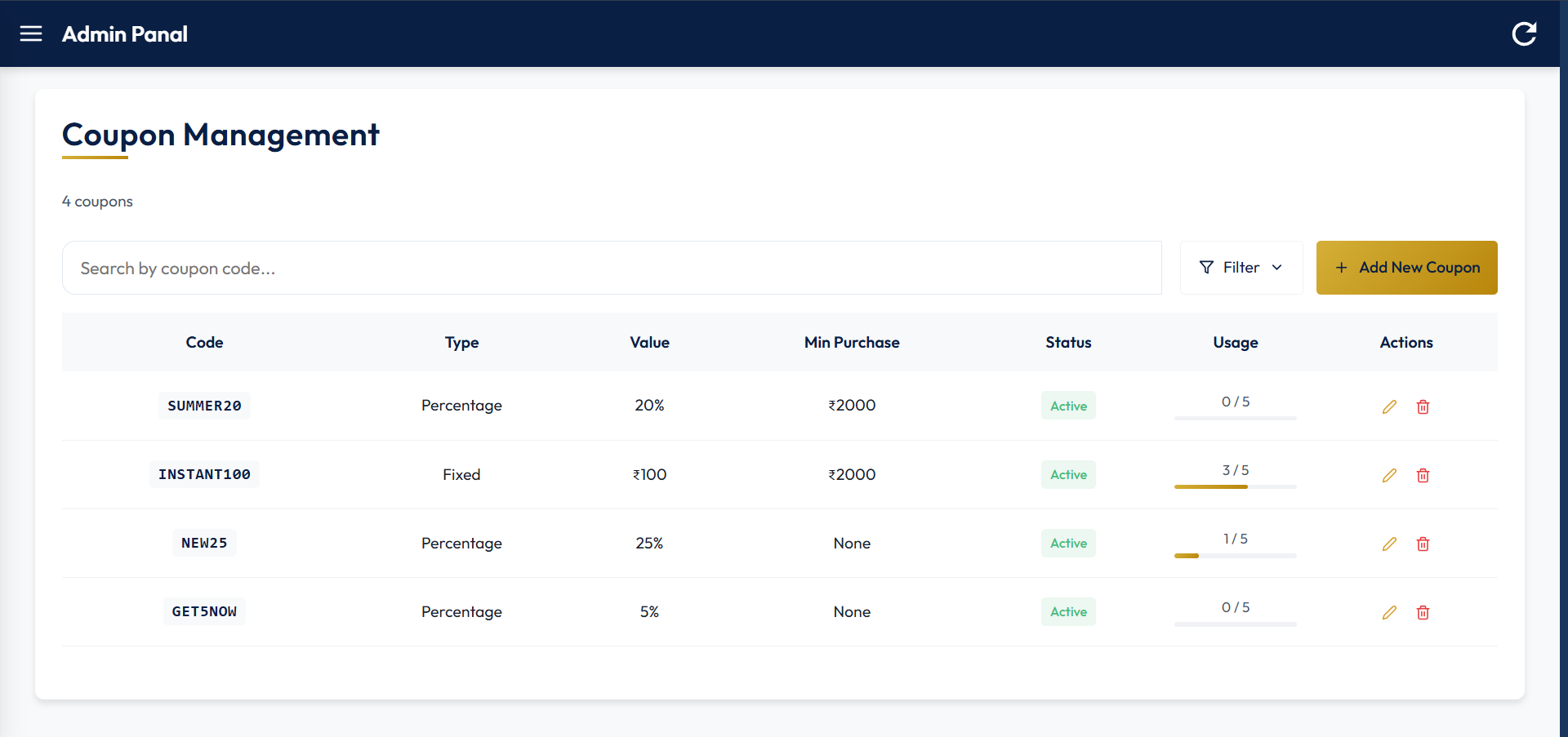
| Add New Product | Order Management | Coupon Management Management |
|---|---|---|
 |
 |
 |
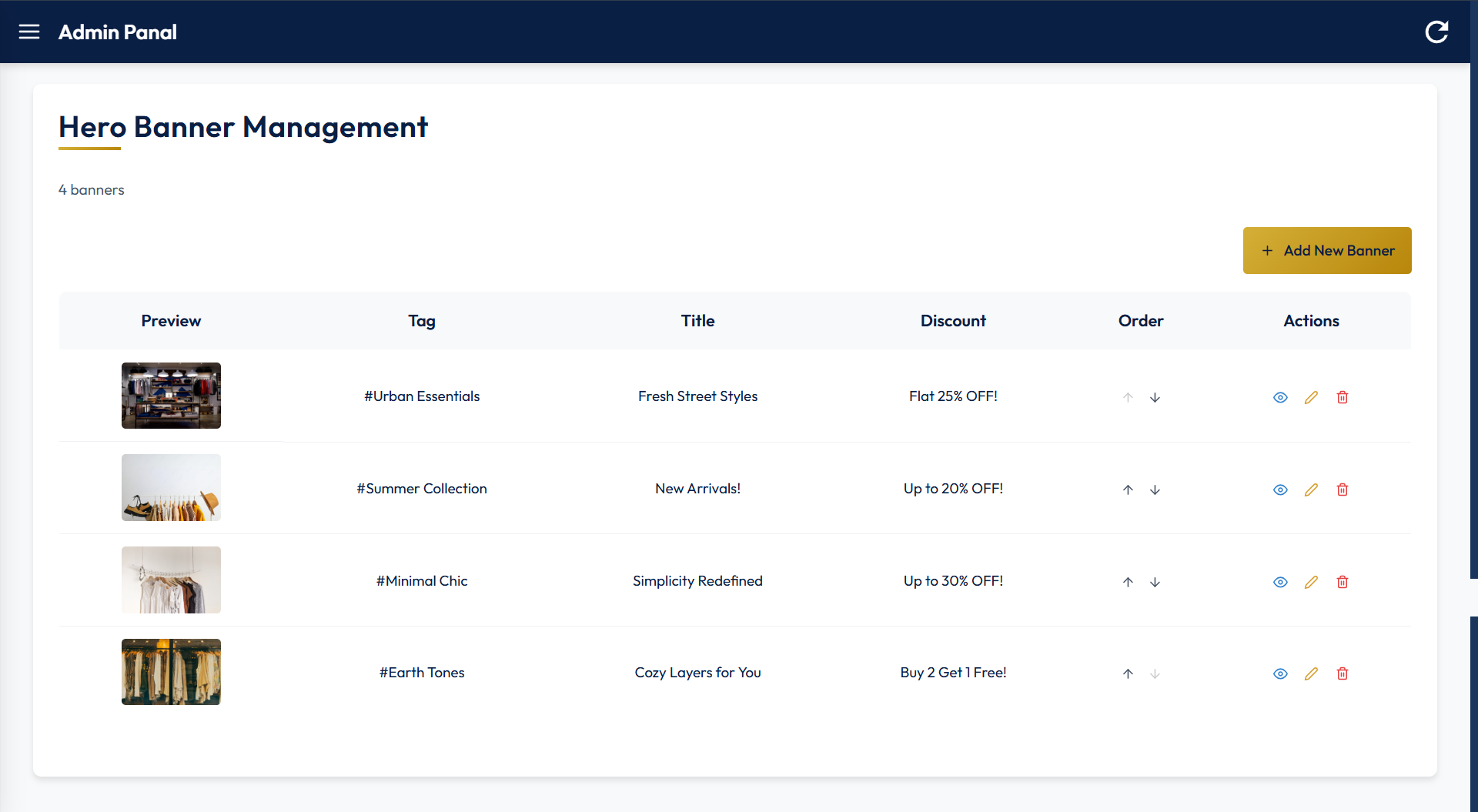
| Hero Banner Management |
|---|
 |
- Intuitive Product Discovery
- Category-based navigation with visual icons for quick access
- Advanced filtering by price, color, and size
- Responsive product grid with clear pricing, discount, and rating indicators
- Featured collections and seasonal promotions
- Detailed Product Presentation
- High-quality product imagery with multiple views
- Color and size selection with real-time inventory checking
- Comprehensive product descriptions and features
- Customer reviews and ratings
- Related and recommended products
- Personalized User Experience
- Email and password login via OTP and Google OAuth integration
- Profile management
- "Today's for You" and "Flash Sale" section with curated items
- Order history and tracking
- Wishlist Functionality
- Add/remove products to personal wishlist
- Move items directly from wishlist to cart
- Streamlined Shopping Process
- Intuitive cart management with item color, size, and quantity adjustments
- Promo code application with instant price updates
- Multi-step checkout with progress indicators
- Multiple shipping speed options (Standard and Express)
- Multiple payment options including online (UPI, Card, etc) and Cash on Delivery
- Order confirmation with detailed summary
- Post-Purchase Experience
- Real-time order tracking with status updates
- After delivery review collection
- Comprehensive Dashboard
- Real-time sales and revenue metrics
- Customer growth analytics
- Order volume and processing statistics
- Inventory alerts and notifications
- Performance comparison with previous periods
- Product Management
- Centralized product catalog management
- Add, edit, or delete functionality
- Order Management
- View full order history
- Individual order status management (processing, shipped, delivered, cancelled)
- Coupon Management
- Add a new coupon
- Edit or delete an existing coupon
- Hero Banner Management
- Add a new Hero banner
- Edit or delete an existing one
- Rearrange banner order
- Telegram Notification
- A Telegram bot notifies the admin when a user places an order and when a new user signs in
- Framework: React 19
- Routing: React Router v7
- Build Tool: Vite
- UI Components: Custom CSS components with Bootstrap and React Icons
- Image Optimization: React Lazy Load Image Component
- Animations: AOS (Animate On Scroll)
- API Communication: Axios
- Authentication: Regular Email and Password using OTP and Google OAuth 2.0 integration
- Notifications: React Toastify
- Runtime: Node.js
- Framework: Express.js
- Database: MongoDB with Mongoose
- Authentication: JWT, Bcrypt, Google OAuth
- Image Storage: Cloudinary
- Email Service: Nodemailer for sending OTP
- Payment Processing: Razorpay
- Node.js (v16 or higher)
- MongoDB Atlas account
- Cloudinary account
- Google Cloud OAuth credentials (Client ID and Secret)
- Razorpay account (for payments)
- Telegram bot token and chat id
- Clone the repository
git clone https://github.com/Asim-Mulla/TrueFit.git- Navigate to frontend directory
cd Frontend/- Install dependencies
npm install- Create
.envfile with the following variables
VITE_GOOGLE_CLIENT_ID=Your Google OAuth Client ID
VITE_RAZORPAY_KEY_ID=Your Razorpay Key ID (Test)- Start development server
npm run dev- Navigate to backend directory
cd Backend/- Install dependencies
npm install- Create
.envfile with the following variables
CLIENT_URL=Your Frontend URL

ATLAS_DB_URL=Your Atlas DB URL

CLOUD_NAME=Your Cloudinary Cloud Name
CLOUD_API_KEY=Your Cloudinary API Key
CLOUD_API_SECRET=Your Cloudinary API Secret

JWT_SECRET=Your Random JWT Secret

GOOGLE_CLIENT_ID=Your Google OAuth Client ID
GOOGLE_CLIENT_SECRET=Your Google OAuth Client Secret

RAZORPAY_KEY_ID=Your Razorpay Key ID (Test)
RAZORPAY_KEY_SECRET=Your Razorpay Key Secret (Test)

ADMIN_SIGNUP_TOKEN=Your Random Admin Signup Token
ADMIN_SIGNUP_SECRET=Your Random Admin Signup Secret

TELEGRAM_BOT_TOKEN=Your Telegram Bot Token
TELEGRAM_CHAT_ID=Your Telegram Chat ID

EMAIL=Your Email
EMAIL_PASSWORD=Your Email App Password-
Uncomment the development CORS configuration and comment out the production one in
server.js. -
Start Server
node server.js- Signup for admin at
/adminSignupusing the token and secret that you created in the.env. - Access the admin panel at
/admin. - Navigate through the sidebar to manage:
- Products: Add, edit, delete products
- Orders: View and update order status
- Coupons: Create and manage promotional offers
- Hero Banners: Customize homepage banners
- The application is fully responsive and optimized for Desktops, Tablets, and Mobile devices, except the admin panel, which may have limited responsiveness due to table layouts.
- JWT authentication
- Password salting and hashing with bcrypt
- Protected Admin API routes
- Input validation
- Secure payment processing
- Asim Mulla - Full Stack Web Developer
- React team for the amazing framework
- Node.js community
- MongoDB team
- Google console team
- Razorpay team
- All open-source libraries used in this project
- For any queries, reach out to me at asimmulla2004@gmail.com