
A classic two-player Ping Pong game built in C++ using the Raylib graphics library. The game features a real-time AI opponent, smooth paddle controls, collision detection, and a live scoring system — all rendered in a clean, minimal aesthetic.
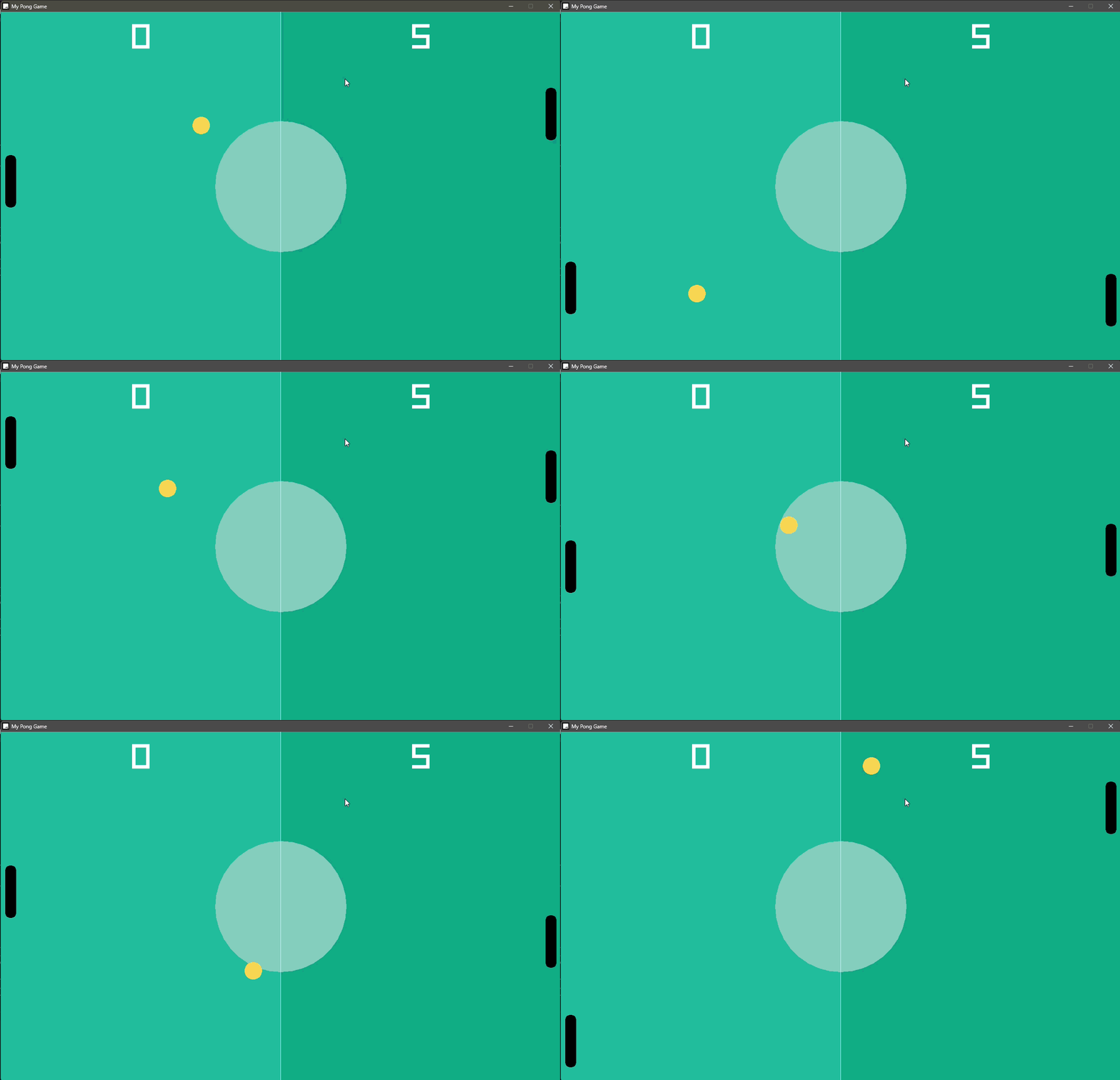
- Player vs CPU — Control your paddle with keyboard inputs while the AI opponent tracks the ball automatically
- Collision Detection — Accurate circle-rectangle collision using Raylib's built-in
CheckCollisionCircleRec - Live Scoreboard — Real-time score tracking displayed on screen for both the player and CPU
- Ball Reset Mechanic — Ball respawns at the center with randomized direction after each point
- Smooth Rendering — Runs at a locked 60 FPS with a polished two-tone green court aesthetic
- OOP Design — Game entities (
Ball,Paddle,cpupaddle) structured using C++ classes and inheritance
| Technology | Purpose |
|---|---|
| C++ | Core game logic |
| Raylib | Window, rendering, input, collision |
| Makefile | Build system |
| VS Code | Development environment |
- Raylib installed on your system
- A C++ compiler (GCC / MinGW on Windows)
makeutility
# Clone the repository
git clone https://github.com/Badhri-Prasath-D-R/Ping-pong-game-using-raylib-cpp.git
cd Ping-pong-game-using-raylib-cpp

# Build using Makefile
make

# Run the game
./main        # Linux/macOS
main.exe      # Windows
Windows users: The required DLLs (
libgcc_s_dw2-1.dll,libstdc++-6.dll) are included in the repository — no extra setup needed.
| Key | Action |
|---|---|
↑ Arrow |
Move paddle up |
↓ Arrow |
Move paddle down |
The CPU paddle moves automatically to challenge you.
The game is structured around three C++ classes:
Ball— Handles position, velocity, boundary bouncing, and score-triggered resets with randomized serve directionPaddle— Player-controlled paddle with keyboard input and screen boundary clampingcpupaddle(extends Paddle) — AI paddle that tracks the ball's Y position using simple pursuit logic
The main game loop follows the standard Raylib pattern: update game state → check collisions → draw frame.
├── main.cpp              # All game logic
├── Makefile              # Build configuration
├── main.exe              # Pre-built Windows executable
├── libgcc_s_dw2-1.dll    # MinGW runtime DLL
├── libstdc++-6.dll       # MinGW C++ standard library DLL
└── README.md
- Built using the Raylib starter template by educ8s
- Raylib — a simple and easy-to-use library to enjoy videogames programming
This project is open source and available for personal and educational use.