
A Friday Night Funkin' mod powered by Dave Engine! Download the mod
<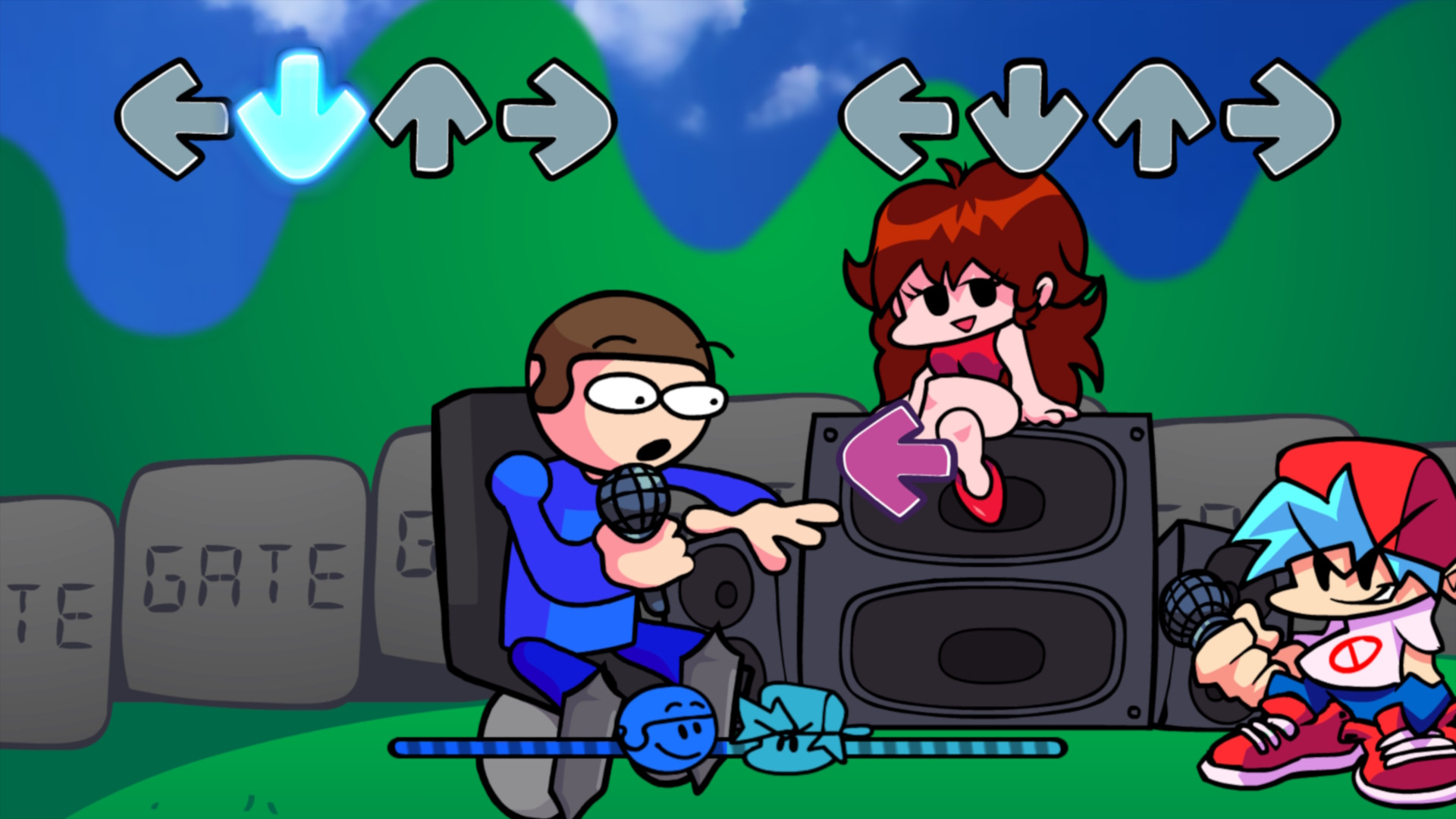 |
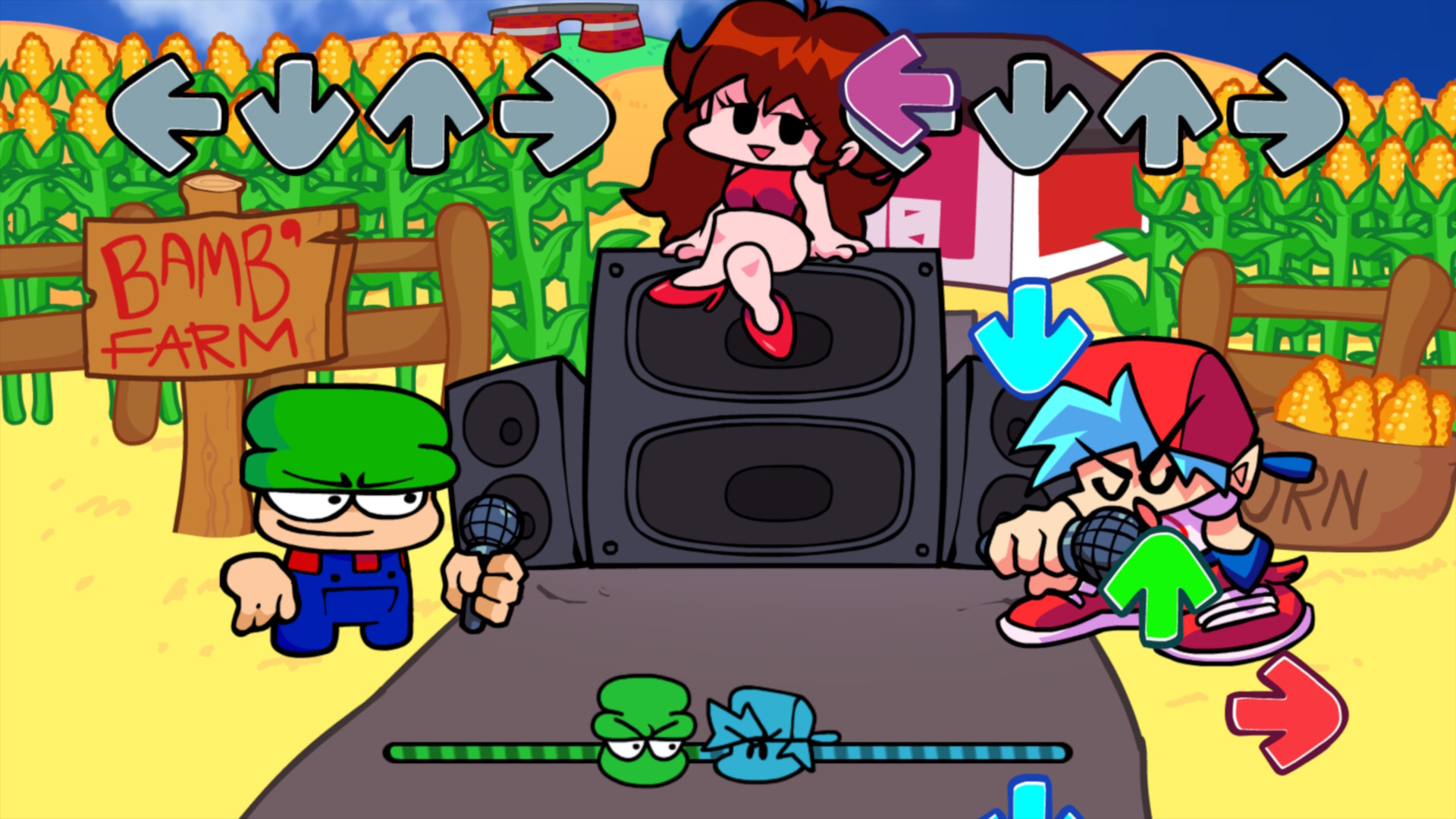 |
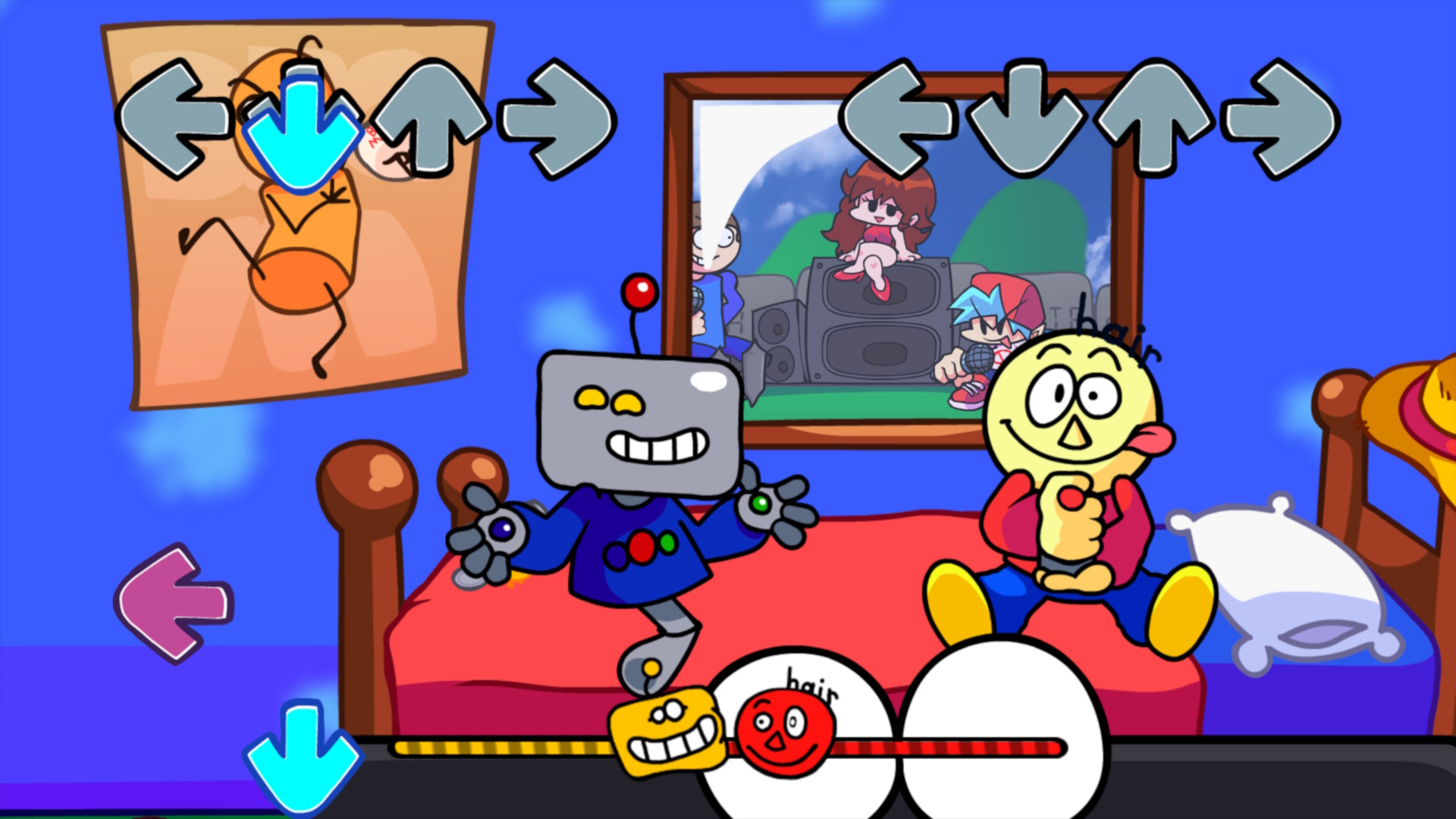 |
Dave Engine is an engine that started out as originally a Kade Engine modification, but has since turned into its own complete separate engine! This engine contains many powerful features including:
- Modding Support via Polymod
- Script Events powered by HScript
- Custom Character Select
- Language Support
- Custom Runtime OpenGL Shaders
- Many more!
Inside the project's root folder, you'll see 2 files:
- libraries_install.bat
- libraries_update.bat
Run libraries_install.bat to install all of the necessary libraries needed to compile the project.
If you're on Mac or Linux, open your platform's Command Line and do the following commands:
- haxelib install hmm
- haxelib run hmm setup
- hmm install
If you're interested in modding Vs. Dave & Bambi, feel free to read the official documentation!
TODO.
I ported Dave And Bambi's Volume 1 to Android 2 days after the source code was released.
Please Playtest this: https://drive.google.com/file/d/1x29g3fiwA-xXEyO3HlX9t3Ul7EYoDP-m/view?usp=sharing Share bugs via the Issues tab, this will help alot during the port.
Anyways, if you see this: Screenshot

That means the app has installed successfully, but needs to do certain steps to actually play the game.
Steps to play:
- Download a file explorer, I'd recommend to install ZArchiver
- Go to the directory you downloaded the apk in, should be this: Screenshot
- Go inside the assets folder, then copy the "assets" folder. (Yes, there are two assets folder).
- Copy and paste this to "/storage/emulated/0/Android/media/dnbteam.daveandbambi/" (or "Android/media/dnbteam.daveandbambi/").
- Restart the app. it should work!
