


A system for creating custom game lobbies with a built-in map editor. Players can create their own maps for the following modes: Race, Deathmatch, Team Deathmatch, Counter-Strike, Duel, and Derby.
Interaction with game lobbies is carried out through the main menu. The menu is implemented using TextDraw and consists of four pages: Lobbies, Playlists, Create, and Editor.
All lobbies created by players are displayed here.
This section displays playlists created by players. Players can create their own playlists, add various projects to them, set a name and description, and make the playlist private.
In this section, players can create their own lobbies using ready-made projects published by other players. Project search, search by personal project code, and sorting by popularity are available. After the match ends, players can rate other players' projects by giving a rating from 1 to 5 stars.
In the editor, you can create your own game modes. Settings for various aspects of gameplay are available, including spawn points, vehicles, objects, pickups, NPCs, weapons, and much more. Tutorials for all modes and a guide on how to use the editor are provided.


In racing mode, players compete against each other, trying to be the first to reach the finish line.
- At the start of the race, players can use a dash that accelerates their vehicle at launch.
- On the track, you can collect acceleration, vehicle repair, and jump pickups.
- Rockets are available to attack opponents.
- Players who finish earlier than others enter spectator mode.
- A leaderboard is available to players, displaying current positions in the race.
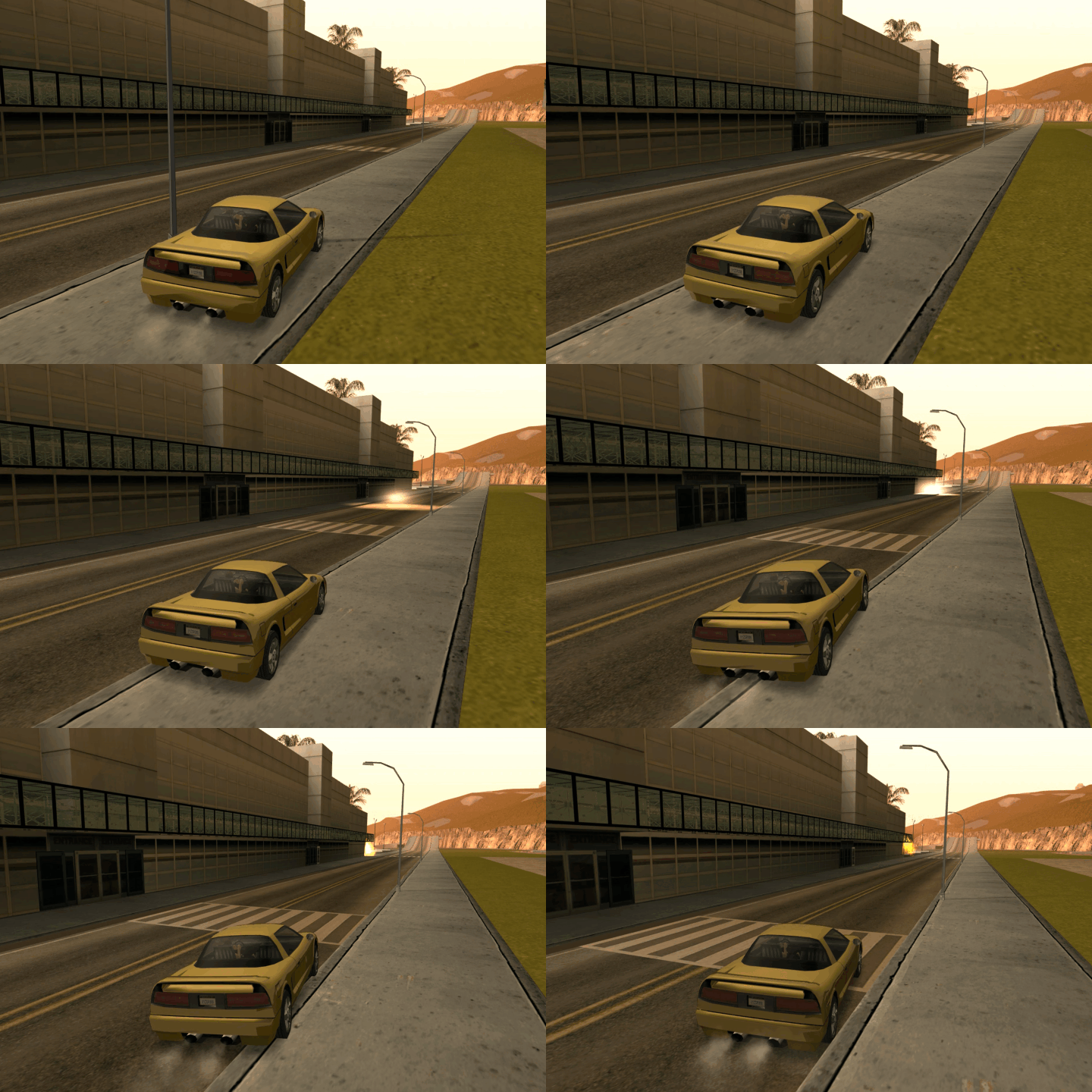
In Deathmatch mode, players fight each other in a free-for-all format, trying to get the highest number of kills.
- A weapon store is available to players where they can choose the necessary weapons.
- A leaderboard is available to players, displaying current positions in the match.
- Assist system.
In Team Deathmatch mode, players are divided into two teams — blue and red — and fight each other. The team that first depletes the opponent's points to zero or maintains the highest number of points when the match time expires wins.
- Each team is given a certain number of points at the beginning of the round (e.g., 200).
- For every kill of an enemy player, 1 point is deducted from the opposing team.
- A weapon store is available to players where they can choose the necessary weapons.
- A leaderboard is available to players, displaying current positions in the match.
- Assist system.
In Counter-Strike mode, players are divided into two teams: terrorists and counter-terrorists.
- Counter-terrorists - defuse the bomb or eliminate all terrorists.
- Terrorists - plant and explode the bomb or eliminate all counter-terrorists.
- Rounds last until one team wins or time expires.
- Money is awarded for wins and kills depending on the weapon and method of elimination.
- Money can be used to buy weapons and equipment.
- The losing team receives a loss streak bonus.
- Mechanics for defuse kits, helmets, assists, round MVP, weapon drop upon death, buy phase at the start of the round, and side swapping at the midpoint of the match.
- Eliminated players enter spectator mode for their team.
- A leaderboard is available to players, displaying current positions.
- The bomb is automatically dropped if a player is inactive for a long time.

Accrual of money for specific actions in the match.
Economy
- Starting money: $800
- Maximum money: $16000
- Won round: $3250
- Bomb explosion: $3500
- Bomb defusal: $3500
- Elimination of all enemies: $3250
- Planting the bomb: $300
- Defusing the bomb: $300
- Killing the bomb planter: $50
- Killing the bomb defuser: $50
- Killing the bomb carrier (before planting): $50
- First loss: $1400
- Second loss: $1900
- Third loss: $2400
- Fourth loss: $2900
- Fifth loss: $3400
- Pistol: $300
- Shotgun: $900
- SMG: $600
- Assault Rifle: $300
- Sniper Rifle: $100
- Grenade: $300
- Melee weapon: $400
- Team kill: $300
- Suicide: $300
In Duel mode, players are divided into two teams — blue and red — and fight each other. The goal is to win a certain number of rounds to win the match.
- Rounds last until one team wins or time expires.
- Eliminated players enter spectator mode for their team.
- A weapon store is available to players where they can choose the necessary weaponry.
- A leaderboard is available to players, displaying current positions in the match.
- Helmet mechanics, assists, round MVP, buy phase at the start of the round, side swapping at the midpoint of the match.
In Derby mode, players deal damage to each other using vehicles.
- Each player has a limited number of lives.
- Repair, acceleration, and rocket pickups can be scattered around the arena.
- Players who lose all their lives are eliminated and enter spectator mode for the remaining participants.
- A dash is available at the start of the derby, which accelerates the vehicle at launch.
- Rockets are available to attack opponents.
- A leaderboard is available to players, displaying current positions in the derby.
Various gameplay settings are available in the editor, including spawn points, vehicles, objects, pickups, and much more. The editor also provides tutorials for all modes and a complete usage guide.
This is a tool in the mode editor that allows adding various elements to the project. Depending on the selected mode, corresponding elements for addition will be displayed.

Checkpoints are used in racing mode to mark the route that players must follow.
Each point has customizable properties.
- Type - regular or aerial checkpoint
- Width - defines the width of the checkpoint
- Vehicle change - allows changing the player's vehicle when passing through the checkpoint
- Vehicle speed - sets the vehicle speed when passing through the checkpoint
Vehicle spawn points determine the locations where players can appear in a vehicle in racing mode or other modes.
Each vehicle has customizable properties.
- Model - the vehicle that will be used (car, motorcycle, bicycle, etc.)
- Paint - vehicle color and paint job
- Nitro - set the presence of nitro for the vehicle
- Accessibility - determines who can use this vehicle (all players or only specific teams)
- Doors - management of the vehicle door state (open or closed)
- Respawn delay - after the player exits the vehicle, a countdown to respawn will begin

Objects allow adding various environmental elements to the project, such as buildings, trees, roads, etc. There are two ways to add objects: using the standard GUI editor or via camera aiming.
The ColAndreas plugin is used for collision detection.

Player respawn points determine the locations where players appear after death in certain modes.
Each point has customizable properties.
- Team - determines which team the point is intended for (used in team mode)
Bomb plant sites are used in Counter-Strike mode to mark locations where players can plant bombs.
Pickups are used to provide players with various bonuses and resources during the game.
Each pickup has customizable properties.
- Type - defines the type of pickup (health, armor, weapons, ammo, adrenaline, etc.)
- Number of uses - the number of times the pickup can be used before disappearing
- Pickup recovery delay - the time after which the pickup will become available for use again
- Delay effect action - determines for whom the recovery delay applies (all players or only a specific one)
- Pickup accessibility - determines how the pickup can be used (player or vehicle)
- Pickup purpose - determines who can use this pickup (all players or only specific teams)
- Health — restores the player's health.
- Armor — adds armor to the player.
- Weapon — gives the selected weapon.
- Ammo — adds ammunition.
- Adrenaline — gives temporary bonuses (speed boost).
- Lethal — the player dies upon pickup.
- Explosive — explodes on contact.
- Jump — launches the vehicle or player upwards.
- Vehicle repair — restores a damaged vehicle.
- Vehicle acceleration — gives a short-term speed boost.
- Vehicle rocket — allows launching rockets from the vehicle.

NPCs are used to create background crowds and interact with lobby stages.
Each NPC has customizable properties.
- Skin - the NPC's appearance
- Animation - defines the NPC's pose or action (sitting, standing, lying down, etc.)
- Animation loop - determines whether the animation will repeat cyclically
- Animation trigger action - determines how the NPC animation will be triggered (during the pre-game countdown or at game completion)
This function allows triggering NPC animations depending on the lobby game stages. For example, you can set an NPC to perform a certain animation during the countdown before the game starts or when it ends.
In some game modes, players can buy weapons and equipment at the weapon store. The store assortment is configured in the project parameters.
- When buying or choosing a weapon, a player can return it to the store and get back the money spent.
- The weapon store can only be used within a 5-meter radius of the last spawn point.
- After spawning, there is a purchase time limit of 30 seconds.
- A player cannot get a refund for a weapon if it was issued for free at spawn.
- A player cannot get a refund for a weapon if it was received from another player.

The leaderboard displays the best players, sorted by their results.

Tags help other players find your project using specific keywords.
The camera determines where the player will look at certain moments of the game.
- Used in the lobby while waiting for players
- Displayed during the countdown before the start
- Helps players see the map before starting
- Shown after the match/race ends
- Displayed during the results reveal
Project rating allows players to rate your project after finishing the game.
- Players give a rating from 1 to 5 stars
- The average rating is displayed in the list of projects and lobbies
- A high rating helps the project rise in search results
You can view detailed rating statistics for your project in the statistics section.
Views show how many times players have launched your project.
- Every time a player enters a lobby with your project
- A high number of views helps the project rise in search results
- Shows how many times a player has created a lobby with your project
You can view detailed view statistics in the statistics section.
A personal project code is a unique identifier for your project, used for identification and access.
- The code is generated automatically when the project is saved
- Includes the project ID and random characters
- Allows other players to find your project using this code
You can find your project's personal code in the statistics section.
Publishing a project makes it available to other players in the project list. Certain requirements must be met to publish a project.
- Place checkpoints
- Set vehicle spawn points
- Set respawn points
- Place bomb plant sites
- Choose the lobby camera position
After fulfilling all requirements, the project can be published via project options.

Price: 50,000 RUB
Review server: IP: 185.223.168.92:7777
For a full test, you need to install a mod for the game - KeyListener
- ColAndreas
- KeyListener Required!
- streamer
- mysql R41-4
- pawnraknet
- pawnregex
- sscanf
- rustext
- control hints
- mdialog
- YSI\y_va (Optional)