Agentic apps that self improve.
Don't choose between structured user flows and autonomous agents. Every Agent-Native app is both.
The agent and the UI are equal citizens of the same system. Every action works both ways — click it or ask for it.
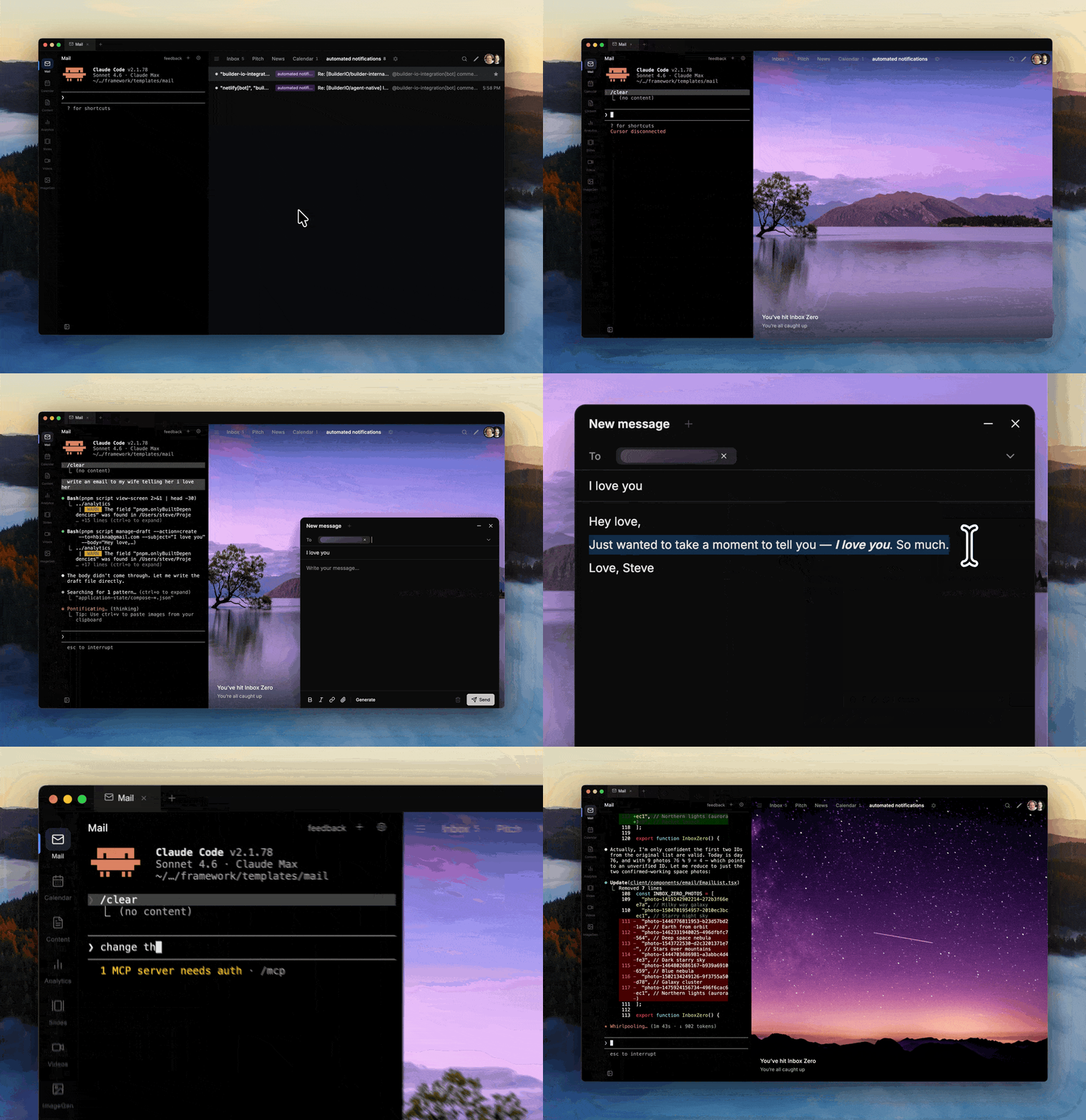
- Everything syncs — Agent and UI share one database and one state. Changes from either side show up instantly on the other.
- Context-aware — The agent knows what you're looking at. Select text, hit Cmd+I, and tell it what to do.
- Agents call agents — Tag another agent from any app. They discover each other over A2A and take action across your stack.
- Apps that improve themselves — Your apps get better on their own. The agent can add features, fix bugs, and refine the UI over time.
- Any database, any host — Any SQL database Drizzle supports. Any hosting target Nitro supports. No lock-in.
- Any AI agent — Claude Code, Codex, Gemini CLI, OpenCode, or Builder.io. Use whichever agent you prefer.
Start from a production-ready template. Each one replaces tools you're paying for — except you own everything and can customize it however you want.
|
AI-Native Mail, Superhuman Superhuman-style email client with keyboard shortcuts, AI triage, and a fully customizable inbox you own. |
Calendar AI-Native Google Calendar, Calendly Manage events, sync with Google Calendar, and share a public booking page with AI scheduling. |
Content AI-Native Notion, Google Docs Write and organize content with an agent that knows your brand and publishing workflow. |
|
Slides AI-Native Google Slides, Pitch Generate and edit React-based presentations via prompt or point-and-click. |
Video AI-Native video editing Create and edit Remotion video compositions with agent assistance. |
Analytics AI-Native Amplitude, Mixpanel Connect any data source, prompt for any chart. Build reusable dashboards, not throwaway Q&A. |
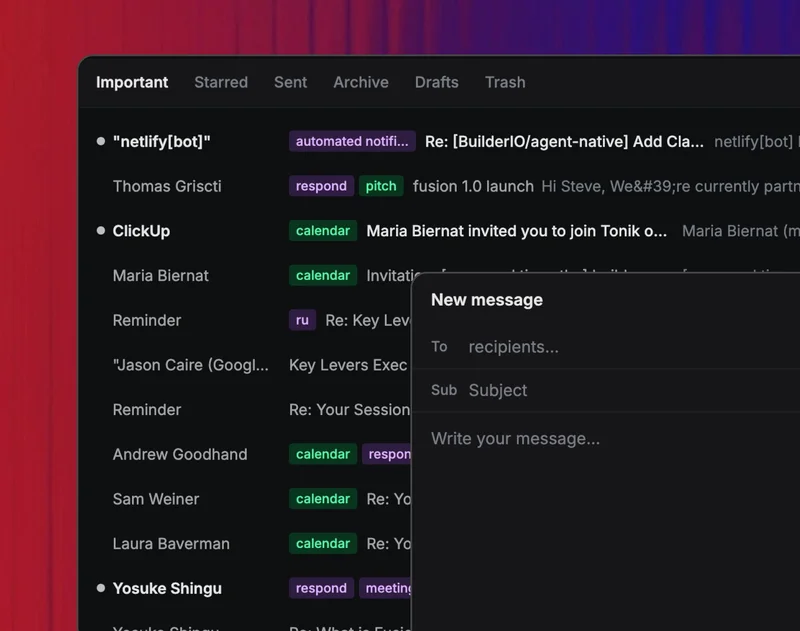
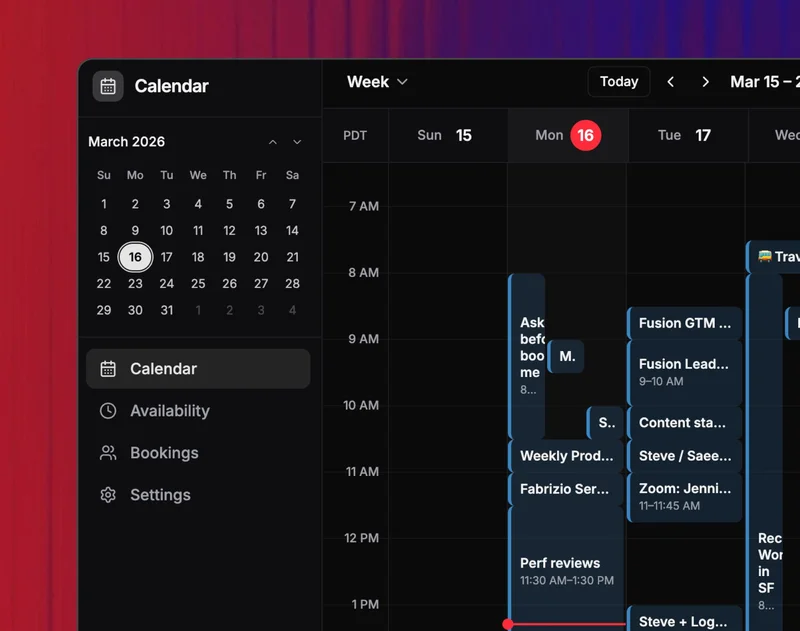
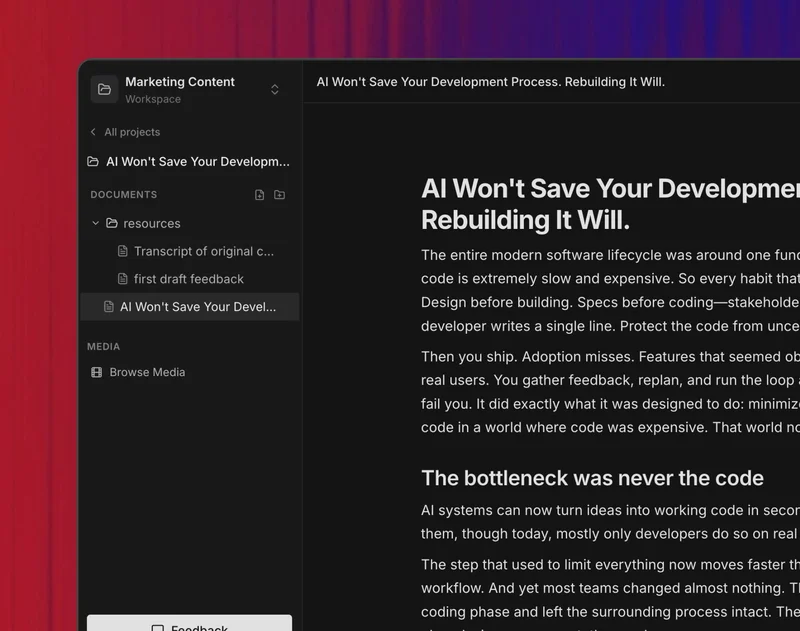
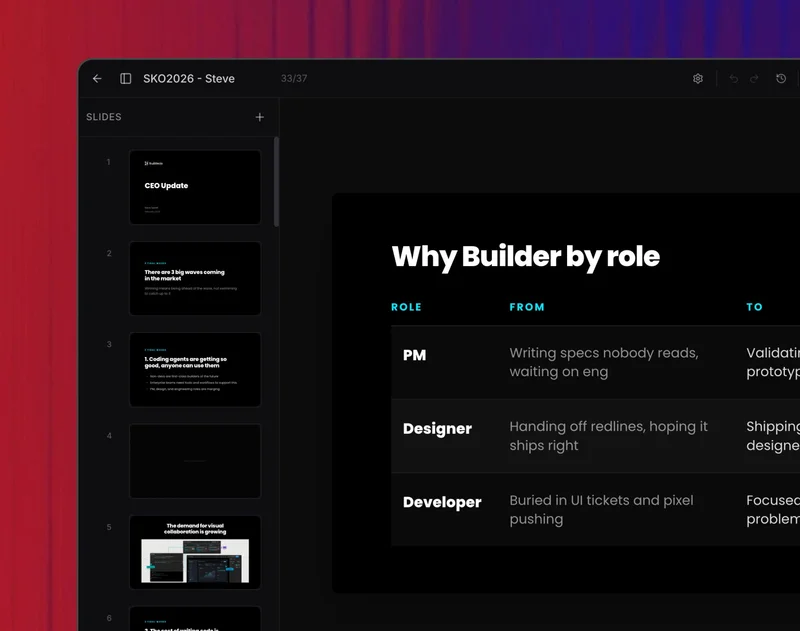
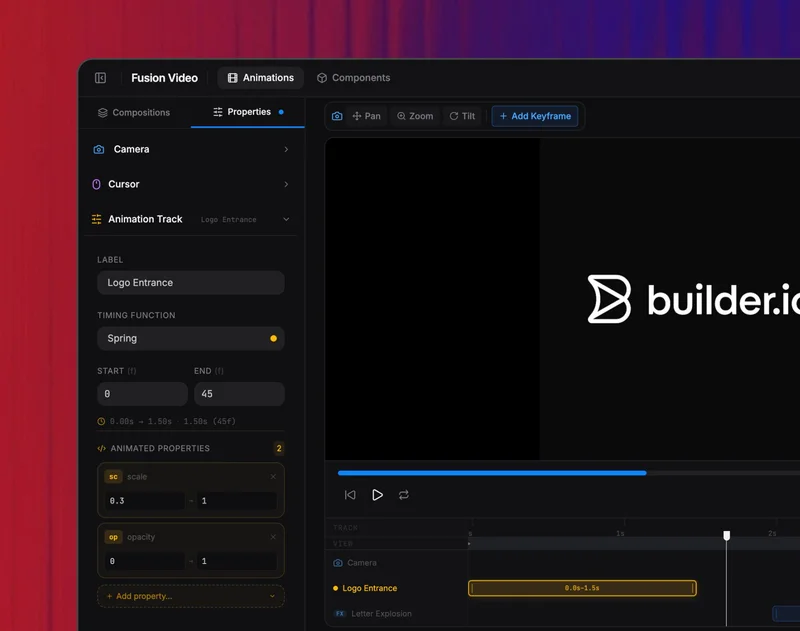
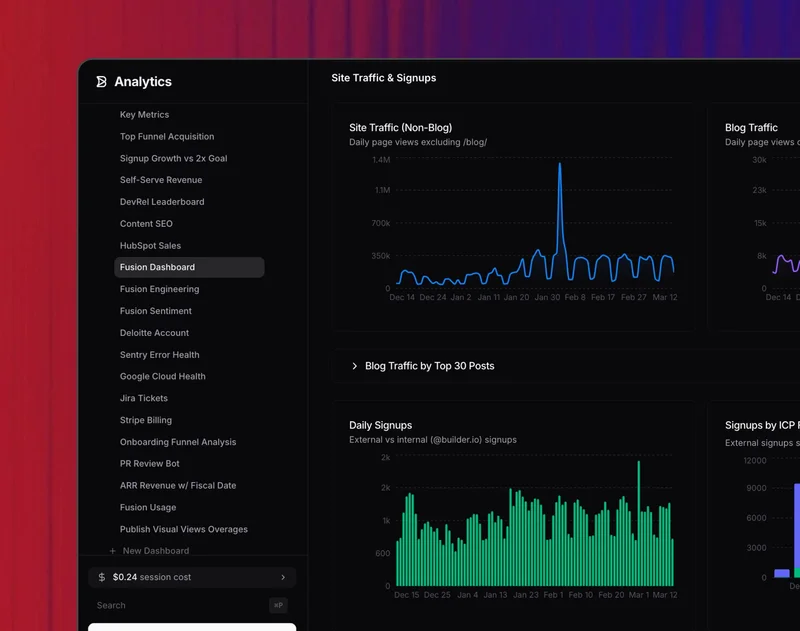
Every template is forkable, open source, and designed to be customized. Try them with example data before connecting your own sources.
npx @agent-native/core create my-platform
cd my-platform
pnpm install
pnpm dev
The CLI shows a multi-select picker so you can include as many templates as you want in one workspace. Pick Mail + Calendar + Forms and you get all three apps wired up and sharing auth in one go. Or browse the template gallery for live demos.
Want a single app, no monorepo? Use --standalone:
npx @agent-native/core create my-app --standalone --template mailA workspace is the default shape of an agent-native project. Every app sits under apps/, and a shared packages/core-module/ layers auth, agent-chat config, skills, and branding across every app — so cross-cutting concerns get wired up once, not per app.
my-platform/
├── package.json                   # declares `agent-native.workspaceCore`
├── pnpm-workspace.yaml
├── .env                           # shared secrets: ANTHROPIC_API_KEY, BUILDER_PRIVATE_KEY, A2A_SECRET, ...
├── packages/
│   └── core-module/               # shared auth, agent-chat plugin, skills, tailwind preset
└── apps/
    ├── mail/
    ├── calendar/
    └── forms/
Add another app later:
agent-native add-app notes --template contentDeploy every app behind one origin:
agent-native deploy
# https://your-agents.com/mail/*       → mail
# https://your-agents.com/calendar/*   → calendar
# https://your-agents.com/forms/*      → forms
Same-origin deploy means a shared login session across every app and zero-config cross-app A2A — tag @mail from the calendar's agent chat and it just works (no JWT signing, no CORS). Full details at agent-native.com/docs/enterprise-workspace.
| SaaS Tools | Raw AI Agents | Internal Tools | Agent-Native | |
|---|---|---|---|---|
| UI | Polished but rigid | None | Mixed quality | Full UI, fork & go |
| AI | Bolted on | Powerful | Shallowly connected | Agent-first, integrated |
| Customization | Can't | Instructions and skills | Full, but high maintenance | Agent modifies the app |
| Ownership | Rented | Somewhat yours | You own the code | You own the code |
Join the Discord to ask questions, share what you're building, and get help.
Full documentation at agent-native.com.
MIT