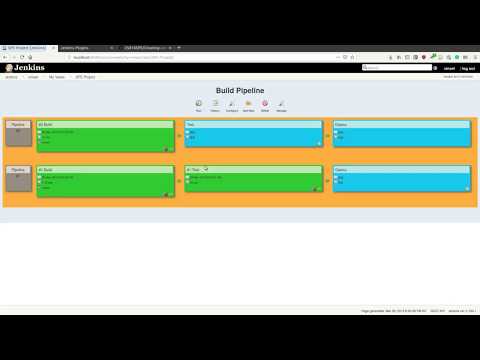
- There are a lot of ways to setup a pipeline. We will show you the simplest of all methods. You are free to try other methods and setup a pipeline
- Steps
- Install the Build pipeline plugin
- Create multiple Jenkins jobs for each stage such as Build, Test, Deploy, so on depending on your requirement & configure each job accordingly
- Create a new pipeline view & choose the first job in the pipeline
- Now, configure each of the jobs to form a stream. Trigger the next Job by configuring 'post build actions' in each Job
- Once configured, the first job should be triggered at least once for the pipeline to start
- Given the pipeline is all set up, now on just triggering the first job will trigger all the jobs in the pipeline and the status can be checked in the pipeline view
Refer to the below screencast to setup a pipeline following the above instructions