This repo contains Claude Code skills that help you reverse engineer raw CAN bus data into decoding rules stored as DBC files.
Specifically, the skills help you leverage AI/LLM tools like Claude Code and python-can scripts to identify which CAN ID and data bits encode a real-world value (speed, RPM, state of charge, ...), work out its start bit, length, endianness, scale and offset, and verify the result.
The skills assume that you are using a CANsub CAN bus interface from CSS Electronics to either record CSV log files via e.g. the webCAN tool, or stream data in real-time via USB/Ethernet.
The repo bundles three skills (auto-discovered when you open the folder in Claude Code):
- cansub-reverse-engineering - the workflow
- combine-dbc - merge per-signal DBCs into one
- cansub-knowledge - CANsub specs / API reference
Note: This is not a 'polished tool', but an illustration of how you can use the CANsub + Python + AI for CAN sniffing
Note: We strongly recommend reading our related article CAN bus reverse engineering with AI.

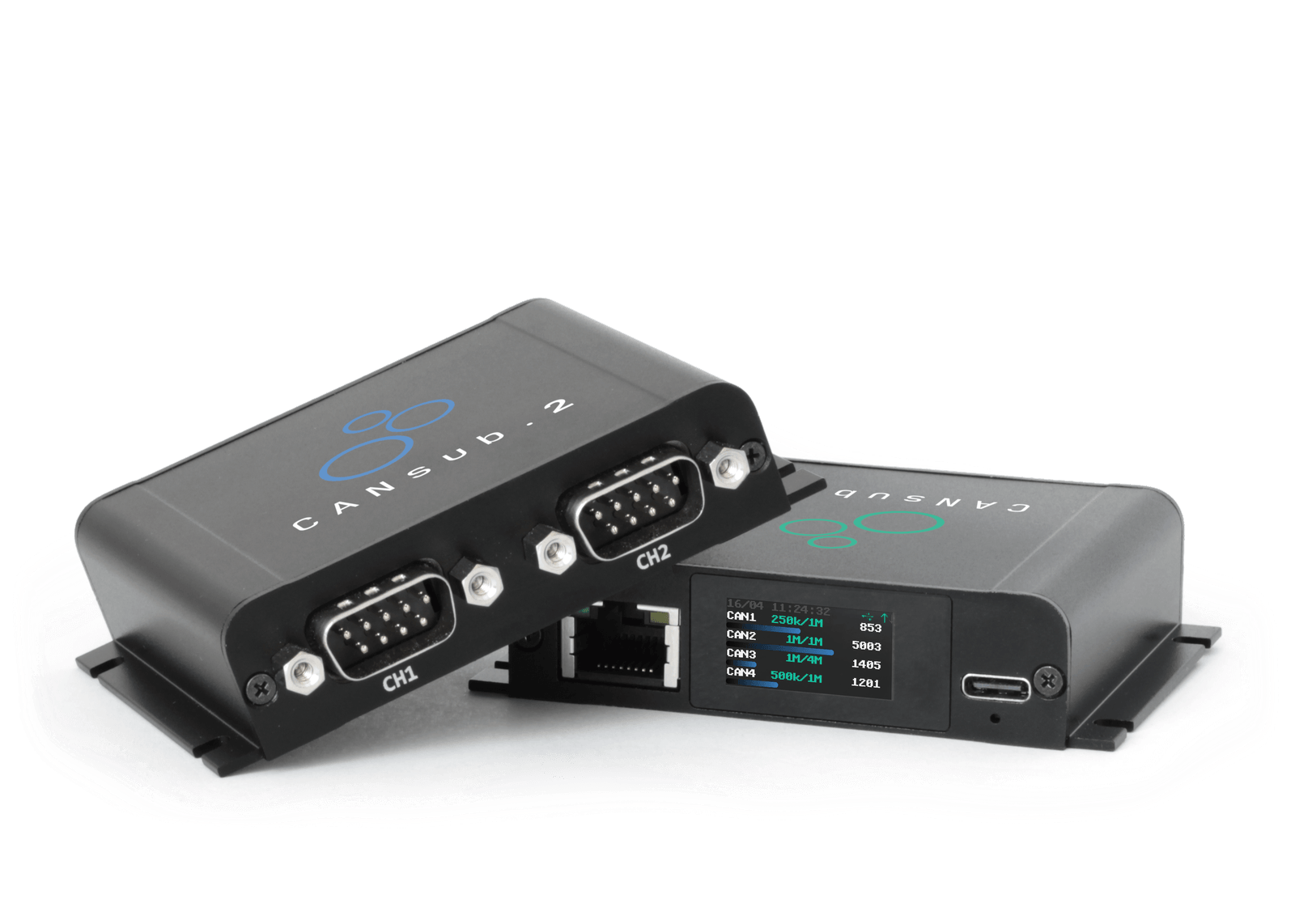
- A CANsub.2 CAN FD interface with USB/Ethernet
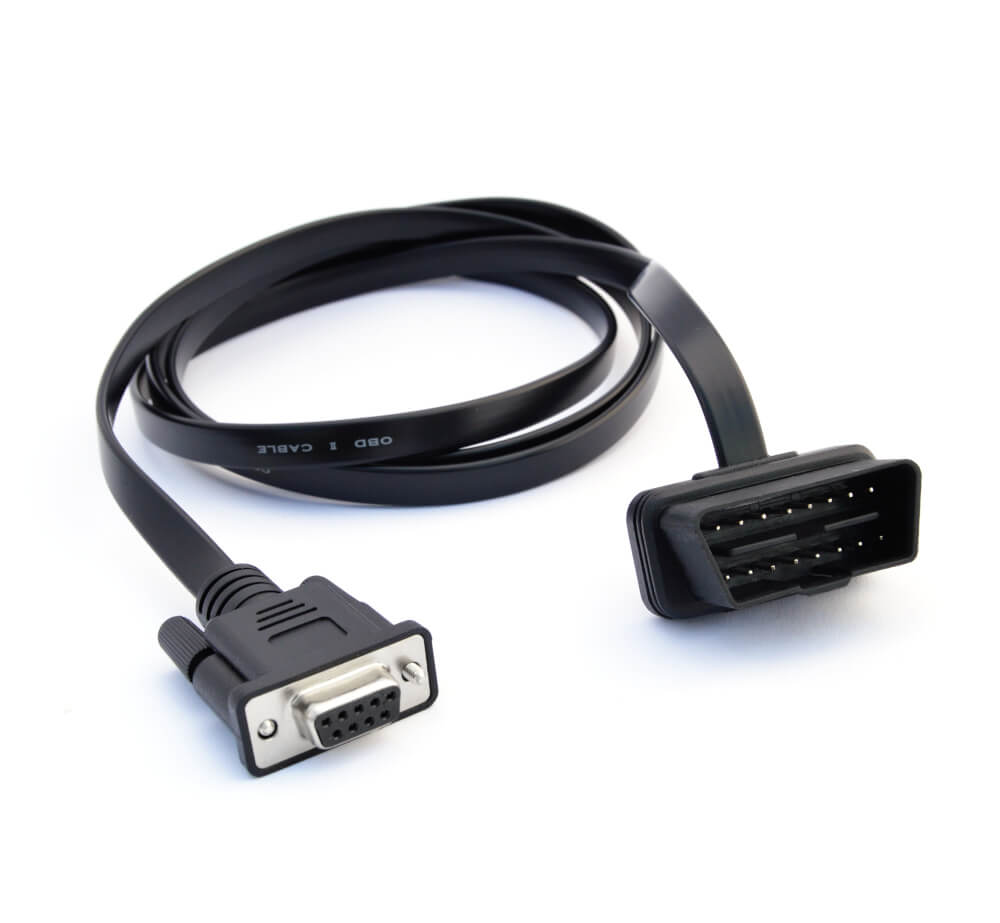
- An OBD2-DB9 adapter cable (and optionally a contactless adapter)
- Clone the repo (or download the ZIP from GitHub and extract it)
- Install Python - Python 3.10+; on Windows, tick "Add python.exe to PATH". Verify:
python --version - Install the dependencies into a local virtual environment (
.venv) so your system Python stays untouched:- Windows: double-click
install.bat(or runinstall.batin a terminal) - macOS / Linux:
python3 -m venv .venv && .venv/bin/pip install -r requirements.txt
- Windows: double-click
The below is our recommended setup for new Claude Code users:
- Get a Claude subscription - Claude Code is included with Claude Pro / Max (or API billing)
- Install Visual Studio Code
- Install the Claude Code extension - Extensions panel (
Ctrl+Shift+X), search "Claude Code", install, sign in - Open this folder - File → Open Folder… → the cloned repo; skills in
.claude/skills/load automatically
Plug the CANsub into your computer (USB) and into the vehicle's OBD2 port using the OBD2-DB9 adapter cable. Start the engine (or set the ignition on) so there's live CAN traffic to capture. We recommend verifying via webCAN that you can stream raw proprietary CAN bus data before proceeding. If not, consider our contactless CAN reader.
Open the Claude Code panel in VS Code and ask, for example:
I've connected my CANsub to my car via the OBD2-DB9 cable. Help me check if there is live proprietary CAN data available - and then help me reverse engineer my door locks
Reverse engineer Speed and RPM from the proprietary CAN data found in Mercedes-E350-2010-obd2-can.csv (contains OBD2 reference data).
I have a CANedge log with proprietary vehicle CAN data plus the CANedge's internal GPS/IMU on CAN9 (or a CANmod.gps GPS-to-CAN module). Use the GPS speed as the reference to reverse engineer the proprietary vehicle speed
Help me reverse engineer Speed from my Opel Astra. I have put the raw CAN data in opel/ along with a video of the speed from my car's dashboard.
I have a gauge-to-CAN module with 8 gauges connected to my CANsub - help me reverse engineer the 1st gauge position signal.
Note: You can use our CANsub CAN+OBD2 sample data to test the skill
Each confirmed signal is saved under decoding-output/, grouped by application
(the system under test) and signal:
decoding-output/
  <application>/                         e.g. mercedes-e350/
    <signal>/<signal>.dbc                e.g. engine-rpm/engine-rpm.dbc   (one DBC per signal)
    <signal>/<signal>.png                the verify plot (decoded vs reference)
    <signal>/analysis-plots/             survey / correlate / bit-search / fit plots
    <application>.dbc                     the combined DBC across all signals
If you've decoded several signals, ask Claude to merge them into one application DBC (using the combine-dbc skill):
Combine the decoded DBCs for mercedes-e350 into a single DBC.
This produces decoding-output/<application>/<application>.dbc. You can load
this combined DBC in webCAN
and stream live from your CANsub to see your reverse-engineered signals decoded in
real time - a final, live confirmation of the results.
These skills are fully open source under the MIT License - you are free to use, modify and distribute them in your own projects.
If you use them in your projects, videos or blog posts, we'd appreciate a reference to our article: CAN bus reverse engineering with AI.