
Important
This repository is our working fork of PDFMathTranslate for self-hosted use.
- Primary deployment target: Ubuntu/Debian-based Linux Docker containers.
- Future changes should prioritize Docker build reproducibility, runtime stability, and headless/container-friendly behavior.
- Default translation engine in this fork:
OpenAI. Configure an OpenAI API key before first use if you rely on the default selection. - Windows EXE and macOS-specific workflows are out of scope unless they affect shared code paths.
- When installation or runtime behavior changes, update Docker/build documentation first.
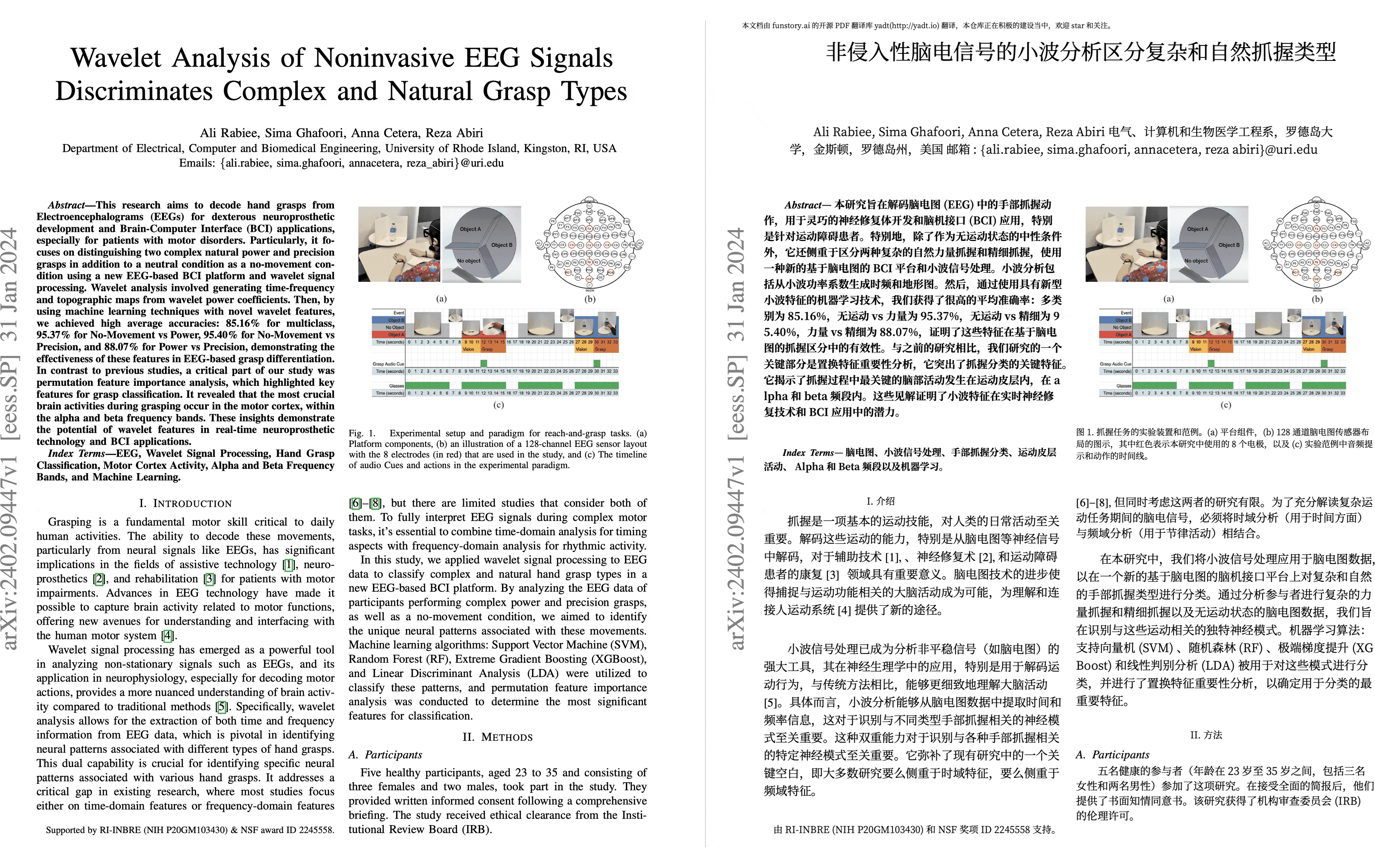
PDF scientific paper translation and bilingual comparison. Based on BabelDOC. Additionally, this project is also the official reference implementation for calling BabelDOC to perform PDF translation.
- 📊 Preserve formulas, charts, table of contents, and annotations (preview).
- 🌐 Support multiple languages, and diverse translation services.
- 🤖 Provides commandline tool, interactive user interface, and Docker
Warning
This project is provided "as is" under the AGPL v3 license, and no guarantees are provided for the quality and performance of the program. The entire risk of the program's quality and performance is borne by you. If the program is found to be defective, you will be responsible for all necessary service, repair, or correction costs.
Due to the maintainers' limited energy, we do not provide any form of usage assistance or problem-solving. Related issues will be closed directly! (Pull requests to improve project documentation are welcome; bugs or friendly issues that follow the issue template are not affected by this)
- Docker Recommand for Linux
- uv (a Python package manager) Recommand for macOS
For this fork, the primary build target is Debian/Ubuntu-like amd64 Linux.
git clone <your-fork-url>
cd PDFMathTranslate-Self
docker build -t pdfmathtranslate-self .
docker run --rm pdfmathtranslate-self pdf2zh --version
docker run --rm -p 7860:7860 pdfmathtranslate-self
Then open:
http://localhost:7860/
Install system dependencies:
sudo apt-get update
sudo apt-get install --no-install-recommends -y \
  python3 python3-venv python3-pip \
  build-essential \
  libgl1 libglib2.0-0 libxext6 libsm6 libxrender1
Create a local environment and install from this repository:
python3 -m pip install --user uv
uv venv
. .venv/bin/activate
uv pip install --no-cache -r pyproject.toml
uv pip install --no-cache .
babeldoc --warmup
pdf2zh --version
pdf2zh --gui- The first build can take a while because BabelDOC assets are warmed up during installation.
- The current Docker build needs outbound network access for Python packages and BabelDOC-related asset downloads.
- If you only need a quick smoke test after building, run
pdf2zh --versionbefore starting the WebUI.
- Using WebUI
- Using Zotero Plugin (Third party program)
- Using Commandline
For different use cases, we provide distinct methods to use our program. Check out this page for more information.
For detailed explanations, please refer to our document about Advanced Usage for a full list of each option.
- Python API, how to use the program in other Python programs
If you don't know what code to use to translate to the language you need, check out this documentation
-
Immersive Translation sponsors monthly Pro membership redemption codes for active contributors to this project, see details at: CONTRIBUTOR_REWARD.md
-
SiliconFlow provides a free translation service for this project, powered by large language models (LLMs).
-
1.x version: Byaidu/PDFMathTranslate
-
backend: BabelDOC
-
PDF Library: PyMuPDF
-
PDF Parsing: Pdfminer.six
-
PDF Preview: Gradio PDF
-
Layout Parsing: DocLayout-YOLO
-
PDF Standards: PDF Explained, PDF Cheat Sheets
-
Multilingual Font: see BabelDOC-Assets
-
Documentation i18n using Weblate
We welcome the active participation of contributors to make pdf2zh better. Before you are ready to submit your code, please refer to our Code of Conduct and Contribution Guide.