====================================================


A Free Cloud-based GPS Tracking Solution using CircuitDigest GeoLinker API for real-time location visualization, route mapping, and analytics. Perfect for IoT projects, asset tracking, vehicle monitoring, and location-based applications without backend complexity.
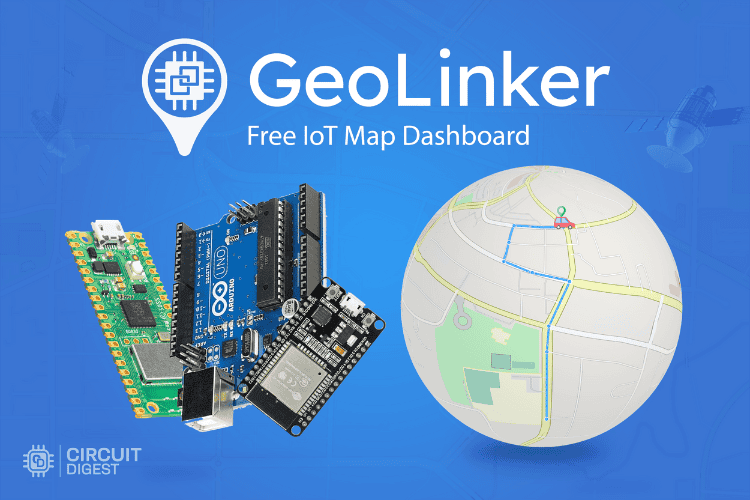
- Real-Time GPS Tracking - Live location plotting on interactive maps
- Automatic Route Tracing - Connected waypoints with travel path visualization
- Advanced Analytics - Distance traveled, average speed, and travel time statistics
- Multi-Device Support - Track multiple GPS units simultaneously
- Data History Logging - Timestamped coordinates with custom payload support
- Auto-Refreshing Dashboard - Uninterrupted monitoring with configurable refresh rates
- Professional UI - Map view + tabular data with sortable columns and filters
- Export Capabilities - Data export for reports and further analysis
- No Backend Required - Cloud API handles all data storage and visualization
Create free account at CircuitDigest Cloud:
# Step 1: Visit CircuitDigest.Cloud
# Step 2: Click "Login" → "Register Now"
# Step 3: Fill registration details
# Step 4: Verify email and loginGenerate your free API key:
# Step 1: Login to your account
# Step 2: Click "My Account"
# Step 3: Enter captcha and click "Generate API Key"
# Step 4: Copy API key to clipboard
# Note: 10,000 data points per key limitYou can run the provided Python code using any IDE of your choice, such as PyCharm or Python’s native IDLE. It can also be executed locally without issues. For quick tests, tools like Google Colab work just as well, I personally use it and recommend giving it a try.
Access your tracking dashboard:
- Login to CircuitDigest Cloud
- Click "GeoLinker" card on homepage
- Click "Track" button to open dashboard
- View real-time GPS plotting and analytics
- 📖 Complete Tutorial: GPS Visualizer for IoT-based GPS Tracking Projects
- 🛰️ GPS Trackers: ESP32 GPS Tracker Projects
- 📱 Vehicle Tracking: A9G GSM+GPS Tracker
- 🌐 IoT Projects: CircuitDigest IoT Collection
- ☁️ Cloud APIs: Other CircuitDigest Cloud Services
- Interactive Maps - Zoom, pan, satellite/terrain view
- Real-time Plotting - Live location updates
- Route Visualization - Connected waypoints with path tracing
- Multiple Trackers - Support for multiple devices
| Metric | Description |
|---|---|
| Total Distance | Calculated route distance |
| Travel Time | Total journey duration |
| Average Speed | Mean velocity over journey |
| Max Speed | Peak velocity recorded |
| Waypoints | Total GPS coordinates |
| Last Update | Most recent data timestamp |
- Sortable Columns - Timestamp, coordinates, battery, custom data
- Export Options - CSV, JSON data export
- Search/Filter - Find specific routes or time periods
- Delete Controls - Remove individual waypoints or entire devices
- Refresh Control - Configurable auto-refresh intervals
If you find this GPS tracking solution helpful:
- ⭐ Star this repository
- 🍴 Fork and contribute improvements
- 🐛 Report issues and bugs
- 📝 Share your tracking projects with us
- Documentation: Complete API reference and guides
- Community: CircuitDigest forums and discussions
- Support: Email support for technical issues
- Updates: Follow CircuitDigest for new features
Built with ❤️ by CircuitDigest Cloud
Simplifying IoT development with powerful cloud APIs
gps tracking iot esp32 gps tracker real-time location tracking gps visualizer iot gps projects location tracking api gps mapping vehicle tracking system asset tracking gps data visualization cloud gps tracking circuitdigest geolinker