This plugin can be used as a starting point to build your own plugins
- Download the template folder
- Paste the folder insite your plugins folder (Arc\plugins)
- After clearing the cache you should now see the new template plugin under Tools
- Duplicate the template-page folder and rename it, we are going to call my-new-plugin
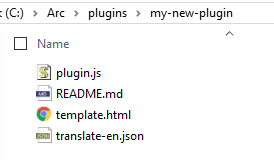
- Rename plugin ID arcTemplate to a new id for example myNewPlugin, it appears 3 times.
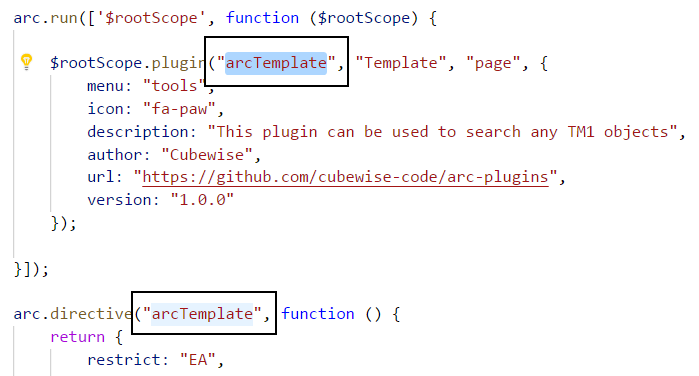
At the bottom, it is used to close the tab:
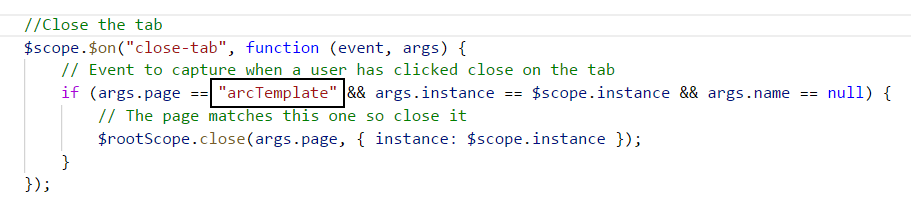
It is safer to replace all:

- Replace the folder name with the new name my-new-plugin
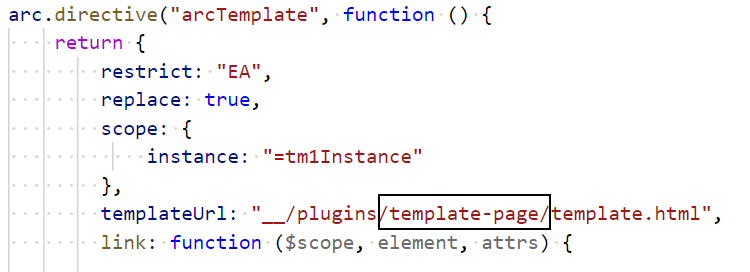
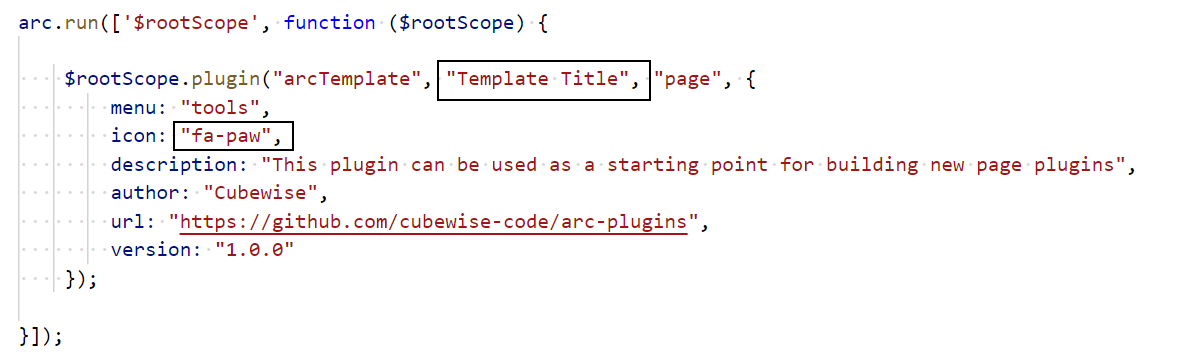
- Finally you just need to change the plugin name and icon which appear in the menu and the tab
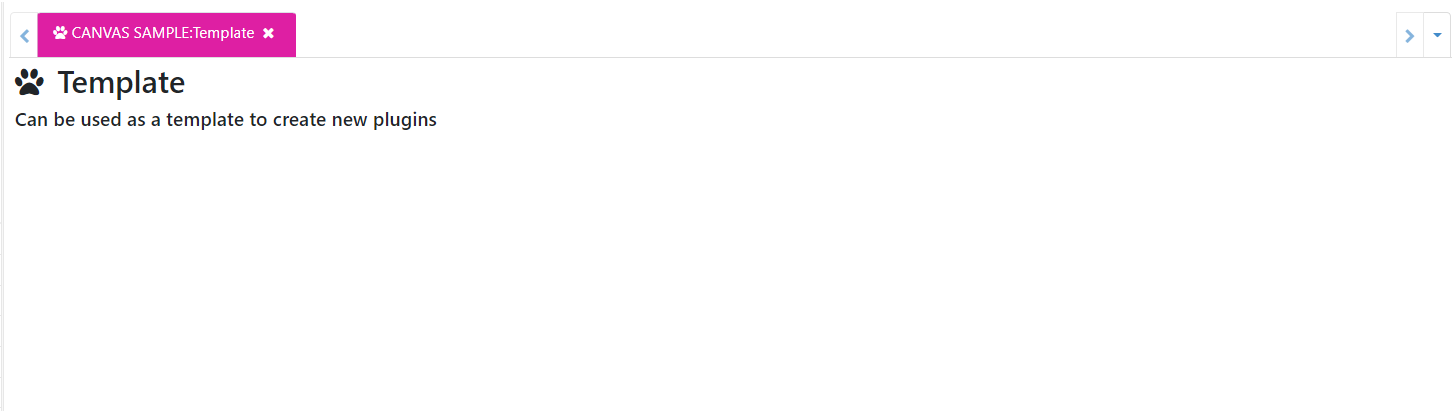
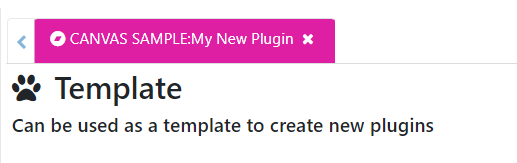
- Clear the cache and by clicking on your new plugin you should see the new tab:
Before going any further we recommend you reading these two Help articles:
More plugins help articles and examples can be found here.