Environments
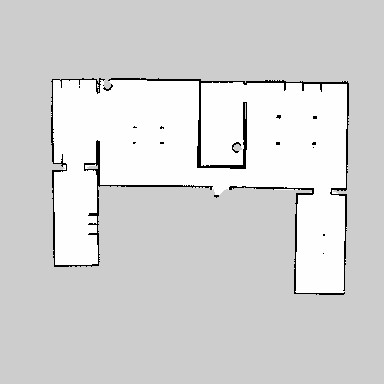
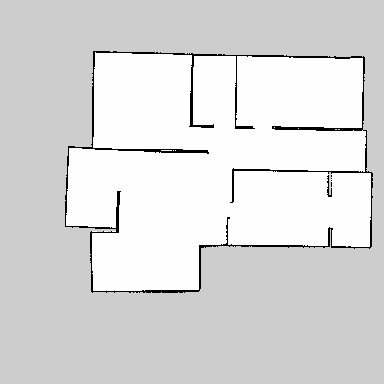
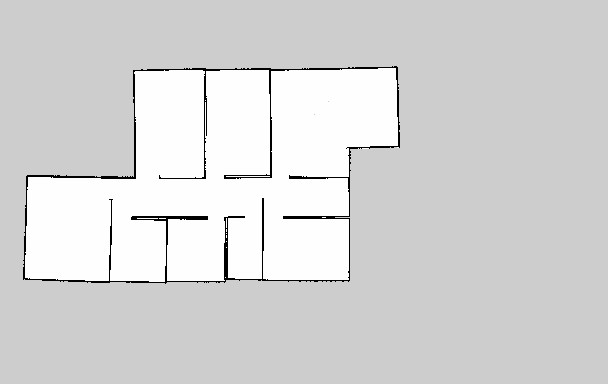
As of the first release of this package, three different environments have been provided.
All the files pertaining to an environment are contained under the folder envs/$(env_name)/.
- metric.pgm: the metric map of the environment
- metric.yaml: the yaml file of the metric map
- topomap.tpg: the topological representation of the metric map. To understand how to create topological maps, see the section creating a topological map of the wiki.
- visualiseimage.png: an image that shows both the metric map and the interest points defined. It is created after creating/editing the topological map of an environment.
- world.world: the .world file used by Gazebo to load the physics of the environment
- adjlist.txt: the adjacency list of the environment, representing a node and its neighbours. It is a necessary input for the topological planner
To add a new environment:
- create a subfolder under
envs/. The name of the subfolder will be the name of the environment that you'll have to use from now on. - In the subfolder, add
- a file named
metric.pgmthat represents the metric map of the environment (you can map a new environment using ROS package gmapping) - a file named
metric.yamlthat also comes after mapping the environment with gmapping - a file named
world.worldrequired by Gazebo. You can read more on how to create a world file for Gazebo based on themetric.pgmfile at this webpage
- a file named
-
Create a topological map of the environment. When finished, the topological map, the adjacency list and the
visualiseimage.pngwill be added underenvs/YOUR_ENV_NAME/. - You're now ready to use the environment in your experiments.
As previously said, an environment gets the name from the name of the subfolder of envs/. In the first release, these subfolders are house/, office/ and condo_floor/. To switch between environments, simply add an inline argument environment:=ENV_NAME to the shell command you're launching.
For example, roslaunch multirobot_interference start.launch environment:=office.
If no environment is provided, the default is house.