A retro-style pixelated exploration game inspired by the Backrooms lore.
Pixeled Backrooms is an open-world procedural horror/exploration project built around two powerful companion tools, an asset manager, game engine test bed (for players & development), a soon to be game engine, and an animation sequencer:
- PB (Pixeled Backrooms [Map Maker]): A full-featured graphical editor for precise, hand-crafted maps and narrative arcs. (Mostly Complete Testing Phase has begun)
- JAM (Justified Auto Mapper [World Generator]): A live procedural world generator that creates vast, interconnected map networks on the fly. (Still In-Progress)
- TOST (Tkinter Original Amalgamated System Terminal [Game Engine]): The future pixel based game engine, play the things you built or generate on the fly. (concept only thus far Early Development Phase has begun)
- ALT (Automated Loader Tester [Asset Manger]): The asset manager for TOAST & bSIM (Toast Boss Simulator & Game Engine Development testing bed). Helps show your assets & files for the Pixeled Backrooms system wihtout showing all your computer's systems. Makes finding misstakes and files easy within the system directory.
- BSIM (Boss Simulator [Player & Development Test-Bed]): The official testing program for both players to learn how TOAST game engine works and reacts while also allowing development for the game engine and file intergrations to be tested in a live enviroment.
- GRILLS (General Real-time Integration Lateral Limited Sequencer [Animation Sequencer]): A real-time animation sequencer and benchmark tool for creating, editing, and optimizing GIF animations and PNG sequences. Designed for campaign builders to prototype custom animations for integration with TOAST and other tools. (Active Development)
Together they allow creators to design detailed levels manually while rapidly prototyping and expanding entire worlds procedurally, test in a live environment, and create dynamic animations for enhanced gameplay.
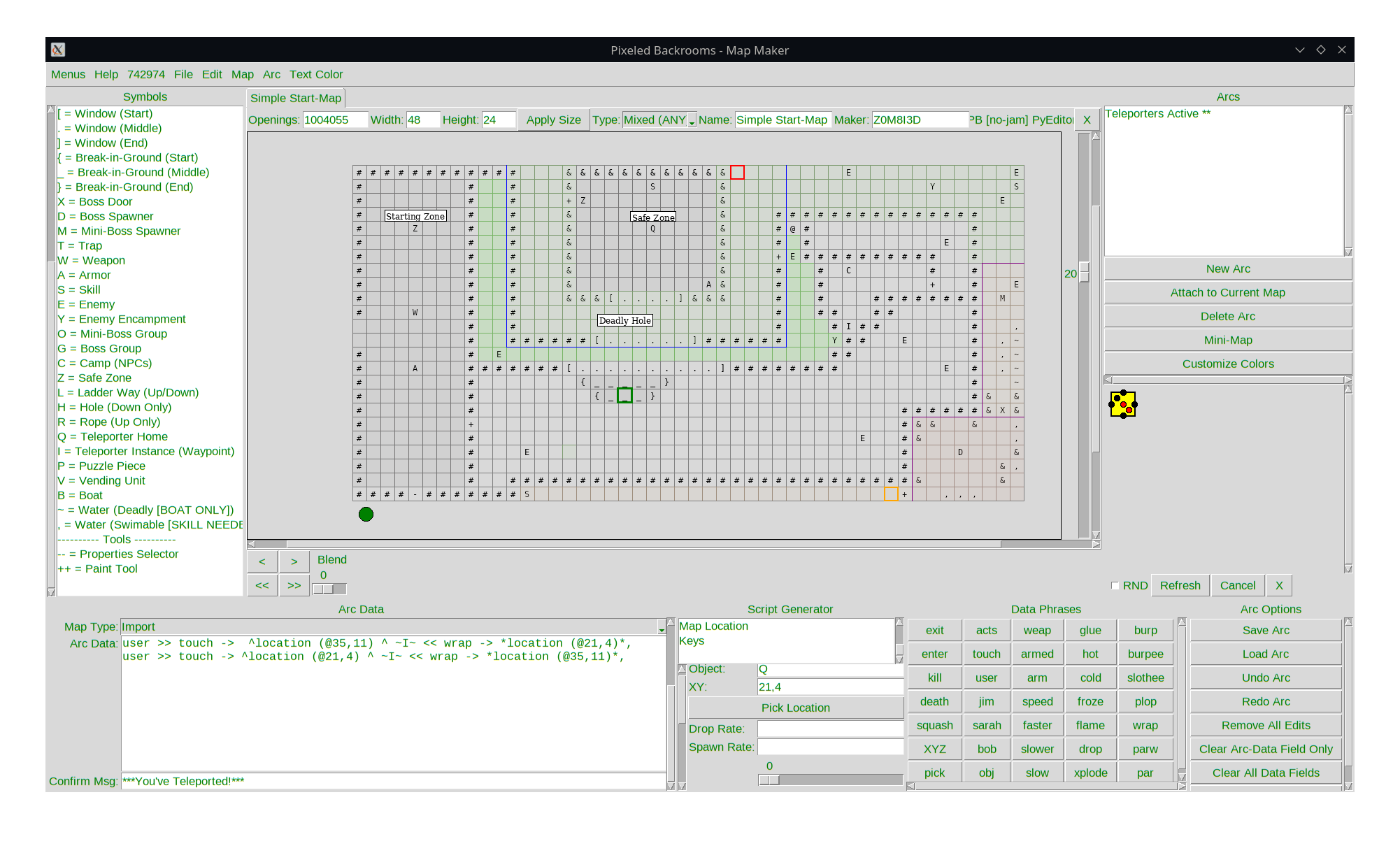
- Grid-based canvas (up to 1080×1080 cells) with zoom, pan, and multi-select
- Rich symbol system (walls, doors, enemies, objects, water, etc.)
- Per-cell properties: name, color, texture, height, depth, value, 3D, range, earmarks, title cards
- New in latest update:
- Multiple view modes: Side (Z=Z), Isometric (Y=Z), Helicopter (XY=Z), Top-down (XYZ=Z)
- Enhanced height-difference visualization using flood-fill for cleaner borders
- Improved map blending with automatic pin-based alignment
- Paint tool for background tints with named color storage
- Performance optimizations (image caching)
- Arc Builder with scripting phrases, AI sequences, and map attachment
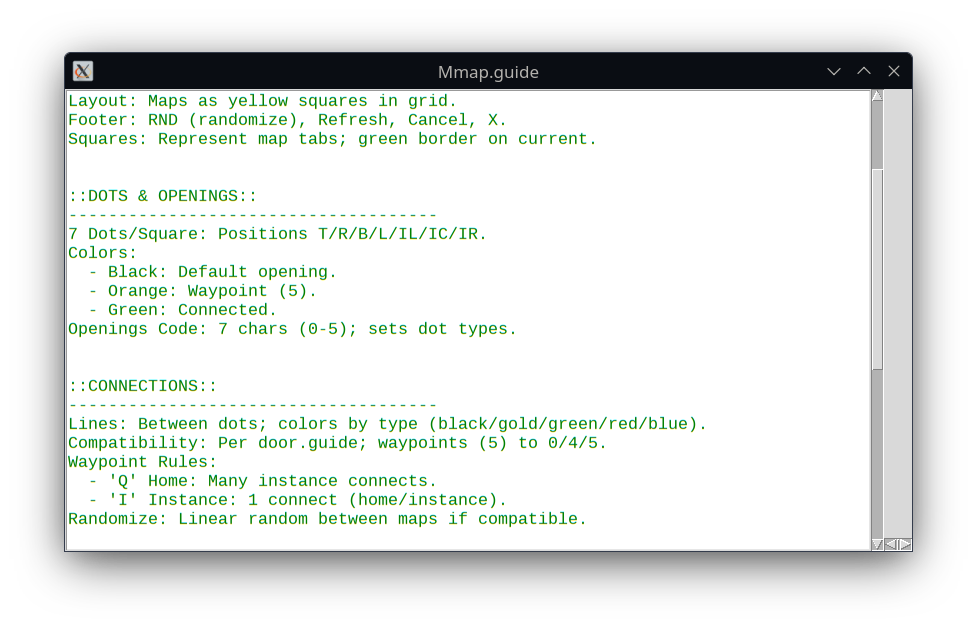
- Mini-map connectivity editor (7 opening slots, compatibility rules)
- Export: PNG, separated .txt, full dictionary ZIP, CSV
- Seed-based world generation
- Dynamic map expansion and connectivity
- Live canvas with panning/zooming
- Integration with PB maps and arcs
- Export generated worlds for use in the game engine
- Dual-panel interface for GIF (left) and PNG sequences (right)
- Real-time playback with speed control (0.01-13.0), reverse, overlap, and loops
- Layering in Robin Mode with gaps, alignments (Center/Bottom/Top/Right/Left), and extra layers
- Blending options: opacity (0-1), scale (0.01-4x), offsets, rotation, locking
- Adjustments: color boosts, hue (brightness/temp/tint), saturation (tints, reductions, concentration)
- Benchmarking: FPS, render time, memory usage (PIL/resized), CPU/RAM to ensure TOAST compatibility
- Export as GIF (with durations/loops) or PNG sequences to
Sprites/animations/ - Integration with TOAST for testing animations in the game engine
- Follows C.L.E.R.E. workflow: Craft PNG layers, Load into GRILLS, Export as GIF, Reload and refine, Export final
- Persistent user data and themes
- Comprehensive in-app help system
- Robust undo/redo, copy/paste, and safety checks
- Clone the repository
git clone https://github.com/DigiMancer3D/Pixeled-Backrooms.git apt install python3 apt install python3-tk cd Pixeled-Backrooms - Install Dependencies
pip install numpy pillow networkx
- PB Map Maker: python PB.py
- JAM World Mapper: python JAM.D.1b.py
- GRILLS Animation Sequencer: python GRILLS/GRILLS.py
- Using PB Map Maker
- Create or load a map
- Use the symbol list to place objects
- Edit properties in the right drawer
- Build narrative arcs in the bottom panel
- Connect maps using the Mini-Map tool
- Export as PNG or dictionary for JAM/engine use
- Generate a new world or load existing maps
- Adjust parameters and expand the world
- Export the generated structure back to PB format
- Load GIF on left or PNG sequence on right
- Edit playback: speed, reverse, overlap, loops
- Use Robin Mode for layering with gaps and alignments
- Adjust blending: opacity, scale, offsets, rotation
- Apply color/hue/saturation changes
- Benchmark performance for TOAST integration
- Export as GIF or PNG sequence
- map.help Map editing basics
- arc.help / arc.guide Arc scripting and narrative
- door.guide Openings and connectivity
- Mmap.guide Mini-map and connections
- Symbol, phrase, and data lists (full and quick-reference versions)
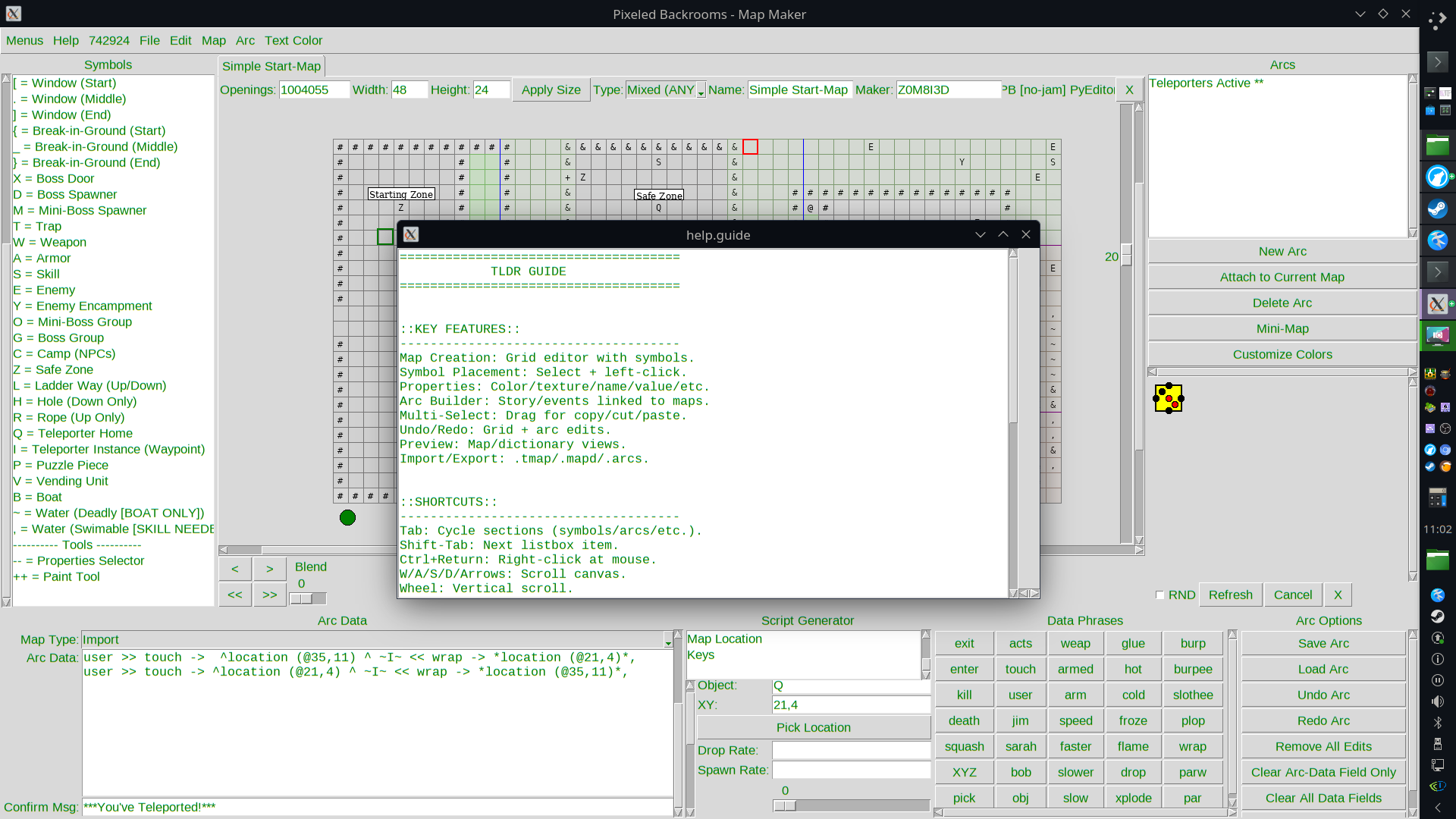
Arc Builder --add these screenshots-- Blending Example --add these screenshots--
JAM Main Interface --add these screenshots-- Generated World --add these screenshots--
GRILLS Main Interface --add these screenshots-- Animation Benchmark Example --add these screenshots-- Layered Animation Preview --add these screenshots--
- Design & Development: 3Douglas @DigiMancer3D aka @Z0M8I3D
- VibeCodeD assistance from @Grok and xAI
This project is open-source. See LICENSE for details (or contact the author for specific usage rights).
