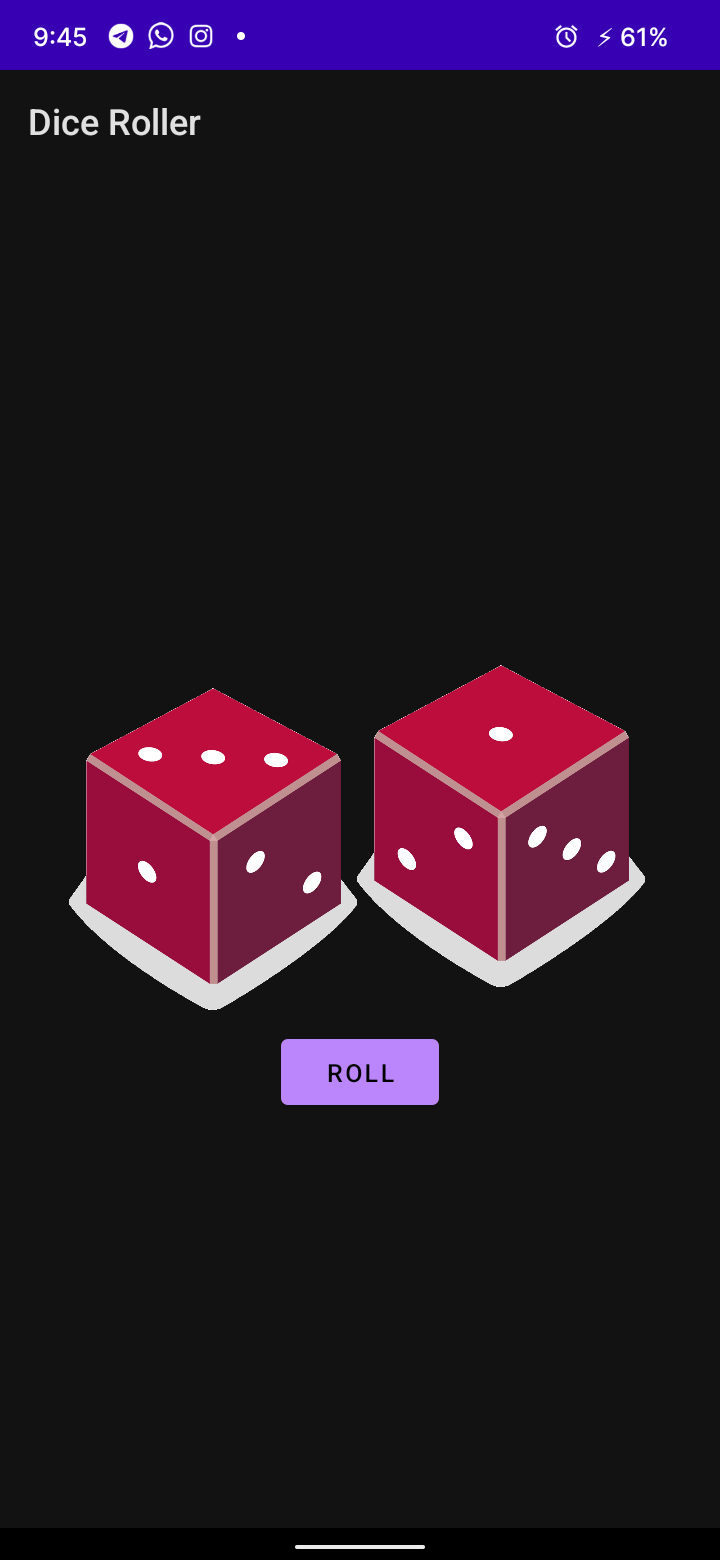
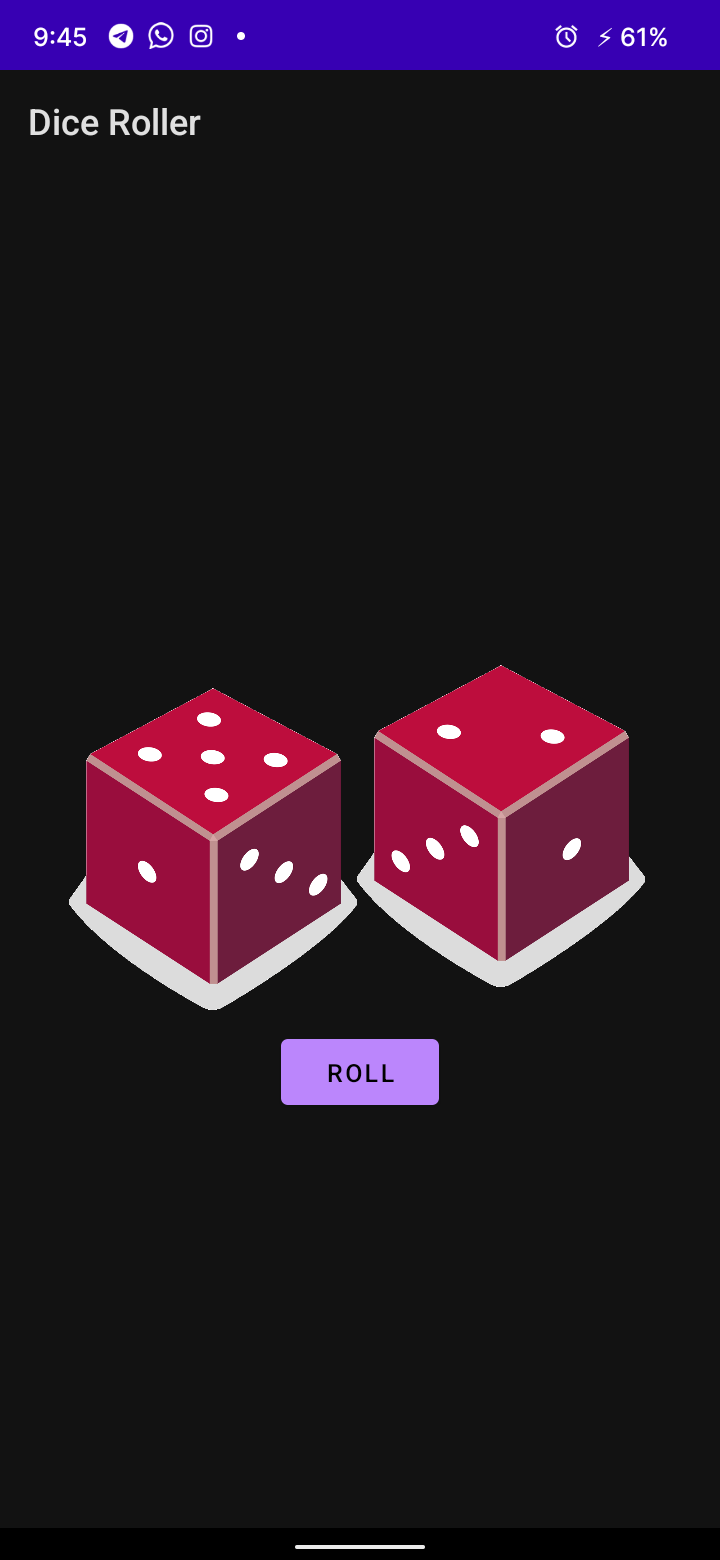
Code for the Android Basics in Kotlin: Create a Dice Roller app codelab.
In this codelab, you will create a Dice Roller Android app where users can click a Button in the app to roll a dice. The outcome of the roll will be shown in a TextView on the screen.
You will use the *Layout Editor in Android Studio to build your app layout, and then write Kotlin code for what happens when the Button is clicked.
- How to create and run a "Hello, World!" app in Android Studio.
- Familiar with using
TextViewsin an app. - How to modify the attributes of a
TextViewin the Layout Editor. - How to extract text into a string resource to make it easier to translate your app and reuse strings.
- Kotlin programming basics
- How to add a
Buttonto an Android app. - How to add behavior for when a
Buttonis tapped in the app. - How to open and modify the
Activitycode of an app. - How to display a
Toastmessage. - How to update the contents of a
TextViewwhile the app is running.
A Dice Roller Android app that has a Button to roll a dice and updates the text on the screen with the result of the roll.
A computer with Android Studio installed.
Here is what the app will look like when you have completed this codelab.