




Drop this into your GitHub profile README and stop being boring.



Transform your GitHub contribution history into a cinematic 3D monolith.
|
|
|
|
<!-- Strict mode — streak resets on any single missed day -->

<!-- Default — one day grace period (current behavior) -->

<!-- Lenient — forgives up to 2 consecutive missed days -->
| Theme | Preview | bg |
accent |
text |
|---|---|---|---|---|
auto |
System light / dark | adapts | adapts | adapts |
dark (default) |
GitHub dark | 0d1117 |
58a6ff |
c9d1d9 |
neon |
Cyberpunk | 000000 |
ff00ff |
00ffcc |
dracula |
Dracula Pro | 282a36 |
bd93f9 |
f8f8f2 |
github |
GitHub green | 0d1117 |
39d353 |
ffffff |
light |
Clean & minimal | ffffff |
0969da |
24292f |
gruvbox |
Retro warm dark | 282828 |
fe8019 |
ebdbb2 |
random |
Surprise theme on reload | varies | varies | varies |
highcontrast |
Accessibility high contrast | 0a0a0a |
ff4500 |
ffffff |
cyber-pulse |
AMOLED true-black & cyan | 000000 |
00ffee |
ffffff |
obsidian |
Deep charcoal & amber gold | 1a1a2e |
f59e0b |
e2e8f0 |
glacier |
Icy sky blue & cyan | e0f2fe |
06b6d4 |
0369a1 |
lumos |
Void black & mint gold | 0a0a0a |
fbbf24 |
a7f3d0 |
tokyo_night |
Deep navy & soft pastel blue | 1a1b26 |
7aa2f7 |
c0caf5 |
autouses CSS@media (prefers-color-scheme)inside the SVG so the badge switches between thelightanddarkpalettes based on the viewer's OS setting — no JavaScript required. This is ideal for GitHub profile READMEs where visitors may use either mode.
Explore some of the built-in CommitPulse themes and quickly copy the style you like.
| Theme | Usage Example |
|---|---|
| Dark | ?theme=dark |
| Neon | ?theme=neon |
| Dracula | ?theme=dracula |
| Gruvbox | ?theme=gruvbox |
| GitHub | ?theme=github |
<!-- Auto theme — adapts to the viewer's light/dark system preference -->
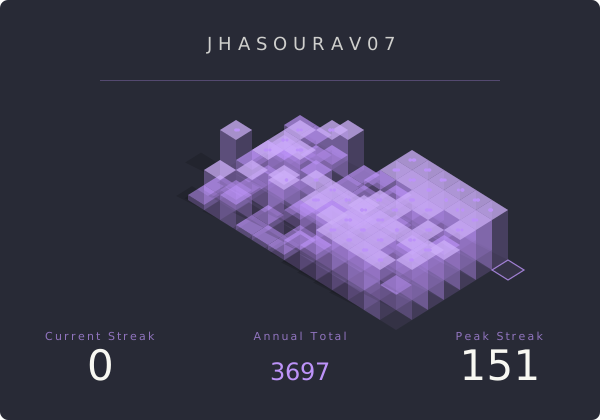
<!-- The Dracula aesthetic -->
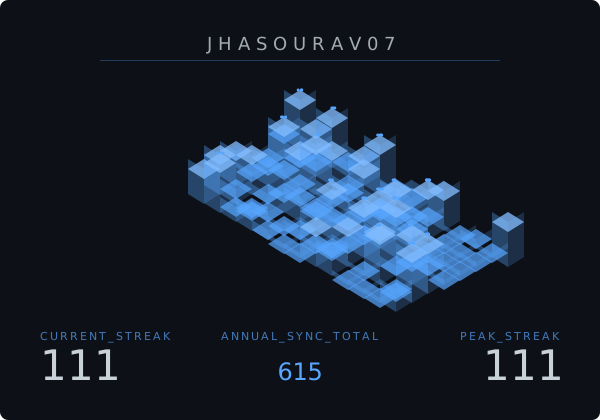
<!-- Dynamic Google Fonts — Space-age look with Orbitron -->
<!-- Fully custom — hot orange on void black -->

<!-- Force bypass cache for latest data -->
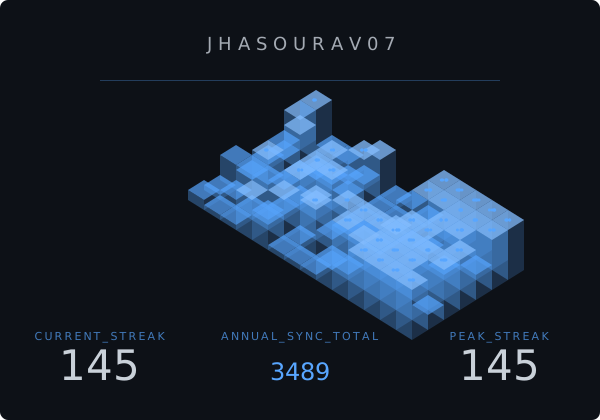
<!-- Fast scan + logarithmic scaling for power users -->
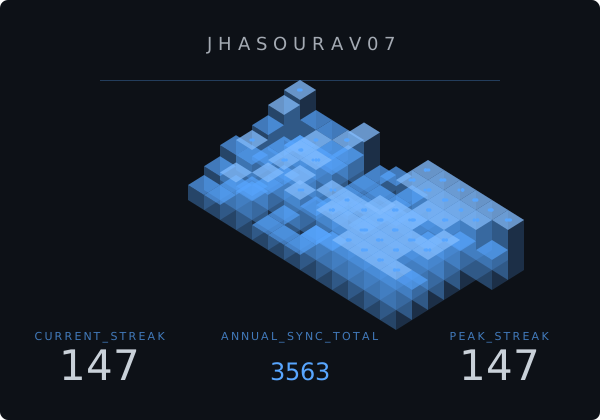
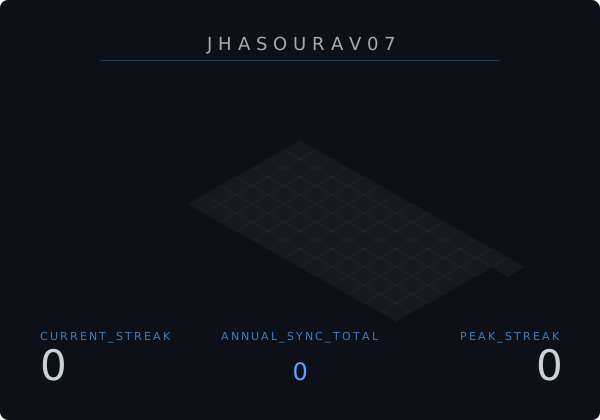
<!-- View contributions for a specific past year -->
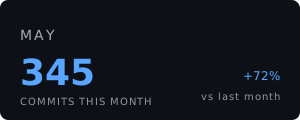
<!-- Compact Monthly Stats View -->
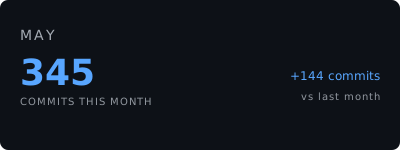
<!-- Monthly View with Absolute Delta and Custom Dimensions -->
<!-- Hide GitHub username/title -->
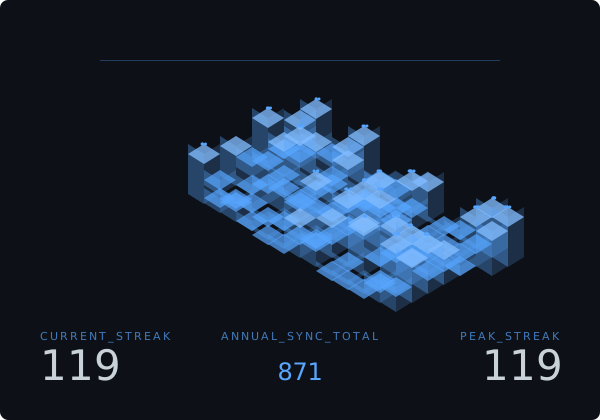
<!-- Hide bottom statistics row -->

<!-- Use local timezone instead of UTC -->
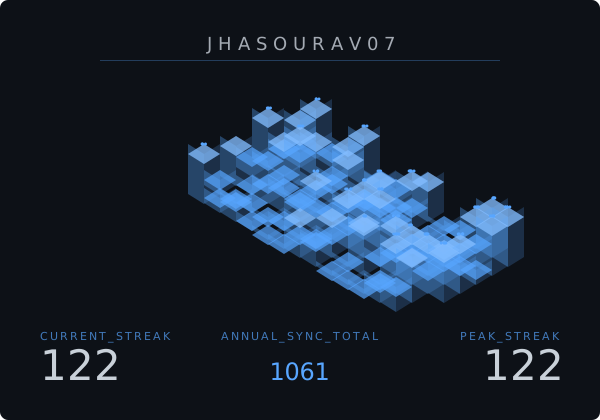
<!-- Strict streak — resets on any single missed day -->
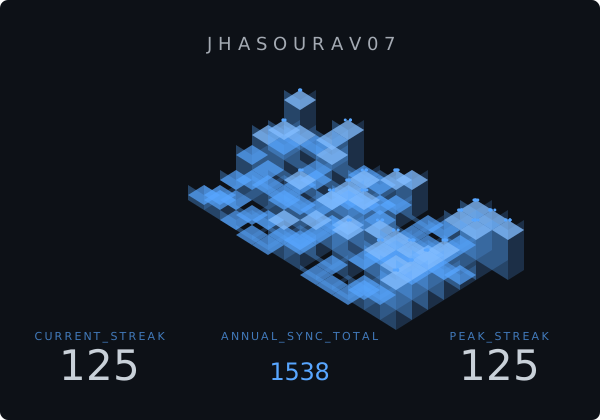
<!-- Lenient streak — forgives up to 2 missed days -->
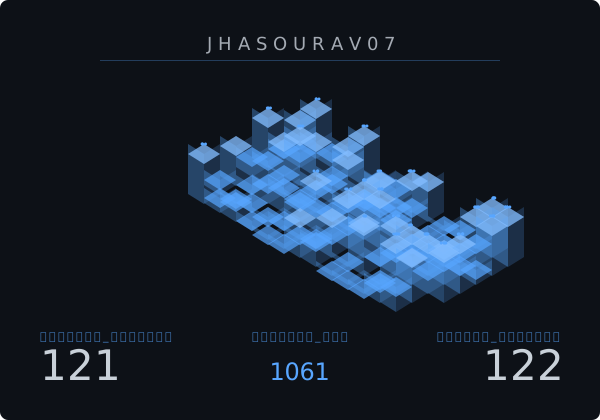
<!-- Render labels in Hindi -->
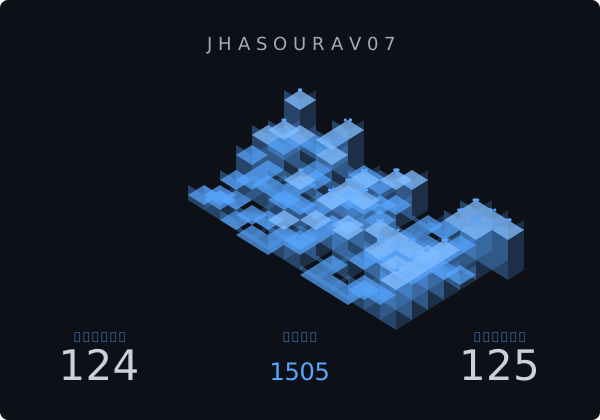
<!-- Render labels in Simplified Chinese -->
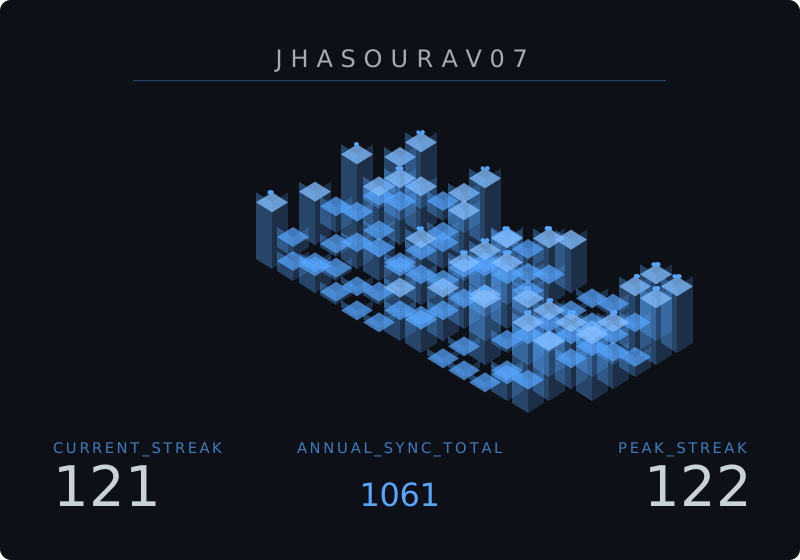
<!-- Large badge size -->
<!-- Side-by-side versus comparison -->

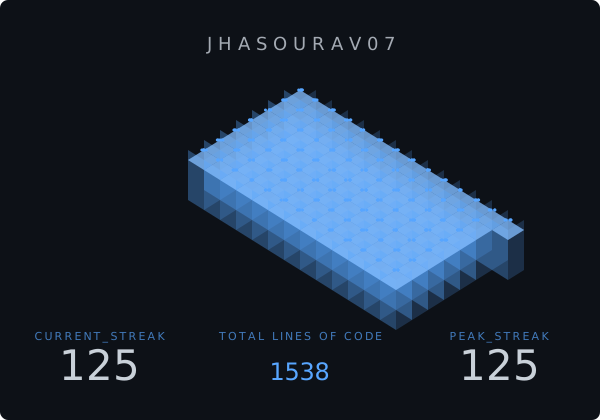
<!-- Lines of Code landscape mode -->
<!-- Gradient + shading for extra depth -->
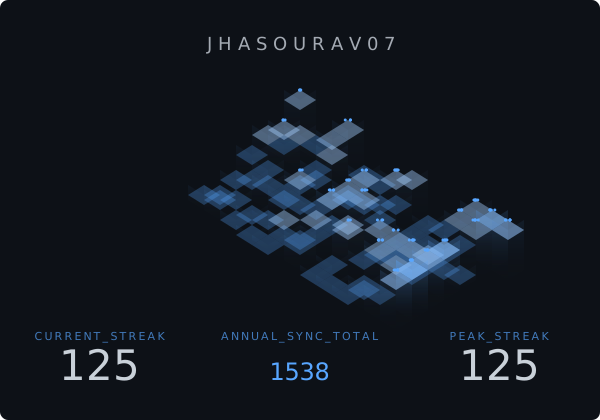
<!-- Semi-transparent ghost city look -->
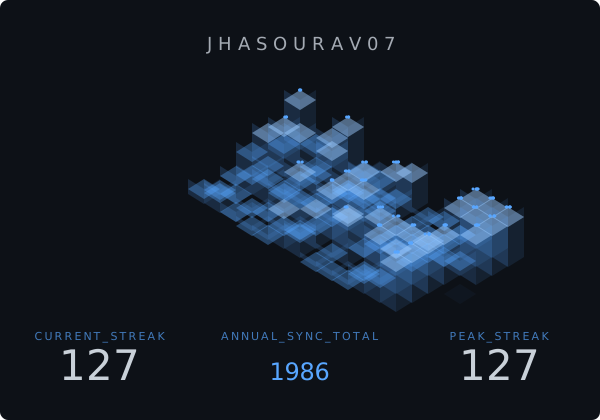
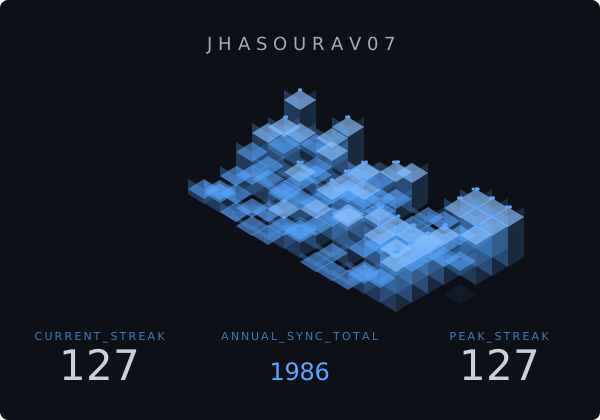
<!-- Slightly faded — perfect for light background embeds -->
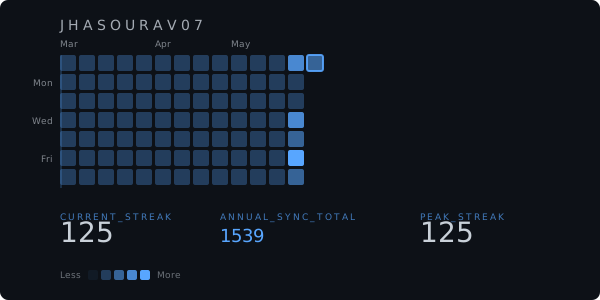
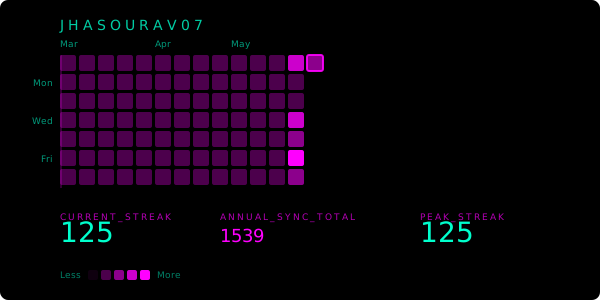
<!-- GitHub-style Heatmap View -->
<!-- Heatmap with Neon theme -->
GitHub's contribution graph can return different totals depending on when and how you query it. We solved this at the infrastructure level.
The GitHub GraphQL API calculates totalContributions and daily contribution windows using UTC-based ISO 8601 timestamps. A naive implementation that queries at any arbitrary time — without anchoring to UTC midnight boundaries — will produce counts that are inconsistent between requests. This is the root cause of the classic "my card shows 378 but GitHub shows 385" discrepancy.
CommitPulse uses a two-part fix:
1. Cache invalidation anchored to UTC midnight (utils/time.ts)
export function getSecondsUntilUTCMidnight(): number {
  const now = new Date();
  const midnight = new Date(
    Date.UTC(now.getUTCFullYear(), now.getUTCMonth(), now.getUTCDate() + 1, 0, 0, 0)
  );
  return Math.floor((midnight.getTime() - now.getTime()) / 1000);
}
The CDN cache TTL is set to expire at exactly the next UTC midnight, not at some fixed-interval offset. This guarantees that when GitHub's contribution window rolls over, our cache does too — simultaneously.
2. No internal fetch caching (lib/github.ts)
const res = await fetch(GITHUB_API_URL, {
  cache: 'no-store', // Bypass Next.js's internal fetch cache
});
Caching is handled entirely at the HTTP response layer (Cache-Control: s-maxage), giving us surgical control over what gets cached and for how long — without stale data poisoning the GraphQL response.
Result: CommitPulse's contribution counts are always in sync with GitHub's actual UTC day boundaries.
app/api/streak/route.ts       →  Next.js 16 Edge-compatible API Route
app/api/track-user/route.ts   →  User tracking API — records GitHub usernames to MongoDB
lib/github.ts                 →  GitHub GraphQL API client
lib/calculate.ts              →  Streak algorithm (current + longest + grace period)
lib/mongodb.ts                →  Cached MongoDB connection utility (serverless-safe)
lib/svg/generator.ts          →  3D Isometric SVG renderer + CSS animations
lib/svg/themes.ts             →  Prebuilt theme palette system
models/User.ts                →  Mongoose User schema
utils/time.ts                 →  UTC midnight synchronization utilities
types/index.ts                →  TypeScript interfaces (StreakStats, BadgeParams, BadgeTheme)
| Layer | Technology | Purpose |
|---|---|---|
| Framework | Next.js 16 (App Router) | API routes, edge deployment |
| Language | TypeScript 5 | Type-safe parameters and interfaces |
| Data Source | GitHub GraphQL API v4 | contributionsCollection query |
| Database | MongoDB + Mongoose | Tracks GitHub usernames of users who generate a monolith |
| Rendering | Pure SVG + SVG Filters | <feGaussianBlur> for the glow effect |
| Animation | SVG <animate> |
Radar scan line + current-day block pulsing, no external libraries |
| Typography | Google Fonts (Syncopate + Space Grotesk) | Loaded inline via @import |
| Deployment | Vercel Edge Network | Auto-scaling, global CDN |
| Caching | Cache-Control: s-maxage |
UTC-midnight-synced cache invalidation |
🏗️ Architecture Diagram
GitHub GraphQL API
↓
Contribution Processing
↓
Streak Calculation Engine
↓
SVG Geometry Renderer
↓
Animation Layer
↓
Edge Cache/CDN
↓
Generated SVG Badge

To keep this guide concise and easy to read, we have modularized our technical documentation. Click any of the links below to access detailed guides and resources:
- 🎨 Customization Guide & Parameters: Explore the list of over 30 URL parameters including
theme,radius,grace,tz,entrance,versus, and layout dimensions to style your monolith. - 🏛️ Architecture & Design Philosophy: Read about why we built isometric 3D monolith landscapes instead of flat meters, and check out our Next.js 16 Edge computing pipeline.
- 🚀 Self-Hosting & Deployment: Step-by-step instructions to clone, configure
.env.localwith GitHub Personal Access Tokens (PAT), set up MongoDB tracking, and deploy to Vercel with one click. - 🤖 Automated Contributor Workflow: Overview of GSSoC contribution automation, self-claiming comments
/claim, anti-hoarding rules, stale unassign scripts, and Gemini AI-powered semantic issue duplication check. - 🎯 Real-Time Accuracy & Caching: Deep dive into the "off-by-N contributions" problem and how CommitPulse solves it with UTC midnight CDN expiration and no-store GraphQL fetches.
- ❓ FAQ & Troubleshooting: Answers to common questions regarding timezone overrides, private contribution visibility, GitHub API rate limits, and troubleshooting.
CommitPulse is an open project built for the Web3 and open-source community. Whether you want to design a new theme, refine the isometric geometry, or improve timezone edge cases — you are welcome here.
Read the full guide: CONTRIBUTING.md
MIT © Sourav Jha
- Sourav Jha (@jhasourav07) - LinkedIn
- Aamod Kumar (@Aamod007) - LinkedIn
For details on the project leads and roles, please see MAINTAINER.md.
Browse theme previews here: Theme Gallery
Built with obsession, shipped with precision.
⭐ If CommitPulse made your profile look elite, drop a star. ⭐
Thanks to all contributors who have helped make CommitPulse better!
View the full contributor list →