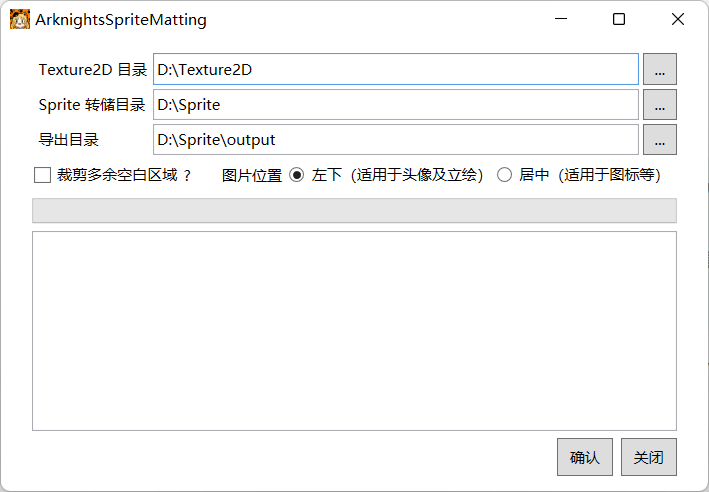
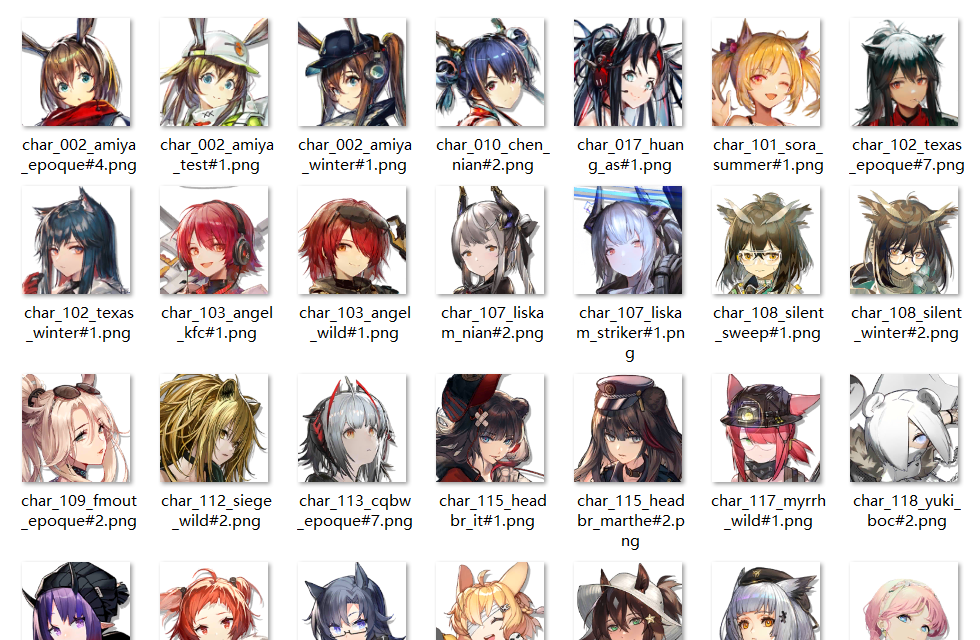
Auto process matting of sprite assets from Arknights such as avatars and portraits.
自动抠图处理明日方舟中诸如头像和立绘的 Sprite 素材。
-
Export all
Texture2Dfiles with AssetStudio.使用 AssetStudio 导出所有的
Texture2D文件。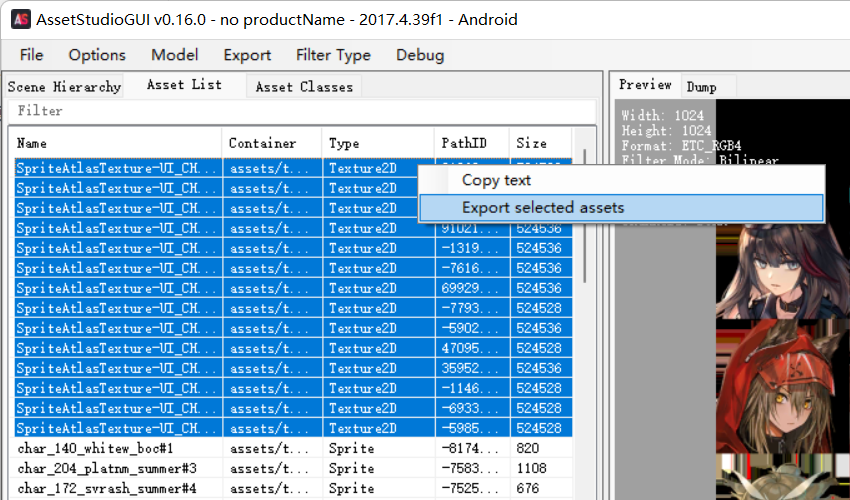
-
Rename the exported
Texture2Dfiles to the correspondingPathID.将导出的
Texture2D文件重命名为其对应的PathID。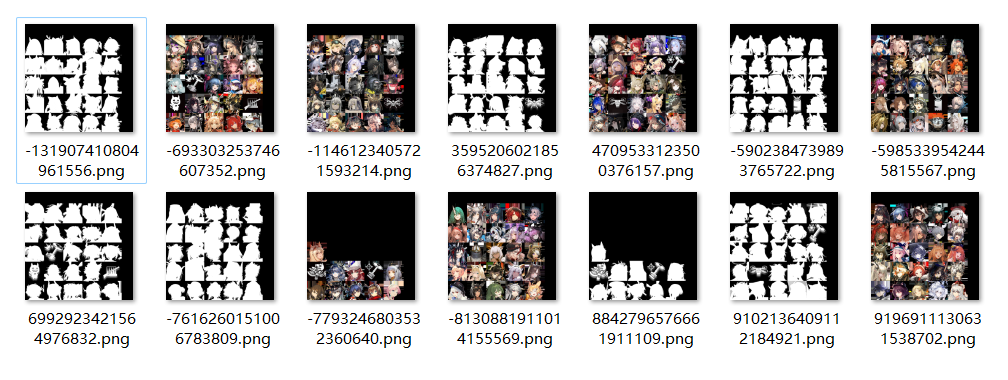
Hint: In AssetStudio, you can copy the
PathIDof a file by selecting the file and right-click on itsPathID.提示:在 AssetStudio 中,选中一个文件并在其
PathID上右键即可复制其PathID。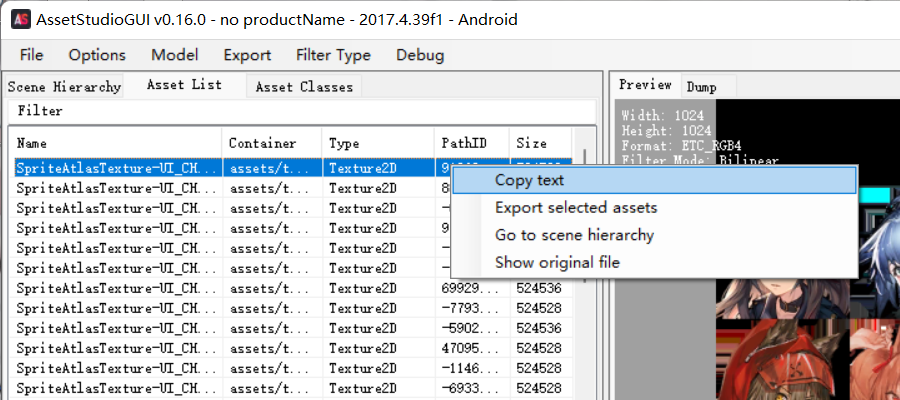
-
Select the
Spritefiles you want in AssetStudio and export toDumpfiles with the Menu ItemExport->Dump->Selected assets.在 AssetStudio 中选中你需要的
Sprite文件并在菜单栏中选择Export->Dump->Selected assets来导出转储文件。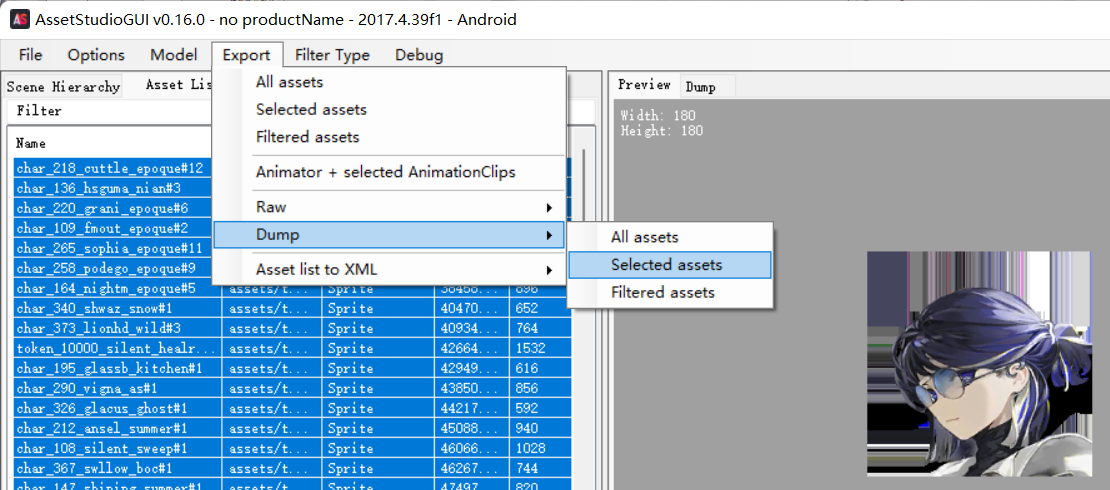
-
Run the
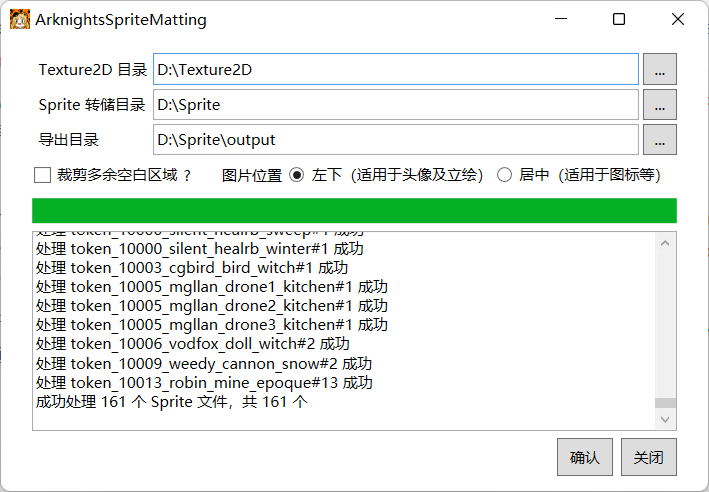
executablefile downloaded from Releases. After selectingTexture2D Directory,Sprite Dump Directory,Output Directoryand several configuration items, click theConfirmbutton and wait for the processing to complete.运行从 Releases 中下载的
可执行文件。选择Texture2D 目录、Sprite 转储目录、导出目录以及几个配置项后,点击确认按钮等待处理完成。