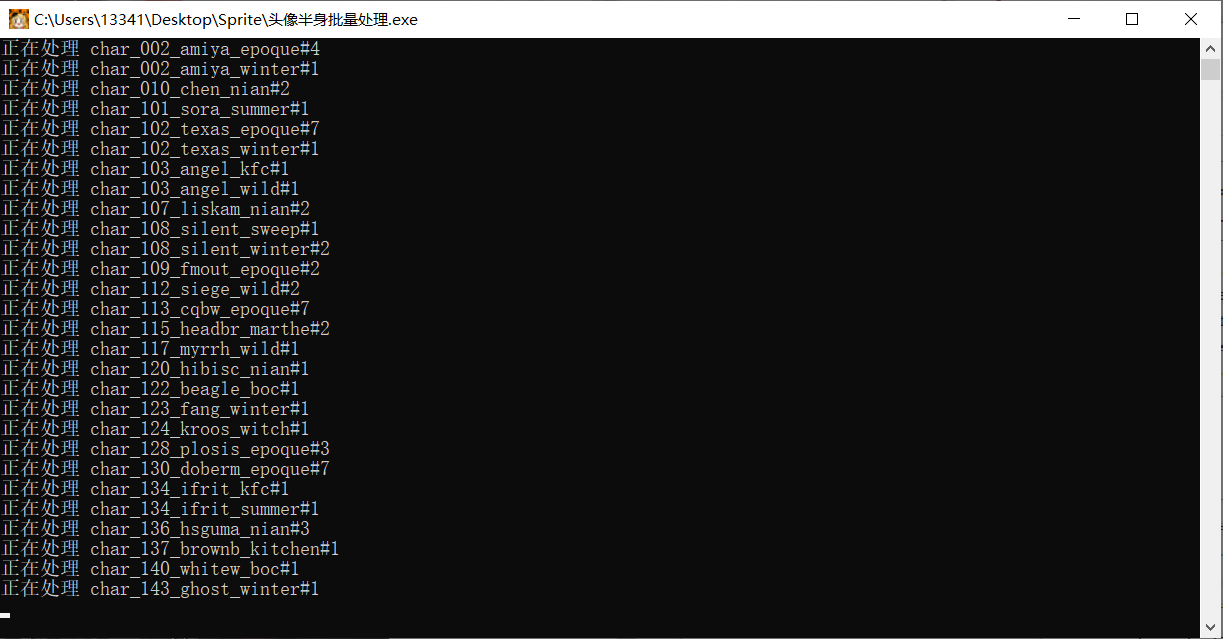
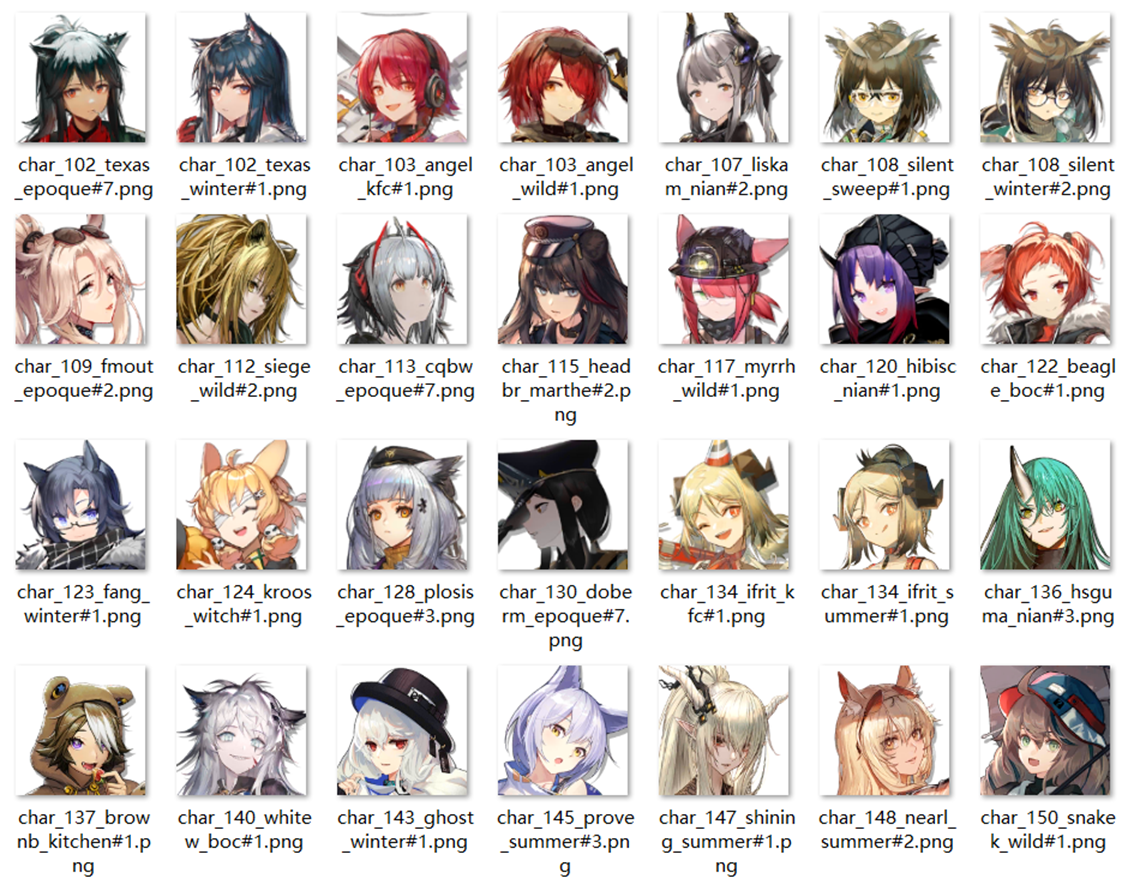
Auto process matting of texture assets from Arknights such as avatars and portraits.
- Export all
Texture2Dfiles with AssetStudio.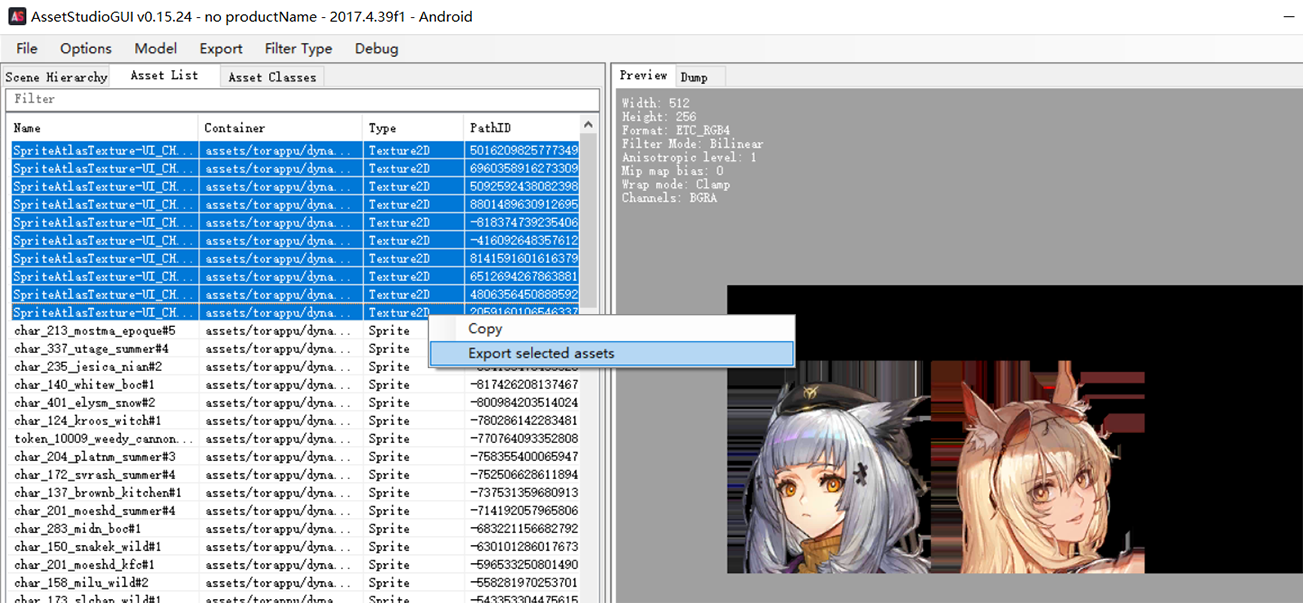
- Rename the exported
Texture2Dfiles to the correspondingPathID.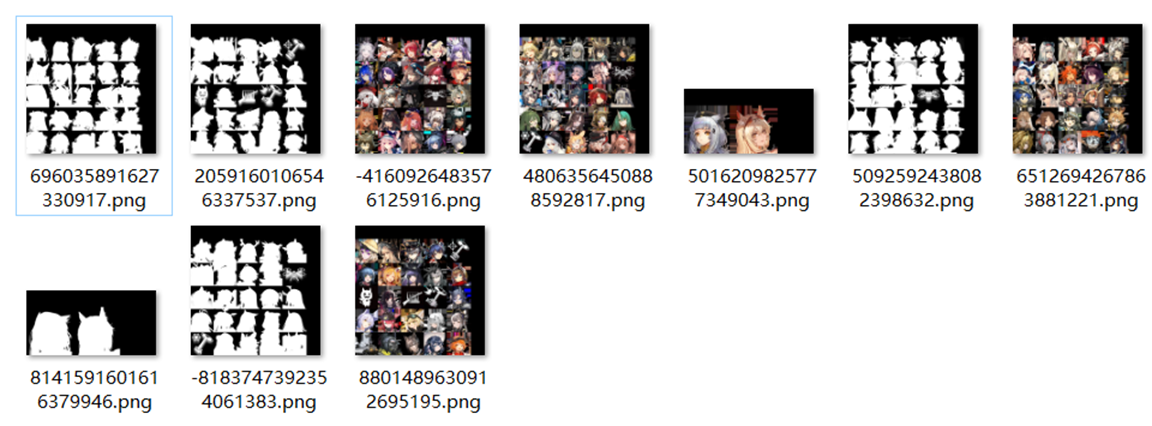
Hint: In AssetStudio, you can copy the
PathIDof a file by selecting the file and right-click on itsPathID.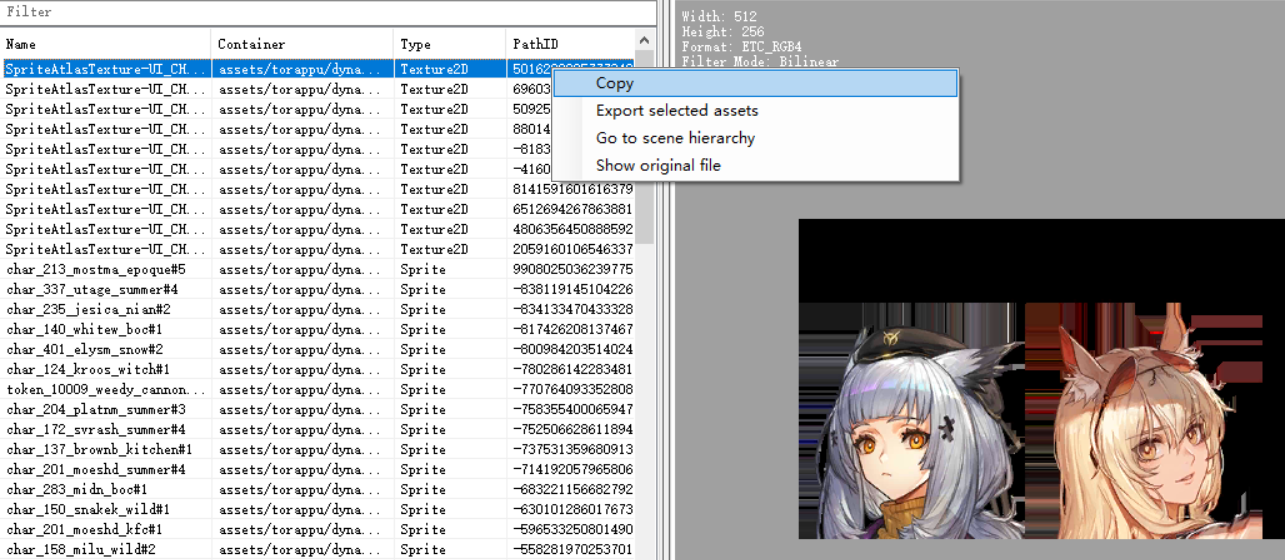
- Select the
Spritefiles you want in AssetStudio and export toDumpfiles with the Menu ItemExport->Dump->Selected assets.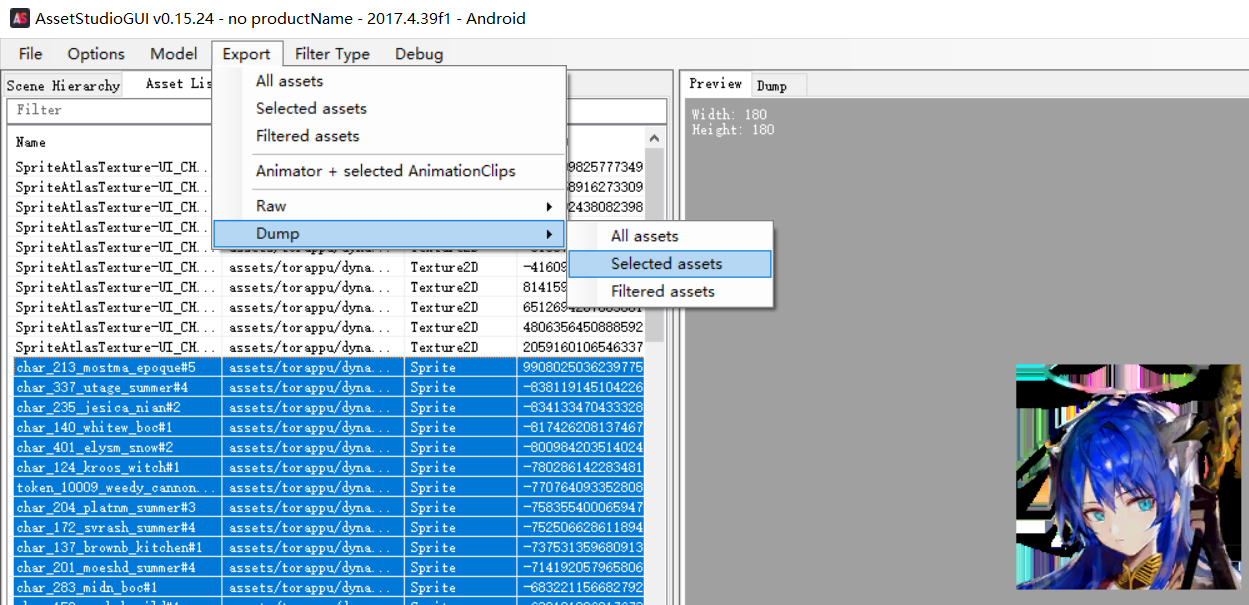
- Make sure to put the
executablefile downloaded from Releases, theTexture2Dfiles, and theDumpSpritefiles in the same directory.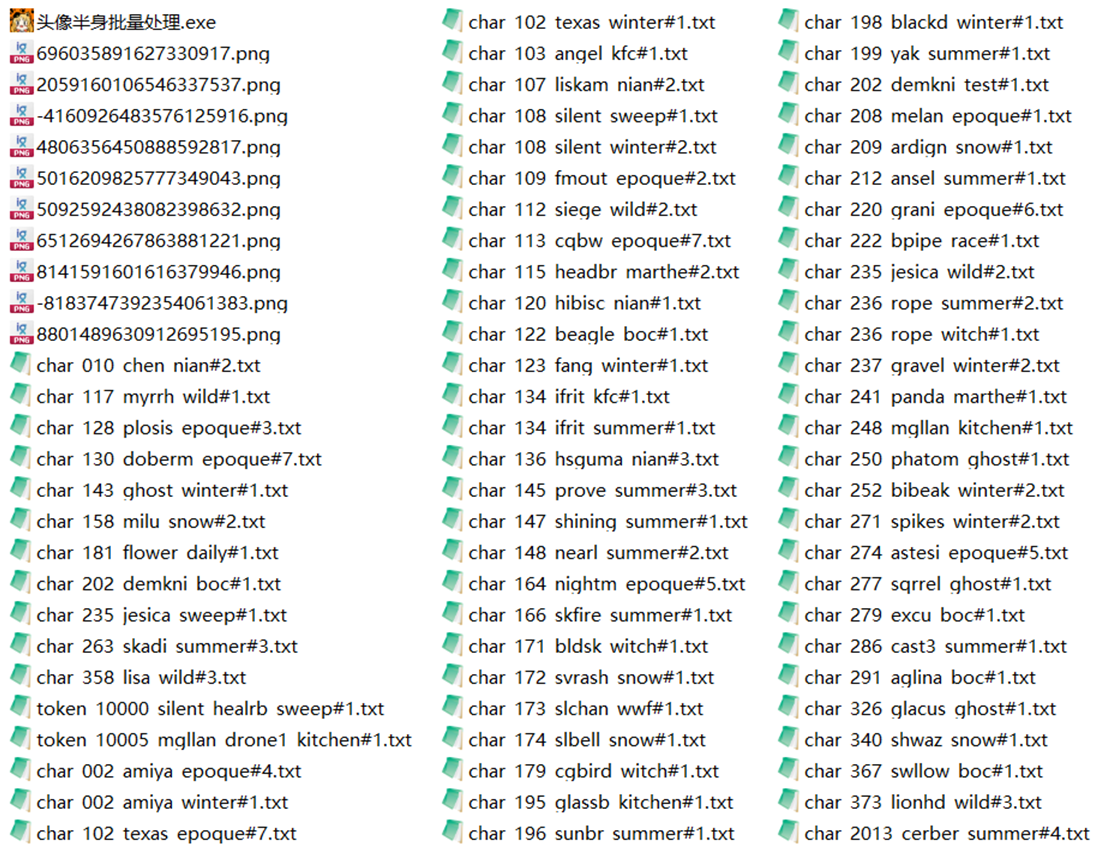
- Run the
executablefile and wait for the processing to complete.