AppleContainerGUI is a native macOS SwiftUI front-end for the container CLI (Apple Container). It provides an organized, visual way to manage containers, images, volumes, networks, snapshots and logs.
Version 1.0 – developed by Kevin Tobler 🌐 www.kevintobler.ch
It wraps common container workflows in a single window: start/stop the container system, inspect resources, run images, adjust resources, and review command logs without jumping between Terminal sessions.
- 1.0
- 🧭 Initial release of AppleContainerGUI
- 🖥️ SwiftUI-based macOS interface
- 🧰 Integrated Homebrew install flow for Apple Container CLI
▶️ Start/stop Apple Container system services- 📦 Manage containers (refresh, start/stop, delete, inspect)
- 🧠 Edit container resources (CPU, memory)
- 🧰 Update container images and open related folders
- 🧱 Manage images (refresh, delete, run, inspect)
- 📂 Manage volumes (create, delete, open in Finder, fix permissions)
- 🌐 Manage networks (refresh, delete, inspect)
- 🔎 Search container registries (Docker Hub, GitHub, Quay, GitLab, custom)
- 🧩 Docker-like command compatibility so Docker users need no workflow changes
- 🧪 Run images with ports, volumes, environment and command overrides
- 📸 Snapshot management (list, delete, bulk delete)
- 🧾 Built-in command log with output and errors
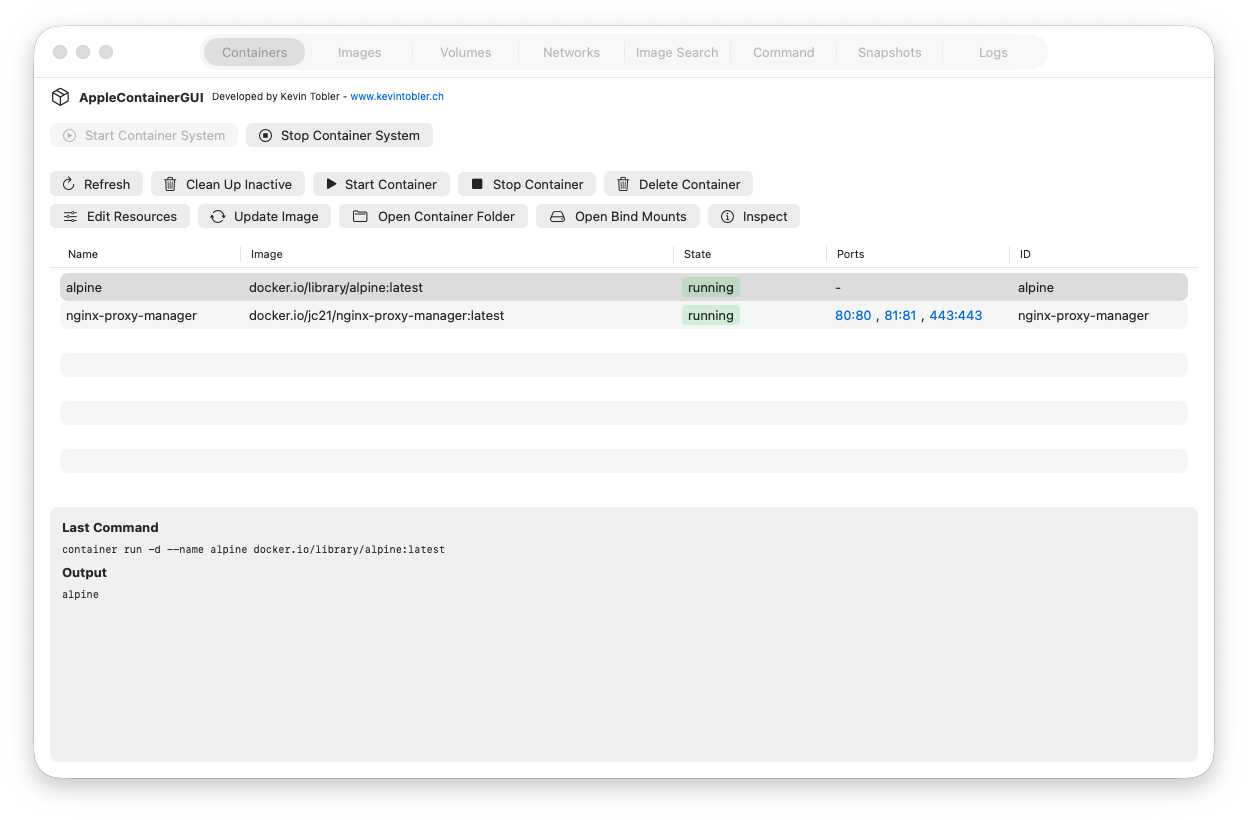
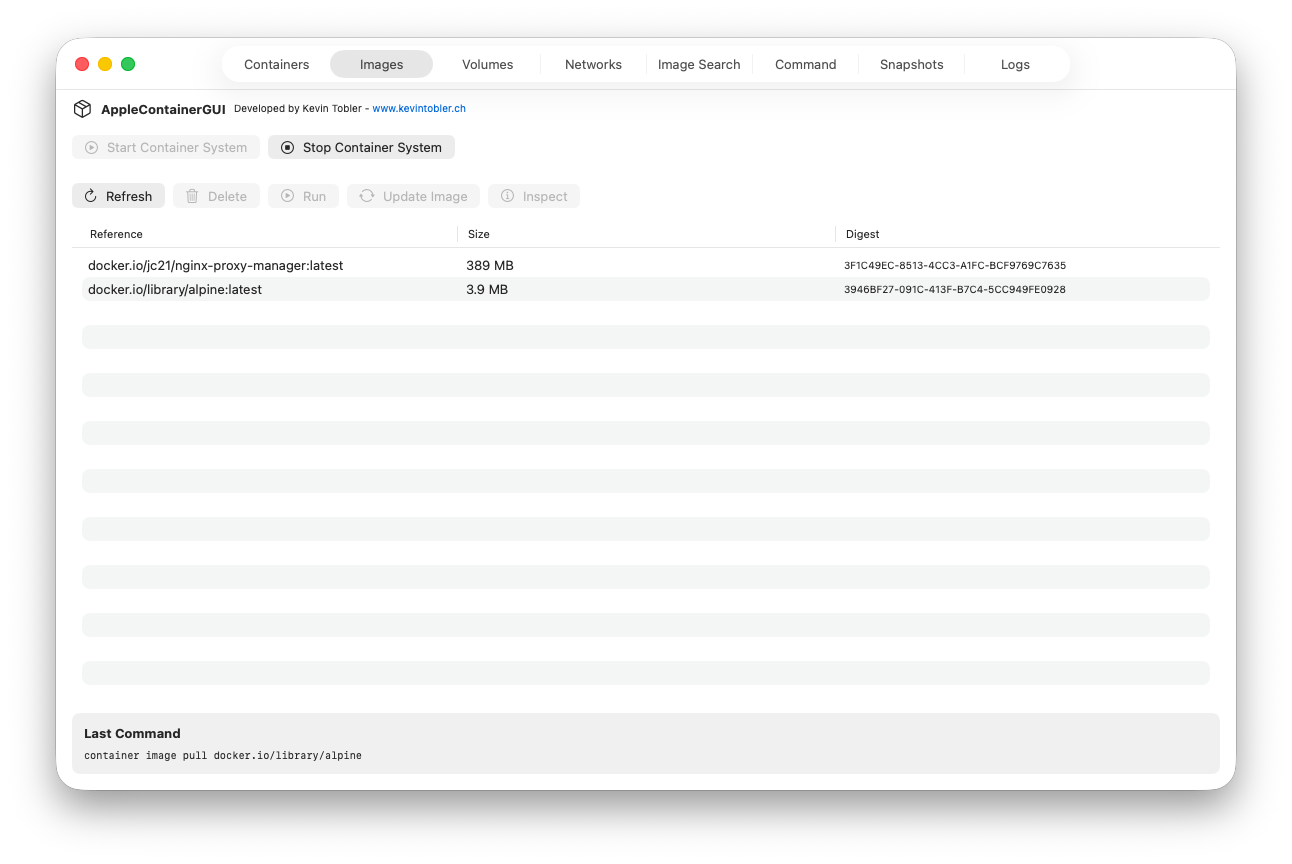
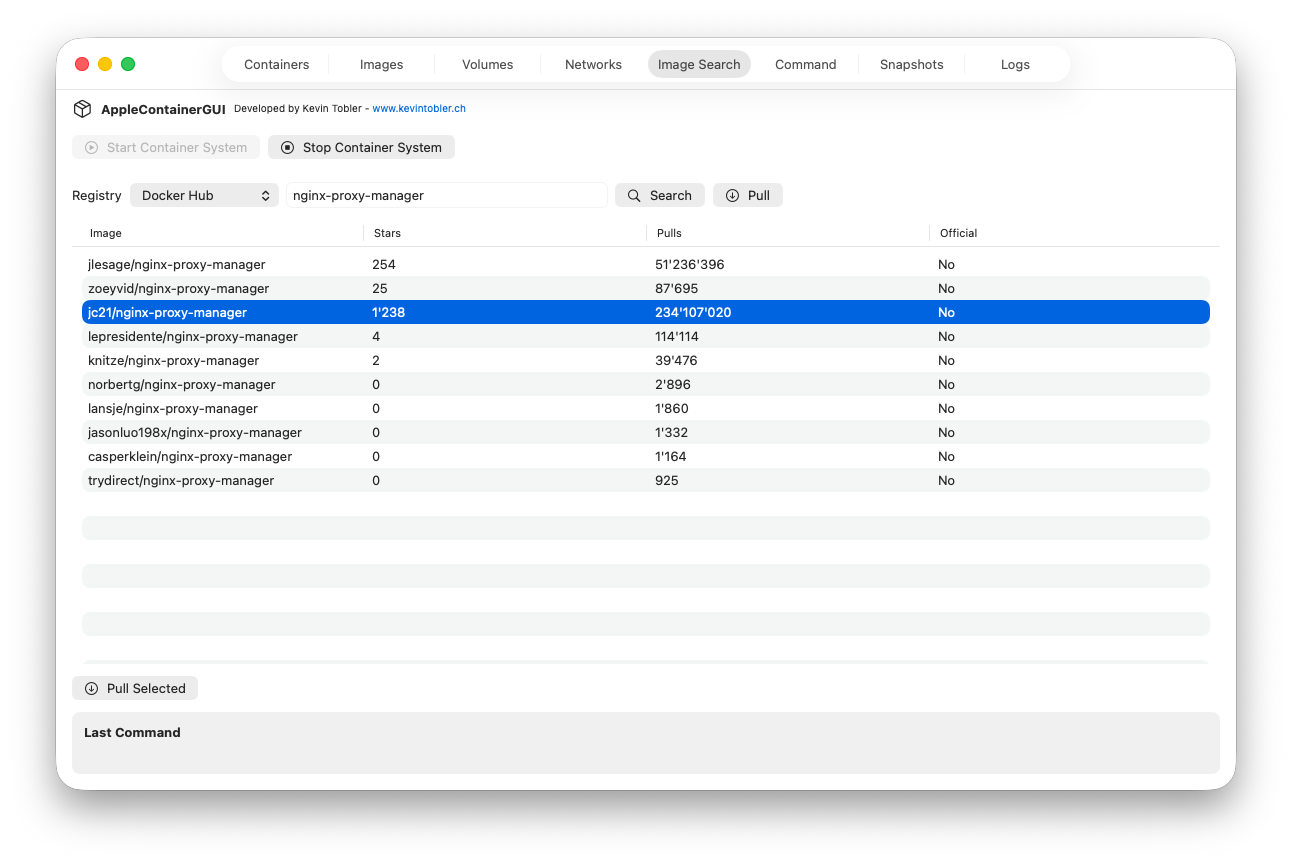
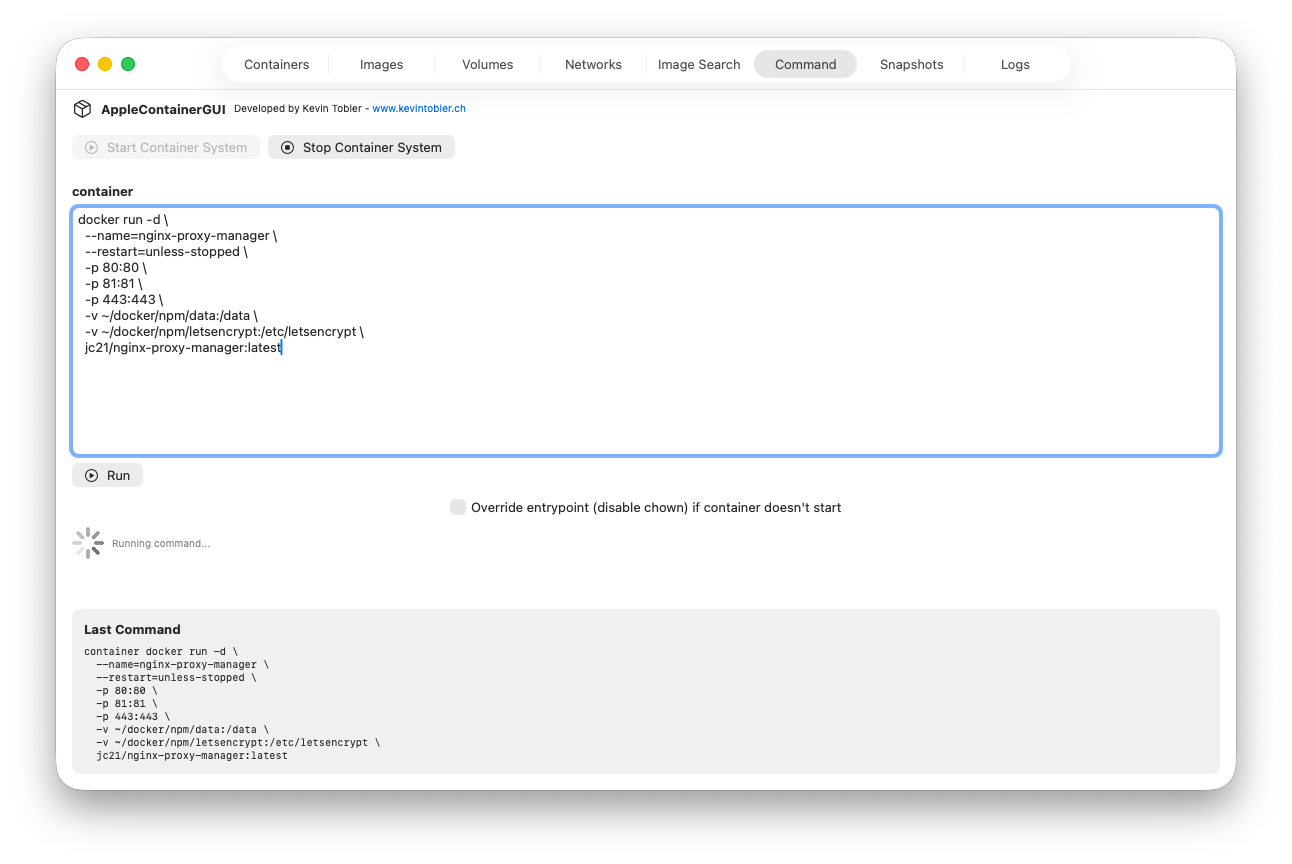
AppleContainerGUI uses the Apple Container CLI (container) under the hood and parses its JSON output to populate tables and inspectors. It runs common commands such as:
container system start/container system stopcontainer ps,container images,container volume ls,container network lscontainer inspectand related detail commands
If the CLI is missing, the app offers to install it via Homebrew and shows the live installation progress.
🧱 Requires macOS 26 Tahoe or newer
- Run AppleContainerGUI.app
- Install Homebrew if needed (the app shows the correct prompt)
- Install the Apple Container CLI:
brew install container(automatic install via the app) - Install the kernel (automatic install via the app)
Kevin Tobler
🌐 www.kevintobler.ch
This project is licensed under the MIT License – feel free to use, modify, and distribute.