%20Building%20Reasoning%20Models/img/1.png) |
|---|
| Figure: Building Reasoning Models – conceptual overview |


Welcome to Natural Language Processing Practice – a hands‑on repository covering the entire spectrum of NLP, from classical algorithms to cutting‑edge large language models (LLMs). This repo is structured around the Hugging Face LLM Course, supplemented with extensive practical notebooks on foundational NLP libraries and advanced fine‑tuning techniques.
You'll find:
- 🧪 12 comprehensive chapters with both code (notebooks) and detailed notes.
- 📚 Classical NLP algorithms implemented using NLTK, spaCy, Gensim, scikit‑learn, and fastText.
- 🔧 LLM fine‑tuning with quantization and Unsloth for efficient training.
- 🗂️ Inputs & Outputs folders containing datasets and results used throughout the projects.
- 🖼️ Demo images for each chapter to visualize key concepts.
Whether you're new to NLP or looking to master Hugging Face libraries, this repository provides a structured, practical learning path.
- 🧠 Natural Language Processing Practice
- 📘 Introduction
- 📑 Table of Contents
- ⚙️ Technical Stack
- 🏗️ Repository Structure
- 🚀 Setup
- 📖 Course Chapters
- Chapter 1: NLP and LLM Introduction
- Chapter 2: 🤗 Transformers Library
- Chapter 3: Fine‑Tuning Pretrained Models
- Chapter 4: Sharing and Using Pretrained Models
- Chapter 5: 🤗 Datasets Library
- Chapter 6: 🤗 Tokenizers Library
- Chapter 7: Classical NLP Tasks
- Chapter 8: Forum Management
- Chapter 9: 🤗 Gradio Library
- Chapter 10: 🤗 Argilla Library
- Chapter 11: Fine‑Tuning LLMs
- Chapter 12: Building Reasoning Models
- 🧬 Classical NLP Algorithms
- 🔧 LLM Fine‑Tuning
- 🗂️ Inputs & Outputs
- 🎓 Certification
- 📜 License
The repository leverages a Rich Ecosystem of NLP and LLM libraries.
Core Libraries:
| Category | Technologies |
|---|---|
| Deep Learning | PyTorch, TensorFlow |
| Hugging Face Ecosystem | Transformers, Datasets, Tokenizers, Gradio, Argilla, PEFT, TRL, SFT Trainer, Unsloth |
| Classical NLP | NLTK, spaCy, Gensim, scikit‑learn, fastText, Word2Vec |
| Fine‑Tuning & Quantization | bitsandbytes, GPTQ, AWQ, Unsloth |
| Utilities | Jupyter, NumPy, Pandas, Matplotlib, Seaborn |
Natural-Language-Processing-Practice/
│
├── HF-LLM-Course-Notebooks/          # Code notebooks for each chapter
│   ├── 1) NLP and LLM Introduction/
│   ├── 2) Transformers Library/
│   ├── 3) FineTuning PreTrained Models/
│   ├── 4) Sharing and Using PreTrained Models/
│   ├── 5) Datasets Library/
│   ├── 6) Tokenizers Library/
│   ├── 7) Classical NLP Tasks/
│   ├── 8) Forum Management/
│   ├── 9) Gradio Library/
│   ├── 10) Argilla Library/
│   ├── 11) FineTuning LLMs/
│   └── 12) Building Reasoning Models/
│
├── HF-LLM-Course-Notes/              # Detailed notes and explanations
│   ├── 1) NLP and LLM Introduction/
│   ├── 2) Transformers Library/
│   ├── ...
│   └── 12) Building Reasoning Models/
│
├── LLM_FineTuning/                   # Additional fine‑tuning experiments
│   ├── 1)_Different_Quantization.ipynb
│   └── 2)_FineTuning_via_Unsloth/
│
├── Natural Language Processing (Algorithms and Libraries)/
│   ├── 1)_Token_Operations_(Spacy).ipynb
│   ├── 2)_Stemming_and_Lemmatization_(NLTK, Spacy).ipynb
│   ├── 3)_Language_Processing_Pipeline_(Spacy).ipynb
│   ├── 4)_Bag_of_Words_(SkLearn).ipynb
│   ├── 5)_Stop_Words_(Spacy).ipynb
│   ├── 6)_TF_IDF_and_BOW[n_grams]_(SkLearn, Spacy).ipynb
│   ├── 7)_Word_Vector_and_Embedding_(Spacy).ipynb
│   ├── 8)_News_Classification_(Spacy).ipynb
│   ├── 9)_Word_Vectors_Operations_(Gensim).ipynb
│   ├── 10)_News_Classification_(Gensim).ipynb
│   ├── 11)_Custom_Model_(fastText).ipynb
│   └── 12)_Text_Classification_(fastText).ipynb
│
├── Inputs/                           # Input datasets for notebooks
├── Outputs/                          # Generated outputs
├── Demo/                             # Chapter‑wise demo images
│   ├── chp1.png
│   ├── chp2.png
│   ├── ...
│   └── chp12.png
│
├── .gitignore
├── environment.yml                   # Conda environment
├── requirements.txt                  # pip dependencies
└── README.md
Follow these steps to get started:
-
Clone the repository
git clone https://github.com/KraTUZen/Natural-Language-Processing-Practice.git cd Natural-Language-Processing-Practice -
Create a virtual environment (recommended)
- Using Conda:
conda env create -f environment.yml
conda activate nlp-practice
- Using pip:
python -m venv venv
source venv/bin/activate   # On Windows: venv\Scripts\activate
pip install -r requirements.txt
- Using Conda:
-
Verify installation
python -c "import transformers; print('Transformers version:', transformers.__version__)" -
Launch Jupyter
jupyter notebook
Then navigate to any chapter folder to run the notebooks.
Note: Some notebooks require additional data downloads (e.g., models, datasets). The
Inputs/folder contains pre‑downloaded data where applicable. API keys may be needed for certain sections (e.g., using Hugging Face Hub, Argilla). Create a.envfile in the root with your keys if required.
Each chapter is split into Notebooks (code) and Notes (theory/diagrams). Below are visual summaries using the demo images from the Demo/ folder.
| Chapter | Title | Demo |
|---|---|---|
| 1 | NLP and LLM Introduction |  |
| 2 | 🤗 Transformers Library |  |
| 3 | Fine‑Tuning Pretrained Models |  |
| 4 | Sharing and Using Pretrained Models |  |
| 5 | 🤗 Datasets Library |  |
| 6 | 🤗 Tokenizers Library |  |
| 7 | Classical NLP Tasks |  |
| 8 | Forum Management |  |
| 9 | 🤗 Gradio Library |  |
| 10 | 🤗 Argilla Library |  |
| 11 | Fine‑Tuning LLMs |  |
| 12 | Building Reasoning Models |  |
Foundational concepts: what is NLP, evolution from rule‑based to LLMs, overview of the Hugging Face ecosystem.
Introduction to the transformers library – pipelines, model hubs, and using pretrained models for inference.
How to adapt a pretrained model to your own data using the Trainer API and custom training loops.
Pushing models to the Hugging Face Hub, versioning, and using models from the community.
Efficient data loading, preprocessing, and streaming with datasets. Covers map, filter, and interleaving.
Deep dive into tokenization – building a tokenizer from scratch, training on custom data, and integration with models.
Revisiting classic problems (NER, POS tagging, text classification) using both traditional and transformer‑based approaches.
Practical project: building a system to manage forum posts – spam detection, topic modeling, and user engagement.
Creating interactive demos for NLP models with Gradio, deploying as web apps.
Data annotation and curation with Argilla – building high‑quality datasets for training.
Advanced fine‑tuning of large language models using PEFT (LoRA, QLoRA) and the trl library.
Techniques for enabling models to reason, including chain‑of‑thought prompting, tool use, and multi‑step inference.
The Natural Language Processing (Algorithms and Libraries) folder contains 12 standalone notebooks that cover fundamental NLP concepts using popular libraries:
| # | Topic | Libraries |
|---|---|---|
| 1 | Token Operations | spaCy |
| 2 | Stemming & Lemmatization | NLTK, spaCy |
| 3 | Language Processing Pipeline | spaCy |
| 4 | Bag of Words | scikit‑learn |
| 5 | Stop Words | spaCy |
| 6 | TF‑IDF & n‑grams | scikit‑learn, spaCy |
| 7 | Word Vectors & Embeddings | spaCy |
| 8 | News Classification | spaCy |
| 9 | Word Vector Operations | Gensim |
| 10 | News Classification | Gensim |
| 11 | Custom Model | fastText |
| 12 | Text Classification | fastText |
These notebooks use data from the Inputs/ folder and produce results that can be saved to Outputs/.
The LLM_FineTuning folder provides additional resources for training LLMs efficiently:
1)_Different_Quantization.ipynb– Demonstrates various quantization techniques (bitsandbytes, GPTQ, AWQ) to reduce memory usage.2)_FineTuning_via_Unsloth– Uses the Unsloth library for fast and memory‑efficient fine‑tuning on consumer GPUs.
These notebooks leverage the Inputs/ folder for datasets and store fine‑tuned models (or checkpoints) in Outputs/.
Inputs/: Contains all datasets, example texts, and raw data used across the notebooks (e.g., CSV files, text corpora, pre‑tokenized data).Outputs/: Holds generated outputs such as fine‑tuned model checkpoints, predictions, logs, and visualizations.
When running notebooks, ensure that the paths to Inputs/ and Outputs/ are correctly set. Most notebooks are configured to use relative paths.
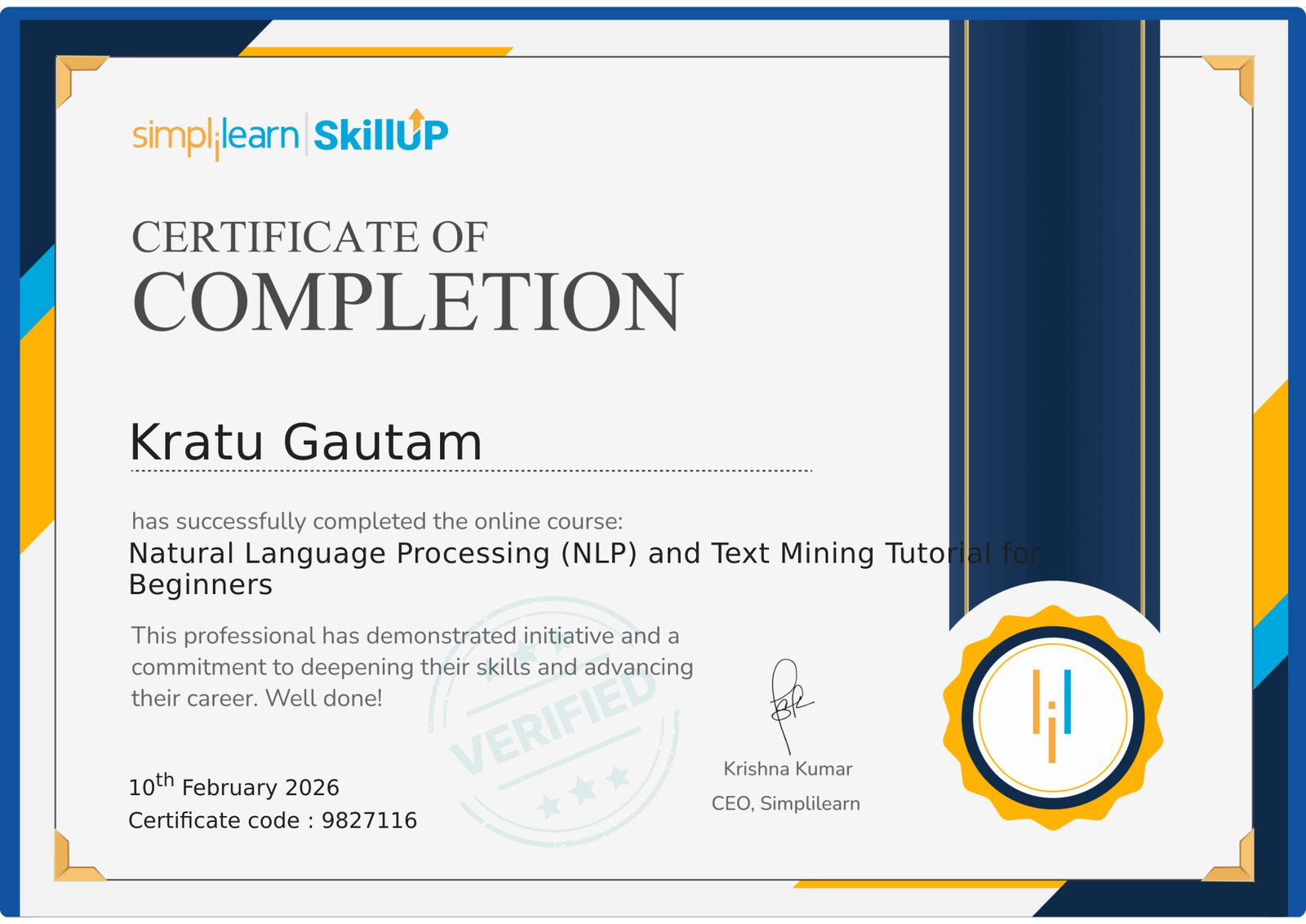
NLP and Text Mining Tutorial Certificate
This project is licensed under the MIT License – see the LICENSE file for details.
⭐ If you find this repository helpful, please consider giving it a star!
Mastering NLP, one chapter at a time.
