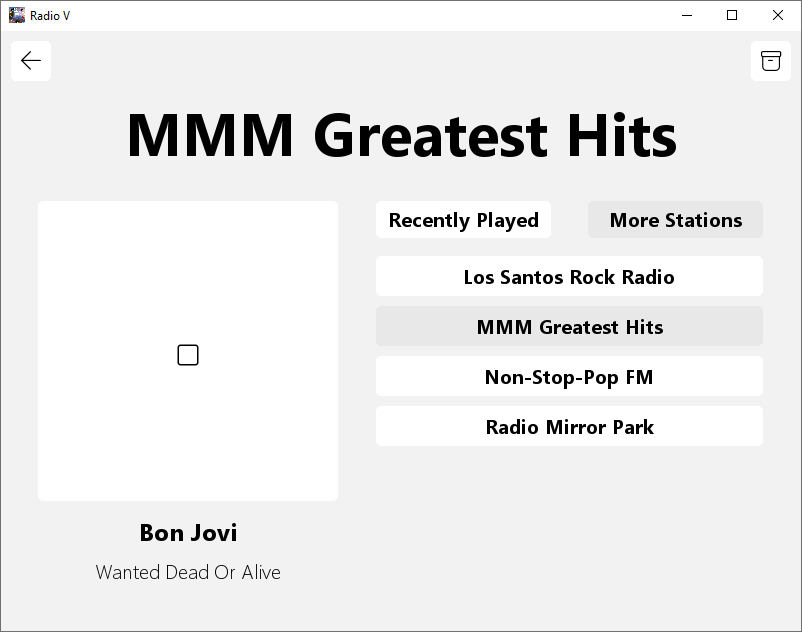
Radio V is a simulation of fictional (from games) and real life radio stations each with their own themes and music. Radio V is currently in BETA stage so bugs may still exist as well as many features are yet to be added, changed, or improved.
- Download the latest version of Radio V from: https://github.com/Nuzza/Radio-V/releases
- Extract the folder and run Radio V.exe
- If you get a message saying 'Windows protected your PC', click "More info' and 'Run anyway'. This message will only show once. Radio V should then launch.
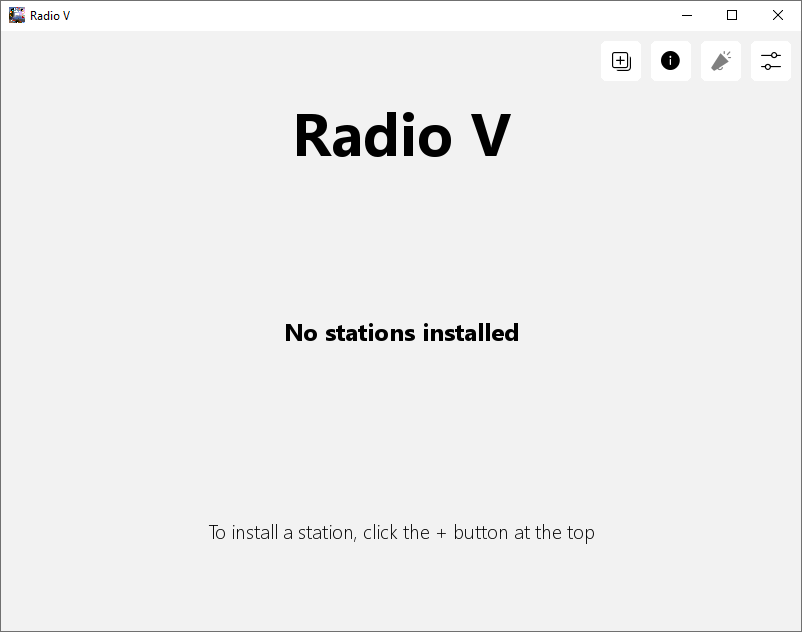
Main Menu Page
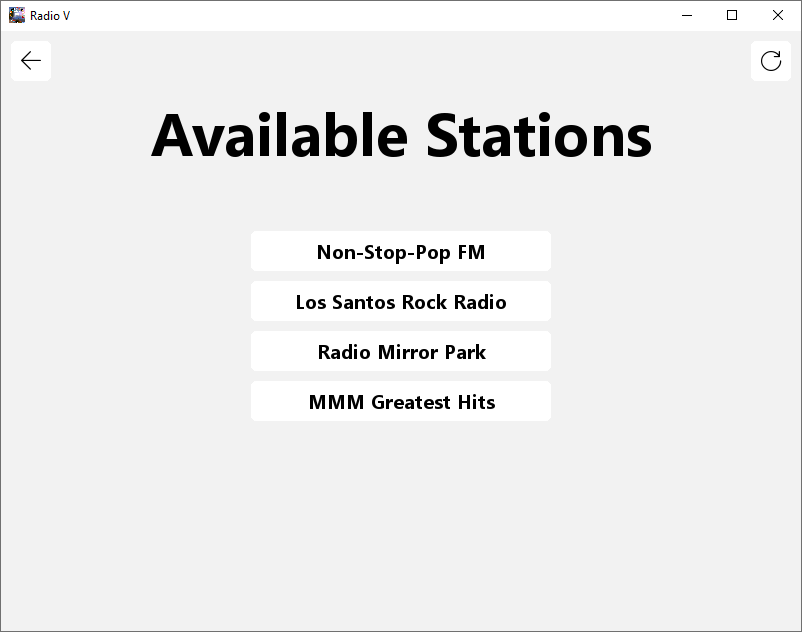
Available Packages Page
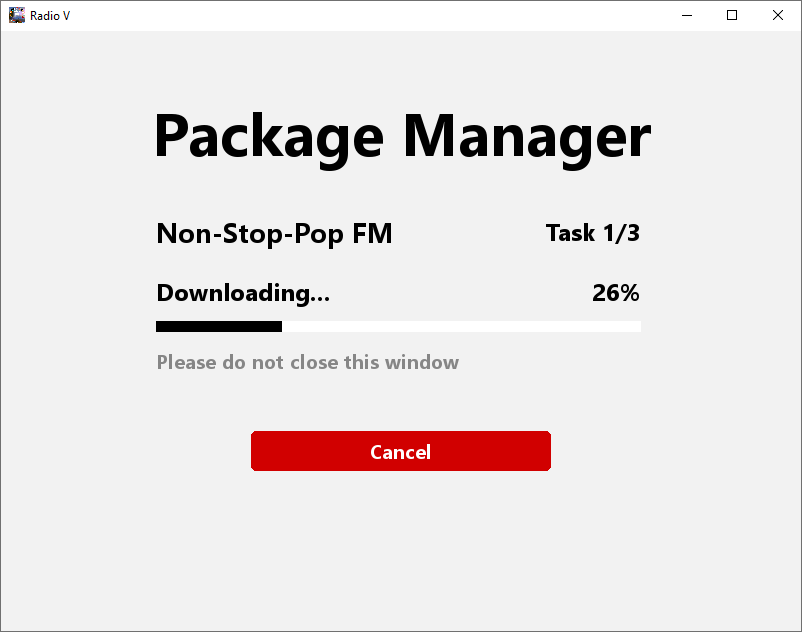
Package Manager Page (Downloading Non-Stop-Pop FM)
Settings Page
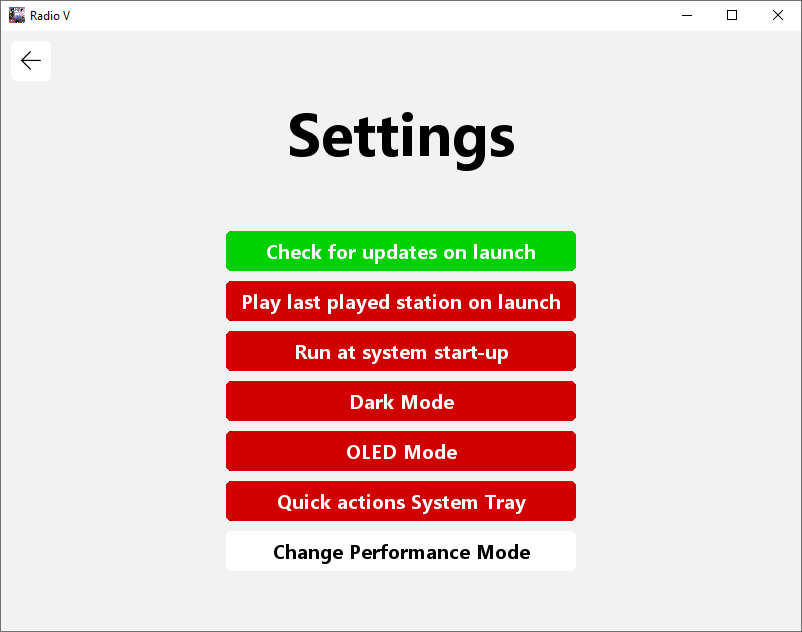
Settings Page (Dark Mode)
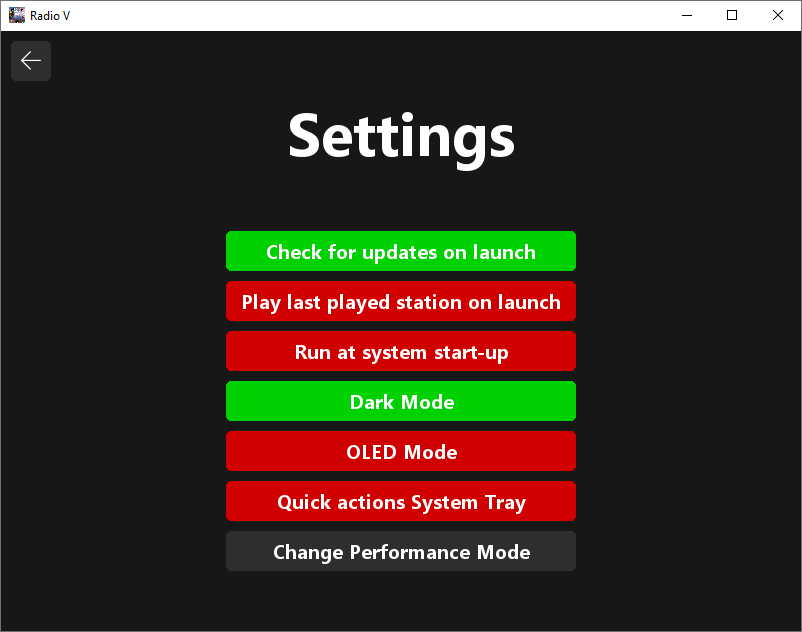
Settings Page (OLED Mode)
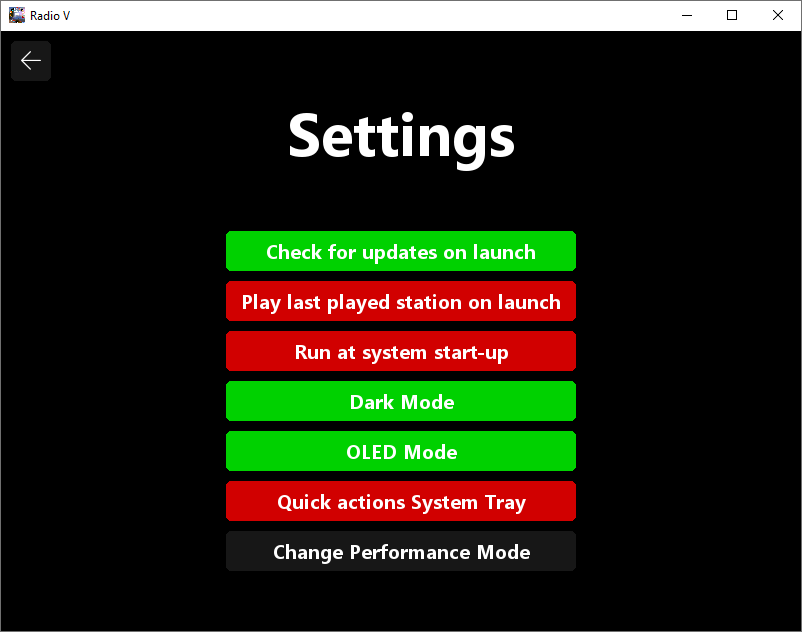
Now Playing Page (MMM Greatest Hits - Recently Played)
Now Playing Page (MMM Greatest Hits - More Stations)