
Smart Contact Identity Scheduler for Android
Temporarily change contact name & photo — instantly or on schedule.



Contactly gives you full control over your contact identity — temporarily and automatically.
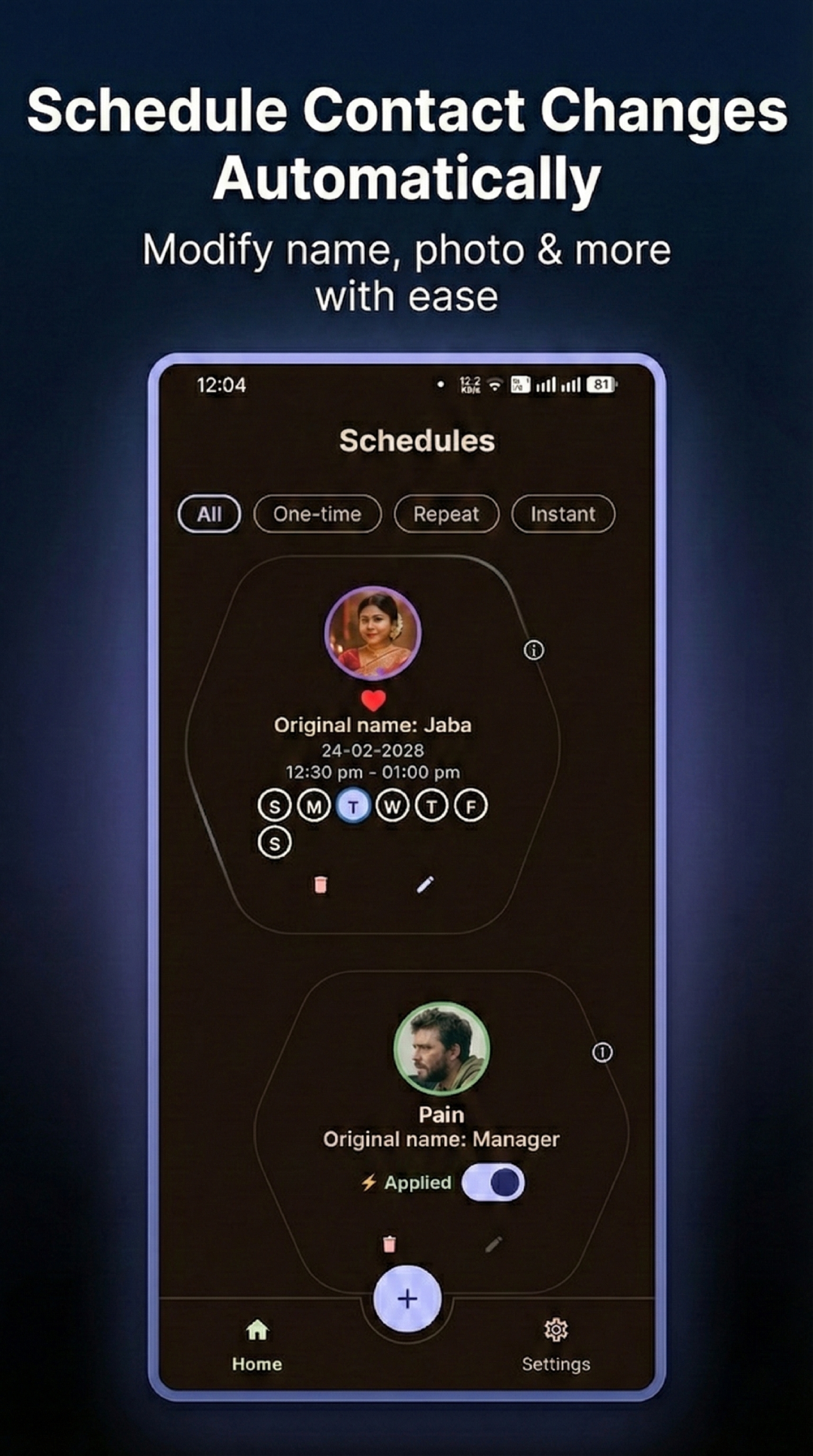
Change a contact’s name and photo either:
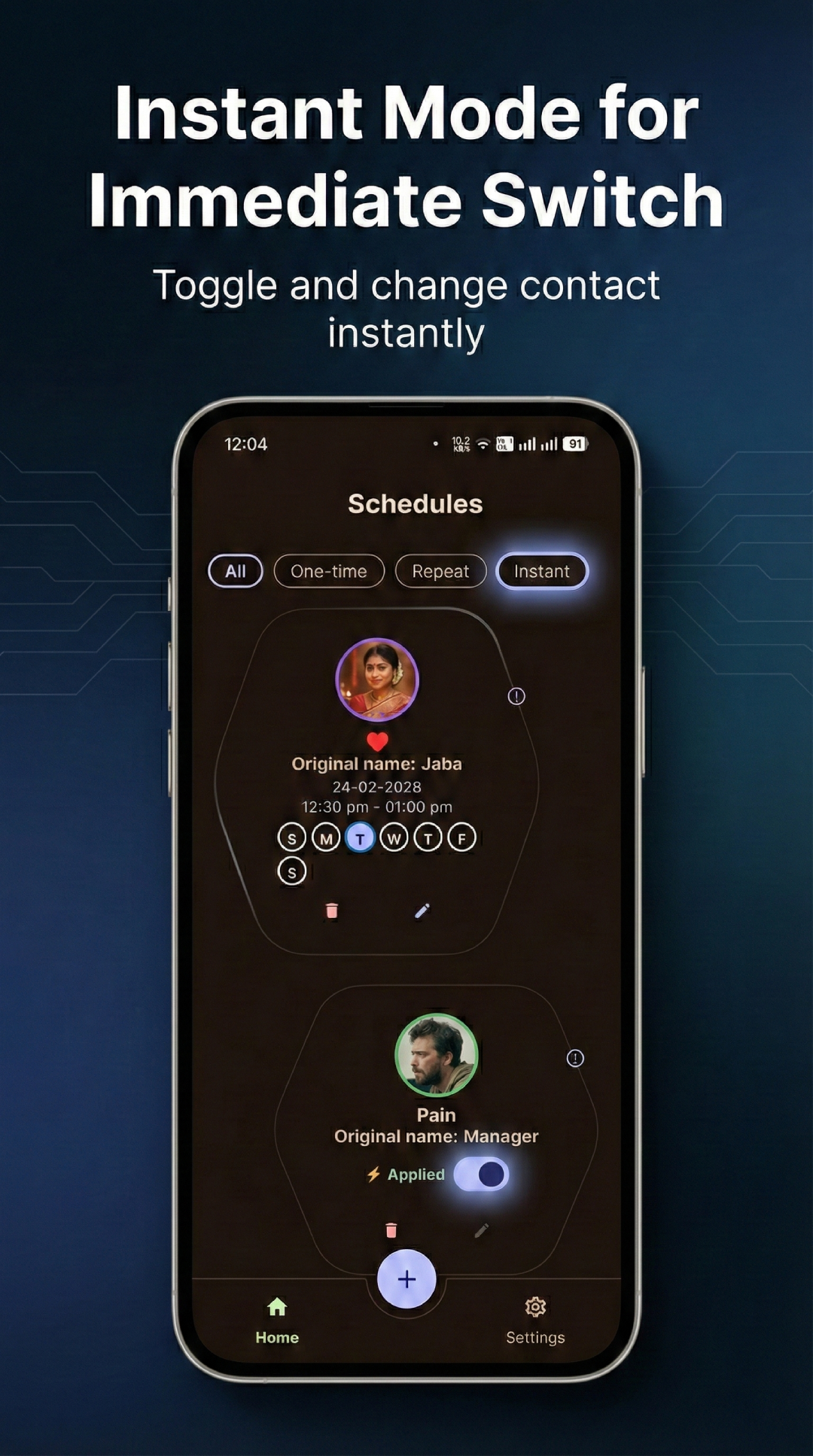
- ⚡ Instantly (one tap)
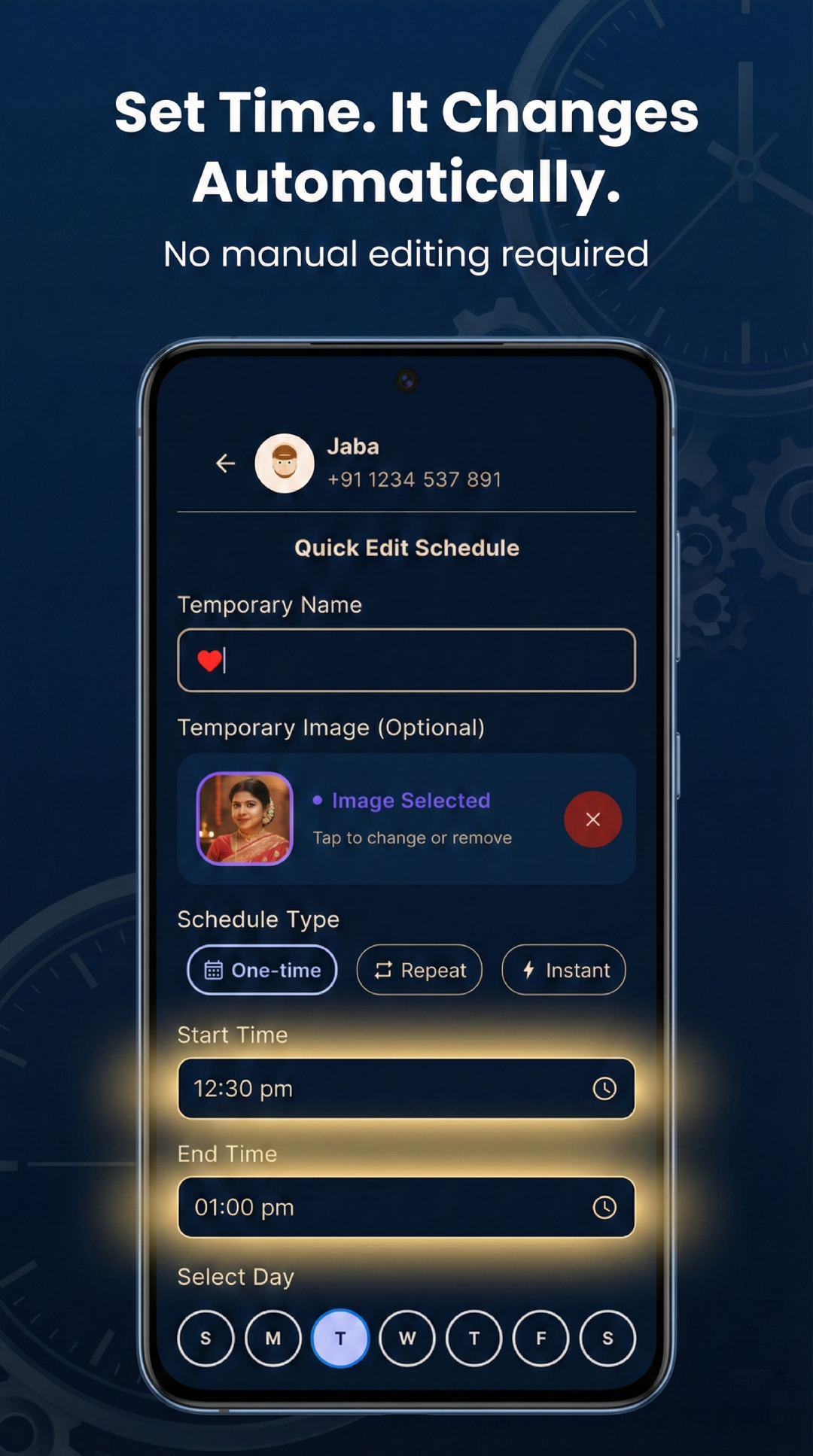
- 📅 On a schedule (start & end time)
- 🔁 Repeating weekly on selected days
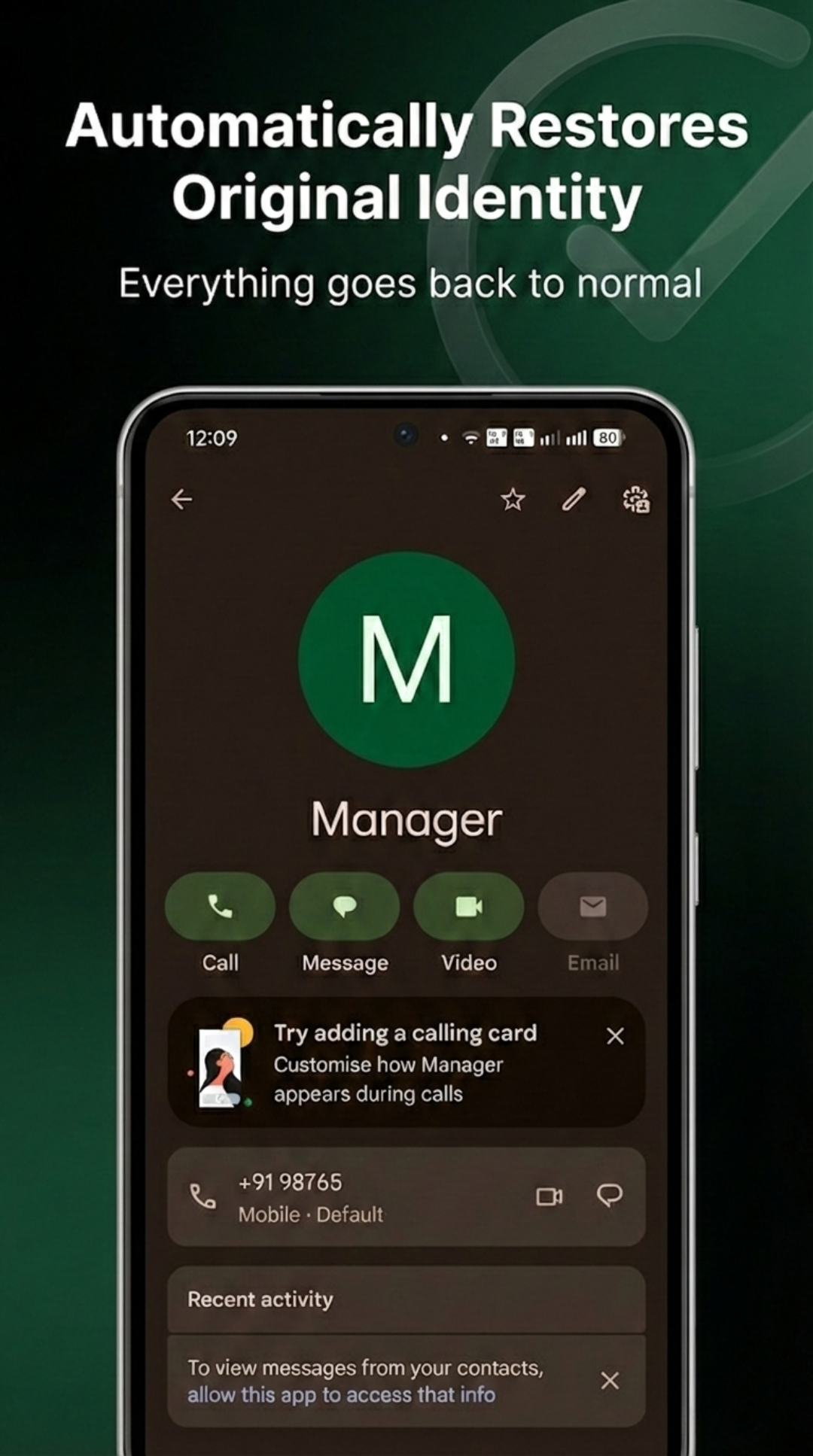
When the scheduled time ends, everything is restored safely — exactly as it was.
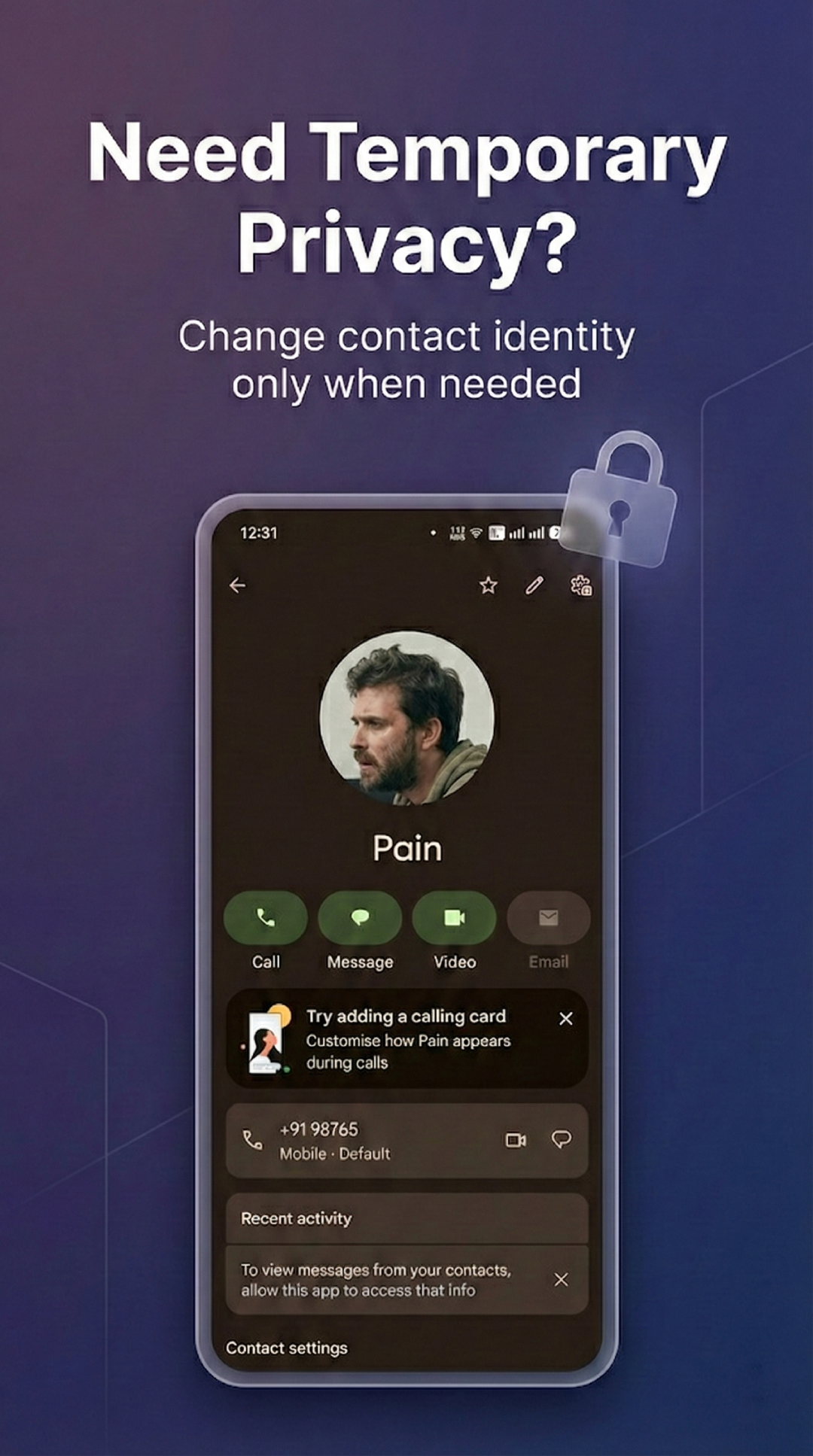
Whether it’s for privacy, fun, organization, or context-based identity switching — Contactly handles it seamlessly in the background.
- Apply a temporary identity immediately
- One-tap identity switch
- Perfect for quick changes
- Safe automatic restore
- Start & end time support
- One-time schedules
- Weekly repeating schedules (Mon–Sun)
- Exact alarm precision
- Auto re-register after device reboot
- Temporary name swapping
- Temporary profile photo swapping
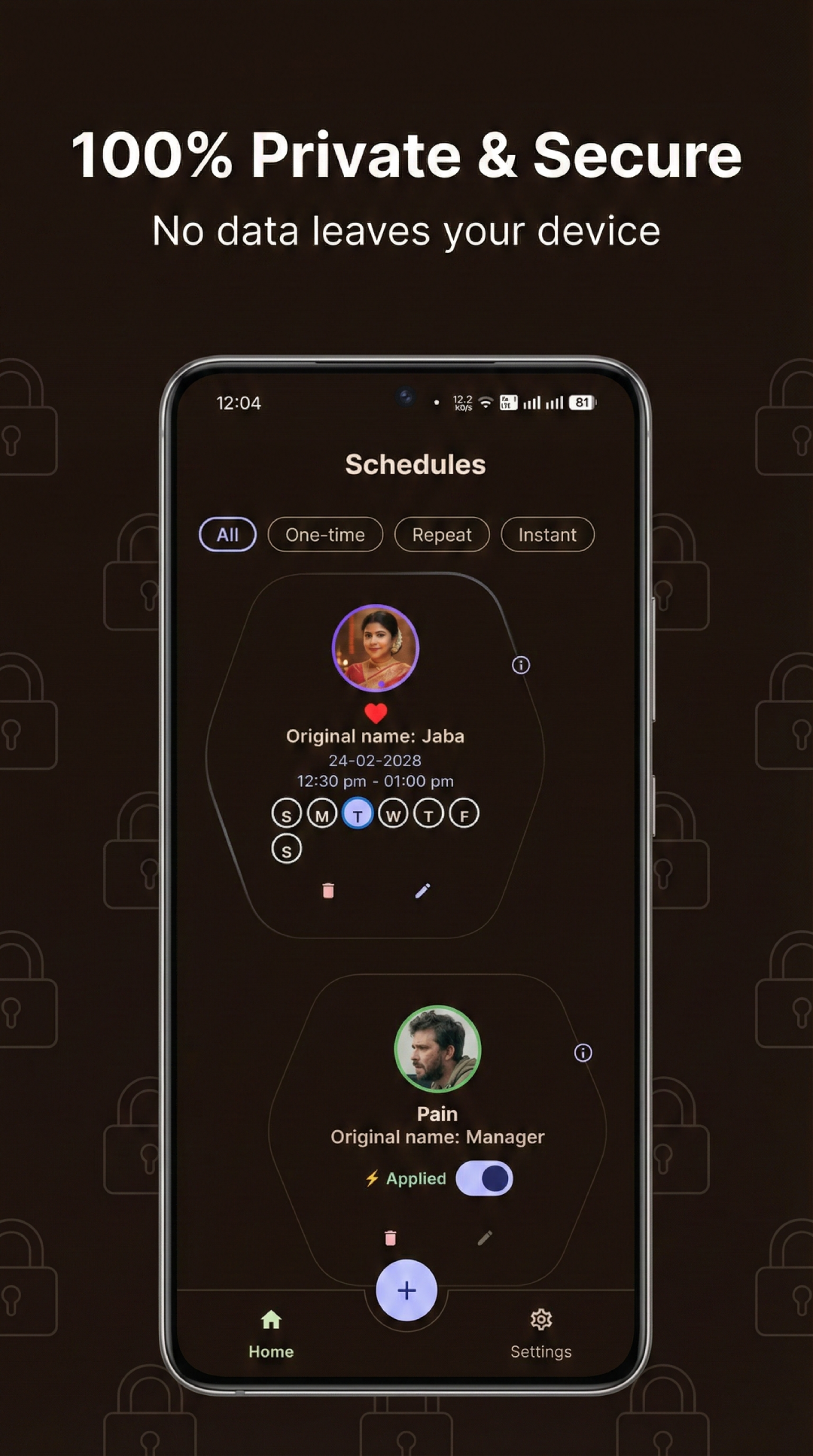
- Real-time active state indicator
- Instant restore when deleting a schedule
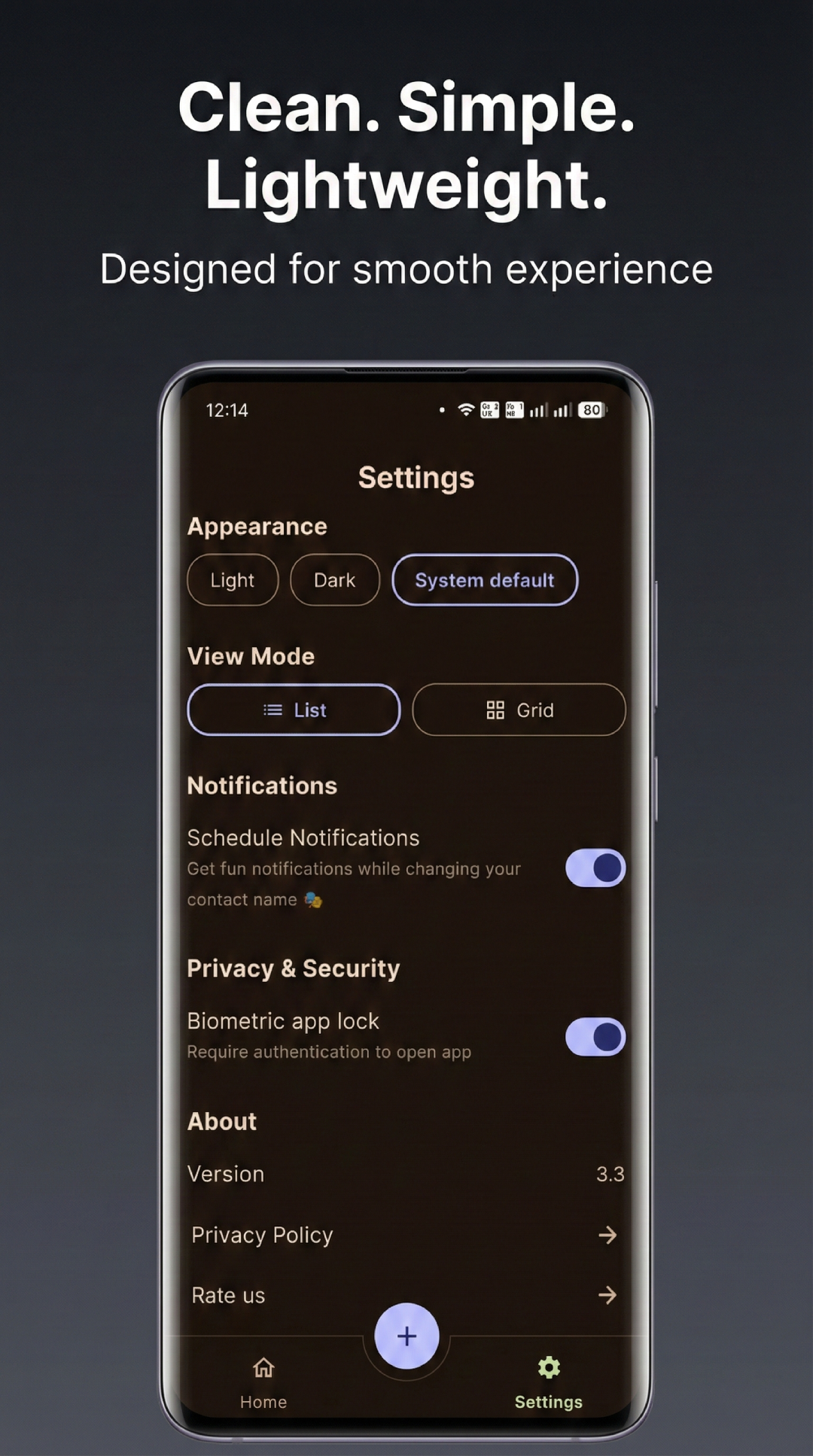
- Biometric App Lock (Fingerprint / Face unlock)
- Optional notifications
- Secure internal storage for temporary images
- Fully redesigned interface
- Material 3 + Dynamic colors
- Light / Dark / System theme
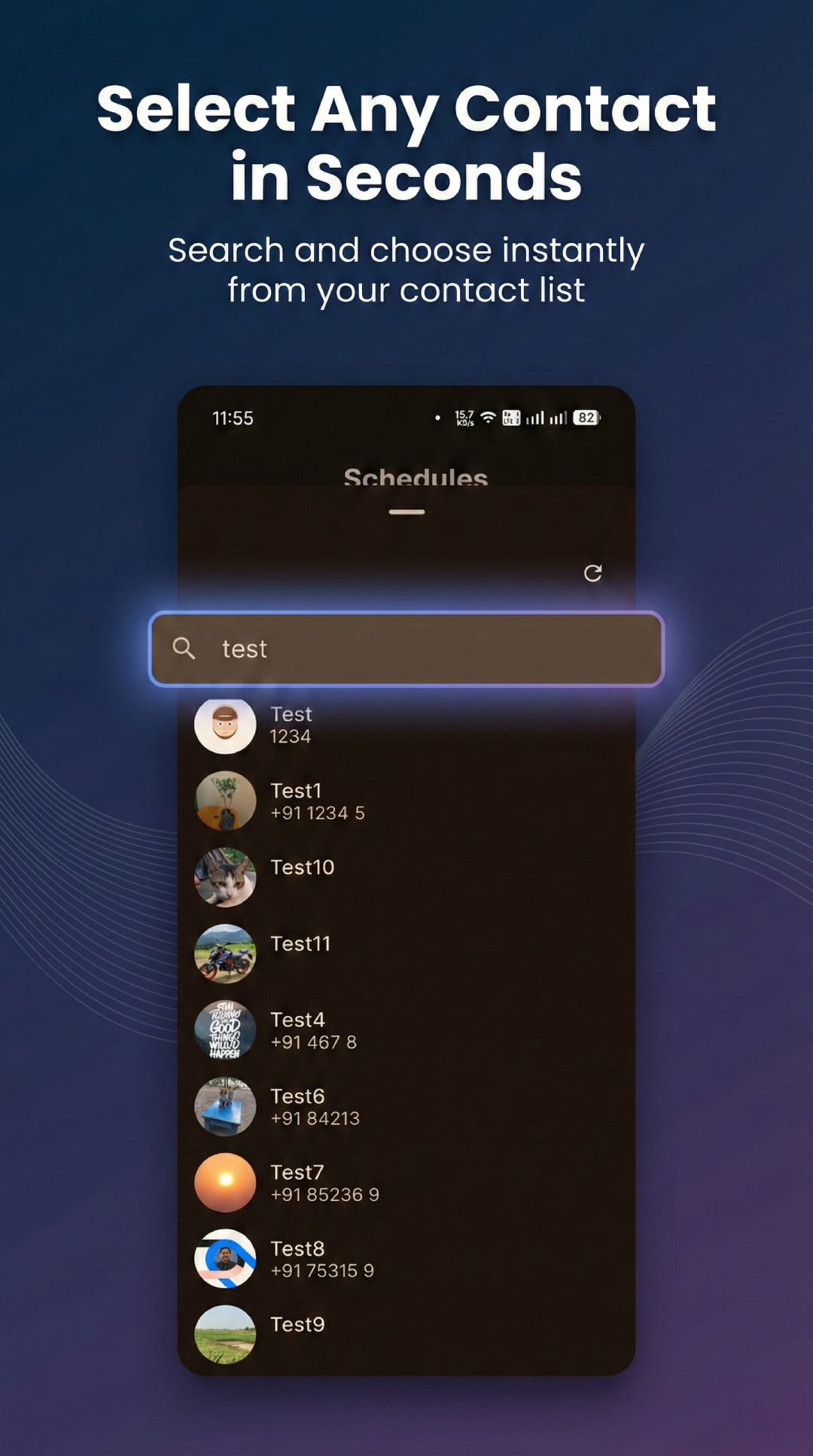
- List & Grid view toggle
- Smooth animations & micro-interactions
- Sliding image carousel preview
- Custom FAB-centered bottom navigation
- Boot-safe alarms
- Uses
setExactAndAllowWhileIdle - Real-time UI refresh via internal event bus
- Multiple edge-case bug fixes
- Safe restore logic even after force-stop or reboot
Contactly follows a clean, layered architecture with separation of concerns:
UI Layer (Compose)
   ↓
ViewModels (StateFlow)
   ↓
Domain / Alarm Manager / Image Storage
   ↓
Repositories (Contacts + Schedules)
   ↓
Room Database + DataStore
   ↓
Platform (AlarmManager + ContentResolver)
| Area | Approach |
|---|---|
| UI | 100% Jetpack Compose (Material 3) |
| State | StateFlow + collectAsStateWithLifecycle |
| DI | Koin |
| Database | Room |
| Preferences | DataStore |
| Alarm System | AlarmManager + BroadcastReceiver |
| Contacts API | ContactsContract via ContentResolver |
| Image Loading | Coil |
| Security | AndroidX Biometric |
| Updates | Google Play In-App Updates |
| Crash Reporting | Firebase Crashlytics |
app/src/main/java/com/purnendu/contactly/

├── alarm/
├── data/
│   ├── local/
│   └── repository/
├── di/
├── model/
├── notification/
├── ui/
│   ├── components/
│   ├── screens/
│   └── theme/
├── utils/
├── ContactlyApplication.kt
└── MainActivity.kt
- Android Studio Meerkat (2024.3.1) or later
- JDK 17
- Android SDK 36
git clone https://github.com/PurnenduSamanta/Contactly.git
cd Contactly
Open in Android Studio and run on an emulator or device (API 24+).
- Create a Firebase project at
https://console.firebase.google.com - Add Android app:
com.purnendu.contactly - Download
google-services.json - Place the file at this exact path:
app/google-services.json
- Enable Crashlytics and Analytics in Firebase Console
Verify before building:
# from project root
ls app/google-services.json
If the file is missing, build will fail with:
Missing Firebase config: place google-services.json at app/google-services.json before building.
| Permission | Purpose |
|---|---|
| READ_CONTACTS | Read contact data |
| WRITE_CONTACTS | Modify name & photo |
| SCHEDULE_EXACT_ALARM | Precise scheduling |
| RECEIVE_BOOT_COMPLETED | Re-register alarms |
| POST_NOTIFICATIONS | Show swap notifications |

Contributions are welcome!
- Fork the repo
- Create feature branch
- Commit changes
- Open Pull Request
Proprietary — All rights reserved © Purnendu Samanta
Designed & developed from a true story ❤️