After seeing a bunch of different "sorting visualizers" on youtube, I decided to try building my own with a couple different sort types. The process works using coroutines, redrawing pixels to a texture after each step through the sort. This meant I had to write the sorting algorithms myself, allowing space for the texture to be updated each frame.
This is not a fair representation of the speed of any of these sorts, since they are written inefficiently and for visual representation only. Nonetheless, it was a fun little project with room to add many additional sorting types in the future.
An insertion sort operates on a single element at a time, finding its location in the sorted output. For this project, the "sorted output" was the beginning of the array, from 0 up to whatever index was next. The element would then be moved backwards until it was in its sorted position, and the process would repeat with the next element.

A bubble sort focuses on pairs of elements, traversing through the array multiple times and swapping the pairs that are in the wrong order. On a first iteration, from 0 to the array size, the top element will end up being sorted into the proper position. Subsequent iterations will only need to swap up to the size - 1, then -2, and so on as the full array is sorted. The flipping of pairs, rather than just inserting the element into its correct position, means this sort speeds up drastically as it nears the end.
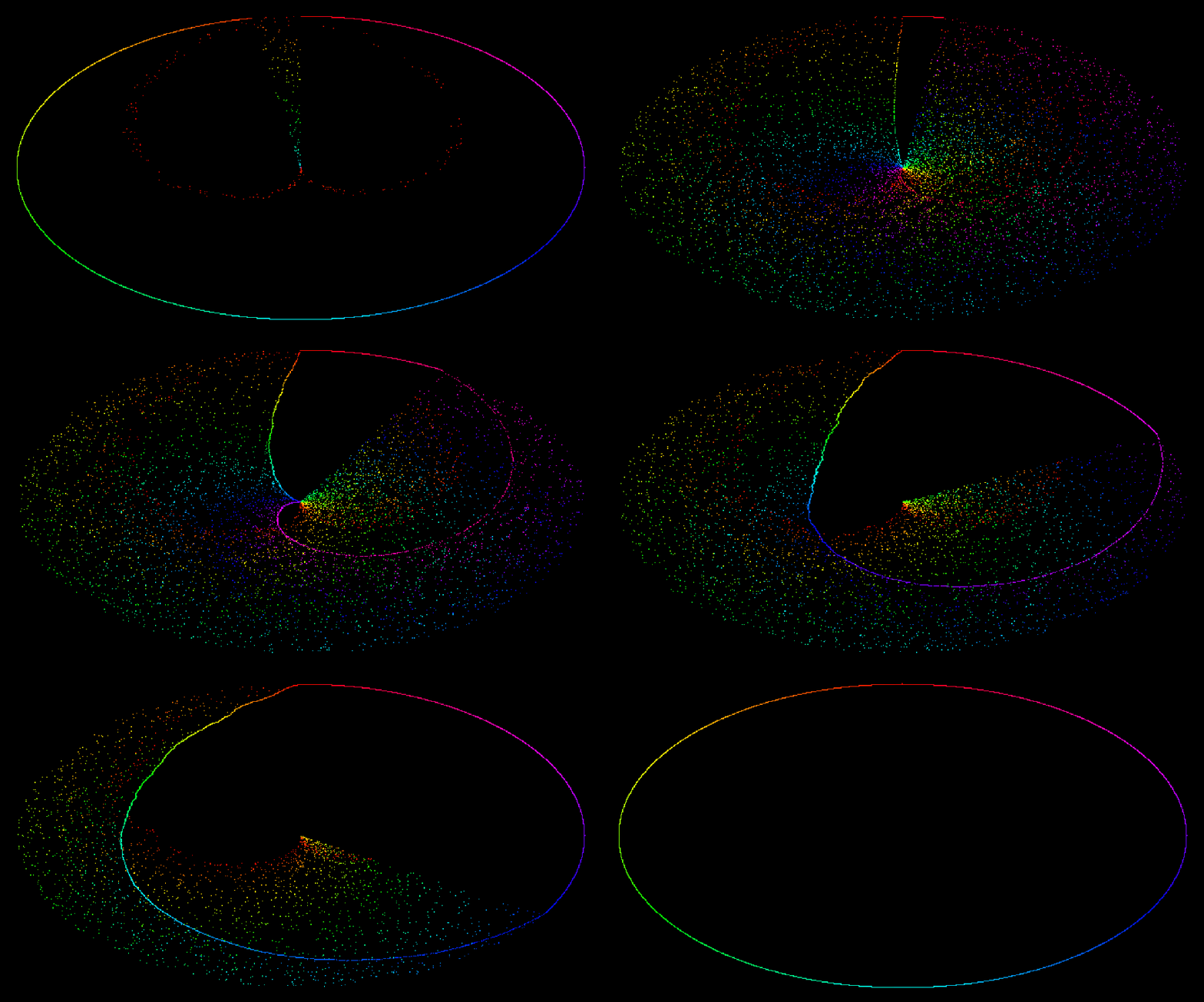
Merge sort was the most complicated to implement. This splits the data into two halves, sorts those recursively with additional merge sorts, and then combines the two halves back together. Since each half is already sorted, each element only needs to be compared to the same-indexed element in the other half. This is the fastest of the three sorts I supported, but due to its recursive nature, it was a bit trickier to represent visually. This gif used different timings to capture the effect well.

The editor for this tool allows for some basic customization:
- Selected Sort - This drop-down allows the user to specify which sort to visualize
- Default Color - Set the background color for the texture
- Border - Border width, in pixels, between the sorted oval visualization and the edge of the texture
- Total - Number of elements to sort
- Shuffle Speed - Number of array changes between frames. A shuffle speed of 100 means 100 elements will be moved before drawing the result to the screen.
- Sort Speed - Number of array changes between frames during a sort. This usually needs to be much higher than the Shuffle Speed.