
Homepage: https://dragonwisdom.de
DragonWisdom helps you write documentation as minimal, semantic HTML: clear and token-efficient for AI agents, while being beautifully styled and fully functional for humans.
- Turn a prompt
$dragonwisdom-html Recherche for a comparism of Opus 4.8 and ChatGPT 5.5. Focus on the main differences in benchmarks, costs and first reviews/feedback. Store the result as opus4-8-chatgpt-5-5.html
- Into a HTML file (opus4-8-chatgpt-5-5.html)


The homepage (https://dragonwisdom.de) is the live example. Its index.html is the source of the demo and can be the source of your knowledge. It contains the documentation content and only the HTML needed for clear meaning.
dragonwisdom.css provides the visual design. dragonwisdom.js is optional and adds navigation, saving, Mermaid diagrams and sortable tables.
The built page can still be opened locally with file://, so it works as a static document.
You provide the minimal semantic HTML. DragonWisdom takes care of the styling, readability, and optional interactive features.
flowchart LR
  subgraph agents[For AI agents]
    A[Minimal HTML]
  end
  subgraph humans[For humans]
    B[DragonWisdom CSS]
    C[Readable documentation]
    D[Optional DragonWisdom JS]
    E[Save, navigation, Mermaid, sortable tables]
  end
  A --> B
  B --> C
  A --> D
  D --> E
  style agents fill:#eff6ff,stroke:#60a5fa
  style humans fill:#f0fdf4,stroke:#4ade80
Choose the approach that best fits your use case: install the AI skill, start from an existing template, or write your own HTML from scratch.
Install the DragonWisdom HTML skill for AI agents with one command. The installer replaces an existing skill at $HOME/.agents/skills/dragonwisdom-html.
curl -o- https://dragonwisdom.de/install-skill.sh | bashwget -qO- https://dragonwisdom.de/install-skill.sh | bashUse the skill by starting your prompt with $dragonwisdom-html.
Visit the Homepage (https://dragonwisdom.de), Press Ctrl+S, or use the JavaScript Version's Save this page button. Then edit the saved HTML file for your own documentation.
- Minimal template for a simple page without navigation
- Navigation template for a page with a main menu
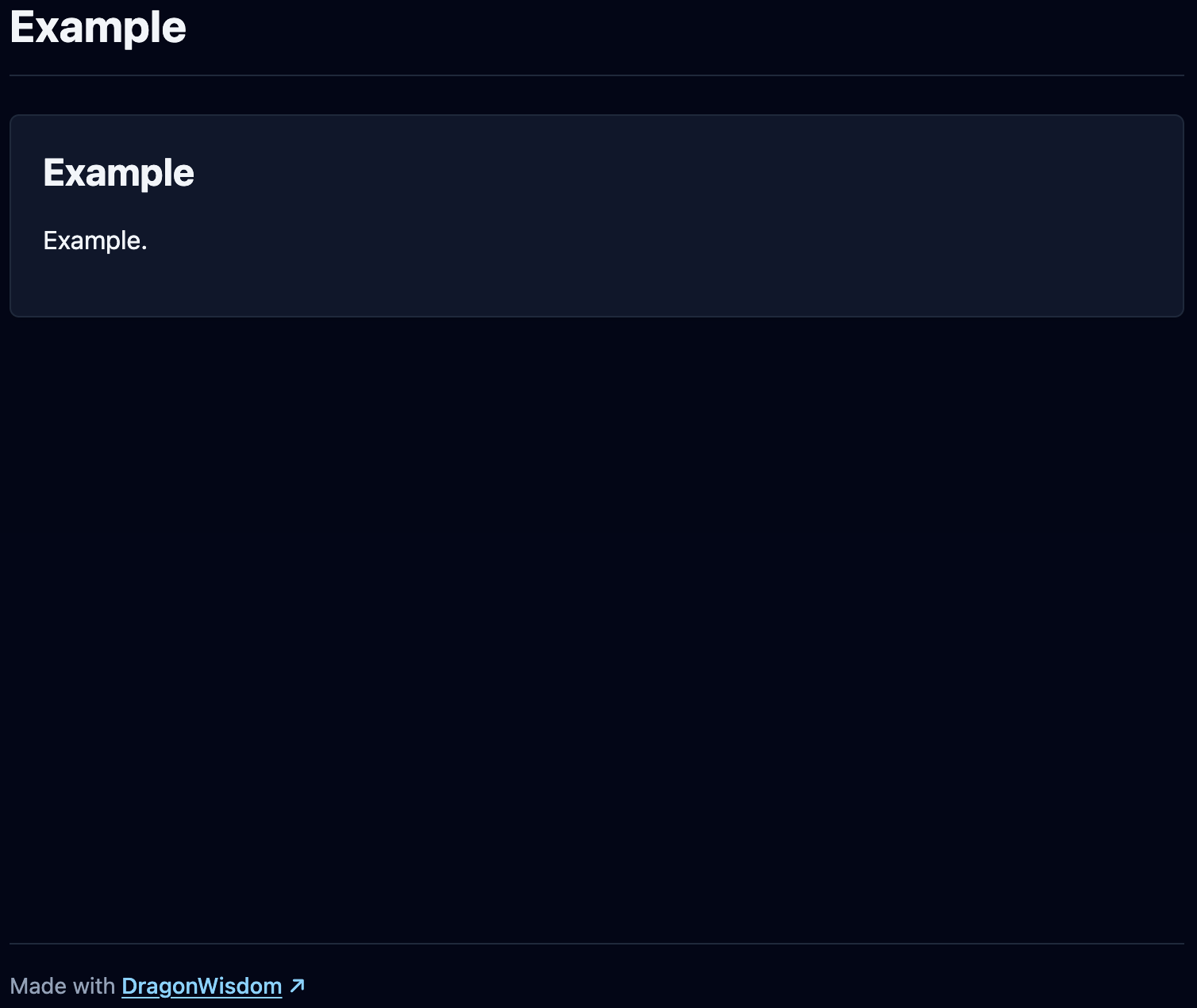
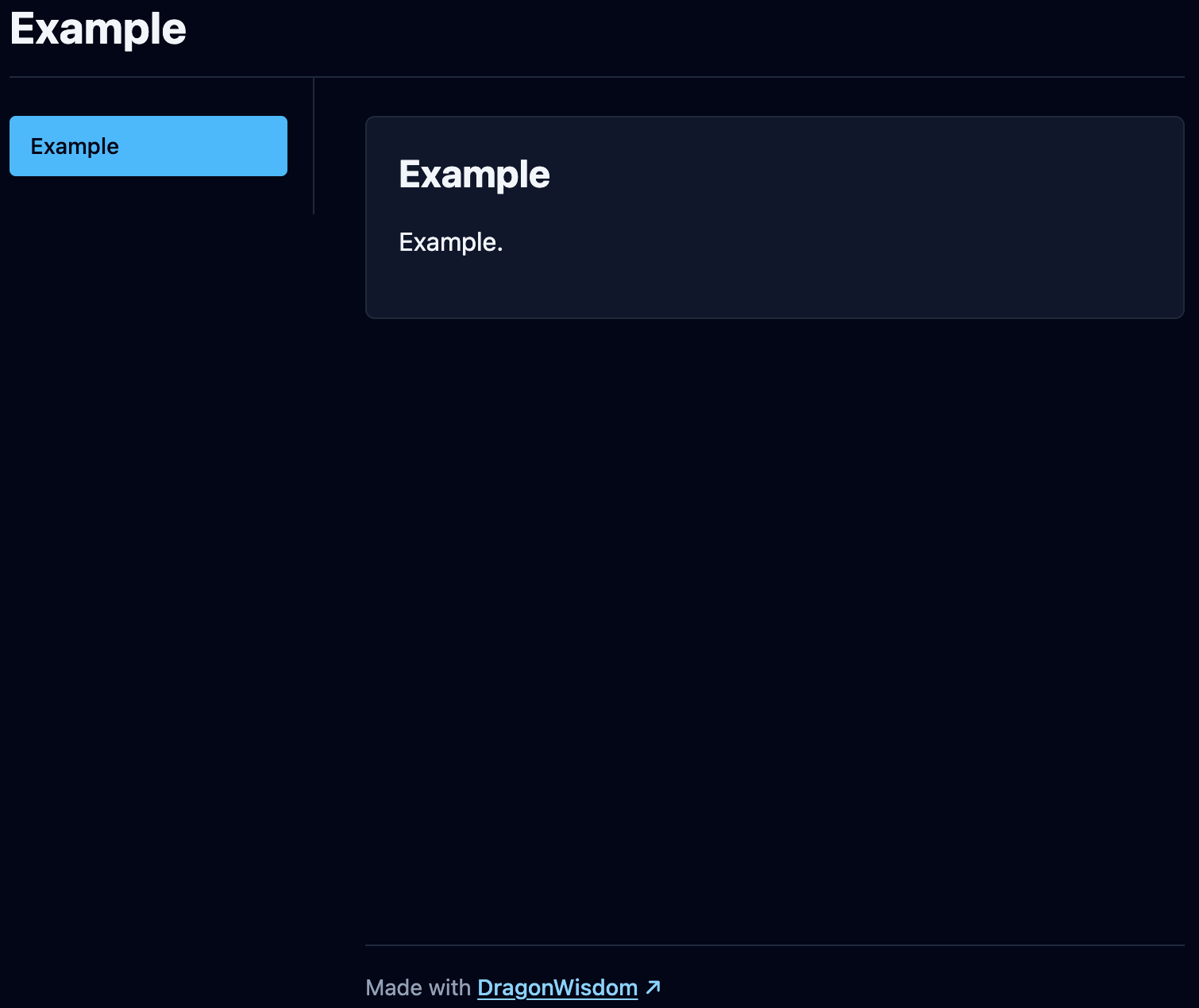
You can create your own HTML documentation from scratch with the elements described in the documentation.
Add the CSS to your HTML:
<link rel="stylesheet" href="https://releases.dragonwisdom.de/{release}/dragonwisdom.css">Add the optional JavaScript when you want interactive navigation, saving, Mermaid rendering or sortable tables:
<script src="https://releases.dragonwisdom.de/{release}/dragonwisdom.js"></script>Anthropic proposed moving away from Markdown files toward HTML files in order to provide more structured information in repositories.
- Long/many Markdown files

- One structured HTML file


HTML can be useful for documentation, but it must stay small and easy to write.
- Semantic HTML improves how AI agents understand and process information.
- More information can be presented in a visually structured, human-friendly way.
- HTML enables features such as Mermaid diagrams, sortable tables and saveable pages.
- Verbose utility classes in every HTML element.
- JavaScript as a hard requirement.
- Layout wrappers that do not add meaning.
Tailwind CSS helps you create stunning websites, but using it directly comes at the cost of verbosity and complexity. DragonWisdom abstracts it into a streamlined approach: minimal, yet powerful.
<section class="mx-auto max-w-5xl rounded-md border border-slate-200 bg-white p-5 shadow-sm">
  <h2 class="mb-3 mt-0 text-2xl font-bold leading-tight text-slate-900">AI-friendly HTML documentation readable for humans</h2>
  <p class="my-4 text-base leading-6 text-slate-900">DragonWisdom helps you write documentation as minimal, semantic HTML: clear and token-efficient for AI agents, while being beautifully styled and fully functional for humans.</p>
  <div class="grid grid-cols-1 gap-4 md:grid-cols-2">
    <p class="my-4 min-w-0 text-base leading-6 text-slate-900">Turn a prompt <img class="mt-2 block h-auto max-w-full rounded-md border border-slate-200" src="./img/prompt-research-dark.png" alt="Prompt Research"></p>
    <p class="my-4 min-w-0 text-base leading-6 text-slate-900">Into a HTML file <img class="mt-2 block h-auto max-w-full rounded-md border border-slate-200" src="./img/html-research-dark.png" alt="HTML Research"></p>
  </div>
</section><section>
<h2>AI-friendly HTML documentation readable for humans</h2>
<p>DragonWisdom helps you write documentation as minimal, semantic HTML: clear and token-efficient for AI agents, while being beautifully styled and fully functional for humans.</p>
<div class="split-2">
<p>Turn a prompt <img src="./img/prompt-research-dark.png" alt="Prompt Research"></p>
<p>Into a HTML file <img src="./img/html-research-dark.png" alt="HTML Research"></p>
</div>
</section>- Clone the repository.
- Install dependencies via
npm i. - Start the server via
npm run devand open the page in the browser. - Build the static artifacts via
npm run build, they will be available indist/public.
Made with DragonWisdom by Sharaal, CC BY 4.0, Support me