SyrianFrancisco is a merged version of SF Pro Display and SF Arabic, optimized for use on Android.
Made by an Arab for the Arabs with ❤️
©Apple Inc. All rights reserved.
You can use the pre-bulit .apk (Bulit by dryerlint's Font Manager) from the Releases page
- Install pre-bulit app
- Go to Settings > Display > Font size and Style
- Select SyrianFrancisco
You can also build the .apk by yourself using dryerlint's Font Manager itself
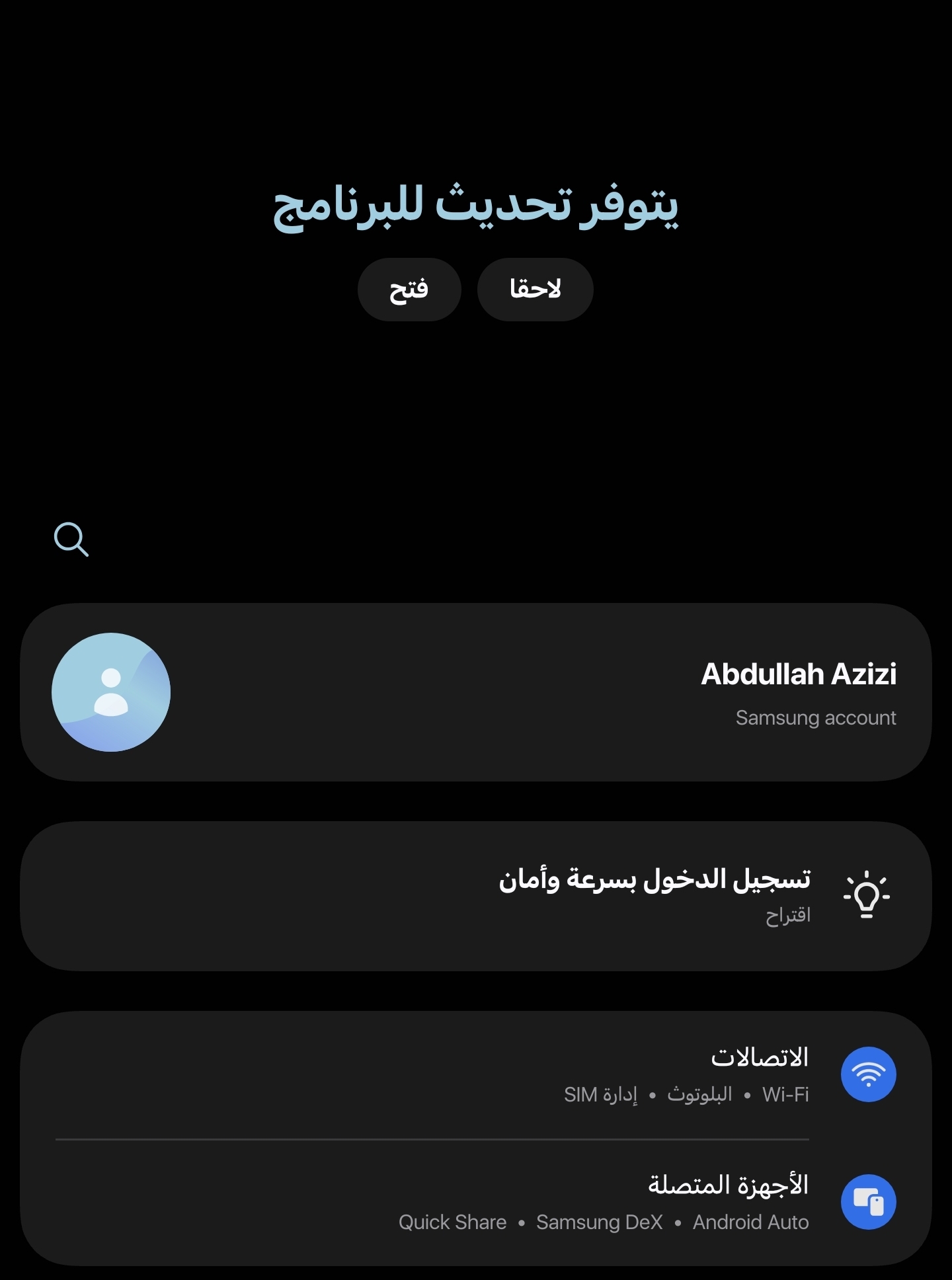
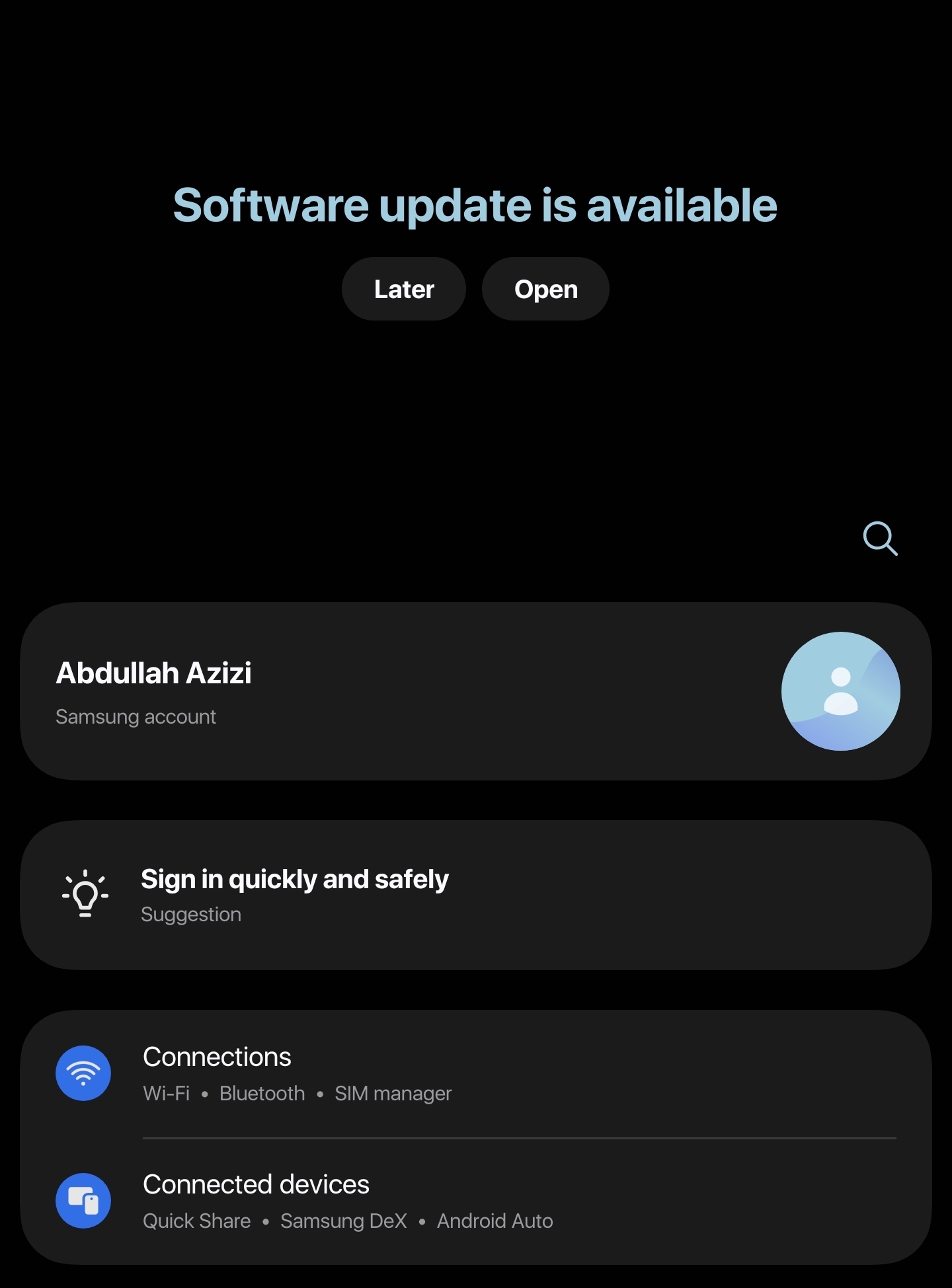
You can use the pre-bulit .apk (Bulit by dryerlint's Font Manager) from the Releases page
- Install pre-bulit app via Wireless Debugging
- Go to Settings > Display > Font Style
- Select SyrianFrancisco
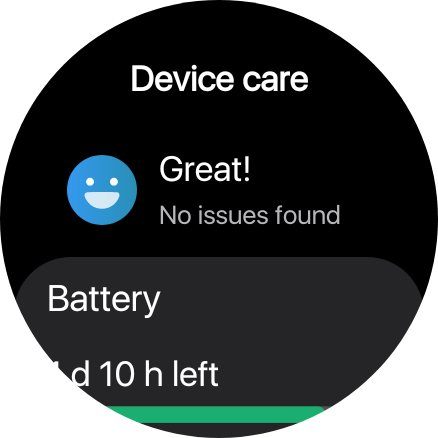
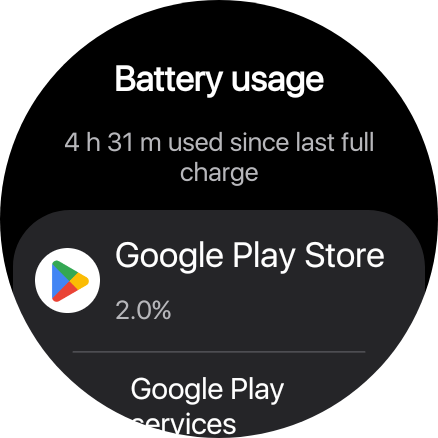
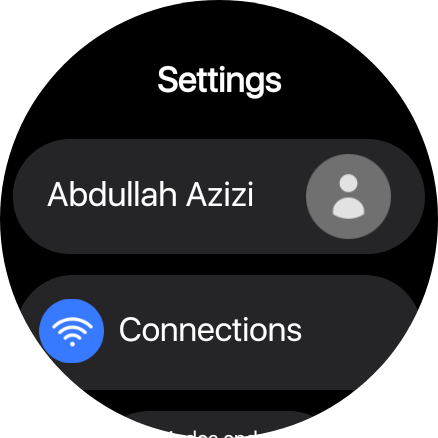

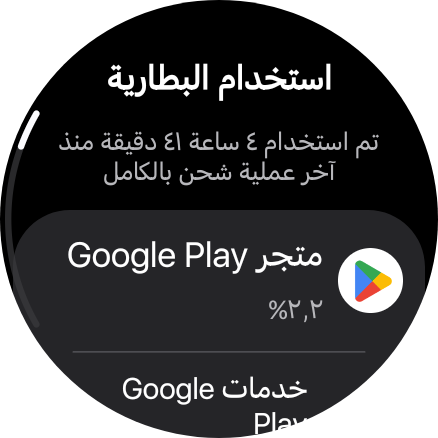
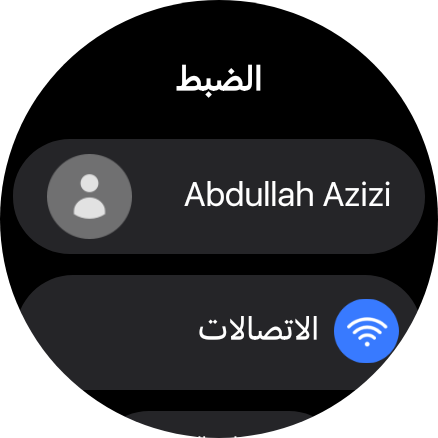
You can use font changer third-party apps such as zFont by importing the “SyrianFrancisco Android.ttf” file.
I Don't have an Android other than Samsung
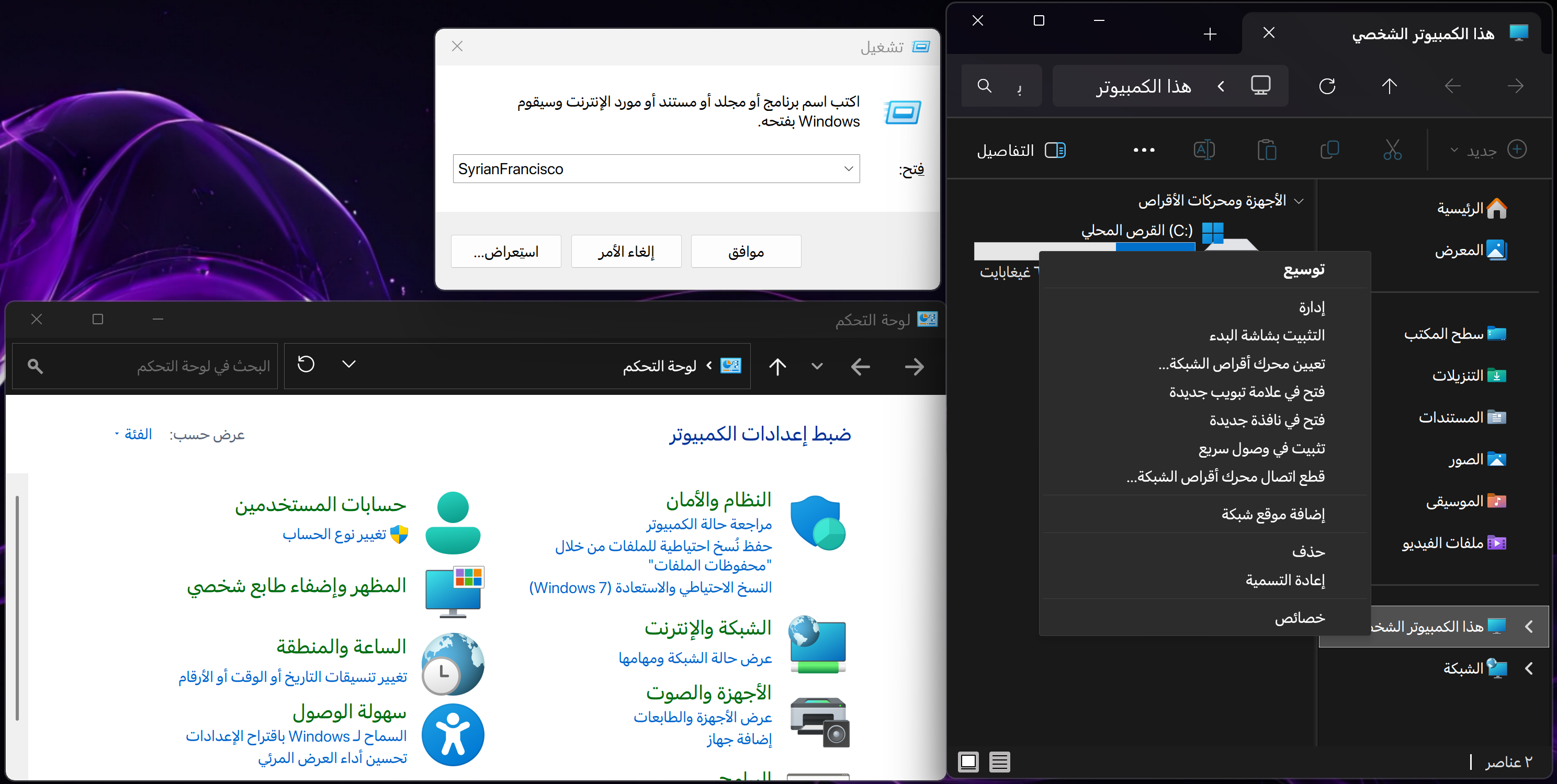
I moved Windows project to other project since it uses a new method to apply the new font system-wide (Even on the UWP apps)
Expand
You can download the pre-built font files directly from the Releases page.
There are two versions available to choose from:
1. Original SF Pro Display
This version retains the original Apple metadata. If you are installing the SF Pro font on your system for the first time, you can use this version. You can install it and apply it system-wide using the included .reg (registry) file found in the zip folder.
2. Cloned Version (SyrianFrancisco) If you already use the standard SF Pro font actively on Windows, installing the original version above will cause version confusion and cache conflicts. To avoid having to uninstall your current setup, use this cloned edition (SyrianFrancisco). It acts as a completely separate font family and can be installed and applied in the exact same way.
You can also use third-party software instead of the .reg file, such as noMeiryoUI or Winareo Tweaker
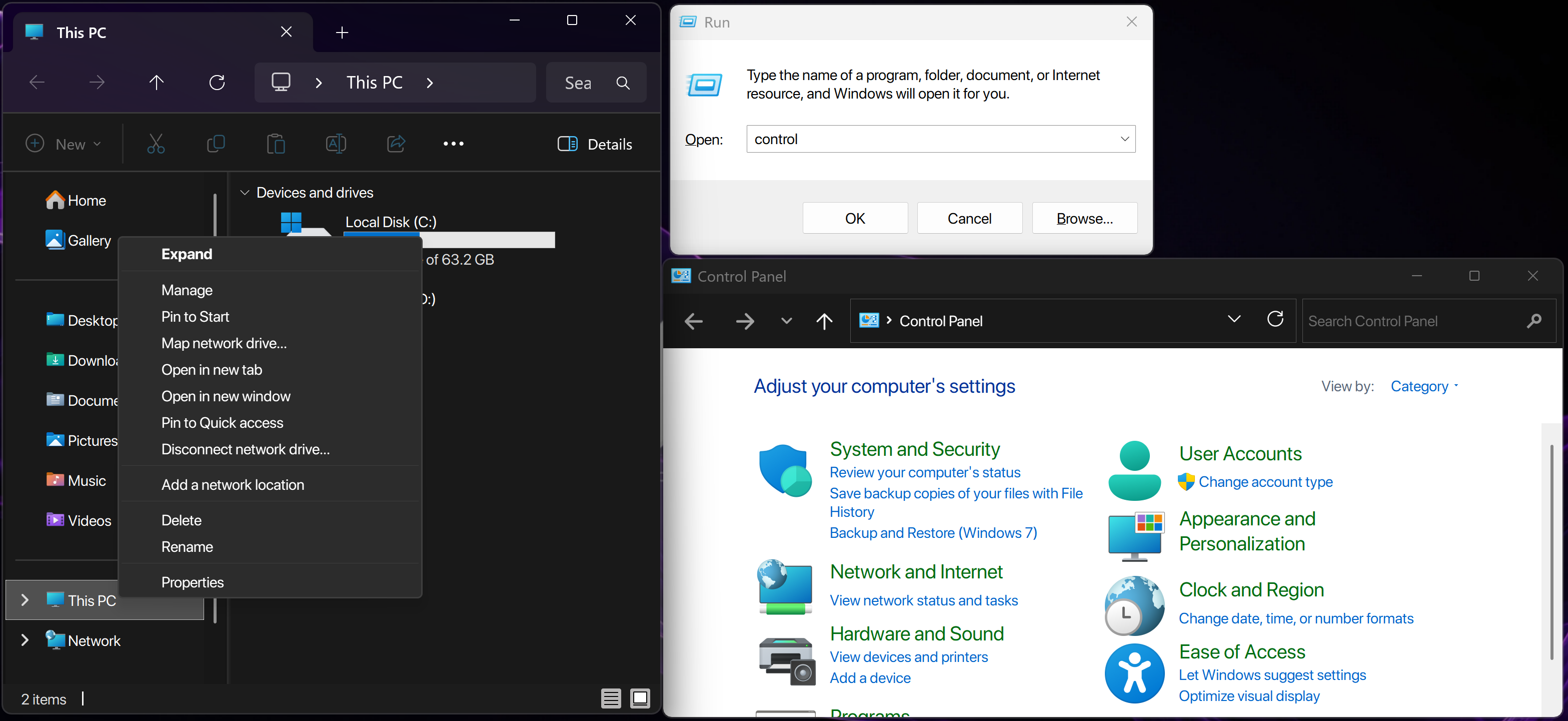
Follow these steps to generate the merged, Windows-friendly font family locally by yourself:
1. Download and Install FontForge Download and install FontForge, the open-source font editor. We will use its built-in Python interpreter to handle the font merging.
2. Download SF Pro Download the official SF Pro font package from the Apple Developer Fonts page. Extract the package to locate the .ttf files.
3. Download SF Arabic From the same Apple Developer Fonts page, download the SF Arabic font package and extract its .ttf files.
4. Prepare Your Workspace Create a new, empty folder on your computer. Copy the following files from your Apple downloads into this single folder:
- All 9 upright
SFArabic-*.ttfweights (Black, Bold, Heavy, Light, Medium, Regular, Semibold, Thin, Ultralight). - All 9 upright
SFProDisplay-*.ttfweights. - All 9 italic
SFProDisplay-*Italic.ttfweights
5. Add the Merge Script Choose the script that fits your needs and download it from this repository into your font folder:
- For the Original Metadata: If you want to retain the original Apple metadata, download the
merge.pyscript. - For the Cloned Version (SyrianFrancisco): To avoid having to uninstall your current SF Pro setup and prevent version conflicts, download the
merge-sf.pyscript instead.
6. Run the Build Command Open your Command Prompt or Terminal, navigate to your folder (e.g., cd path\to\your\folder), and execute the script using FontForge's Python executable.
If you chose the original version:
"C:\Program Files\FontForgeBuilds\bin\ffpython.exe" merge.py"If you chose the cloned version:
"C:\Program Files\FontForgeBuilds\bin\ffpython.exe" merge-sf.pyThis Python script use FontForge's API to automate the merge process across all 9 weights (both upright and italic) by performing the following steps:
- Preserving Complex Shaping (GSUB/GPOS): The script opens the
SF Arabicfont first and treats it as the "Base." This ensures that all OpenType features critical for rendering Arabic correctly remain completely intact. - Glyph Injection: The script extracts the Latin glyphs from
SF Pro Displayand safely injects them into the Arabic base font without overwriting the Arabic characters. - Italic Mapping: Because Arabic typography does not traditionally use an italic slant, the script maps the upright Arabic base to the Latin Italic fonts. This ensures that if you italicize an English word in a mixed-language sentence, the Arabic text remains readable and beautifully shaped instead of breaking or defaulting to a system font.
- Windows Metadata Rebuilding (RIBBI): Apple utilizes a modern
STATtable to group 9 weights into a single family, which standard Windows font caching struggles to read, often resulting in only the Italic weights displaying. The scripts strip out Apple's web-centric metadata and reconstruct the font names using the classic Windows standard (Regular, Italic, Bold, Bold Italic).
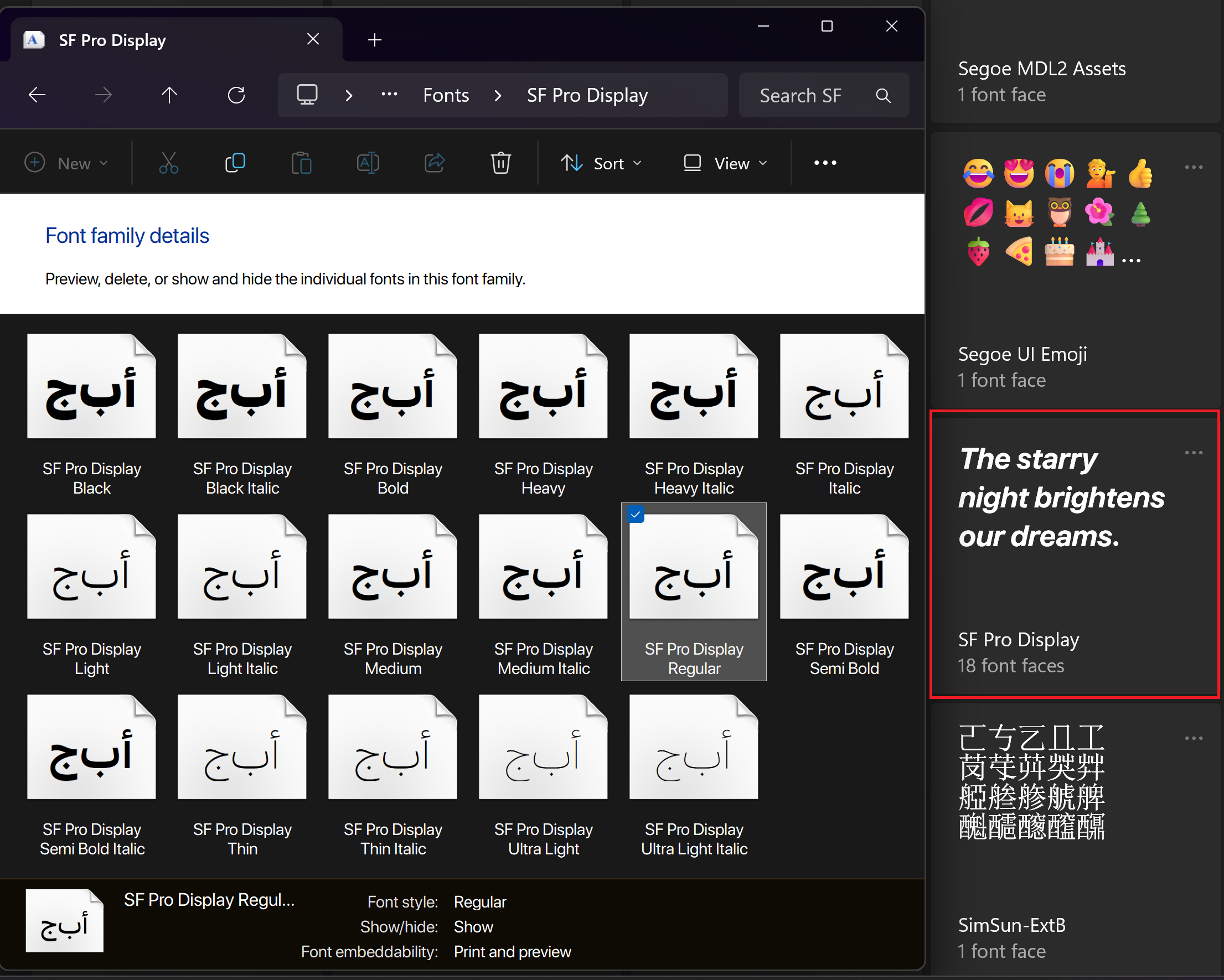
Apple Inc. for the SanFransisco Font
FontForge for the font editor