


A Next-Gen Windows System Font Setting Tool
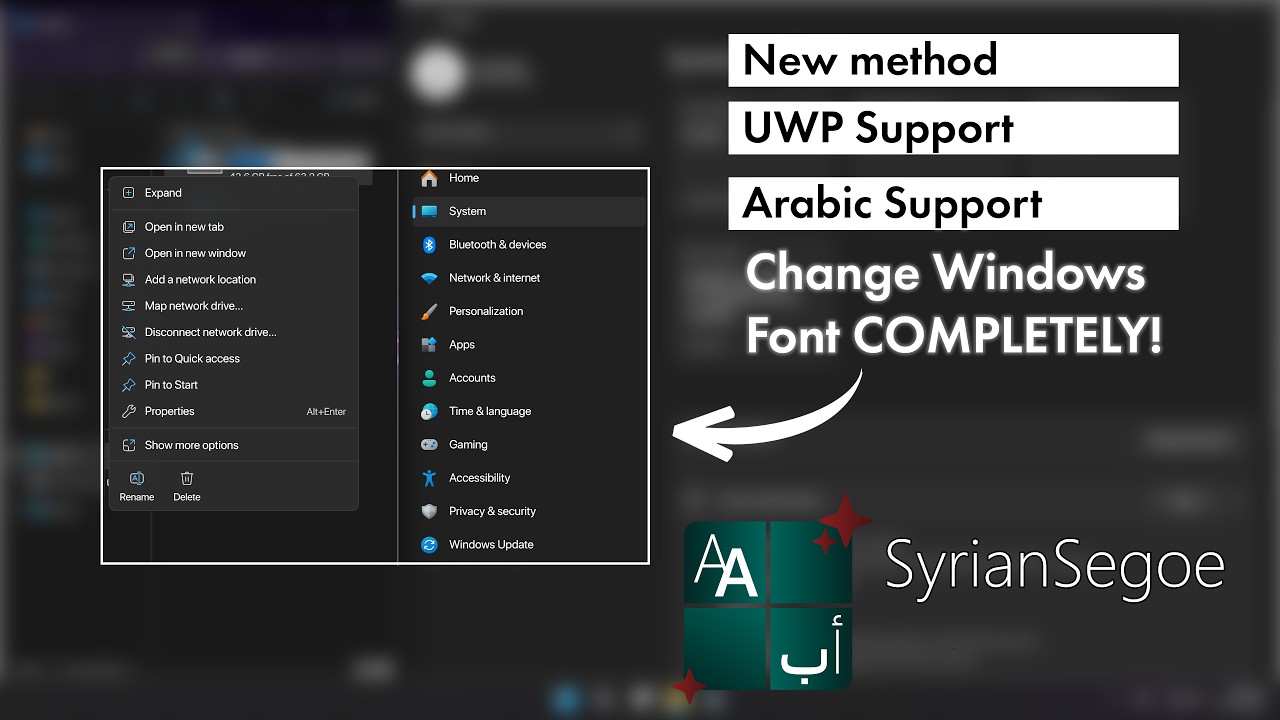
SyrianSegoe is a powerful, system-wide font replacement tool for Windows. It completely replaces the default "Segoe UI" font with a modded font of your choice. Because it patches the font files directly, it seamlessly applies your custom font across the entire OS, including modern UI elements that usually resist customization.
|

|
In the past, the standard way to change Windows fonts was using the Registry FontSubstitutes method.
The Problem with FontSubstitutes: Modern Windows components (like UWP apps, the Start Menu, and the modern Taskbar) strictly request the "Segoe UI" font by name and often ignore registry substitutions. This results in a mismatched UI where half the system uses your custom font and the other half uses the default Segoe UI.
SyrianSegoe takes a different approach. It uses FontForge to generate a modified version of your chosen font that impersonates Segoe UI. Because the system recognizes it as the original font, it ensures complete UI consistency without breaking system components..
All fonts designed for UI usage are fully supported, including Variable Fonts. Even if your chosen font is missing certain static weights (such as Light or SemiBold), the program will automatically slice or generate the missing weights for you.
The following fonts have been tested and work beautifully:
- Latin: SF Pro Display, MiSans, Ubuntu, Instagram Sans
- Arabic: SF Arabic, Noto Naskh Arabic, Cairo
- Windows 10: 21H2
- Windows 11: 24H2, 25H2
SF Pro Display + SF Arabic (Start Menu & Taskbar).png.png)
|
SF Pro Display + SF Arabic (Context Menu).png)
|
Ubuntu + Cairo (Win 11).png)
|
MiSans + Noto Naskh Arabic
|
Roboto + NotoNaksh Arabic (Login Screen)
|
SF Pro Display + SF Arabic (Lock Screen)
|
- Run as Administrator: The program requires Admin privileges to modify system fonts.
- Select Latin Fonts: Browse for your primary Latin Regular font. The app will attempt to automatically find the Bold and Black weights in the same folder.
- Select Arabic Fonts (Optional): If you use an Arabic system language or keyboard, select your preferred Arabic fonts in the second section.
- Build & Apply: Click the green "Build & Apply" button. (If you don't have FontForge installed, the app will offer to install it for you automatically via
winget). - Reboot: Restart your PC to see the changes take effect system-wide!
To revert, simply open the app and click Restore Original Fonts.
- Clone the repository:
git clone [https://github.com/SyrianTurk/SyrianSegoe.git](https://github.com/SyrianTurk/SyrianSegoe.git) cd SyrianSegoe - Install Python dependencies:
pip install -r src/requirements.txt
- Run the build command:
python -m PyInstaller --noconfirm --onefile --windowed --uac-admin --icon "logo.ico" --add-data "engine.py;." --add-data "translations.py;." --add-data "SyrianSegoe_Banner.png;." --add-data "logo.ico;." "app.py"
If you encounter any weird font rendering, app crashes, or bugs, please let me know!
- Go to the Issues tab of this repository.
- Click New Issue.
- Describe the problem, the exact fonts you were trying to use, and your Windows version. Screenshots of the glitch are highly appreciated!
- Native UWP UI
- Font Library
- Advanced Font Preview
- Emoji Support
- Developer: Developed by SyrianTurk.
- UI Framework: Built using CustomTkinter by Tom Schimansky.
- Font Engine: Font merging, patching, and generation is powered by the incredible open-source FontForge project.