This is a project that aims at making any table interactive to add fun at parties and board games.
I'm in charge of the programming of the microcontroller connected to different sensors (IR/RGB cameras) and other components (speakers, etc...), while my friend makes the main C++ program runing on a computer.
The product has three main components:
- Projector
- RGB camera
- IR camera And uses Arduino to get the information.
First, we use the IR camera to detect a stylus equipped with IR leds to track where the user is clicking on the table. The information is retrieve by the main program on the computer to interract with the user interface. This allows to make any surface "touch-sensitive".
Then, we use the RGB camera to detect objects on the table and track them using a modified version of the MOSSE tracker algorithm from OpenCV. The goal here is to track glasses, cards,... to project animations around them using the projector.
This should allow the computer to manage board games, add cool effects on the table (if someone looses for instance) et can animate parties with cool custom effects around glasses.
- The program can already manage the clicks with the IR camera, no matter if the camera isn't perfectly aligned thanks to a calibration at the start of the program
- Glasses are detected and tracked correctly using a modified version of the MOSSE tracker from OpenCV
- The program has a GUI made with SFML that allows the user to manage the applications he wants to be launched (for instance launching or not the glass tracking, launching a game,...). This interface uses a very flexible menu that shows buttons at the center of the table to allow the user to either launch / close applications or even interact with them when they are running if they define buttons.
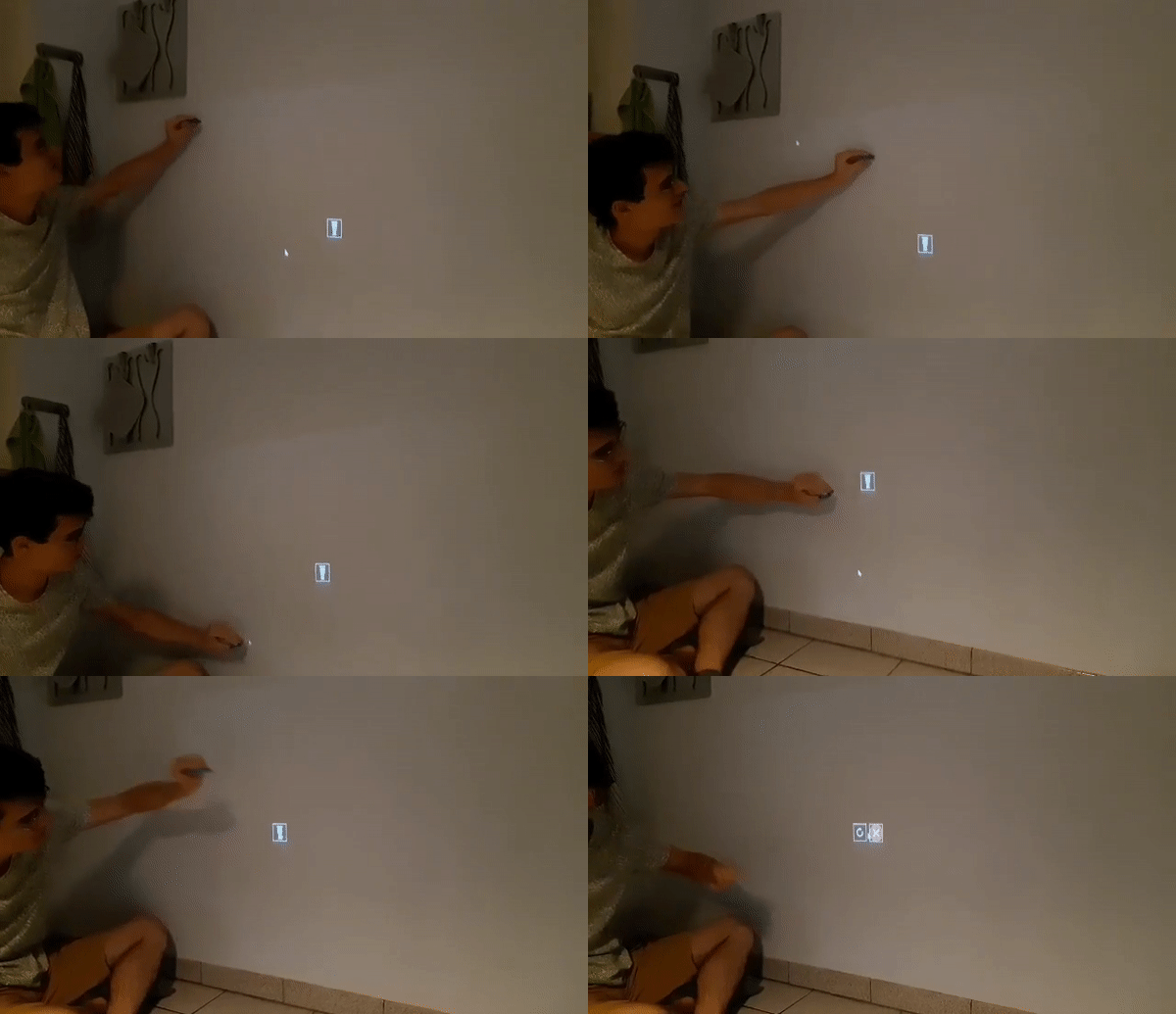
Here you can see a demo of the project making the wall touch-sensitive. Remi hold the stylus in his hand and click on the wall, making the program to click on the computer.
At the end, he click on the glass tracking app icon, which launches it and opens it. You can see two new icons : one to reset the trackers, which basically re-scan the table for new glasses, and the other one to close the application.