

Automatically activate Python virtual environments as you navigate the source code.
This is useful if you are working with a monorepo that contains sub-projects, modules, libraries or deployments with different Python dependencies. Or perhaps you want to automatically activate a development environment when you click on a test file.
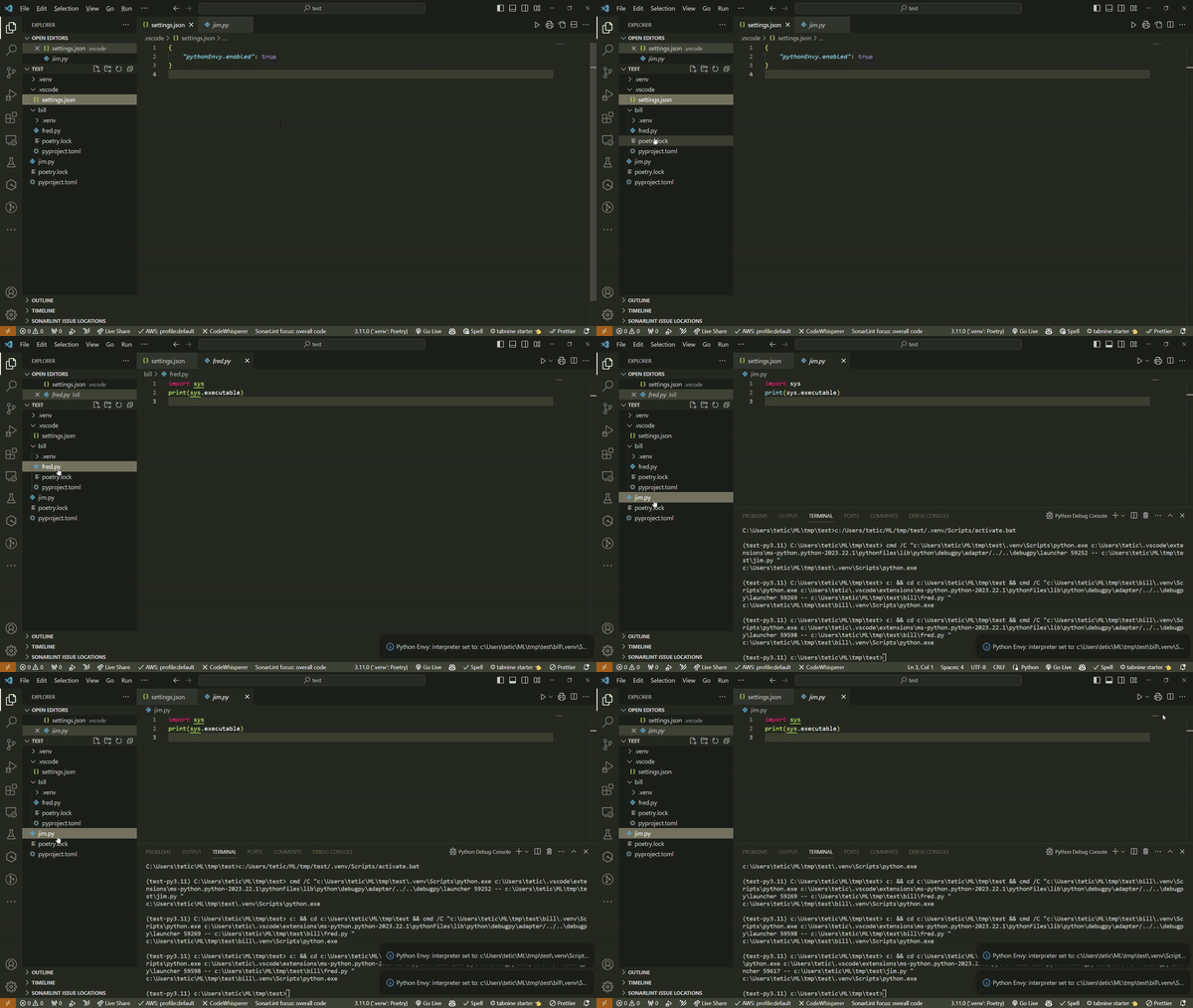
As you can see in the following demo, the active Python environment changes as soon as a file is loaded into the editor. You may want to consider only enabling the extension for specific workspaces.
The Python extension must be enabled for this to work.
This extension has the following settings:
pythonEnvy.venv: Location of the virtual environments. Set to.venvby default.pythonEnvy.showNotifications: Show information messages when Python interpreter is automatically switched. Set totrueby default.pythonEnvy.enablePep723: Detect PEP 723 inline script metadata and useuv python find --scriptto activate the appropriate Python interpreter. Requires uv to be installed. Set totrueby default.
N/A
- Fix issue #8 introduce option to disable notification when the interpreter gets activated/switched.