


Generate SVG graphics using AI directly within Inkscape
A powerful Inkscape extension that leverages multiple AI providers (OpenAI, Anthropic Claude, Google Gemini, and local Ollama) to generate scalable vector graphics from text descriptions.
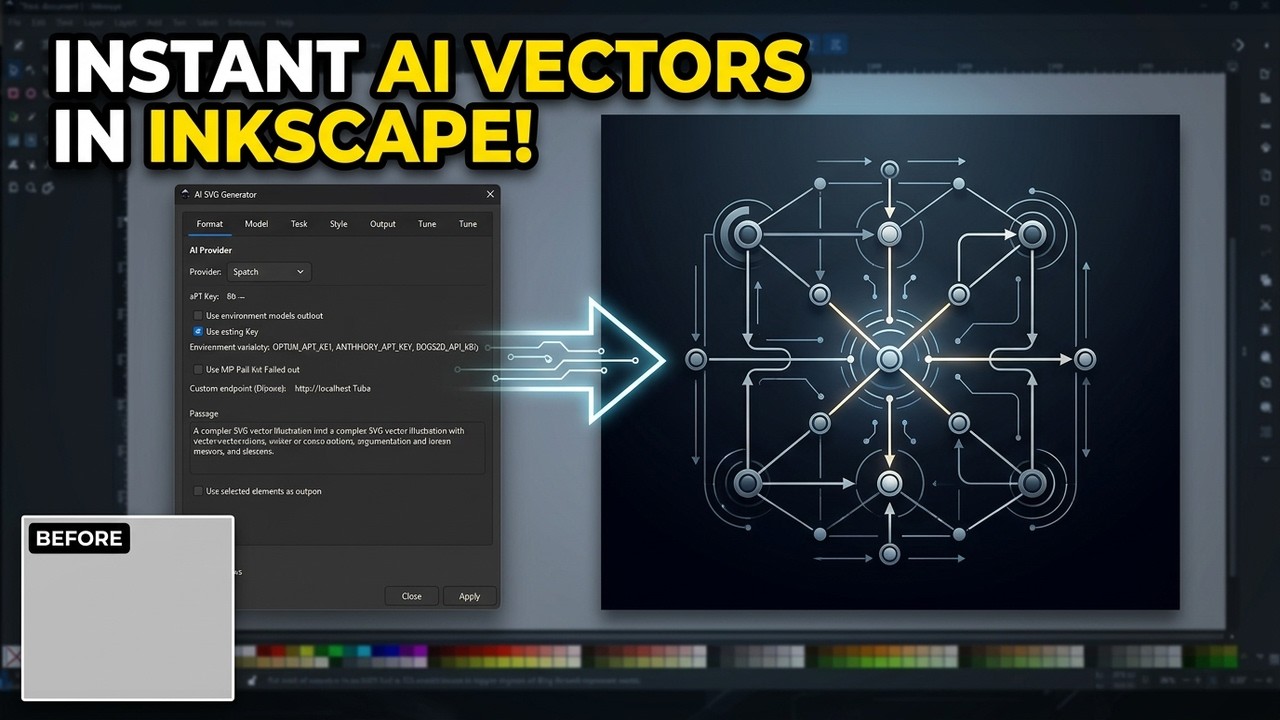
Click to watch the full tutorial on YouTube
- Features
- Requirements
- Installation
- Quick Start
- Usage Guide
- Configuration
- Provider Setup
- Customization
- Troubleshooting
- Contributing
- License
-
🤖 Multiple AI Providers
- OpenAI: GPT-4, GPT-4 Turbo, GPT-3.5
- Anthropic: Claude 3.5 Sonnet, Claude 3 Opus
- Google: Gemini 1.5 Flash, Gemini 1.5 Pro
- Ollama: Local models (Llama, Mistral, etc.)
-
🎨 Rich Style Options
- Style presets (minimal, detailed, flat, outline, geometric, etc.)
- Color schemes (monochrome, warm, cool, pastel, vibrant, etc.)
- Complexity levels (simple, medium, complex)
- Stroke style control
-
📐 Flexible Sizing
- Preset sizes (small, medium, large, xlarge)
- Custom dimensions
- Aspect ratios (square, landscape, portrait, widescreen, banner)
-
🎯 Smart Positioning
- Center, origin, or next to selection
- Multiple variations side-by-side
- Automatic grouping with custom names
-
⚙️ Advanced Features
- Selection context awareness
- Prompt presets (icon, logo, diagram, pattern, etc.)
- Gradient and animation support
- Accessibility options (title/desc)
- Prompt history tracking
- Retry logic for reliability
| Component | Version | Purpose |
|---|---|---|
| Inkscape | 1.0+ | Vector graphics editor |
| Python | 3.6+ | Extension runtime |
| Internet | - | API access (except Ollama) |
| Component | Purpose |
|---|---|
| Ollama | Run AI models locally without API costs |
| OS | Path |
|---|---|
| Windows | C:\Users\[YourName]\AppData\Roaming\inkscape\extensions\ |
| macOS | ~/Library/Application Support/org.inkscape.Inkscape/config/inkscape/extensions/ |
| Linux | ~/.config/inkscape/extensions/ |
💡 Tip: In Inkscape: Edit → Preferences → System shows extensions path
-
Create extension folder:
mkdir -p [extensions-directory]/svg_maker
-
Copy files:
cp svg_llm.py [extensions-directory]/svg_maker/
cp svg_llm.inx [extensions-directory]/svg_maker/
-
Restart Inkscape
- Open Inkscape
- Go to Extensions → Generate → SVG LLM Generator
- The extension dialog should appear
- Open Inkscape
- Go to Extensions → Generate → SVG LLM Generator
- Select a provider (e.g., OpenAI)
- Enter your API key
- Type a prompt:
A simple house icon with a chimney - Click Apply
Result: An AI-generated SVG house icon appears on your canvas!
| Tab | Purpose |
|---|---|
| Provider | Select AI provider and enter API key |
| Prompt | Enter description and select presets |
| Style | Configure visual style and colors |
| Size | Set dimensions and aspect ratio |
| Output | Grouping, positioning, variations |
| Advanced | Temperature, tokens, retries, seed |
| Help | Quick reference and tips |
| Option | Description |
|---|---|
| Prompt | Text description of desired SVG |
| Preset | Quick templates (icon, logo, diagram, etc.) |
| Use Selection Context | Match style of selected elements |
| Option | Values | Description |
|---|---|---|
| Style Hint | minimal, detailed, flat, outline, geometric, organic, hand_drawn, isometric, cartoon | Visual style |
| Color Scheme | any, monochrome, warm, cool, pastel, vibrant, grayscale, earth, neon | Color palette |
| Complexity | simple, medium, complex | Detail level |
| Stroke Style | any, thin, medium, thick, none | Line thickness |
| Option | Values |
|---|---|
| Size | small (200px), medium (400px), large (600px), xlarge (800px), custom |
| Aspect Ratio | square, landscape (4:3), portrait (3:4), widescreen (16:9), banner (3:1) |
| Custom Width/Height | Any pixel value |
| Option | Description |
|---|---|
| Add Group | Wrap generated SVG in a group |
| Group Name | Custom identifier for the group |
| Position | center, origin (0,0), selection (next to selected) |
| Variations | Generate 1-4 different interpretations |
| Include Gradients | Allow gradient fills |
| Include Animations | Add CSS/SMIL animations |
| Add Accessibility | Include title/desc elements |
Three ways to provide API keys (in priority order):
Enter key directly in the Provider tab each time.
- Enter API key in Provider tab
- Check "Save API key"
- Key is stored in
.config.json
Edit .config.json in the extension directory:
{
    "api_keys": {
        "openai": "sk-your-openai-key",
        "anthropic": "sk-ant-your-anthropic-key",
        "google": "your-google-api-key"
    },
    "last_provider": "openai"
}The extension automatically saves your prompts to .svg_llm_history.json:
[
    {
        "prompt": "A simple house icon",
        "timestamp": "2024-01-15T10:30:00",
        "width": 400,
        "height": 400,
        "provider": "openai",
        "model": "gpt-4-turbo",
        "style": "minimal",
        "color_scheme": "any"
    }
]- Get API key from platform.openai.com/api-keys
- Select provider: openai
- Recommended models:
gpt-4-turbo,gpt-4o,gpt-3.5-turbo
- Get API key from console.anthropic.com
- Select provider: anthropic
- Recommended models:
claude-3-5-sonnet-20241022,claude-3-opus-20240229
- Get API key from aistudio.google.com/apikey
- Select provider: google
- Recommended models:
gemini-1.5-flash,gemini-1.5-pro
- Install Ollama from ollama.com
- Pull a model:
ollama pull llama3.1
- Start Ollama:
ollama serve
- Select provider: ollama
- No API key needed!
Edit the class constants in svg_llm.py:
class SVGLLMGenerator(inkex.EffectExtension):
    CONFIG_FILENAME = '.config.json'      # Config file name
    HISTORY_FILENAME = '.svg_llm_history.json'  # History file name
MAX_HISTORY = 50 # Max history entriesAdd new presets in the build_prompt method:
preset_prompts = {
    'icon': "Create a simple, recognizable icon...",
    'illustration': "Create an artistic illustration...",
    # Add your custom preset:
    'scientific': "Create a scientific diagram with labels and annotations...",
}Modify style descriptions in build_prompt:
style_descriptions = {
    'minimal': 'Use a minimal, clean design...',
    # Add custom style:
    'blueprint': 'Use technical blueprint style with white lines on blue background...',
}Add color schemes in build_prompt:
color_descriptions = {
    'monochrome': 'Use only one color...',
    # Add custom scheme:
    'synthwave': 'Use synthwave/retrowave colors (pink, cyan, purple on dark)...',
}Edit the system message in API call methods:
def call_openai_api(self, prompt, api_key):
    # ...
    data = {
        'messages': [
            {
                'role': 'system',
                'content': 'Your custom system prompt here...'
            },
            # ...
        ]
}Extension not appearing in menu
Solutions:
- Verify files are correctly placed:
ls [extensions-directory]/svg_maker/ # Should show: svg_llm.py, svg_llm.inx - Check file permissions (Linux/macOS):
chmod +x svg_llm.py
- Restart Inkscape completely
- Check Inkscape error log: Edit → Preferences → System → Open Error Log
API Key Error
Error: Please provide a valid API key for [provider]
Solutions:
- Verify API key is correct (no extra spaces)
- Check API key has proper permissions
- Ensure API key is not expired
- For Ollama: No key needed, ensure server is running
Network/Connection Error
Error: Network Error: ...
Solutions:
- Check internet connection
- Verify firewall isn't blocking requests
- For Ollama: Ensure
ollama serveis running - Try increasing timeout in Advanced tab
Invalid SVG Generated
Error: Failed to parse SVG code: ...
Solutions:
- Try a different model (GPT-4 tends to be more reliable)
- Simplify your prompt
- Reduce complexity setting
- Enable "Optimize paths" option
- Try with a different provider
Ollama Connection Failed
Error: Cannot connect to Ollama
Solutions:
- Start Ollama server:
ollama serve
- Verify Ollama is running:
curl http://localhost:11434/api/tags
- Check custom endpoint URL if not using default
- Pull a model if none installed:
ollama pull llama3.1
- Check error log: Edit → Preferences → System → Open Error Log
- Test API independently: Use curl or Postman to verify API access
- Start simple: Test with basic prompts before complex ones
- Check history: Review
.svg_llm_history.jsonfor past successful prompts
svg_maker/
├── svg_llm.py              # Main extension code
├── svg_llm.inx             # Inkscape extension definition
├── README.md               # This file
├── LICENSE                 # MIT License
├── .config.json            # Saved API keys (auto-created)
└── .svg_llm_history.json   # Prompt history (auto-created)
- Be specific: "A red apple with a leaf" > "an apple"
- Mention style: "flat design icon of..." or "detailed illustration of..."
- Specify colors: "using blue and orange colors"
- Define complexity: "simple/minimal" or "detailed/intricate"
- Use presets: They include optimized instructions
- Start with medium complexity: Adjust based on results
- Lower temperature for consistency: 0.3-0.5 for predictable results
- Higher temperature for creativity: 0.8-1.0 for variety
- GPT-4 models produce best SVG: More reliable than GPT-3.5
- Claude excels at complex diagrams: Good for flowcharts
- Gemini is fast and affordable: Good for simple icons
- Local Ollama varies by model: llama3.1 recommended
Contributions are welcome!
- Fork the repository
- Create a feature branch (
git checkout -b feature/new-provider) - Commit changes (
git commit -m 'Add new AI provider') - Push to branch (
git push origin feature/new-provider) - Open a Pull Request
Development Setup:
git clone https://github.com/YouvenZ/svg_maker_ink.git
cd svg_maker_ink
# Symlink for testing
ln -s $(pwd) ~/.config/inkscape/extensions/svg_makerThis project is licensed under the MIT License - see LICENSE file for details.
- Issues: GitHub Issues
- Discussions: GitHub Discussions
- Email: youvenz.pro@gmail.com
- Built on Inkscape Extension API
- Powered by OpenAI, Anthropic, Google, and Ollama
- Inspired by the need for AI-assisted vector graphics creation
- ✨ Initial release
- ✅ OpenAI, Anthropic, Google, Ollama support
- ✅ Multiple style and color options
- ✅ Flexible sizing with aspect ratios
- ✅ Selection context awareness
- ✅ Multiple variations generation
- ✅ Prompt history tracking
- ✅ API key persistence
- ✅ Retry logic for reliability