What is TypeGraphQL ?
- Clone the repository
- update DB details on .env file
- Install the required dependency: `npm install`
- Run the project: `npm run start`
Following stack has been used in the project
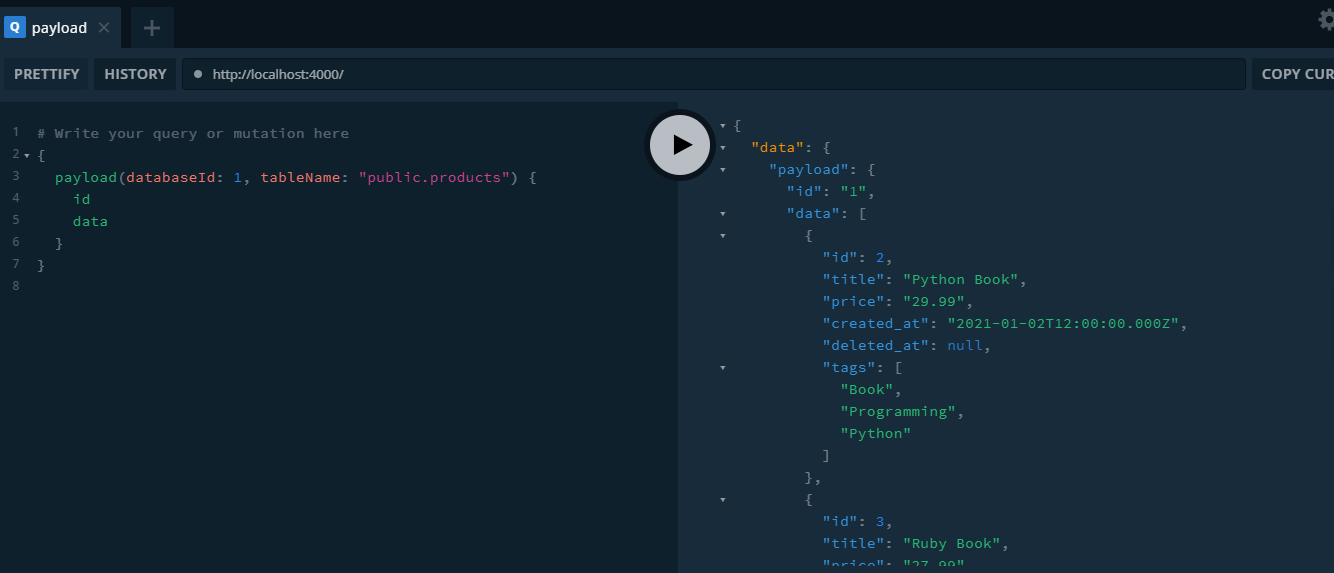
passing input as tableName: "public.product" and getting payload object in response.
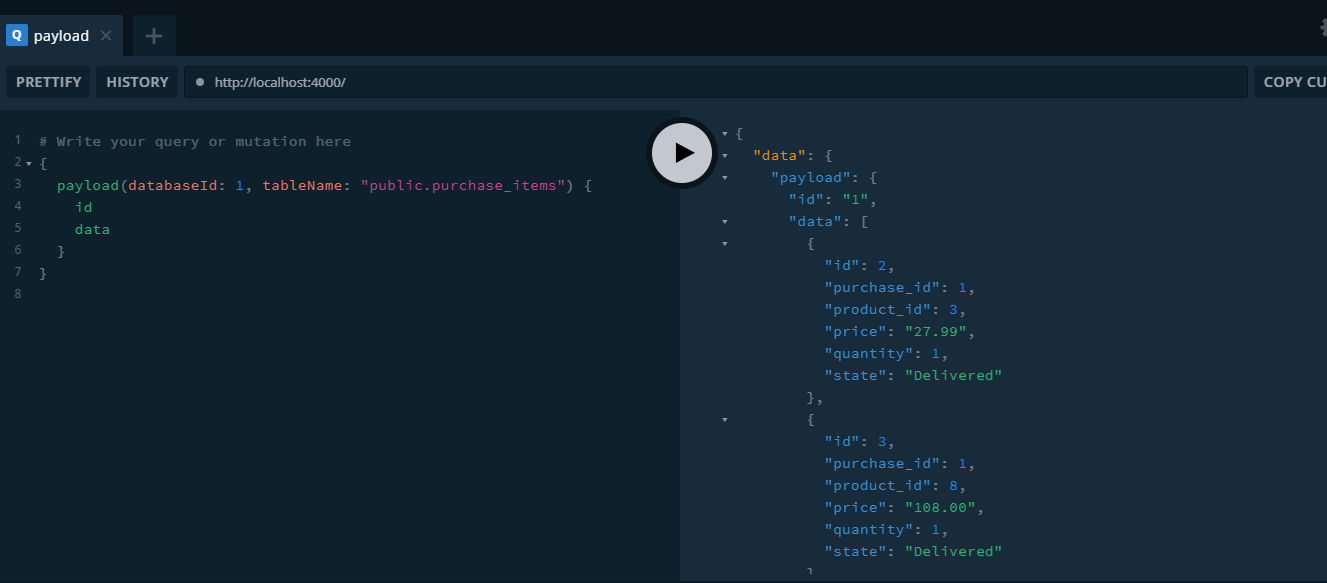
Passing tableName as "public.purchase_items"
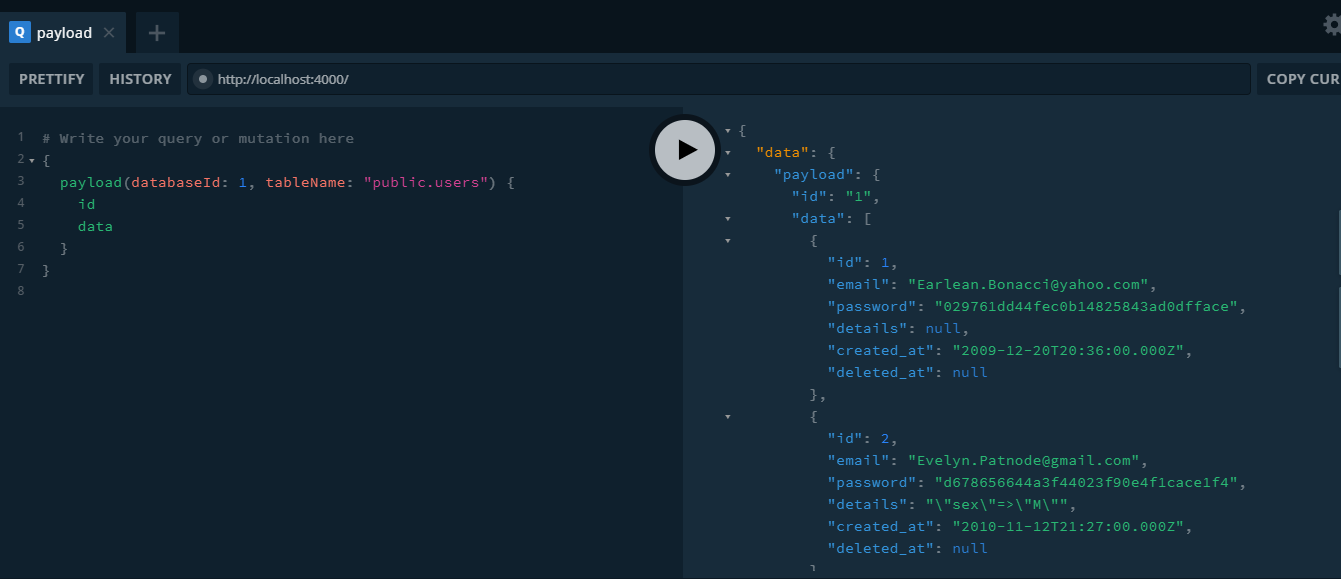
Passing tableName as "public.users"
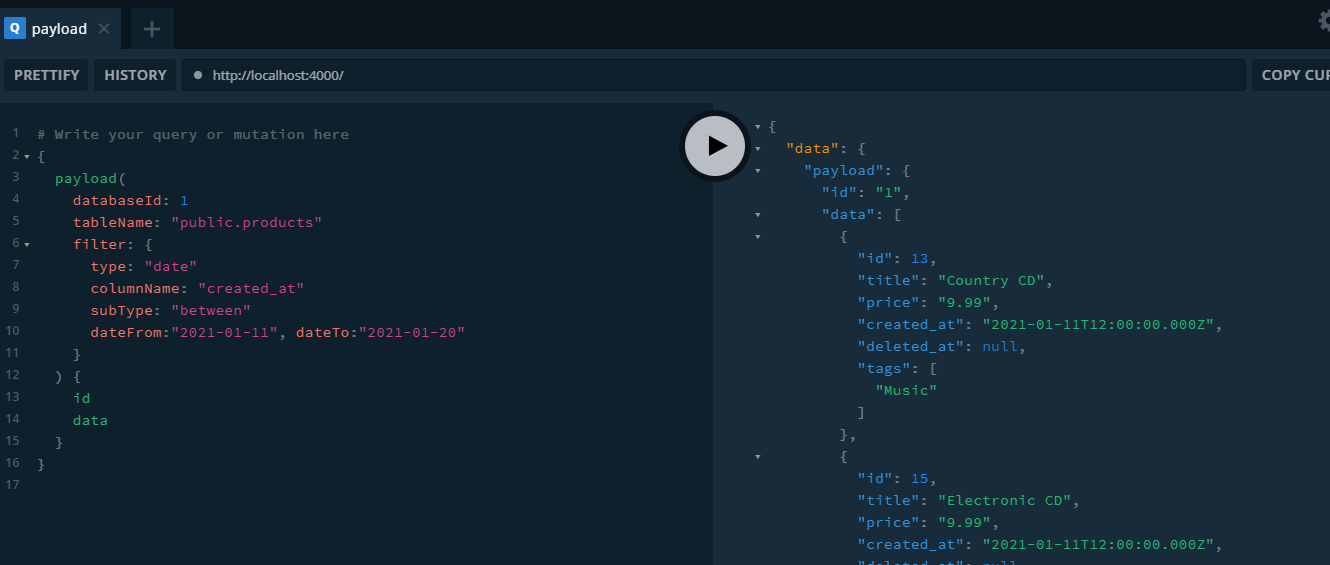
Here, we have three types of filters: number, text or date. Each filter has its own subType.
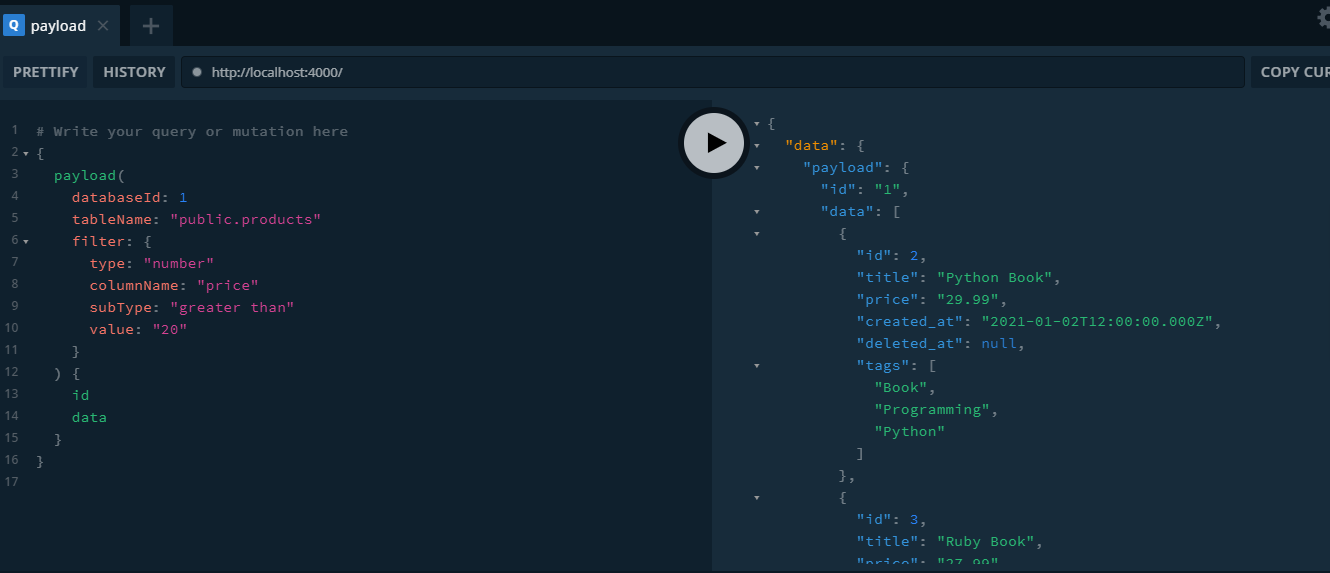
- subType: "greater than"
Execute below query to get Price value greater than 20
{
  payload(
    databaseId: 1
    tableName: "public.products"
    filter: {
      type: "number"
      columnName: "price"
      subType: "greater than"
      value: "20"
    }
  ) {
    id
    data
  }
}
Response
- subType: "less than"
Execute below query to get Payload having Price value less than 20
{
  payload(
    databaseId: 1
    tableName: "public.products"
    filter: {
      type: "number"
      columnName: "price"
      subType: "less than"
      value: "20"
    }
  ) {
    id
    data
  }
}
Response

- subType: "equal to"
Execute below query to get Payload having Price value equal to 108.00
{
  payload(
    databaseId: 1
    tableName: "public.products"
    filter: {
      type: "number"
      columnName: "price"
      subType: "equal to"
      value: "108.00"
    }
  ) {
    id
    data
  }
}
Response

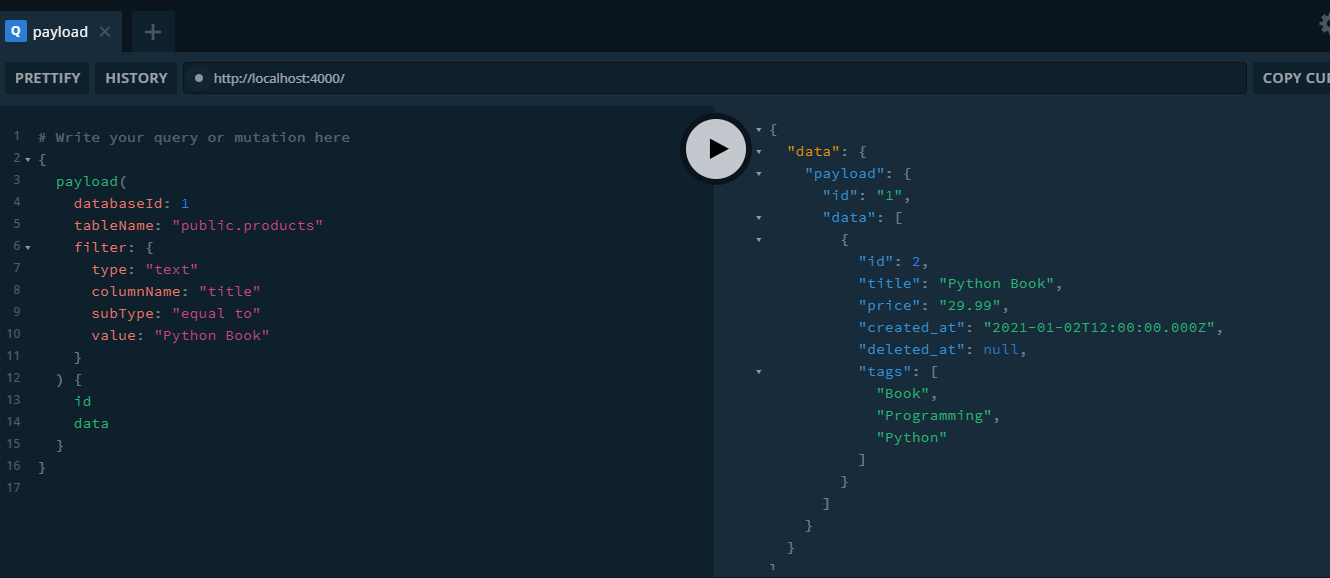
- subType: "equal to"
{
  payload(
    databaseId: 1
    tableName: "public.products"
    filter: {
      type: "text"
      columnName: "title"
      subType: "equal to"
      value: "Python Book"
    }
  ) {
    id
    data
  }
}
Response
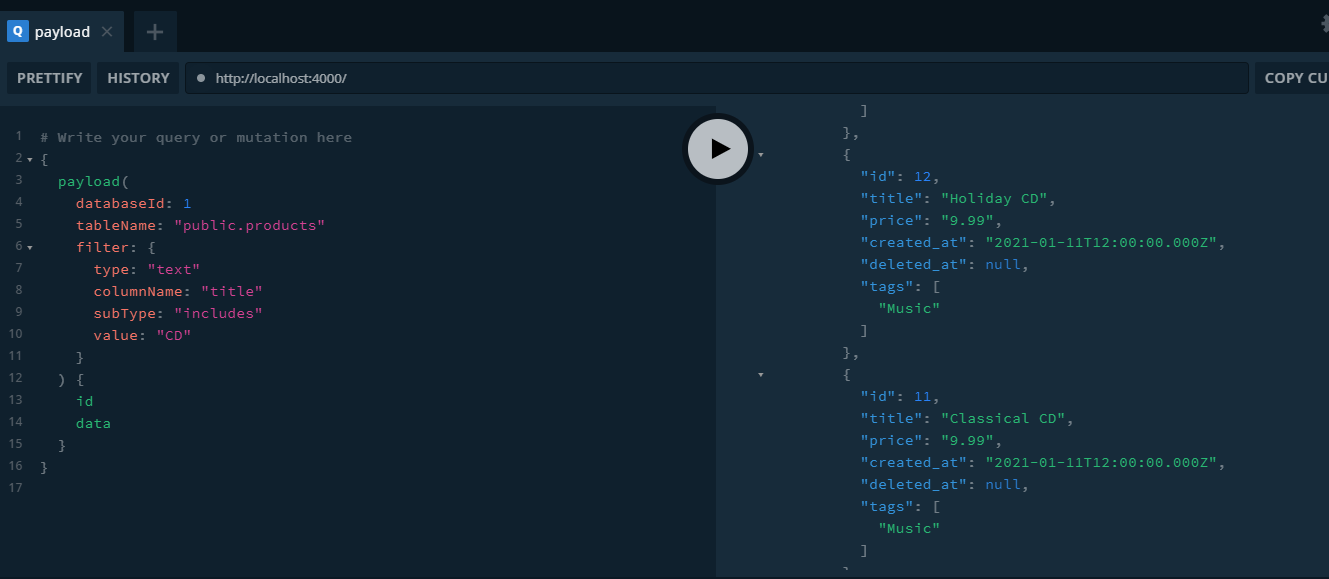
- subType: "includes"
  payload(
    databaseId: 1
    tableName: "public.products"
    filter: {
      type: "text"
      columnName: "title"
      subType: "includes"
      value: "CD"
    }
  ) {
    id
    data
  }
}
Response
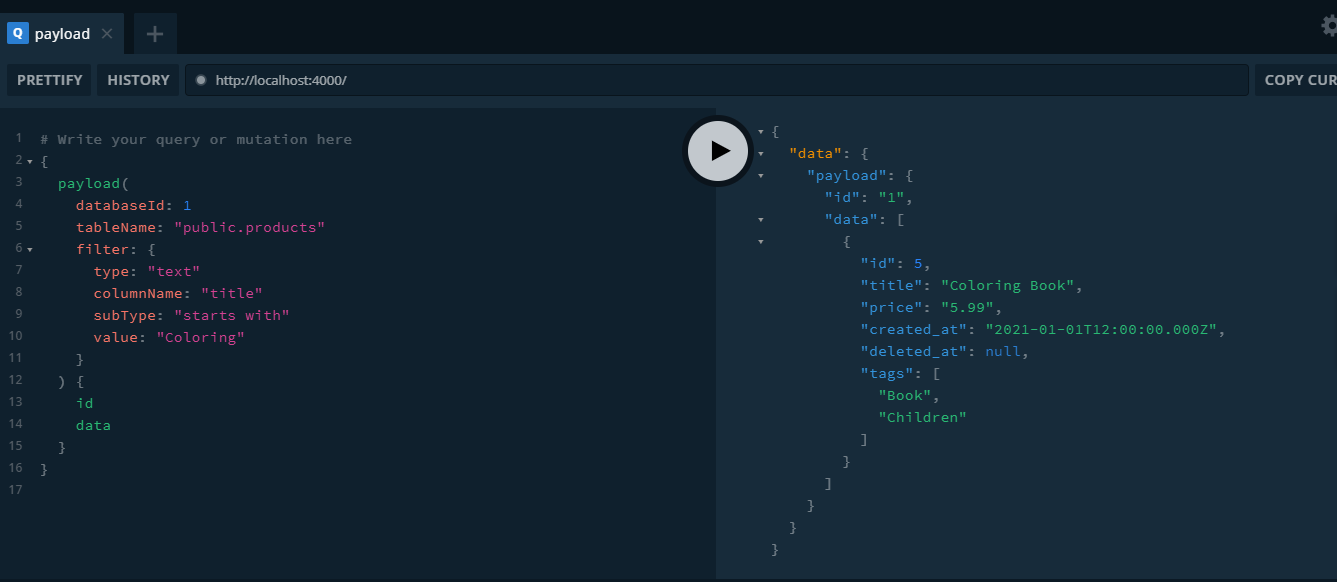
- subType: "starts with"
{
  payload(
    databaseId: 1
    tableName: "public.products"
    filter: {
      type: "text"
      columnName: "title"
      subType: "starts with"
      value: "Coloring"
    }
  ) {
    id
    data
  }
}
Response
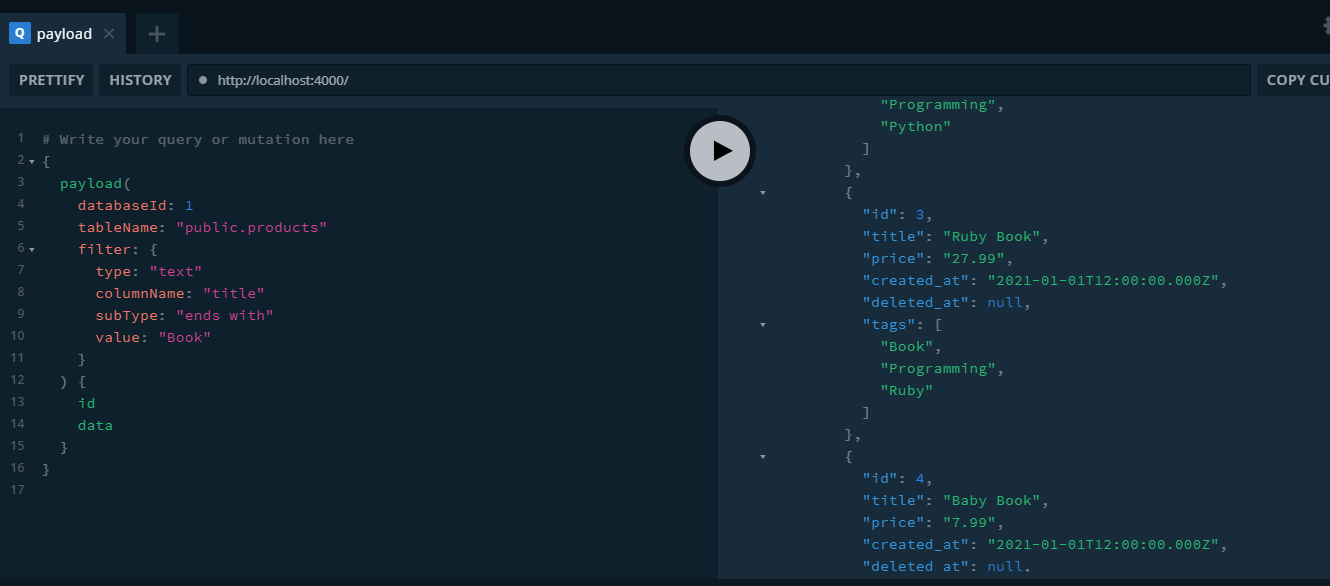
- subType: "ends with"
{
  payload(
    databaseId: 1
    tableName: "public.products"
    filter: {
      type: "text"
      columnName: "title"
      subType: "ends with"
      value: "Book"
    }
  ) {
    id
    data
  }
}
Response
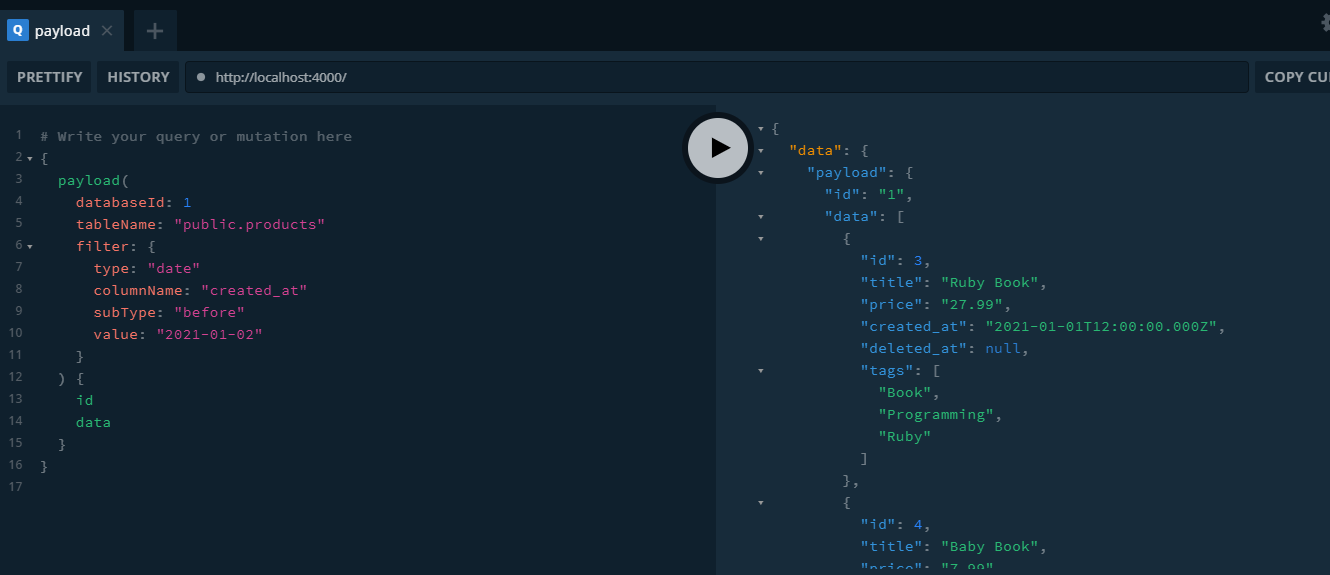
- subType: "before" pass value as date in YYYY-MM-DD format
{
  payload(
    databaseId: 1
    tableName: "public.products"
    filter: {
      type: "date"
      columnName: "created_at"
      subType: "before"
      value: "2021-01-02"
    }
  ) {
    id
    data
  }
}
Response
- subType: "after" pass value as date in YYYY-MM-DD format
{
  payload(
    databaseId: 1
    tableName: "public.products"
    filter: {
      type: "date"
      columnName: "created_at"
      subType: "after"
      value: "2021-01-20"
    }
  ) {
    id
    data
  }
}
Response

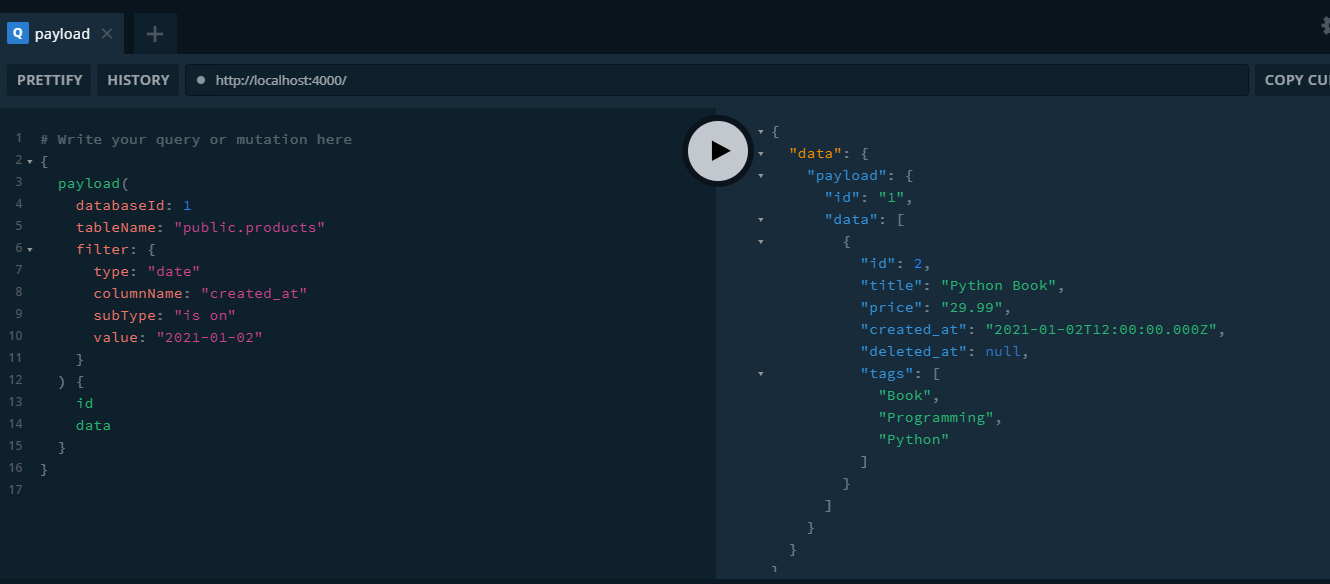
- subType: "is on"
{
  payload(
    databaseId: 1
    tableName: "public.products"
    filter: {
      type: "date"
      columnName: "created_at"
      subType: "is on"
      value: "2021-01-02"
    }
  ) {
    id
    data
  }
}
Response
- subType: "between" use dateFrom and dateTo input params
{
  payload(
    databaseId: 1
    tableName: "public.products"
    filter: {
      type: "date"
      columnName: "created_at"
      subType: "between"
      dateFrom:"2021-01-11", dateTo:"2021-01-20"
    }
  ) {
    id
    data
  }
}
Response