youtube-transcript-rag is a tool for chatting with YouTube video transcripts. It provides both a command-line interface (CLI) and an API for downloading and interacting with video transcripts.
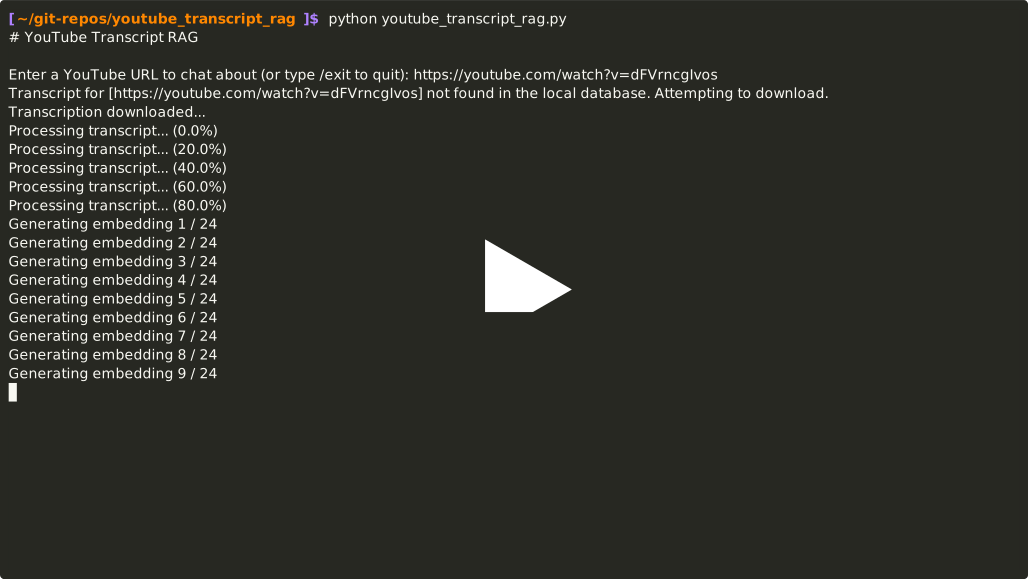
- CLI Documentation - A guide to using the command-line interface
- API Documentation - HTTP API reference
- How It Works - Technical details and flow diagrams
- Python 3.11
- Docker (for Docker setup)
- An OpenAI-compatible API for LLM and Embeddings, such as OpenAI, OpenRouter, LiteLLM or Ollama's OpenAI compatible API
-
Create and activate a virtual environment:
python -m venv venv
source venv/bin/activate  # On Windows: venv\Scripts\activate
-
Install dependencies:
pip install -r requirements.txt
-
Create a .env file by copying .env.example:
cp .env.example .env
-
Edit the .env file with your API endpoints, keys, and configuration.
-
Execute:
- To run the CLI:
python youtube_transcript_rag.py
- To run the API:
python youtube_transcript_rag.py --api
-
Create a .env file by copying .env.example:
cp .env.example .env
-
Edit the .env file with your API keys and configuration.
-
Build and run the application:
docker-compose up --build
The API will be available at http://localhost:8000. The Docker container runs the API by default.
If you prefer not to rely on a .env file to manage the environment variables, you can also edit docker-compose.yml and set the required environment variables there.
The following variables are required:
- YOUTUBE_TRANSCRIPT_RAG_INFERENCE_API_KEY
- YOUTUBE_TRANSCRIPT_RAG_EMBEDDING_API_KEY
If you are not using the OpenAI's official endpoints, you will also need to set the environment variables related to them and the models you wish to use. Consult .env.example for the complete list of variables and src/config/config.py for the default values when not set.
Common issues and solutions:
- Missing environment variables: Ensure all required environment variables are set
- API connection issues: Verify your API keys are valid and services are accessible
- Database errors: Check ChromaDB path and permissions
This project is licensed under the terms of the Apache License 2.0. See the LICENSE file for details.