


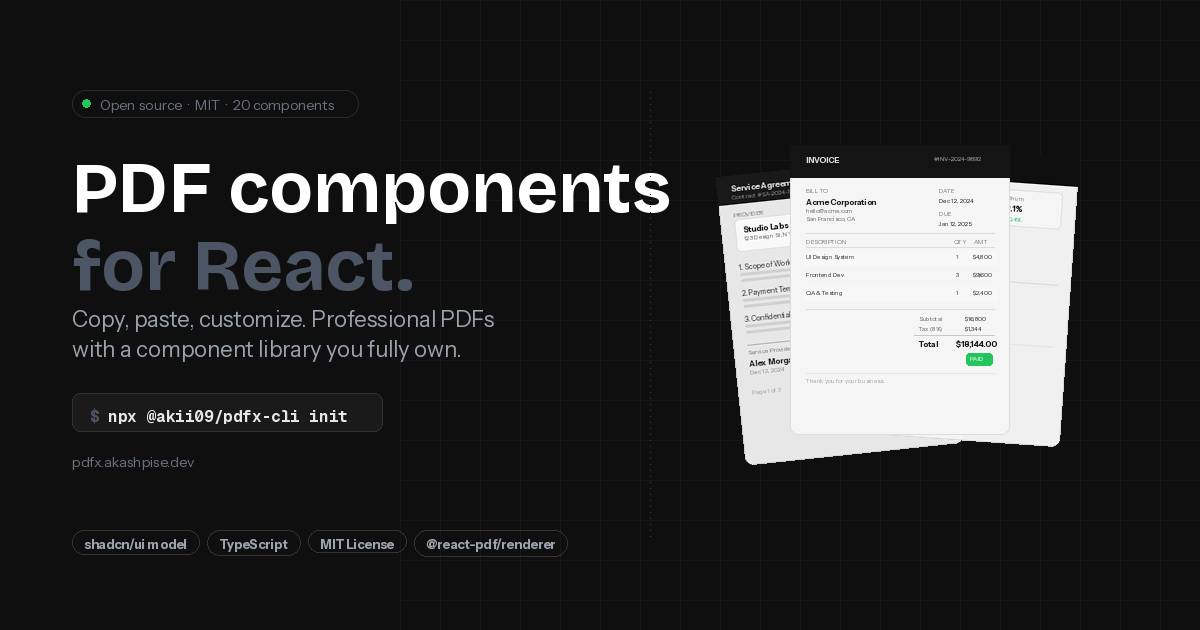
Beautiful PDF components for React. Copy-paste. No lock-in.
Built on @react-pdf/renderer and inspired by shadcn/components — PDFx gives you pre-built, themeable document components and a CLI to add them directly into your codebase.
- Copy-paste components — Components live in your project. No PDFx runtime dependency.
- Theme system — Control typography, spacing, colors, and page settings from a single config.
- CLI —
npx @akii09/pdfx-cli init,add,theme switchfor instant setup. - TypeScript — Full type safety with Zod validation throughout.
To use PDFx (consumers):
- Node.js ≥ 20.0.0
- A React project with
@react-pdf/rendererinstalled
To develop PDFx (contributors):
- Node.js ≥ 24.0.0
- pnpm ≥ 10.0.0
# Initialize PDFx in your project
npx @akii09/pdfx-cli@beta init

# Add components
npx @akii09/pdfx-cli add heading
npx @akii09/pdfx-cli add text table

# Use them in your React component
import { Document, Page } from '@react-pdf/renderer';
import { Heading, Text } from './components/pdfx';
export default () => (
<Document>
<Page>
<Heading level={1}>Hello PDFx</Heading>
<Text>Beautiful PDFs with minimal effort.</Text>
</Page>
</Document>
);| Command | Description |
|---|---|
npx @akii09/pdfx-cli init |
Initialize PDFx in your project |
npx @akii09/pdfx-cli add <component-name> |
Add a component from the registry |
npx @akii09/pdfx-cli add <component-name> --force |
Overwrite an existing component |
npx @akii09/pdfx-cli list |
List all available components |
npx @akii09/pdfx-cli diff <component-name> |
Compare local vs registry version |
npx @akii09/pdfx-cli theme init |
Set up the theme file |
npx @akii09/pdfx-cli theme switch <preset> |
Switch theme preset |
npx @akii09/pdfx-cli theme validate |
Validate your theme file |
npx @akii09/pdfx-cli block add <block-name> |
Add a block to your project |
npx @akii09/pdfx-cli block list |
List available blocks |
| Preset | Best for |
|---|---|
professional |
Business documents, reports, formal content |
modern |
Tech-forward docs, vibrant colors |
minimal |
Clean documentation, simple layouts |
Run npx @akii09/pdfx-cli list to see all components with install status.
Core: heading text divider page-break page-number keep-together
Layout: stack section page-header page-footer
Data: table data-table list key-value
Visual: alert badge card link pdf-image graph qrcode watermark
Forms: form signature
pdfx/
├── apps/
│   └── www/                    # Documentation site + component registry
│       └── src/registry/
│           ├── components/     # Component source (copy-paste target)
│           ├── blocks/         # Block templates
│           └── index.json      # Registry manifest
├── packages/
│   ├── shared/       # Types, schemas, theme system (used by CLI + www)
│   └── cli/          # pdfx CLI
└── turbo.json
Components live in apps/www/src/registry/components/ — the same directory the registry serves from. No separate private package. This is the true shadcn/components model: the website and the registry are the same thing.
Contributions are welcome — bug fixes, new components, docs improvements, or ideas.
See CONTRIBUTING.md to get started.
See Releases for changelogs and version history.
MIT © Akii