Because configuring Windows/Mac folder sharing is a nightmare — this is just way easier.
Share files between any devices on your local network via a simple web interface. No SMB, no Samba, no Bonjour headaches. Just run a JAR file and drag & drop.


Every time I need to transfer files between my Windows and Mac machines, I waste 20 minutes trying to get network folder sharing to work. Wrong workgroup, firewall blocking, SMB version mismatch... you know the drill.
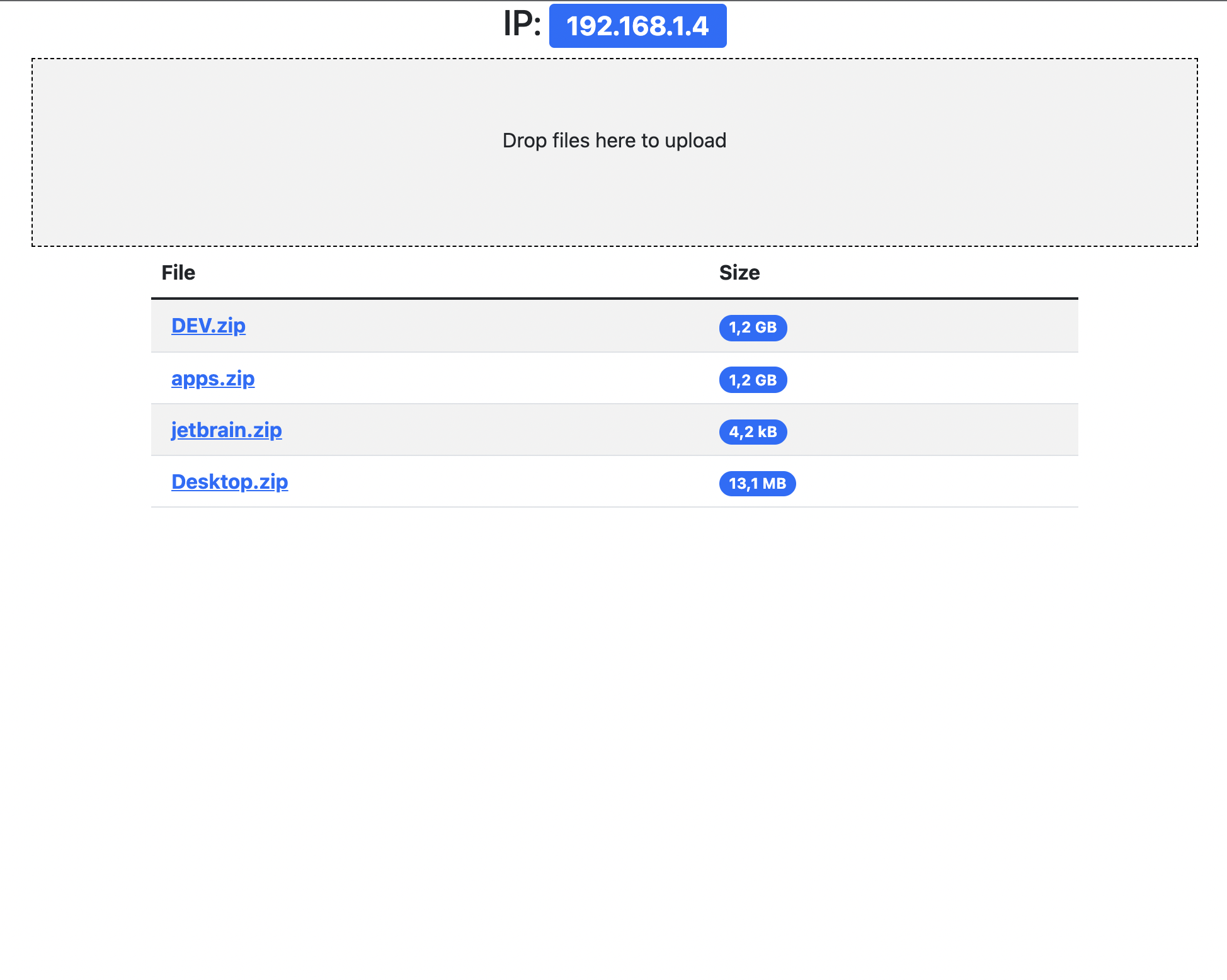
This tool fixes that. Launch it on any machine, open a browser on any other device, and you're done.
- Upload files from any browser — phone, tablet, PC, Mac
- Download files with streaming support (no size limit headaches)
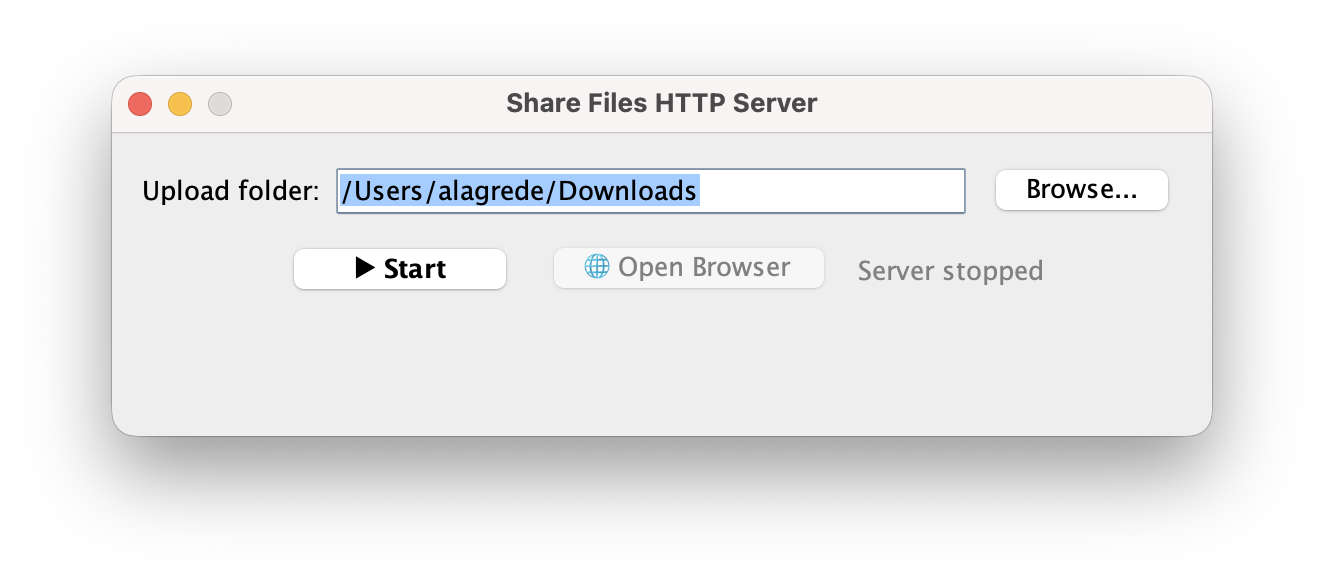
- Swing UI tray app for quick start/stop and folder selection
- Zero config — works out of the box on your local network
- Lightweight — a single JAR, no installation needed
Grab the latest release: share-upload.jar
java -jar share-upload.jar./mvnw clean package
java -jar target/share-upload.jar- Run the JAR on the machine that has the files
- Open
http://<machine-ip>:8080on any other device on the same network - Upload or download files — that's it
Tip: the Swing UI shows your local IP address so you don't have to look it up.
- Java 8 or higher
- Devices on the same local network (WiFi or Ethernet)
MIT