A smart media player using opencv and image processing techniques. it's the perfect solution that aims to help you control your media player using hand gestures and face detection. It helps you to play, stop, raise up or lower down the volume using hand gestures. also this tool will also detect if your eyes are shut (which means you fell asleep) and it pauses the video.
⮕ All you have to do is:
- To Pause/Play

- To turn volum up

- To turn volume down

Our proposed algorithm first handle the Camera scene as two areas, The ROI (Region of interest) where the hand will be detected, and the area of the Face, First, we start to preprocess the ROI by thresholding and subtracting the background.
For Hand Detection:
We implemented three types of thresholding techniques to detect the Hand:
- Binary thresholding
- RGB boundary thresholding: By setting an upper and lower boundary for the skin color and threshold according to this boundary
- YCbCr: Same as RGB but with YCbCr colors
- A trial adaptive Gaussian filter
After successfully subtracting the background and detecting the shape of the hand we start forming a contour on the hand and finding the convexity hull within the largest contour found. after that we take every defect inside the contour, mathmateicaly measure its area with cosine rule, and counts the number of angles that are less than 90 degree(Referring to the number of angles between every finger raised).
For Face and eyes detection is implemented in 2 methods:
- The first method is using haarcascades for face and eyes, which are pretrained classifiers that were trained on a lot of positive and negative images.
- Positive images: These images contain the images which we want our classifier to identify.
- Negative Images: Images of everything else, which do not contain the object we want to detect.
This method has higher accuracy than the second method. The function draws rectangles around detected objects and can detect multiple faces and eyes. It then checks if there is a face or not, then if there is a face it checks whether there are eyes or not. If there are no eyes detected or no face detected it means that the user is either distracted or fell asleep. It returns 0 or 1 as whether to continue playing or pause the video.
- The second method is done only using image processing techniques. It is of course less accurate. The person must fit his face in the drawn rectangle that appears in the webcam. It assumes that the user usually sits at the middle of the screen.
Back to the implementation, the function crops the part of the frame where the face is at; then crops the cropped image to get an image of the eyes only. Then from the eyes image, convert the image to YCbCr and get the image with only the skin part (skin boundaries). We can then convert the image back to RGB, find the contours and based on the length of the contour we can detect whether the eyes are closed or open; because of the eyelids – if the eyes are shut, the length of the contours increase above a certain limit (by trial = 20). It returns 1 or 0 whether the eyes are open or closed.
- python 3.8.5
- opencv 4.0.1
- pysimplegui 4.43.0
- python-vlc 3.0.12118
1- git clone SmartMediaPlayer
2- Run main.py from any IDE
- Run the main.py from an IDE.
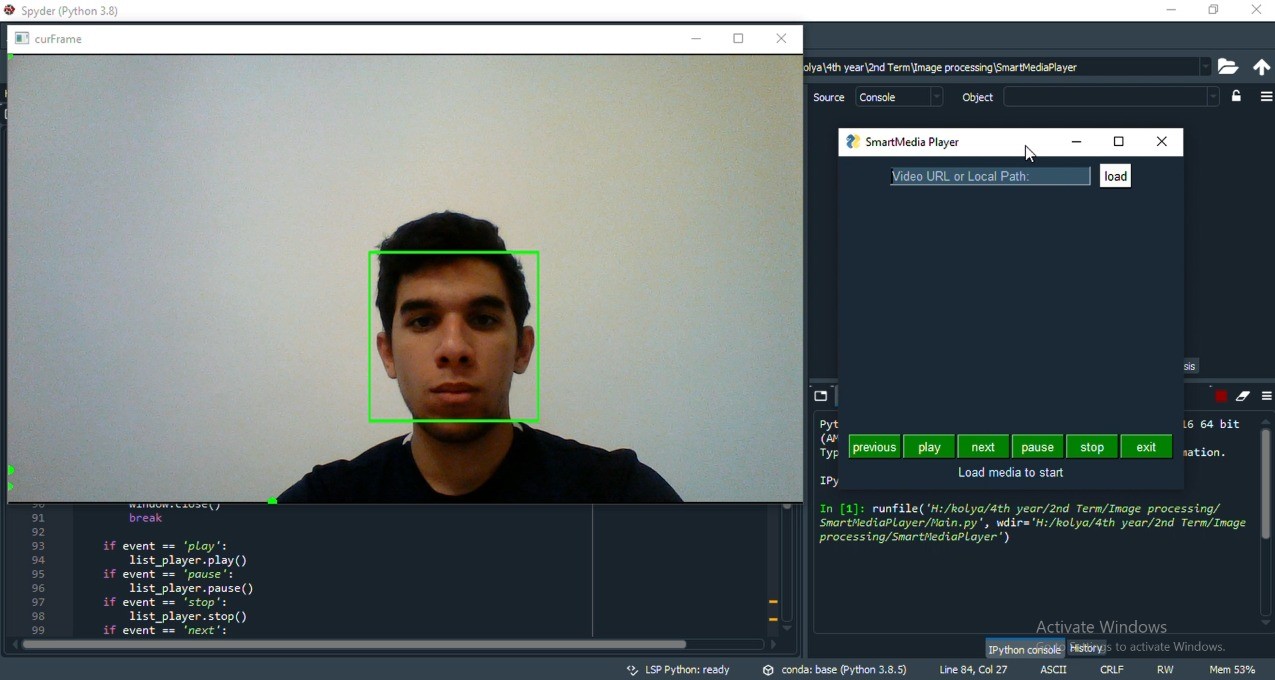
- Copy the video URL or its Local path on your PC.
- Paste it in the Video URL or Local path bar and press on "Load" Button.

- Use your right hand and place it in a white blank background.
- Raise your 5 fingers to Pause and Play.
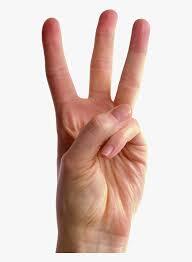
- Raise 2 fingers to Volume Up and 3 fingers to Volume Down.
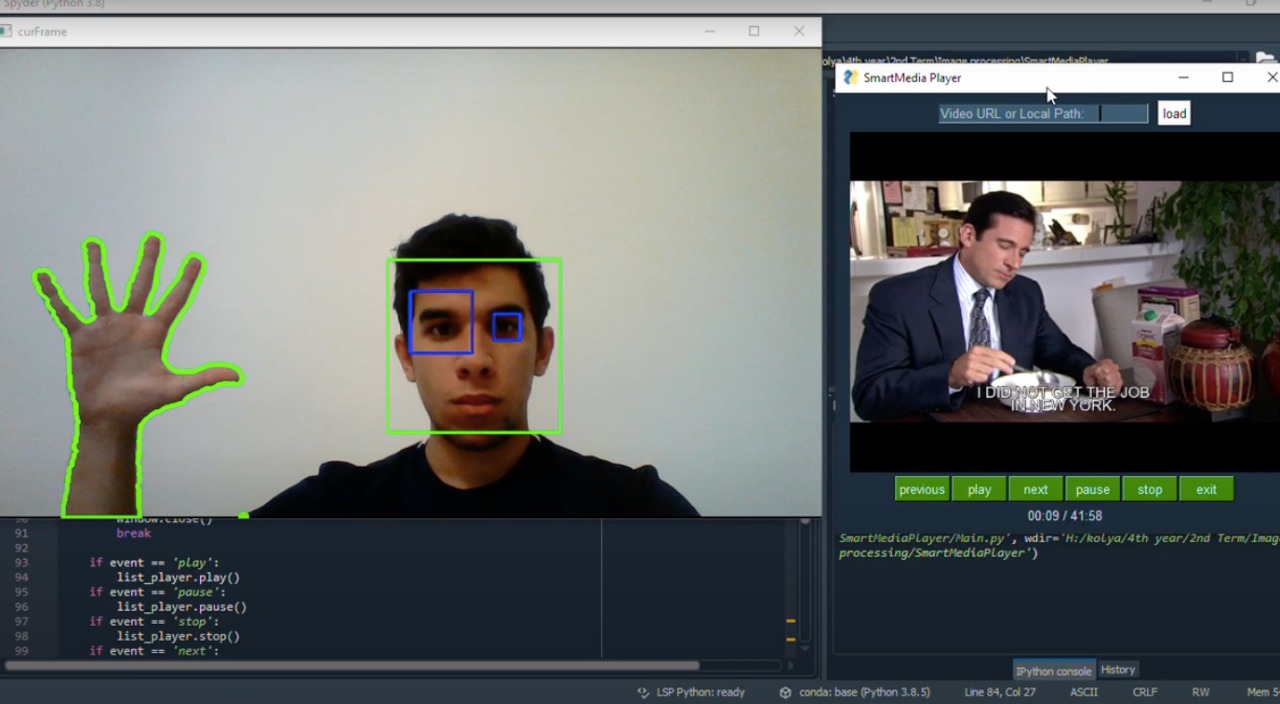
- If your eyes are closed for more than 30 seconds, the video will pause.
- Aly Moustafa El-Kady
- Aya Tarek El-Ashry
- Lama Zeyad Ibrahim
- Yara Mohamed Zaki