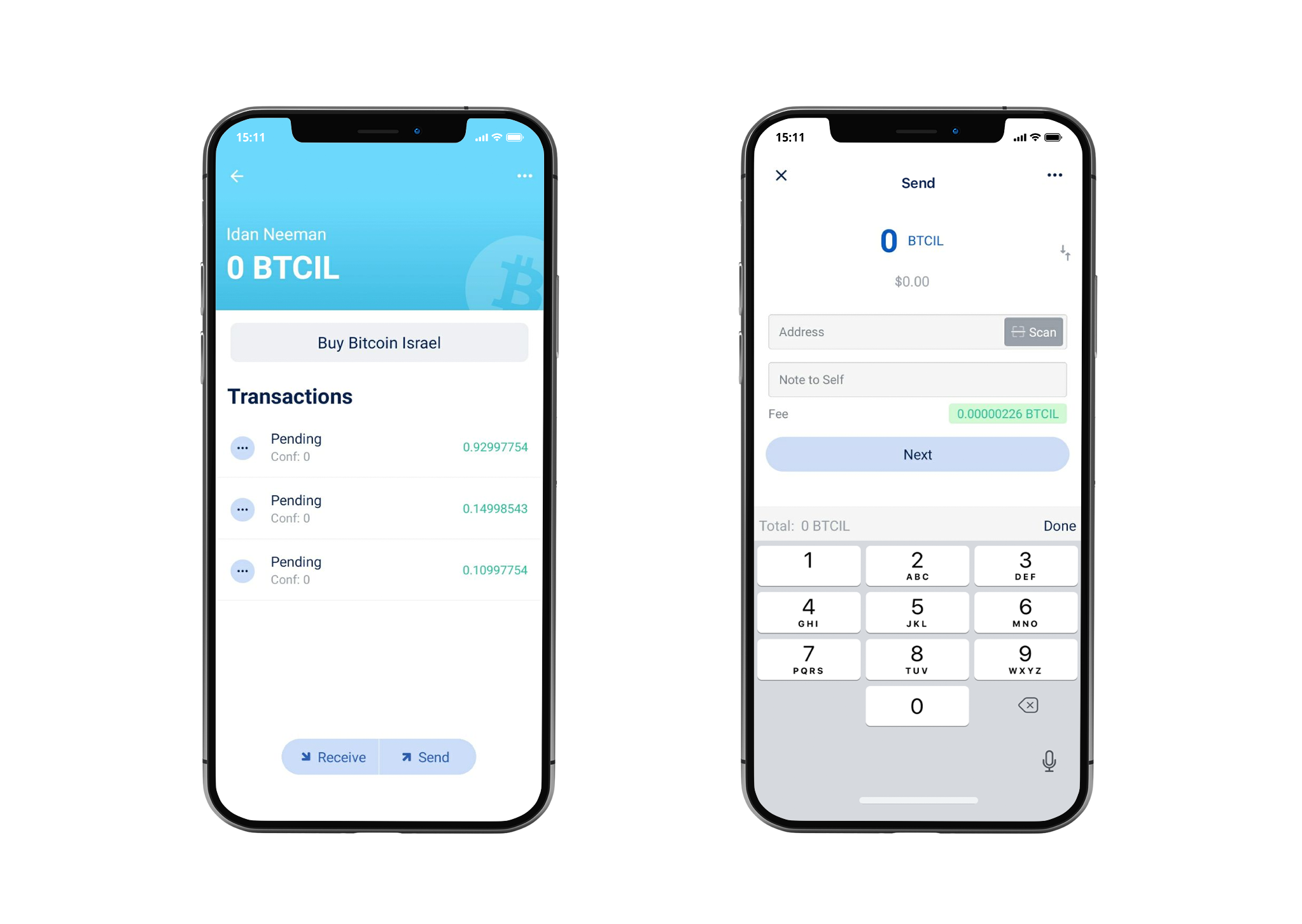
Thin Bitcoin Israel Wallet. Built with React Native and Electrum.


Website: bitilwallet.com
Community: telegram group
- Private keys never leave your device
- Multisig support
- SegWit-first. Replace-By-Fee support
- Encryption. Plausible deniability
- And many more features...
Please refer to the engines field in package.json file for the minimum required versions of Node and npm. It is preferred that you use an even-numbered version of Node as these are LTS versions.
To view the version of Node and npm in your environment, run the following in your console:
node --version && npm --version
- In your console:
git clone https://github.com/BitilWallet/BitilWallet.git
cd BitilWallet
npm install
Please make sure that your console is running the most stable versions of npm and node (even-numbered versions).
- To run on Android:
You will now need to either connect an Android device to your computer or run an emulated Android device using AVD Manager which comes shipped with Android Studio. To run an emulator using AVD Manager:
- Download and run Android Studio
- Click on "Open an existing Android Studio Project"
- Open
build.gradlefile underBitilWallet/android/folder - Android Studio will take some time to set things up. Once everything is set up, go to
Tools->AVD Manager.- 📝 This option may take some time to appear in the menu if you're opening the project in a freshly-installed version of Android Studio.
- Click on "Create Virtual Device..." and go through the steps to create a virtual device
- Launch your newly created virtual device by clicking the
Playbutton underActionscolumn
Once you connected an Android device or launched an emulator, run this:
npx react-native run-android
The above command will build the app and install it. Once you launch the app it will take some time for all of the dependencies to load. Once everything loads up, you should have the built app running.
- To run on iOS:
npx pod-install
npm start
In another terminal window within the BitilWallet folder:
npx react-native run-ios
- To run on macOS using Mac Catalyst:
npm run maccatalystpatches
Once the patches are applied, open Xcode and select "My Mac" as destination. If you are running macOS Catalina, you may need to remove all iOS 14 Widget targets.
npm run testI was not satisfied with existing iOS Bitcoin apps, especially with BreadWallet (the one I mainly used) where development stalled and they could not even deliver such features as SegWit, RBF and custom fees (at the times where custom fees were especially needed). So I knew I could create one to use myself and let others use it. I had experience with awesome bitcoin-js lib (javascript), and since I don't own any Macs, I don't plan to, and not going to learn ObjC/Swift - ReactNative (where you also write in javascript) was an obvious choice.
MIT
Grab an issue from the backlog, try to start or submit a PR, any doubts we will try to guide you. Contributors have a private telegram group, request access by email team@bitilwallet.com
We accepts translations via pull requests.
Builds automated and tested with BrowserStack

Bugs reported via BugSnag

Found critical bugs/vulnerabilities? Please email them team@bitilwallet.com Thanks!