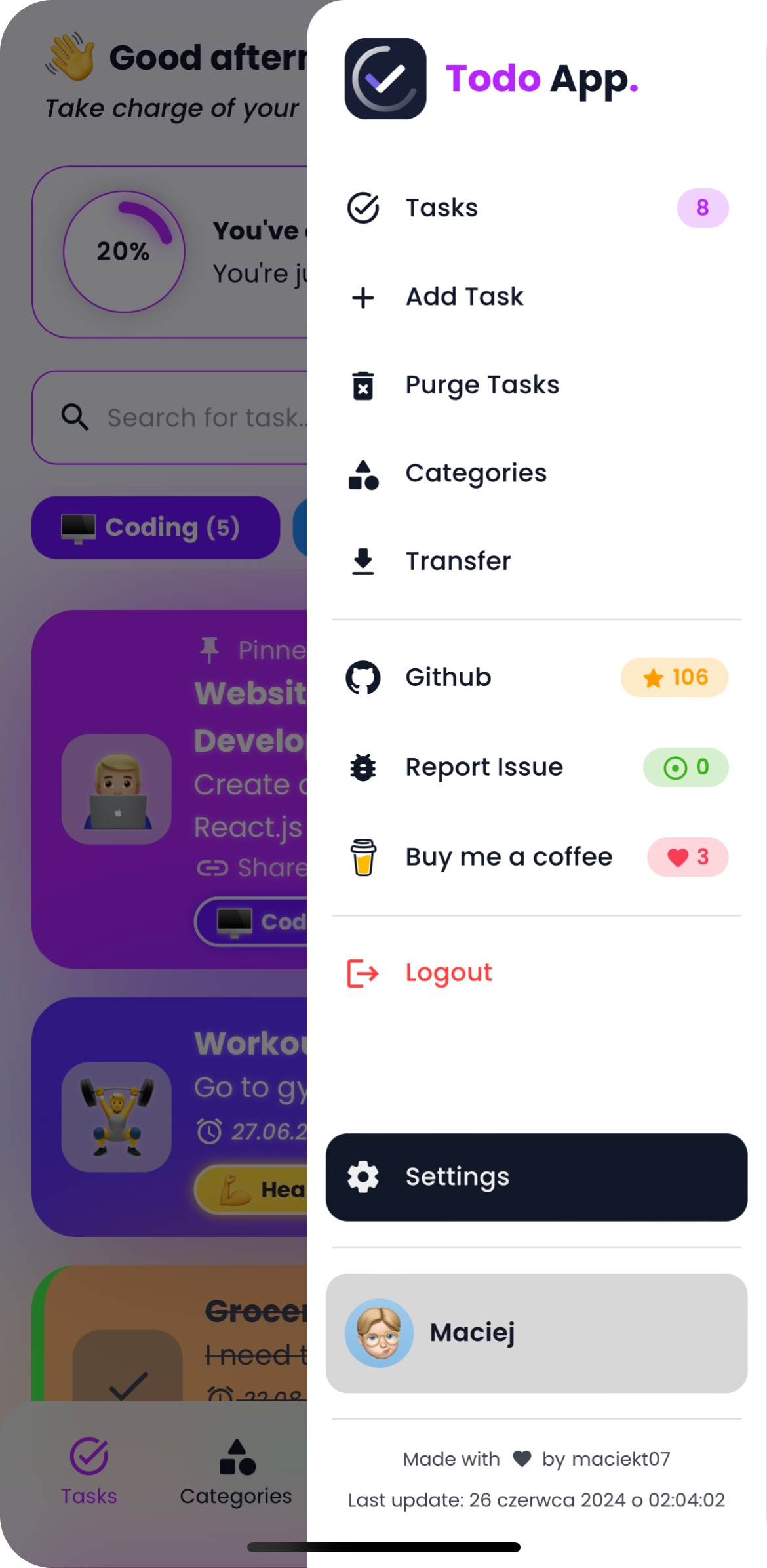
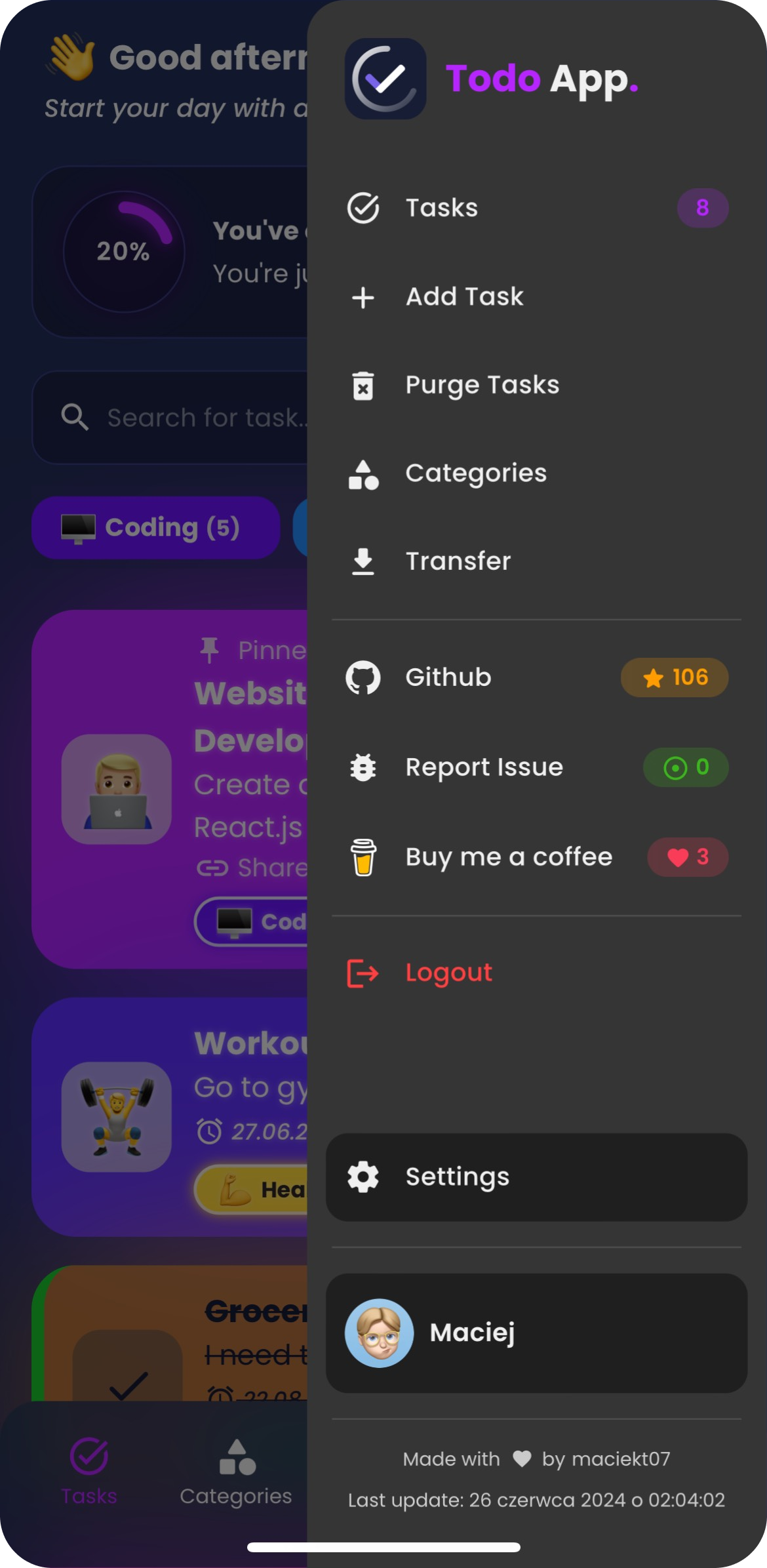
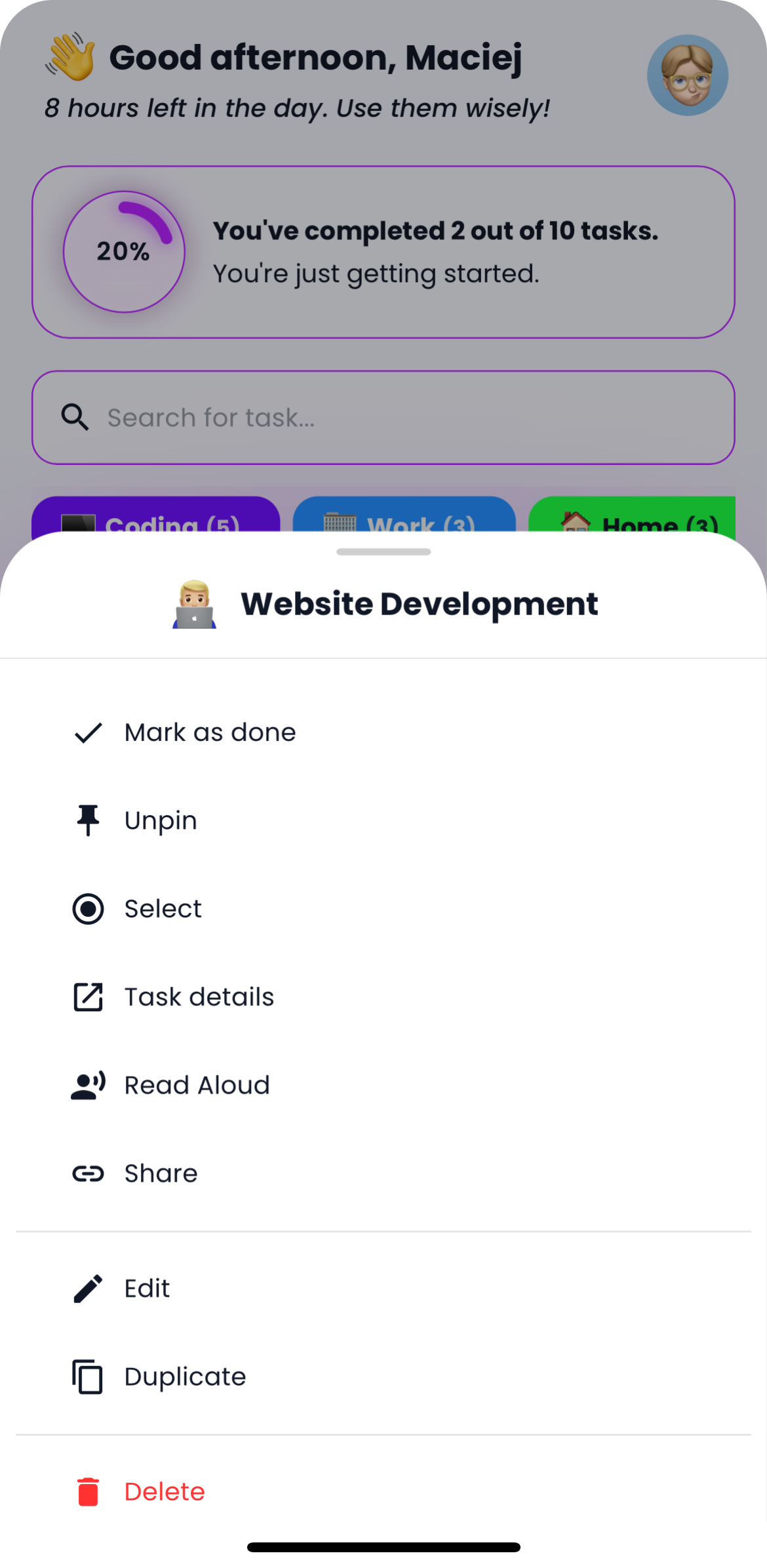
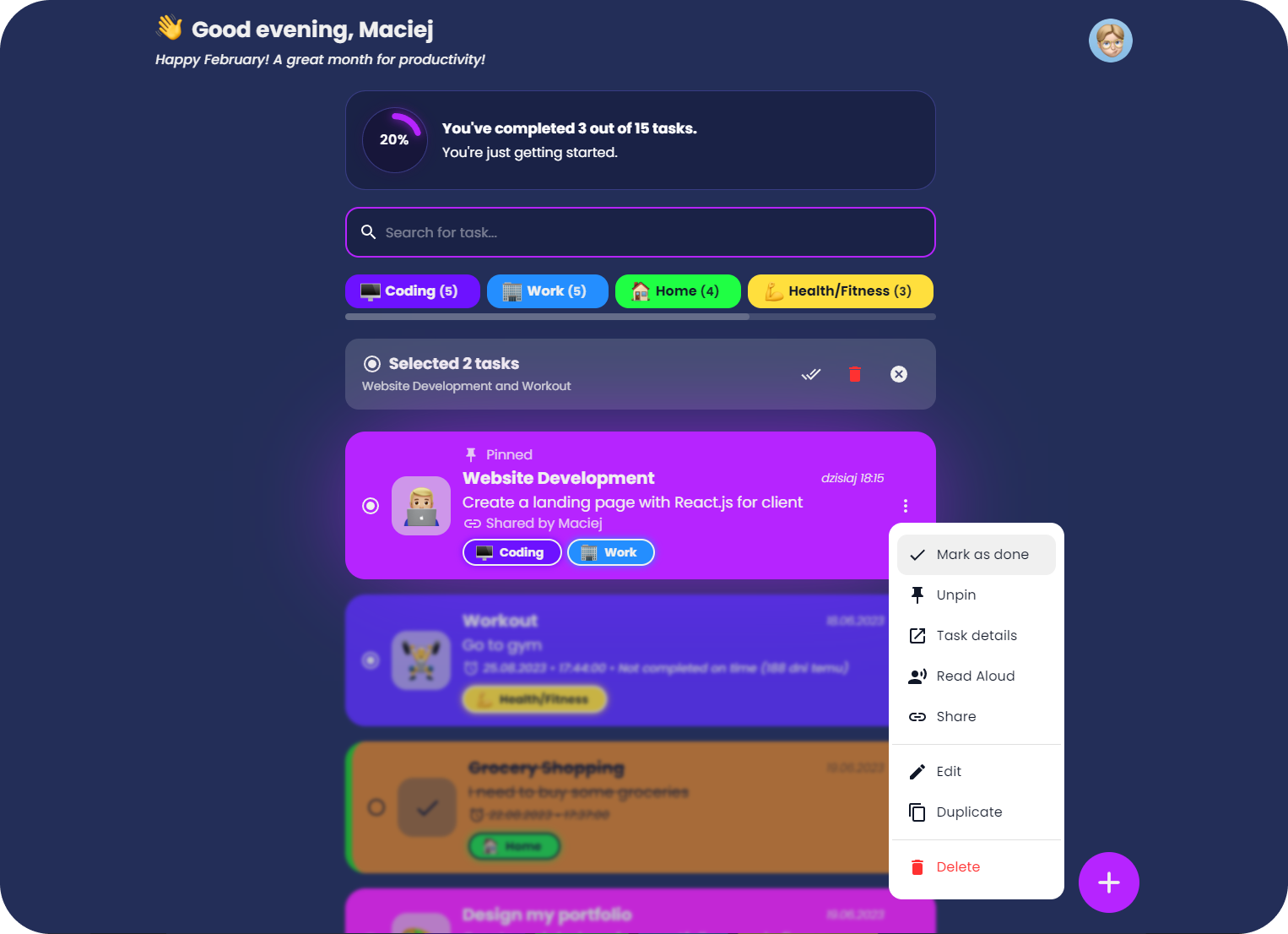
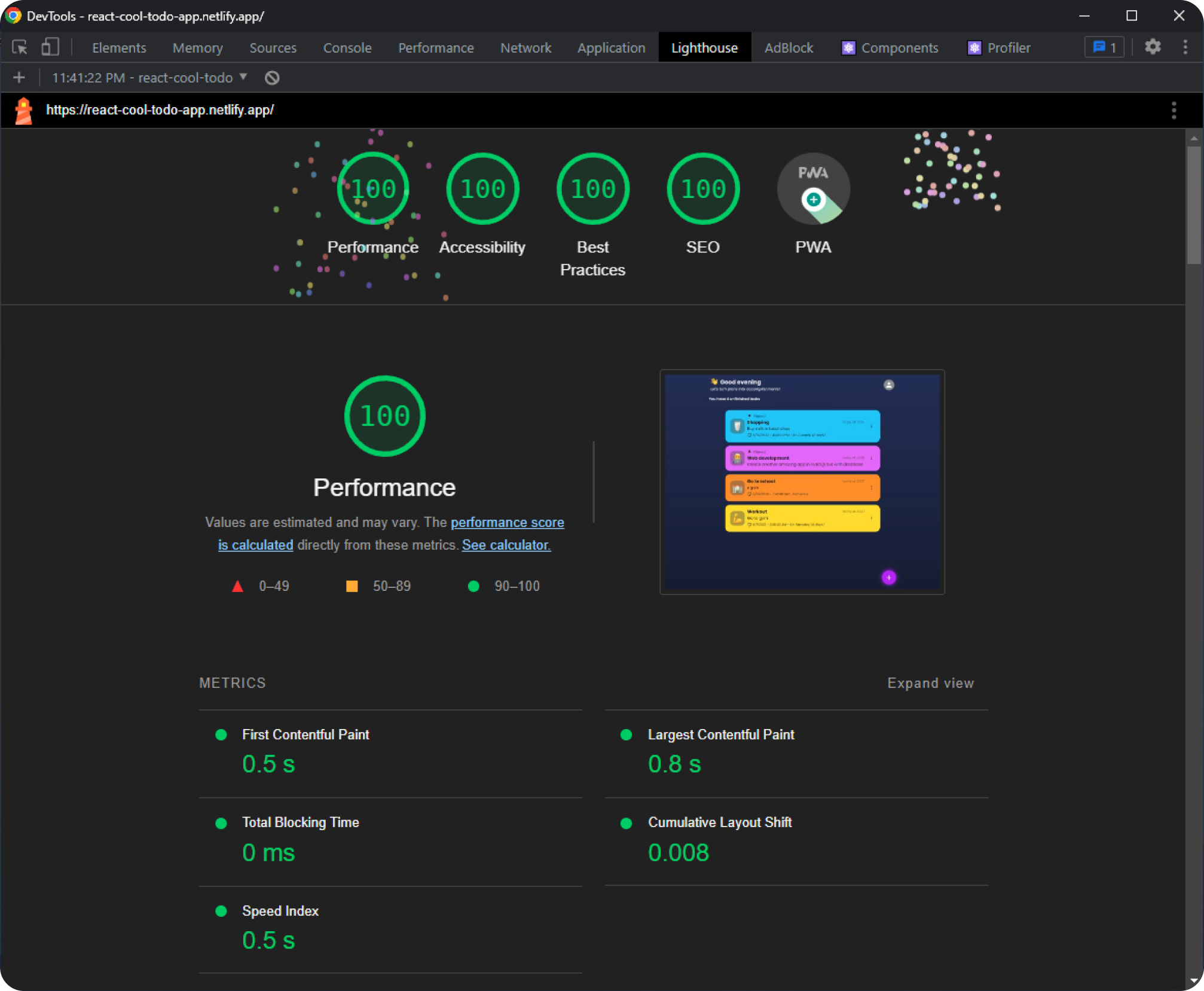
A fast and modern Todo app built with React, featuring task sharing via link, P2P Task Sync with WebRTC, theme customization, offline usage as a PWA, and caching for smooth performance.
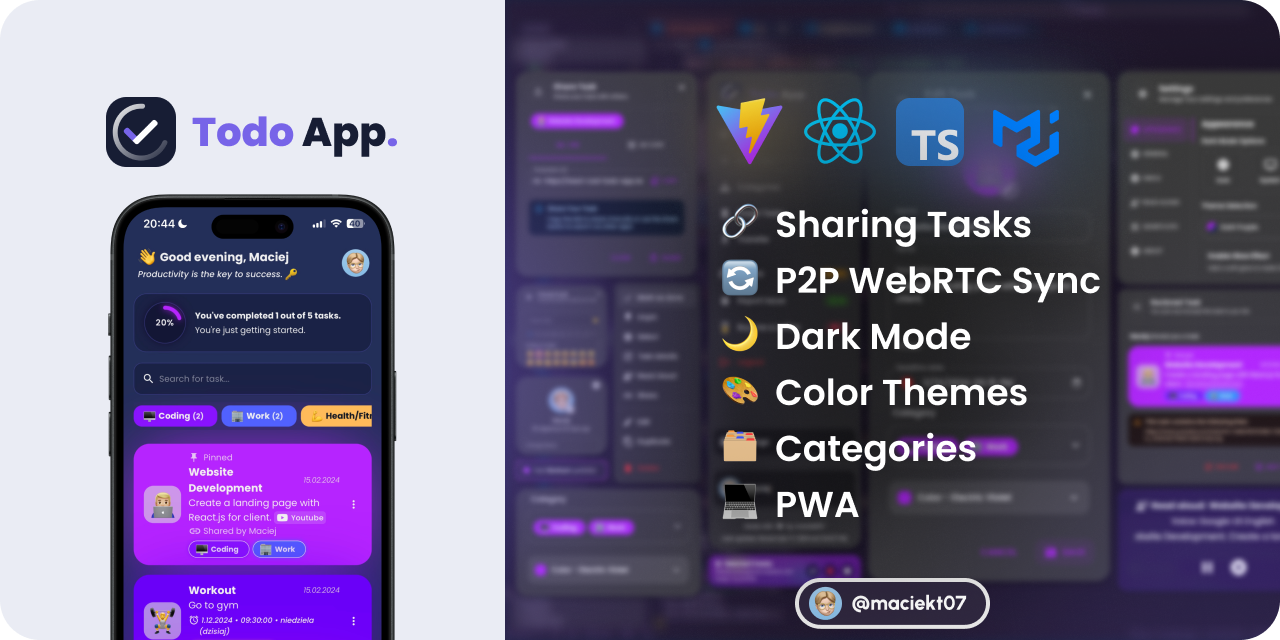



-
React
-
Typescript
-
Vite
-
Vitest
-
Emotion
-
Material UI (MUI)
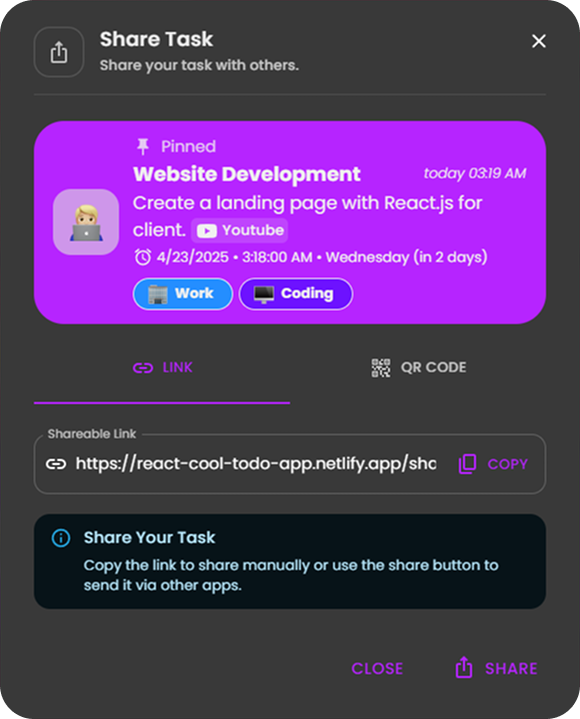
Easily share your tasks with others using a link or QR code.
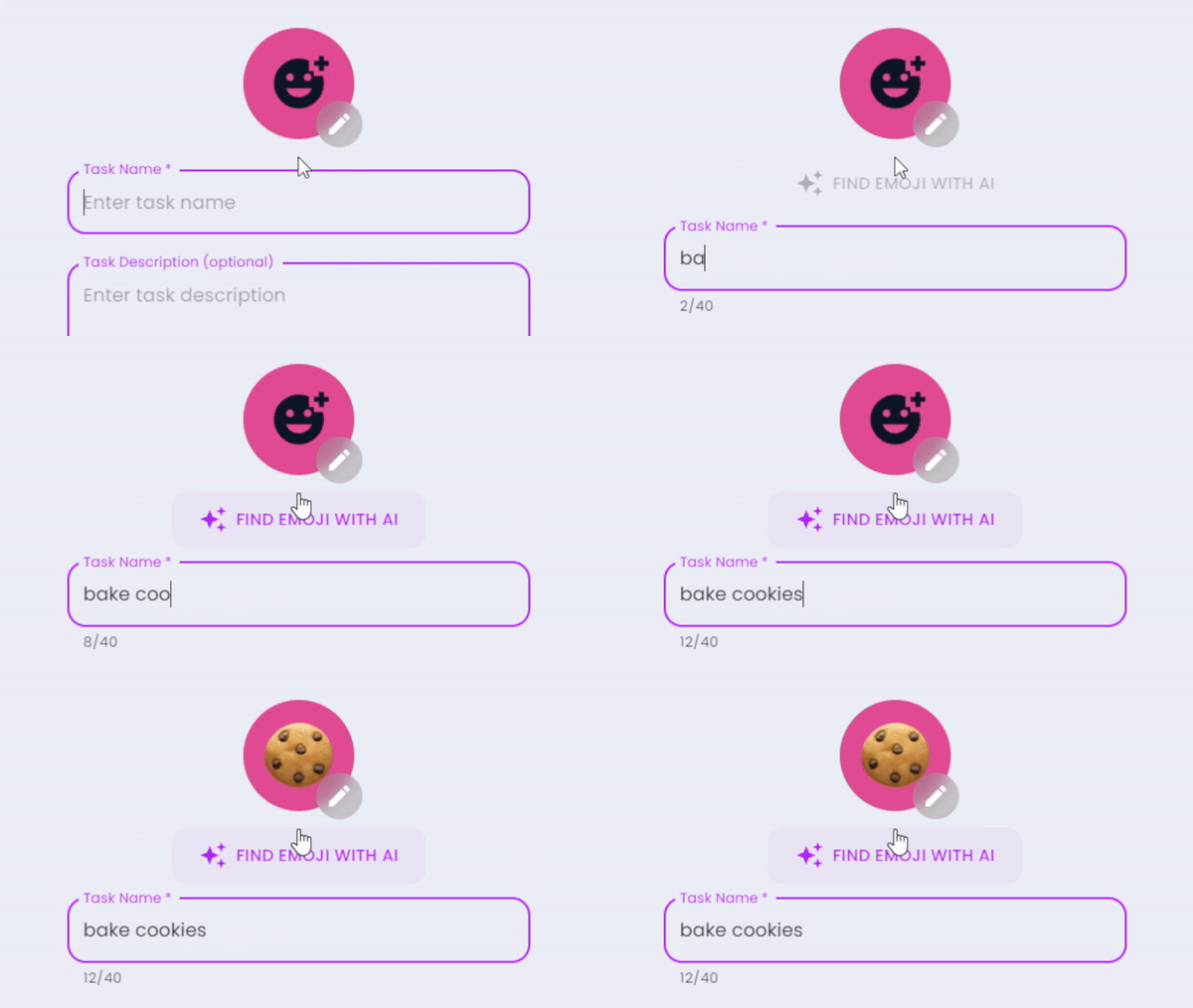
This feature uses Chrome’s experimental window.LanguageModel API powered by Gemini Nano — an on-device LLM.
Code: src/components/EmojiPicker.tsx
Securely sync all the data between devices using peer-to-peer WebRTC connections. Devices pair via QR code, and your data is transferred directly between them — only minimal server involvement for connection setup, with no data stored or processed in the cloud.
- Tasks and categories are auto-merged based on recent edits or deletions
- For settings and other data, you choose which device to sync from
sync-demo.mp4
Choose from various color themes and toggle between light and dark modes to suit your preferences.

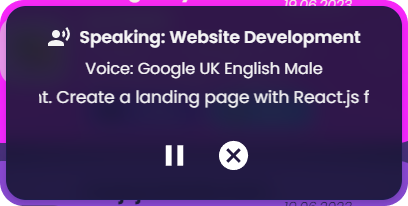
Option to have tasks read aloud using the native SpeechSynthesis API, with a selection of voices to choose from.
Users can import and export tasks to/from JSON files. This feature allows users to back up their tasks or transfer them to other devices easily. Example Import File
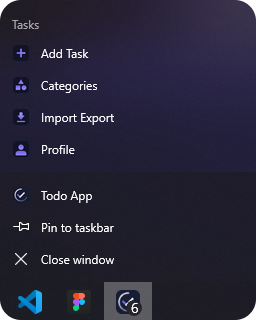
This app is a Progressive Web App (PWA), which means it can be installed on your device, used even when you're offline and behave like a native app with shortcuts and app badges.
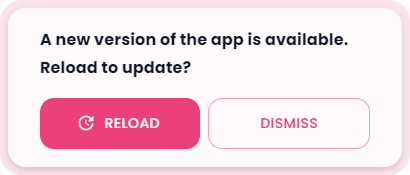
The app features a custom update prompt that notifies users when a new version is available, allowing for easy refresh to access the latest improvements.
The app automatically generates custom splash screens from a single HTML template for various iOS and iPadOS devices in both light and dark modes. These splash screens provide a smooth, native-like launch experience when the app is opened as a PWA.
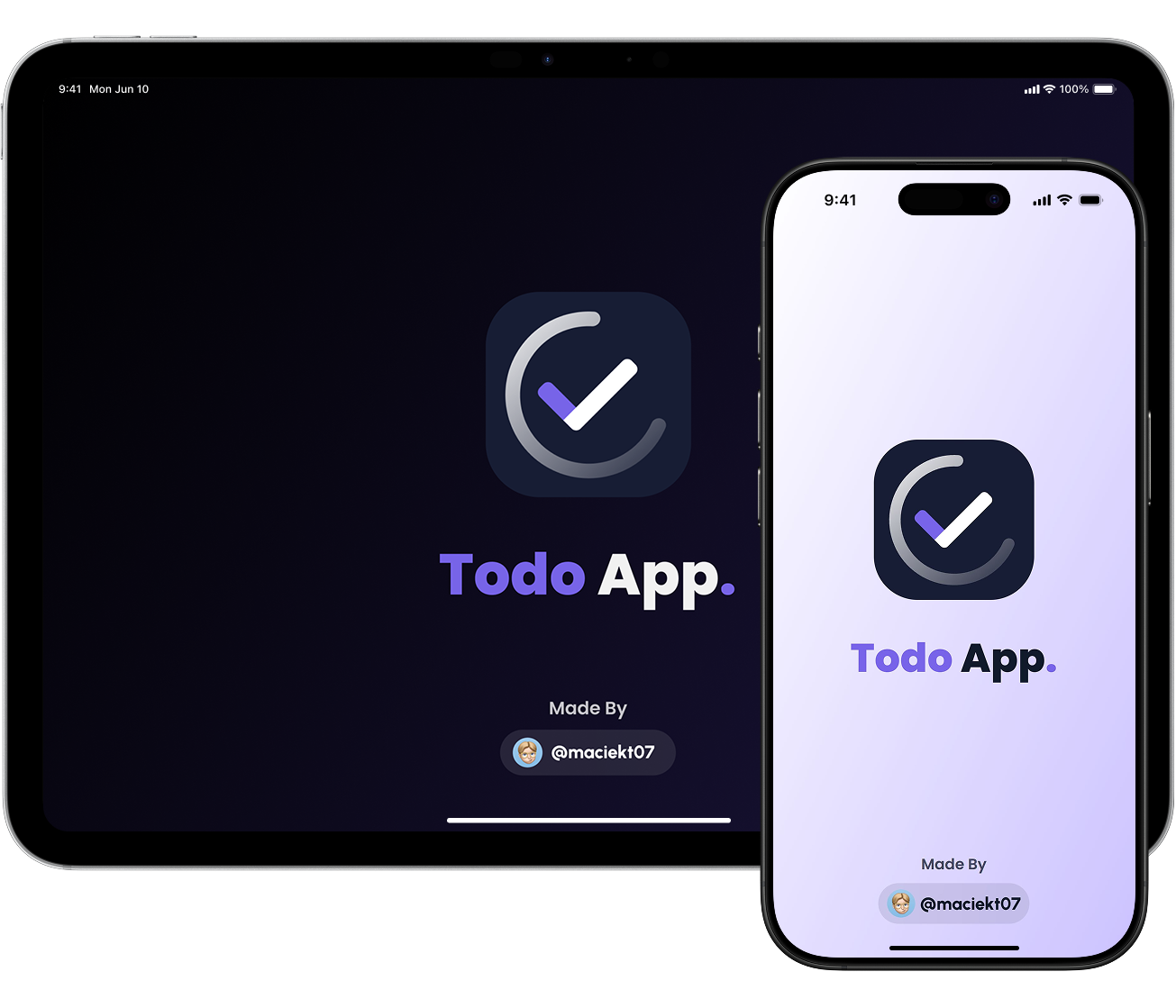
To generate splash screens:
npm run generate-splashCode: scripts/splash-screens
To install and run the project locally, follow these steps:
- Clone the repository:
git clone https://github.com/maciekt07/TodoApp.git- Navigate to the project directory:
cd TodoApp- Install the dependencies:
npm install- Start the development server:
npm run devThe app will now be running at http://localhost:5173/.
Tip
For mobile device testing, use npm run dev:host to preview the app on your local network with HTTPS (required for camera features) and a QR code in the terminal for quick access. To enable PWA features in development, see vite.config.ts.
Build the app for production using the comprehensive build script powered by Bun.js:
# Standard production build with all checks
bun run build:prod

# Build with detailed bundle analysis
bun run build:prod:analyze

# Fast build (skip linting and type checking)
bun run build:prod:fast
The production build includes:
- TypeScript type checking
- ESLint validation
- Optimized Vite build with tree shaking and minification
- Chunk splitting for optimal loading
- PWA service worker generation
- Bundle size analysis and reporting
For detailed documentation, see BUILD.md.
The build script supports various options:
./build-production.sh --help           # Show all options
./build-production.sh --verbose        # Detailed output
./build-production.sh --analyze        # Generate analysis report
./build-production.sh --clean-install  # Clean install before build
After building, preview the production build locally:
bun run previewThis app includes a backend API for secure task synchronization with zero-knowledge encryption. The backend is integrated as Vercel serverless functions, allowing for easy deployment under a single domain.
- A PostgreSQL database (e.g., from Vercel Postgres, Supabase, or Neon)
- A Vercel account
-
Fork or clone this repository
-
Import the project to Vercel:
- Go to vercel.com
- Click "Add New Project"
- Import your repository
-
Configure environment variables in Vercel:
DATABASE_URL: Your PostgreSQL connection string with SSLpostgresql://user:password@host:5432/database?sslmode=requireNODE_ENV: Set toproduction
-
Deploy:
- Vercel will automatically build and deploy your app
- The frontend will be served from the root domain
- The API will be available at
/api/t/:uid
- Zero-Knowledge Encryption: The server never has access to decrypted user data
- Auto-Registration: Users are automatically registered on first sync
- Same-Origin API: No CORS configuration needed
- Serverless Architecture: Automatically scales with usage
- PostgreSQL Storage: Reliable and scalable data persistence
To run the full stack locally:
-
Set up a PostgreSQL database locally or use a cloud provider
-
Create a
.envfile in the project root:DATABASE_URL=postgresql://localhost:5432/todo_sync
-
Start the development server:
bun run dev
The Vite dev server will proxy API requests to your backend.