This repository contains a production-ready authentication system with React frontend and NestJS backend. The application allows users to sign up, sign in, and access protected routes.
The project is divided into two main directories:
/frontend- React TypeScript application/backend- NestJS application with MongoDB integration
- User authentication (signup/signin)
- JWT-based session management
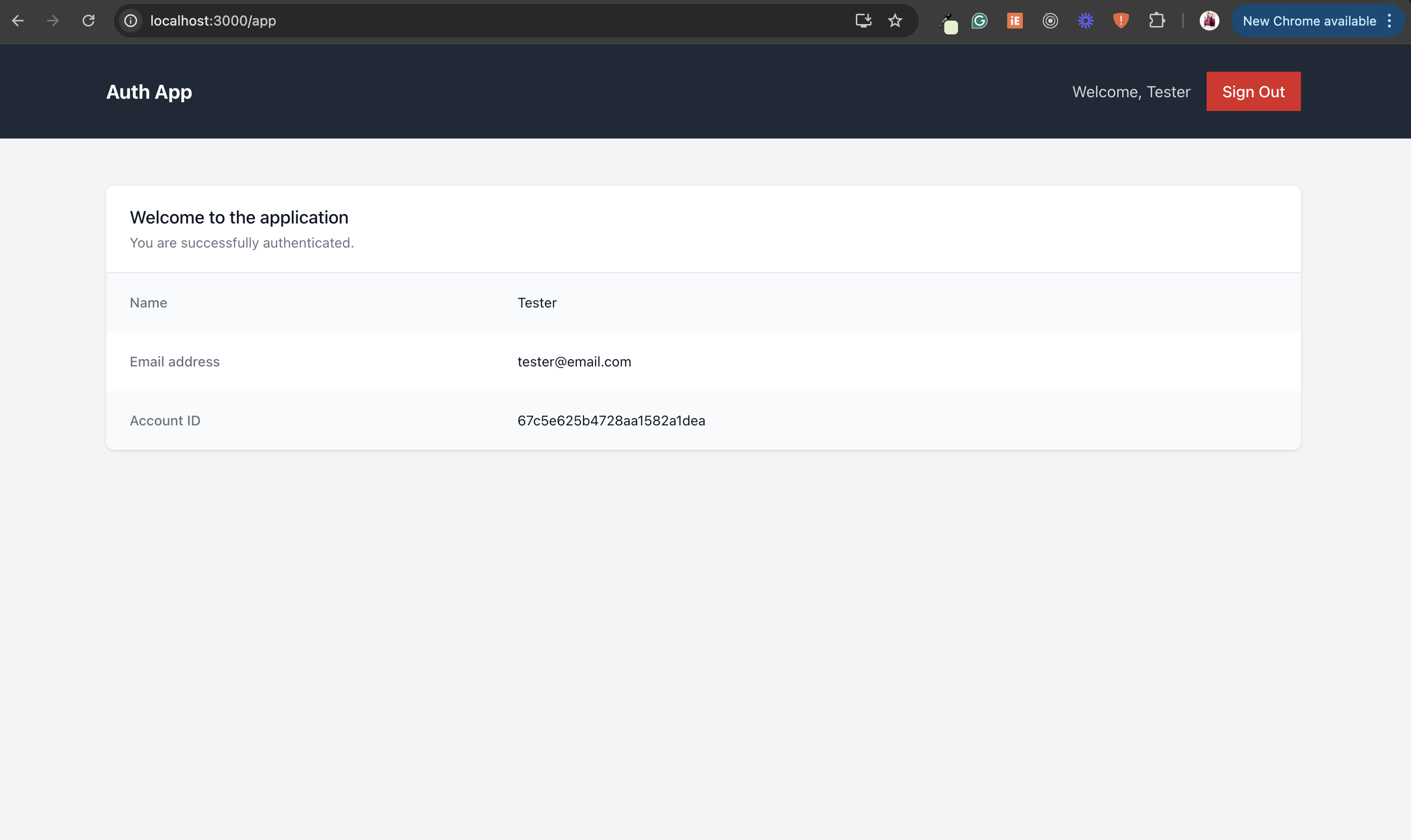
- Protected routes
- Form validation
- Secure password storage with bcrypt
- MongoDB database with Mongoose ORM
- Node.js (v20 or higher)
- MongoDB (local instance or MongoDB Atlas)
- npm or yarn
- Clone the repository:
git clone git@github.com:bumsyalao/code-test-fs-auth-app.git
cd code-test-fs-auth-app- Install dependencies and start the application:
# Install and start the backend
cd backend
npm install
npm run start:dev

# In a separate terminal, install and start the frontend
cd frontend
npm install
npm start- Open your browser and navigate to
http://localhost:3000
To run both applications in development mode with hot reloading:
# In the backend directory
npm run start:dev

# In the frontend directory
npm startBoth applications include test suites that can be run with:
# In either the frontend or backend directory
npm test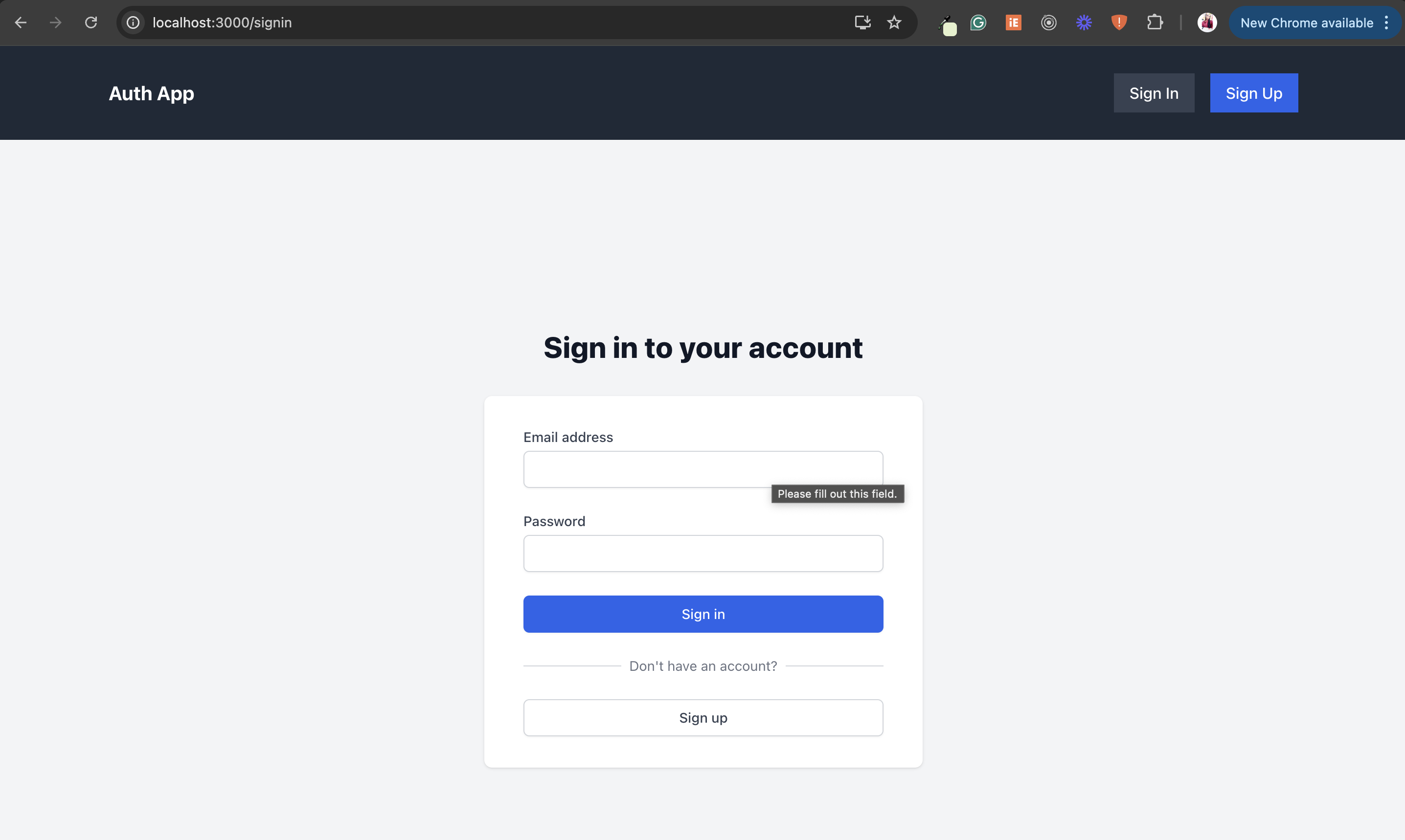
See the separate README files in the frontend and backend directories for detailed instructions.