


Celerix Depot is a lightweight, self-hosted file sharing service designed for "homelab" use. It allows users to easily upload, store, and share files through a clean, persona-based web interface.
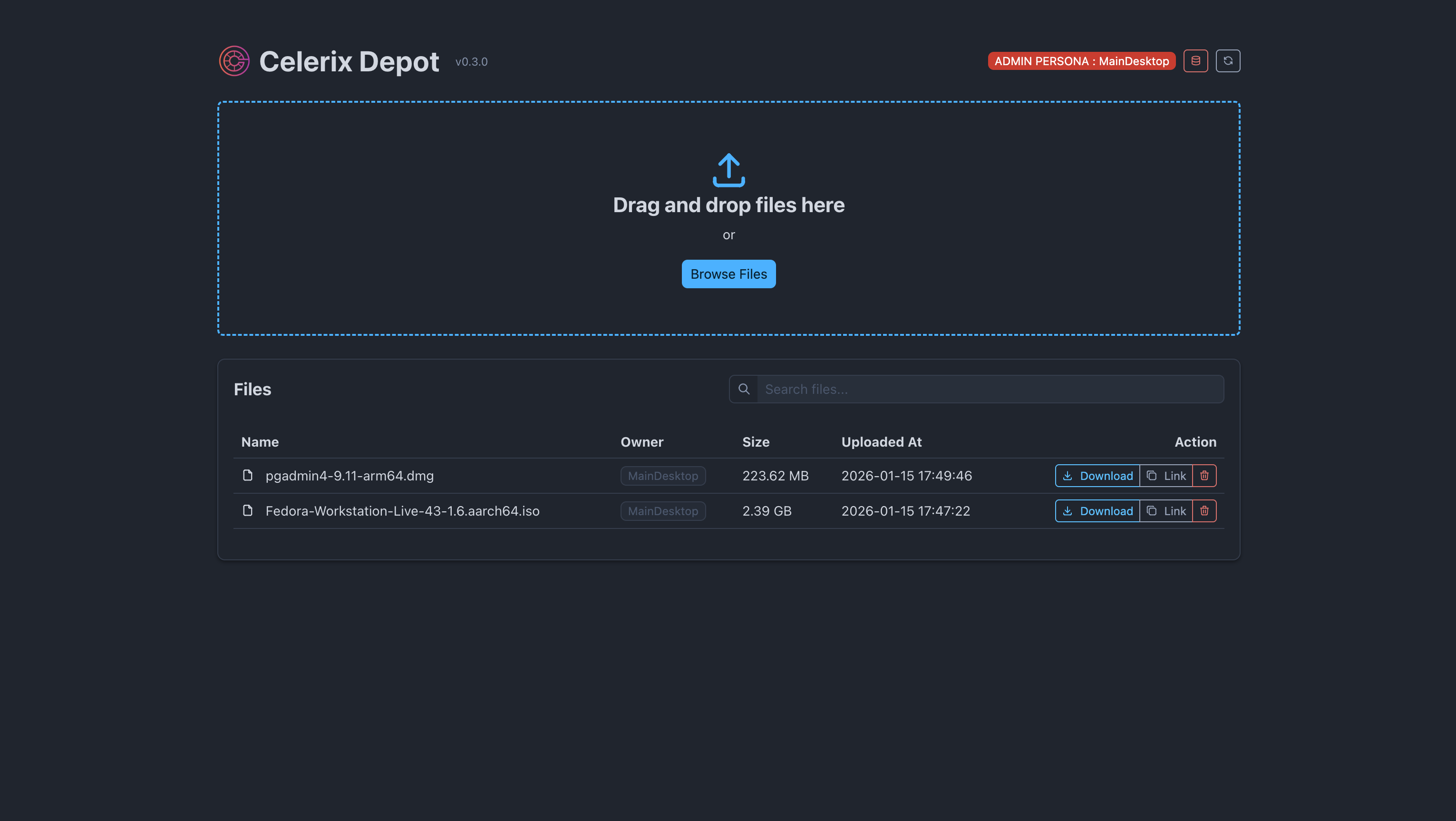
- Multi-Arch Support: Native images for
amd64(PC/Server) andarm64(Apple Silicon/Raspberry Pi). - Drag-and-Drop Uploads: Simple and intuitive interface for uploading files.
- Persona System:
- Admin Persona: Full visibility and management of all uploaded files and user personas.
- Client Persona: Users see and manage only their own uploads.
- Privacy & Public Sharing: Files are private by default, with unique public download links available.
- Persona Recovery: Clients can restore their identity across devices using an 8-character recovery code.
The easiest way to run Celerix Depot is using the pre-built image from the GitHub Container Registry.
- Create a
docker-compose.ymlfile:
services:
  depot:
    image: ghcr.io/celerix-dev/celerix-depot:latest
    container_name: celerix-depot
    ports:
      - "8080:8080"
    volumes:
      - ./data:/app/data
      - ./data/uploads:/app/data/uploads
    environment:
      - CELERIX_NAMESPACE={a-random-uuid}
      - STORAGE_DIR=/app/data/uploads
      - ADMIN_SECRET=your-secret-key-here
restart: unless-stopped- Start the service:
docker-compose up -d| Variable | Description | Default |
|---|---|---|
CELERIX_NAMESPACE |
Unique namespace for the service. | a random uuid |
PORT |
The port the service listens on. | 8080 |
DATA_DIR |
Path to store Celerix Store data. | /app/data |
STORAGE_DIR |
Directory for file uploads. | /app/data/uploads |
ADMIN_SECRET |
Key to activate Admin Persona. | admin123 |
Note: CELERIX_NAMESPACE must be a valid UUID and needs to be the same across all celerix services within the docker-compose cluster.
If you want to modify the code or build locally:
# Build and run with a single command
docker-compose up --buildBackend (Go)
cd backend
go mod download
go run cmd/depot/main.go
Frontend (Vue 3)
cd frontend
npm install
npm run devMIT