AI agents that control computers like humans do.
Browser automation · Terminal access · Desktop control · Multi-agent orchestration

Website · Get an API key · Discord · X


Open Computer Use is an open-source platform that gives AI agents real computer control. Unlike chatbots that only talk about tasks, agents here actually perform them: browsing the web, running commands, clicking through UIs, and orchestrating multi-step workflows.
Computer-use capabilities similar to Anthropic's Claude Computer Use, but fully open-source and extensible.
Coasty runs in OSS mode with a single API key. The whole setup is four steps and takes a couple of minutes.
- Go to coasty.ai/developers.
- Sign in (it's free, no credit card needed).
- Create an API key. It looks like
sk-coasty-test-…. - Copy it. You'll paste it in step 3.
Prerequisites: Node.js ^20.19.0 || >=22.12.0 (the repo's .nvmrc pins 22) and npm. No compiler is needed; a wall of ssh2 node-gyp warnings during install is harmless.
git clone https://github.com/coasty-ai/open-computer-use.git
cd open-computer-use
npm installcp .env.oss.example .env.localOn Windows,
cpworks in PowerShell. Incmd.exe, usecopy .env.oss.example .env.local.
Open .env.local and paste the key from step 1:
COASTY_API_KEY=sk-coasty-test-your-key-herenpm run devOpen http://localhost:3000. The app boots straight into the chat workspace. CSRF_SECRET and ENCRYPTION_KEY are generated into .env.local automatically on first boot, so there is nothing else to configure.
Note
What works today. In OSS mode the chat workspace runs locally and your key powers the public /v1 REST API (predict, sessions, machines, runs, workflows, schedules) and the MCP server. Sending an in-app chat message currently returns a clear 501: coasty.ai does not yet expose a public chat endpoint (/v1/chat is in progress). The full agent stack ("production mode") needs services this repo does not include (a Python backend, Supabase, Stripe, AWS) and runs the hosted product at coasty.ai. OSS mode is the path for working on this codebase.
| Agent | What it does |
|---|---|
| Browser | Search-first web navigation, form filling, element interaction, multi-tab management, screenshots. |
| Terminal | Command execution, file operations, script running, package management, output streaming. |
| Desktop | Mouse and keyboard control, window management, screenshot analysis, UI detection via computer vision. |
| Planner | Decomposes complex requests into subtasks, assigns them to specialized agents, passes context between steps. |
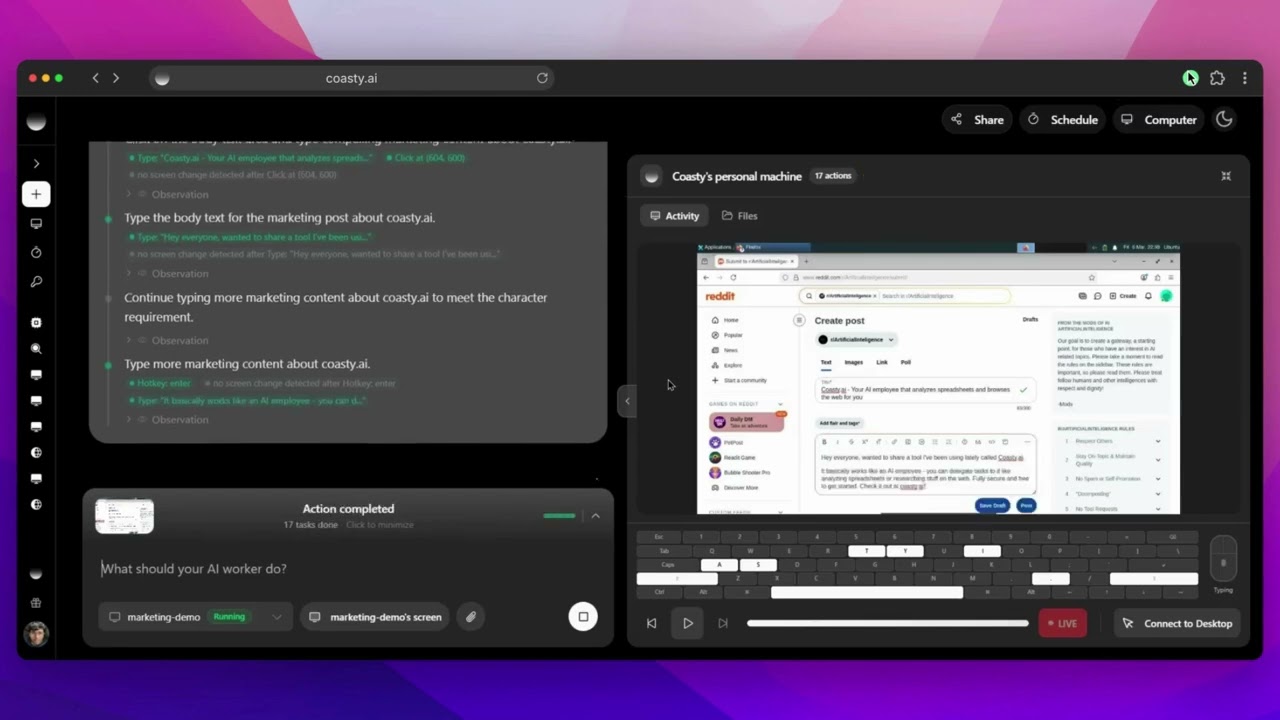
Marketing: Market your product on Reddit autonomously View chat session |
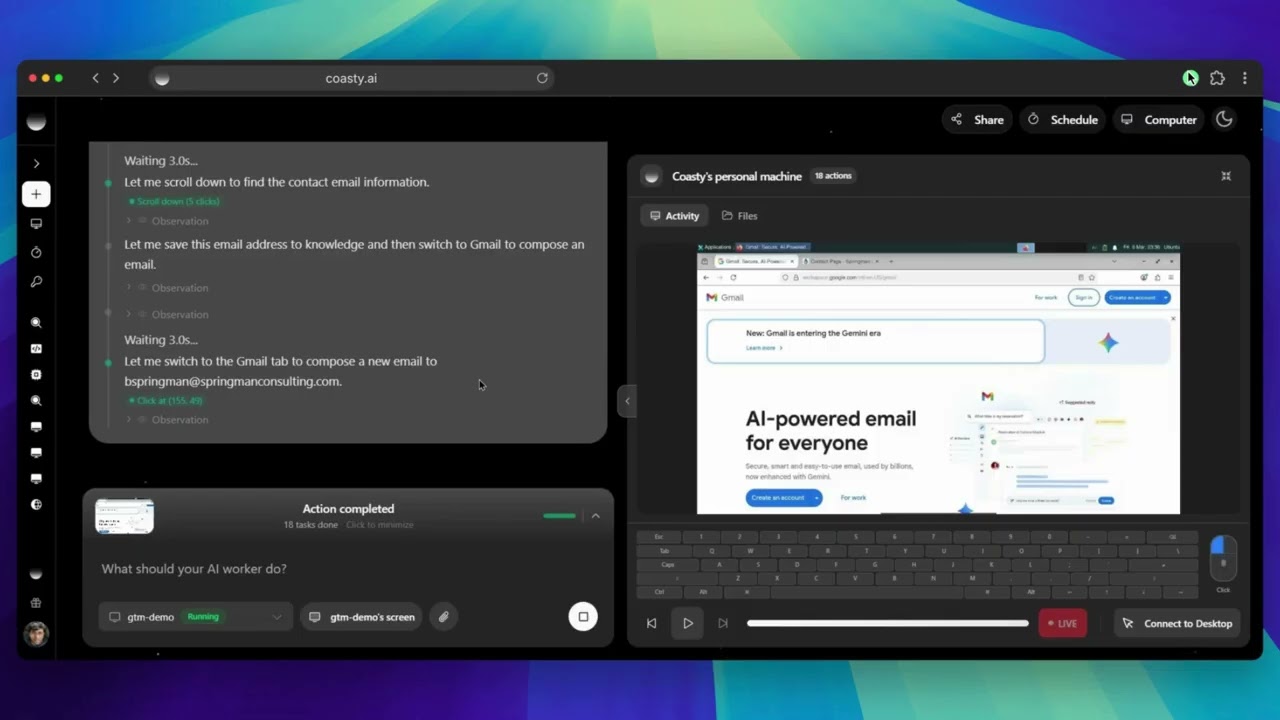
Go-to-Market: Find prospects and send personalized emails View chat session |
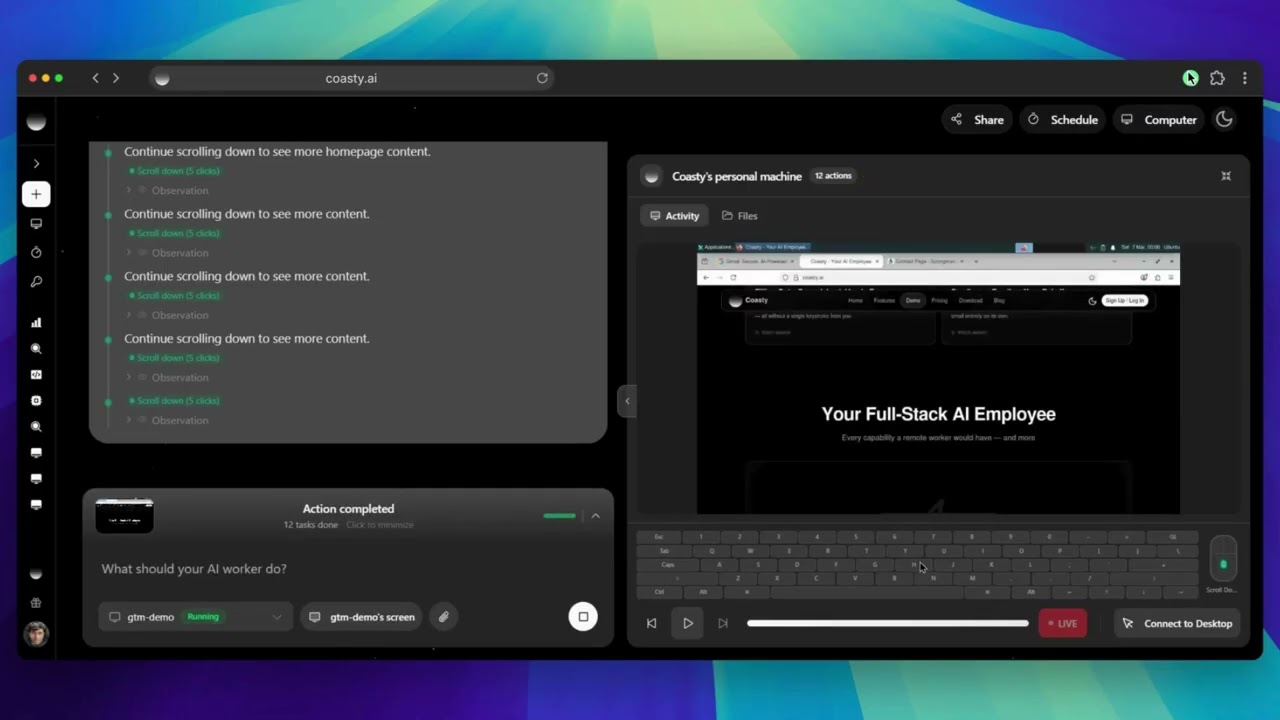
QA Testing: Test every checkout flow and report bugs View chat session |
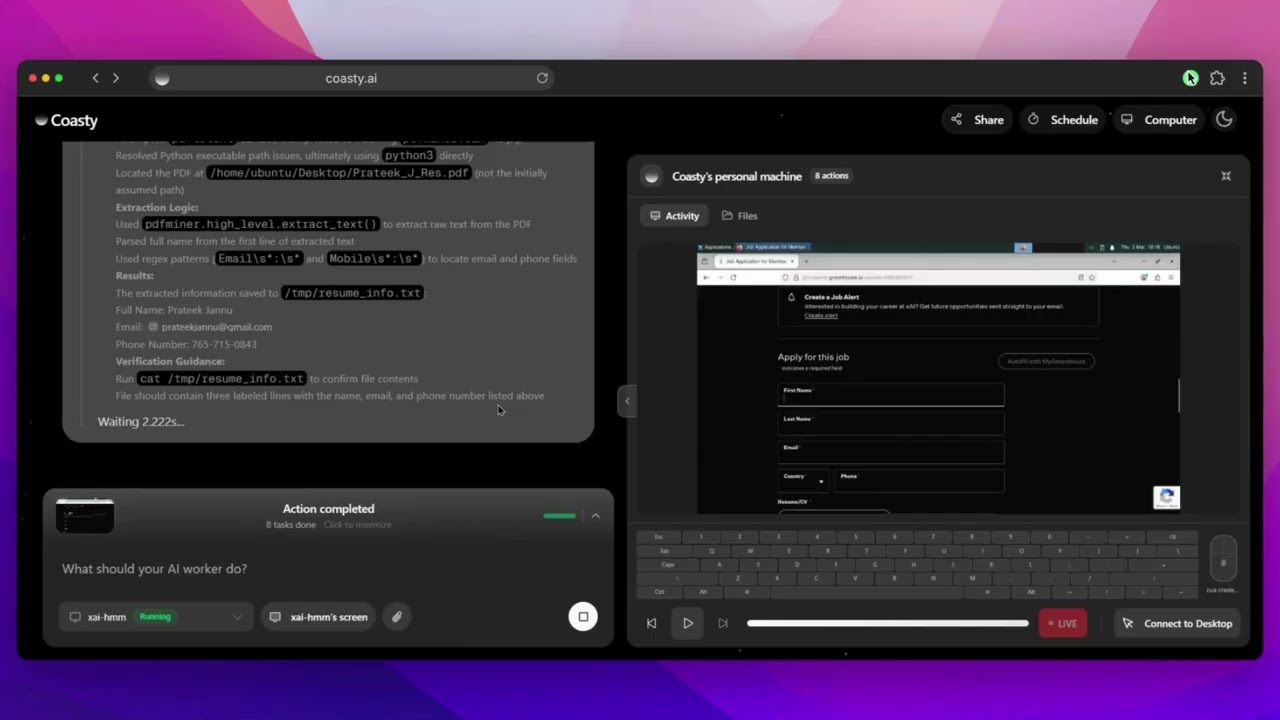
Job Application: Find roles, tailor your resume, and apply View chat session |
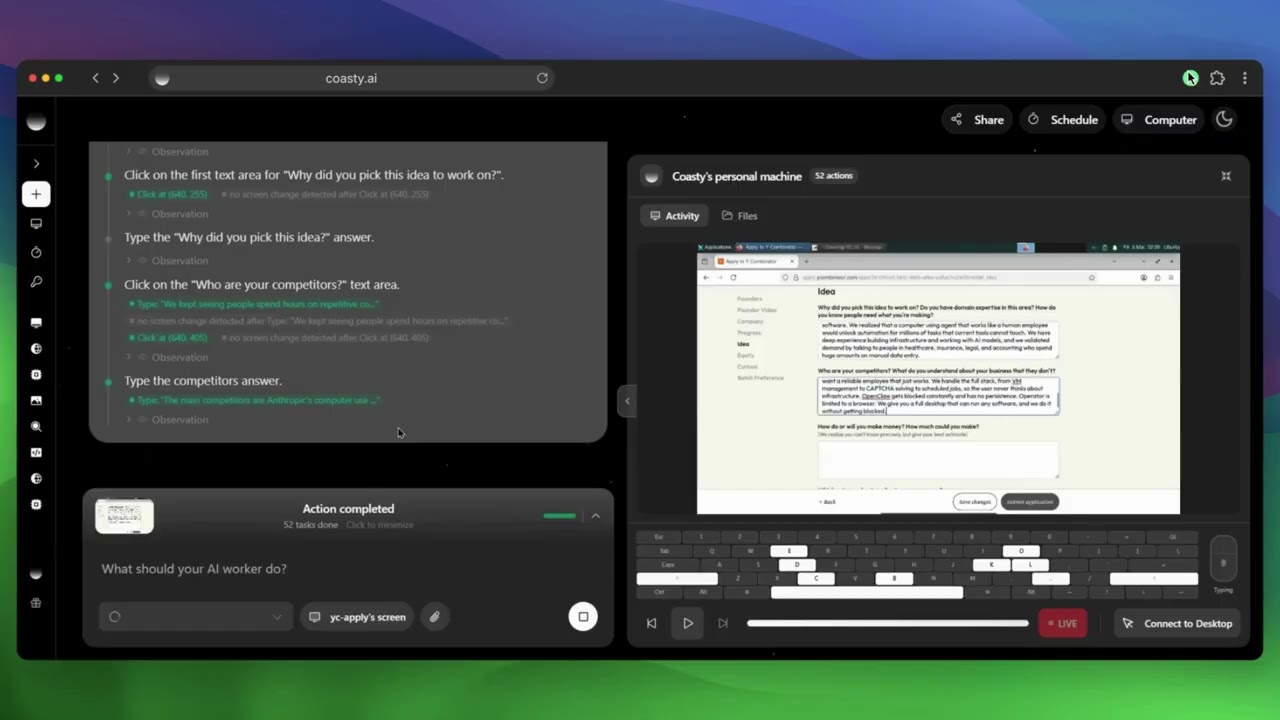
Form Filling: Fill out the YC S26 application for you View chat session |
Social Media: Post on Hacker News and engage with comments View chat session |
A lightweight overlay that runs AI agent commands directly on your local machine. Native automation on Windows, macOS, and Linux, with a floating always-on-top pill UI and an expanded chat panel.
cd electron
npm install
npm run dev
This launches the overlay window. Without an electron/.env file the app starts on the auth screen with a visible "Supabase is not configured" state. To sign in and chat you need electron/.env (cp .env.example .env) with Supabase credentials, plus a running backend at COASTY_BACKEND_URL (default http://localhost:8001, not included in this repo).
See electron/README.md for development, testing, packaging, and platform notes.
Use the same API key with Claude Desktop, Cursor, or Windsurf via MCP:
npx @coasty/mcpSee mcp/ for details.
The default branch is production: branch from it, and open your pull request against it.
- Fork the repo
- Create a branch from
production:git checkout -b feature/your-feature - Commit your changes
- Open a pull request targeting
production
See CONTRIBUTING.md for setup, testing, and review details. Bug reports and feature requests are welcome in Issues.
- Multi-VM parallel orchestration
- Visual workflow builder
- Agent marketplace and templates
- Plugin system for custom tools
- Collaborative sessions
- Voice control and video understanding
This platform gives AI agents significant autonomy. Use it to automate repetitive tasks, testing, research, and content creation, not to violate terms of service, spam, or scrape without permission. Always use isolated environments, respect robots.txt, and follow data protection laws.
Apache License 2.0, Copyright (c) 2025 Open Computer Use Contributors. One exception: the mcp/ subpackage is published to npm under the MIT license and carries its own mcp/LICENSE.