










Dirtbag is a simple WordPress block theme that does more with less. It's for people who want to learn about WordPress theme design and front-end development by stripping down to fundamentals and building up from there. If you just dig the indieweb and dirtbag aesthetic, that's cool too, but I hope it's a gateway drug to tinkering.
Dirtbag favours plain HTML markup, as little JS (and CSS) as possible, core WordPress blocks, the fonts everyone already has, visible feeds, and old/open-web habits over front-end machinery.
Live demo: A static, backend-free snapshot of the theme's demo site is published at dknauss.github.io/dirtbag — a crawl of the WordPress demo deployed to GitHub Pages. Posts, archives, feeds, sitemaps, and all six style variations work; search and comment submission don't (no server). See docs/github-pages-static-export.md for how it's built and deployed.
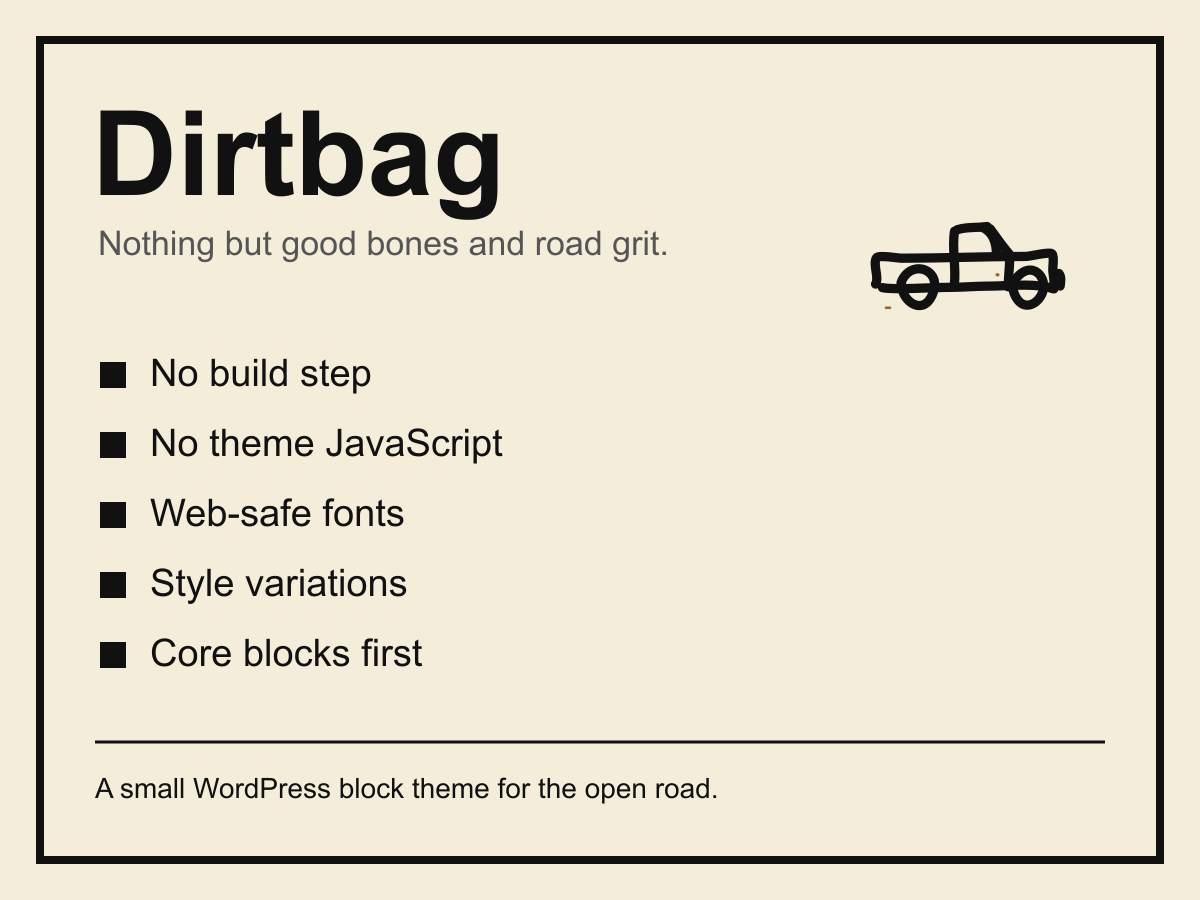
Out of the box Dirtbag gives you a plain, unstyled, brutalist foundation with a 1990s, view-source feel. It's packaged with Web 1.0-inspired page templates, block patterns, and six global styles: Amber CRT, Blueprint (or BSOD), Hi-vis (No-Name), Minimalist, Newspaper, and Terminal. Unlike the default no-style style, these alternative global styles open the door to the full powers of the site editor, if you want to go there.
Dirtbag is about doing more with native WordPress, more without creating new external dependencies, and more with less. Instead of packing everything into the theme, it is built to get the most out of the document, the browser, and WordPress.
Dirtbag is a freely distributable WordPress block theme that's small, simple, durable, accessible, and understandable. Dirtbag is for people who want to get under the hood to tinker, with or without the aid of a diagnostic cart (AI) and complex tooling. All you need is a little HTML, curiosity, and a DIY independent streak. Future versions will explore style options with modern but minimalist approaches to CSS and JS.
- Block theme: full-site editing templates, template parts, patterns, and
theme.json. - No build step: edit files, run the package check, ship the theme.
- No theme-authored JavaScript: core blocks may still load WordPress's own Interactivity API (navigation overlay, enhanced pagination, image lightbox), each with a plain-HTML fallback. Core's runtime is the OEM part; lightweight aftermarket frameworks might be a later, approved exception if we get curious enough — see the JavaScript policy.
- No enqueued theme stylesheet file:
style.csscontains the WordPress theme header only — and it is empty. Dirtbag uses WordPress-nativetheme.json-based styles and aims to keep it simple. - Core-first layout: uses WordPress core layout, block, and global-style output where needed.
- Web-safe typography: universal font stacks instead of bundled web fonts. (The global styles use web-safe colours as well, just for the hell of it and so we can say "web-safe" in 2026.)
- Open-web friendly: templates and docs for RSS, OPML, XFN, h-card, rel=me, now pages, and plain-text site-root files.
WordPress core prints global styles, layout styles, block styles, and scripts required by core blocks. Dirtbag avoids doing anything core or the browser already does.
From a WordPress installation:
cd wp-content/themes
git clone https://github.com/dknauss/dirtbag.git dirtbag
Then in WordPress:
- Go to Appearance → Themes.
- Activate Dirtbag.
- Go to Appearance → Editor → Styles to choose a style variation.
| Style | Intent | Truck icon |
|---|---|---|
| Brutalist / default | Plainest mode, browser-like HTML energy | Black on transparent |
| Minimalist | Sparse readable defaults | Black on transparent |
| Newspaper | Ink, paper, classifieds | Black on transparent |
| Hi-vis | Safety vest and road cone | Black on transparent |
| Amber CRT | Late-night monitor glow | Amber on transparent |
| Terminal | MS-DOS-adjacent phosphor | Green on transparent |
| Blueprint | Garage plans and cyan chalk lines | Amber on transparent |
The style variations live in styles/. Shared defaults live in theme.json.
Real home-page renders of each style (same content, different style variation):
Brutalist (default)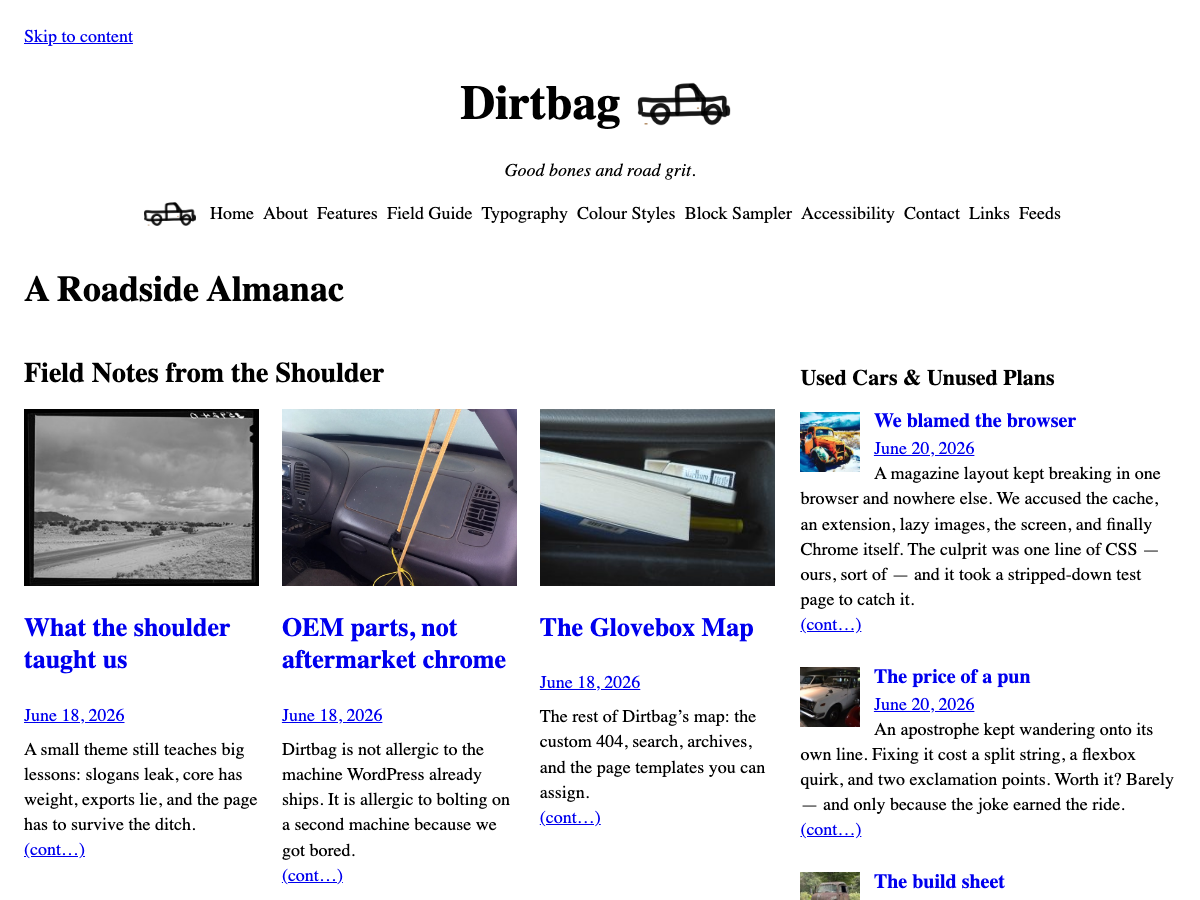 |
Minimalist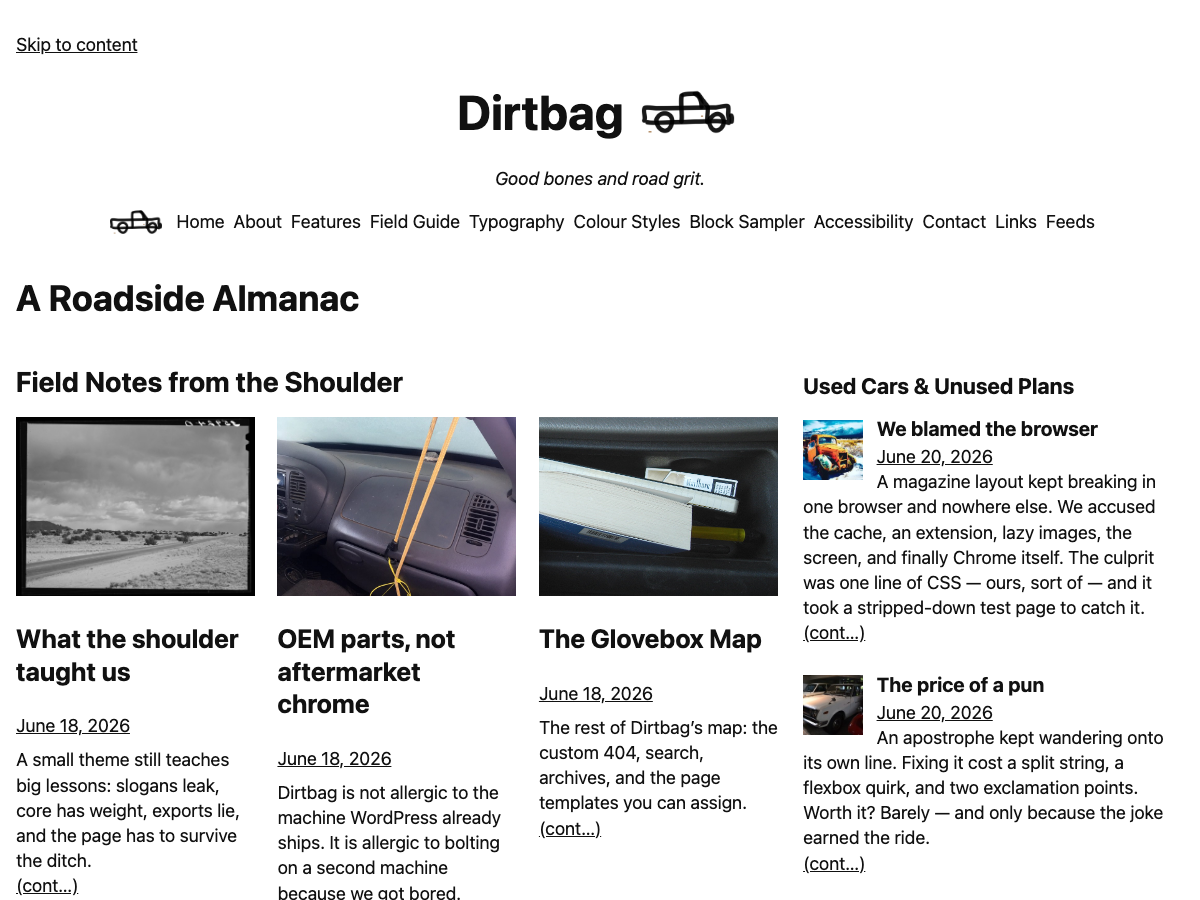 |
Newspaper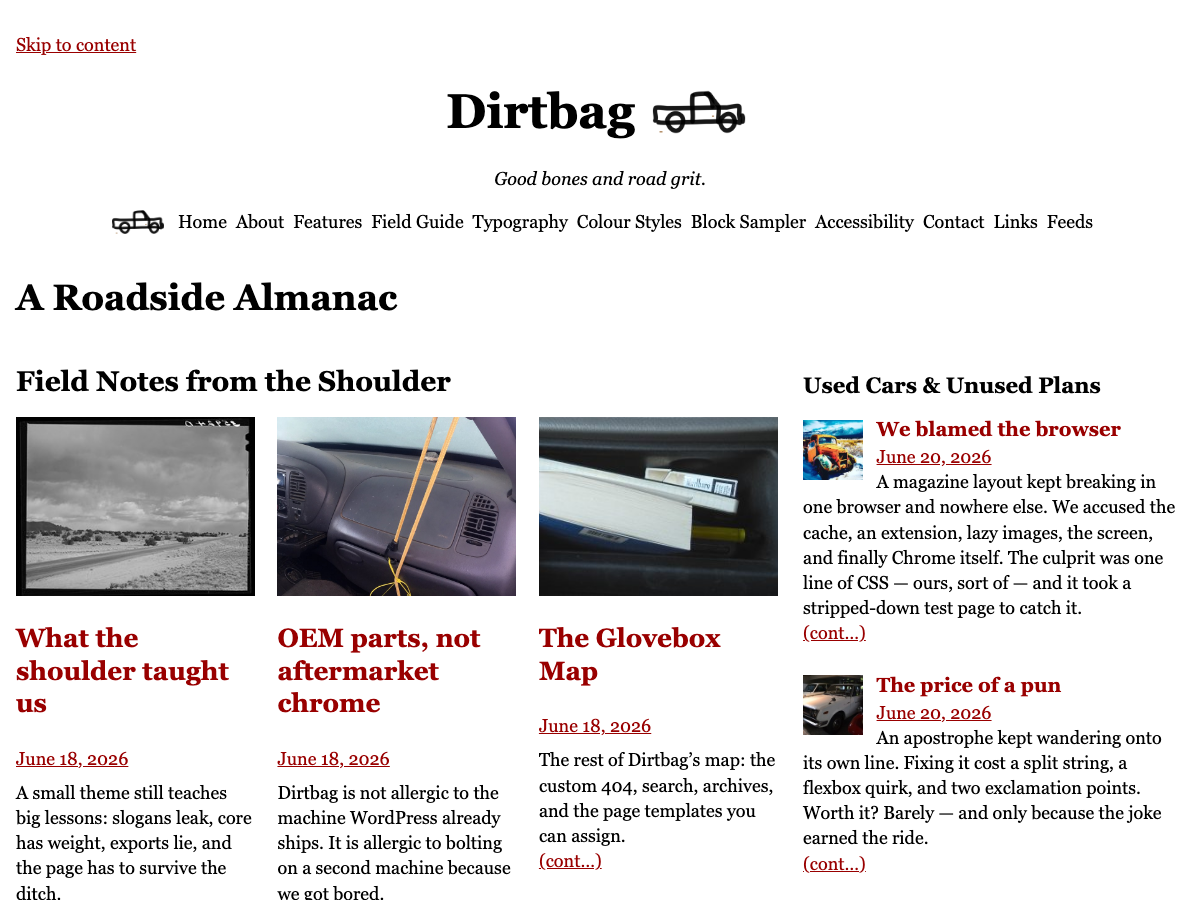 |
Hi-vis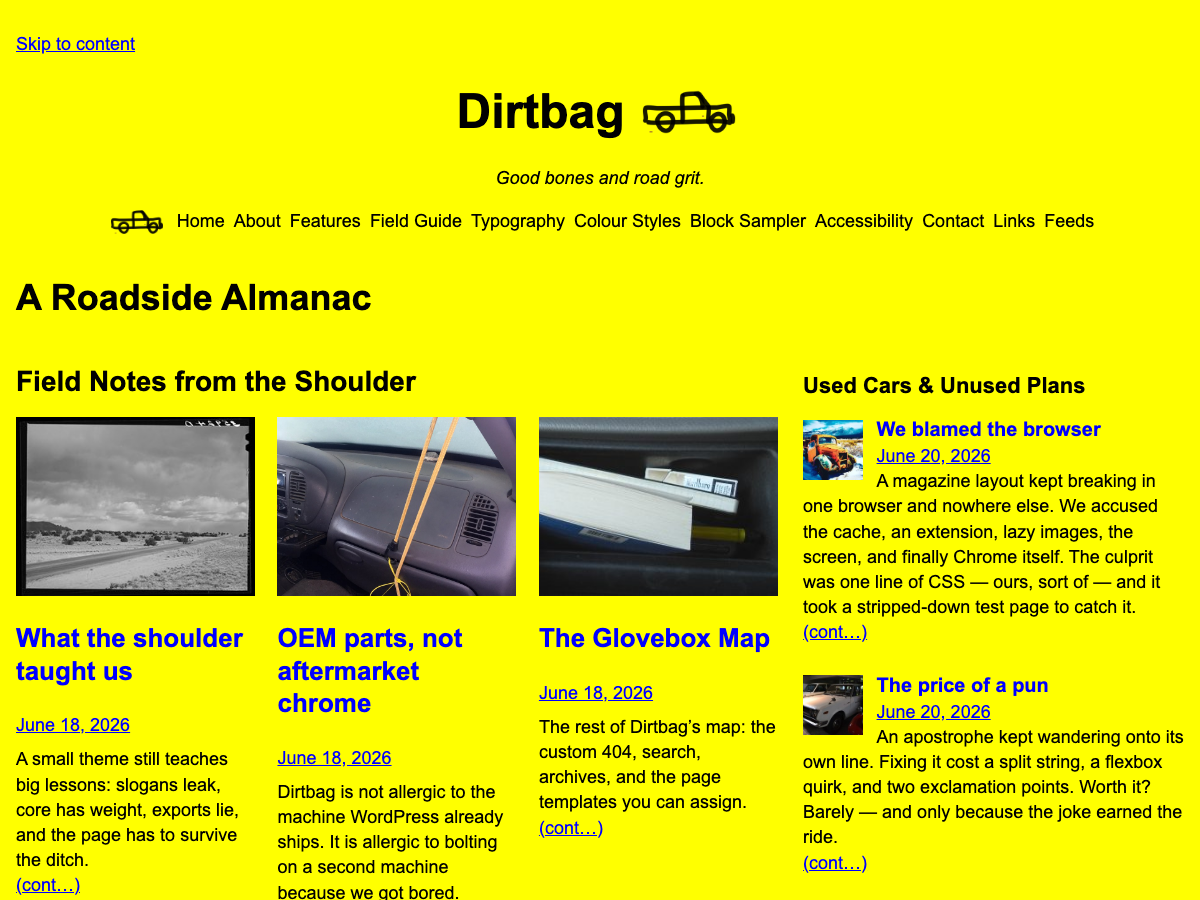 |
Amber CRT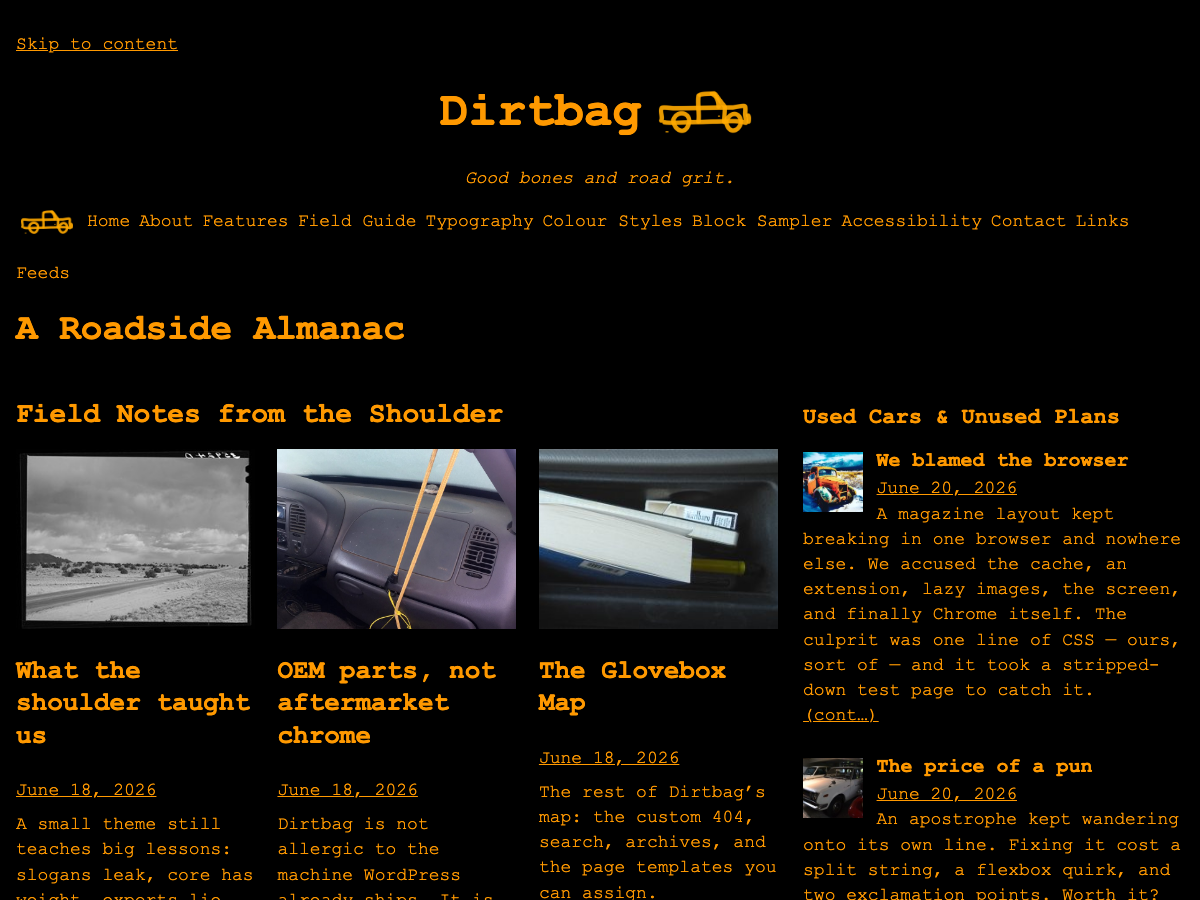 |
Terminal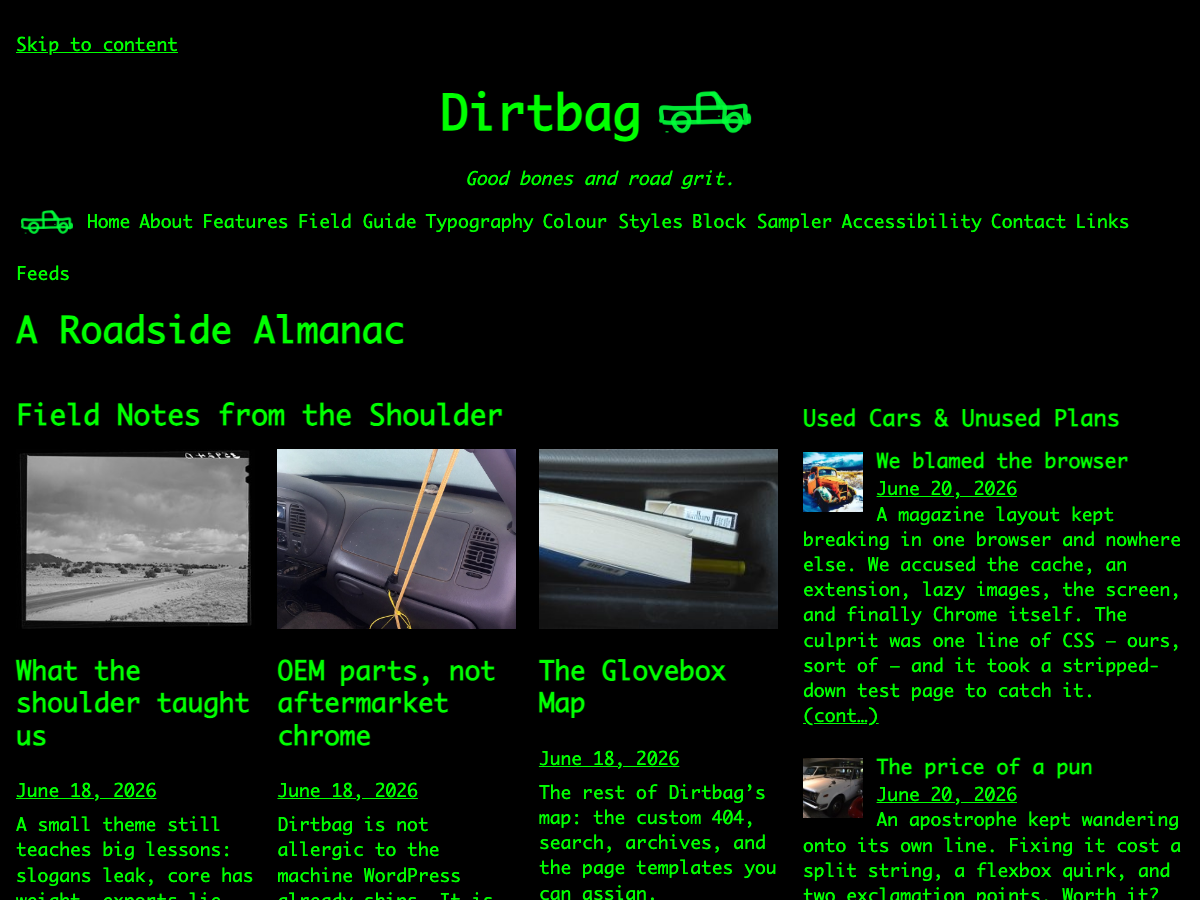 |
Blueprint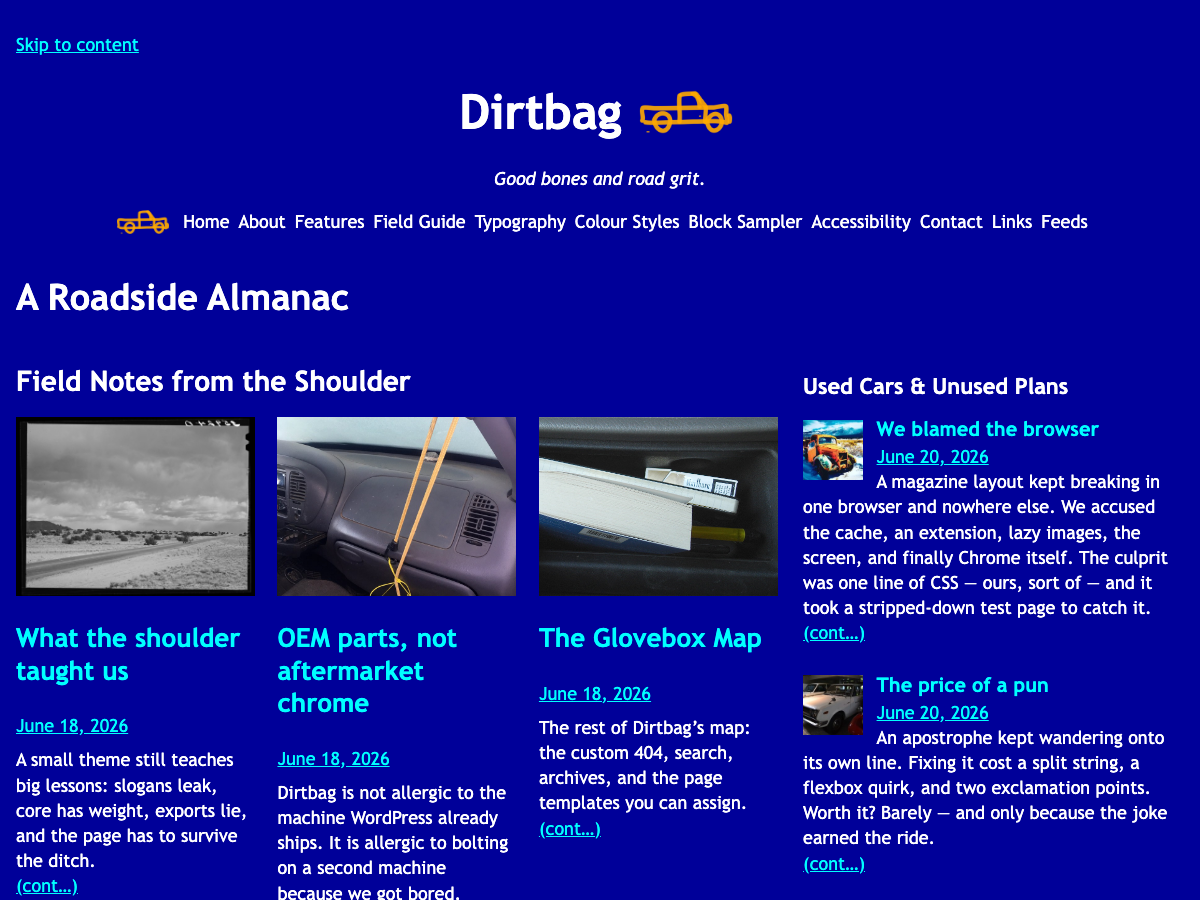 |
Dirtbag includes standard block templates for:
- Home and front page
- Single posts and pages
- Archives, authors, dates, categories, tags, and search
- 404 pages
- Plain, wide, centred, no-title, links, feeds, now, colophon, and uses page variants
Patterns cover comments, post meta, previous/next links, h-card profile markup, rel=me links, XFN/blogroll links, a now section, a colophon, an accessible table, open-web links, and small roadside notices.
There is no package install and no build command. The main local check is:
bin/package-checkIt verifies required theme files, JSON validity, screenshot dimensions, block nesting, package hygiene, suspicious front-end code patterns, bundled asset rules, and PHP syntax for patterns.
The same check runs in GitHub Actions on pushes and pull requests.
To build a clean zip package to install via the theme uploader in WordPress, make sure it contains a top-level dirtbag/ directory and excludes development-only files such as .git/, .github/, and .planning/.
Start with the docs index:
- Docs index
- Development guide
- Testing guide
- Testing strategy
- Style variations
- WordPress.org theme review notes
- Site-root open-web file templates
- Backlog and roadmap notes
- Changelog
- Support
GSD project memory lives in .planning/ for local planning context.
Dirtbag ships no theme-authored front-end JavaScript. WordPress core loads its own where blocks need it — the navigation overlay pulls in the Interactivity API runtime, and the theme opts into two of core’s progressive enhancements: enhanced (no-reload) feed pagination and the image lightbox. All three degrade to plain links and images when JavaScript is off.
When an interaction genuinely needs JavaScript, reach for the OEM part before the aftermarket catalogue:
- Native HTML and WordPress core behaviour — no runtime at all.
- The WordPress Interactivity API — the OEM part. Preact + signals (~10 kb), built by the same shop that built the engine, progressive-enhancement-first, and already in the parts bin whenever a core interactive block is on the page (overlay, accordion, search, enhanced pagination, lightbox). Adding behaviour on a runtime you are already carrying costs almost nothing.
- Tiny vanilla JavaScript — for a one-bolt job that does not justify a framework.
- Aftermarket frameworks — Only if the OEM part is genuinely wrong for the job. These are bolt-ons from another maker: a second runtime to haul around, extra weight, and no guarantee it fits the WordPress engine.
Whatever the part: if it needs its own JavaScript to be understood, it needs a better fallback.
Dirtbag aims to stay boring in the best way:
- Semantic landmarks and headings.
- Visible links and keyboard focus from WordPress/core styling.
- Skip link support.
- No external fonts, trackers, analytics, or remote assets.
- No bundled JavaScript runtime.
- Small template and pattern surface area.
Manual browser accessibility checks are required before each release. See Testing.
Dirtbag is licensed under the GNU General Public License v2 or later.
Third-party resource credits are listed in readme.txt, including the CC0 pickup truck source image from SVG Repo and typographic inspiration from Butterick’s Practical Typography.
Dirtbag is built with AI assistance from multiple models in dialogue with each other and the human director and reviewer. Commits carry a Co-Authored-By: Claude trailer when Claude was involved. The maintainer reviews and remains responsible for all shipped code, content, and design. Dig into the docs to see some of the things humans and machines have learned from each other on this project.
Small, plain patches are welcome. Please run bin/package-check before opening a pull request and keep the no-build-step/no-theme-JS rule intact unless an issue explicitly agrees otherwise.
Commit attribution is enforced. Every commit must carry a Co-Authored-By: trailer (Dirtbag is built in human + AI dialogue). Turn the hook on once per clone:
git config core.hooksPath .githooksThe commit-msg hook then rejects any commit without a trailer. A genuine human-only commit can attribute the person, or bypass deliberately with git commit --no-verify.