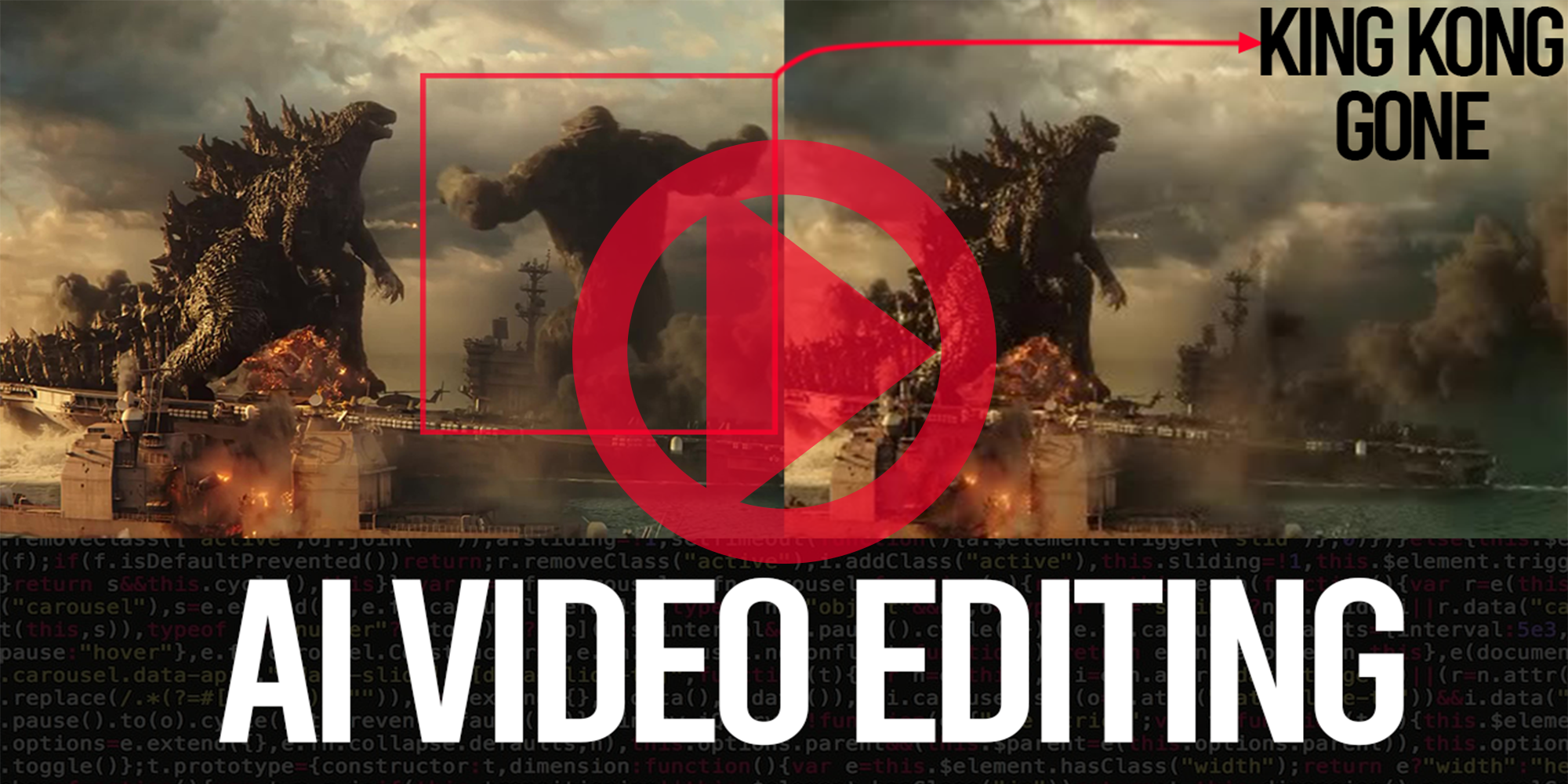
These scripts are used to remove objects in videos. Run in them in sequence and checkout the video below from my youtube channel to see how they work.
| notebook | open in colab | complementary materials |
|---|---|---|
| Convert Video To images |   |
 |
| Generate Mask - using SAM/GroundingDino | |
|
| Remove Object and Create Video (using mask) | |
 |
| Remove Flickering and Recreate Video | |
|
Subscribe, and stay up to date with our latest YouTube videos!
locally, below you will find instructions on how to do it. Remember don't install your dependencies globally, use venv.
# clone repository and navigate to root directory
git clone https://github.com/g-make-it/AI_Video_Removal.git

# setup python environment and activate it
python3 -m venv venv
source venv/bin/activate

# install and run jupyter notebook
pip install notebook
jupyter notebook