Build Instructions
Download NW.js https://nwjs.io/ (I recommend SDK version with Dev tools), unpack it.
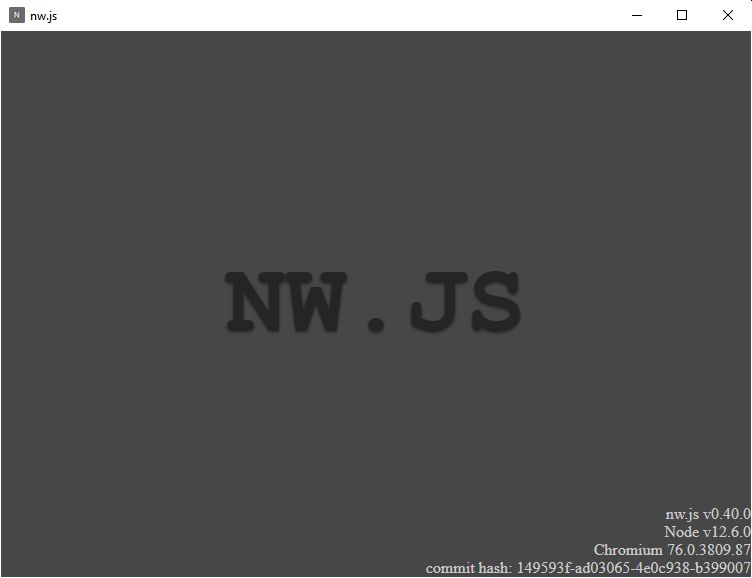
To verify it's working open nw.exe, You should see something like this:
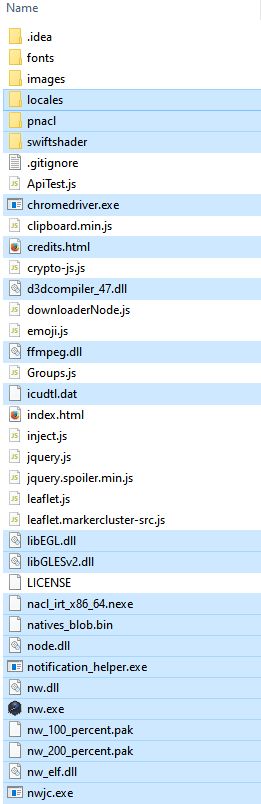
Download all source files from this github repository, unpack it. Move all of the files into the folder where nw.exe is.
Run nw.exe and you should see this:
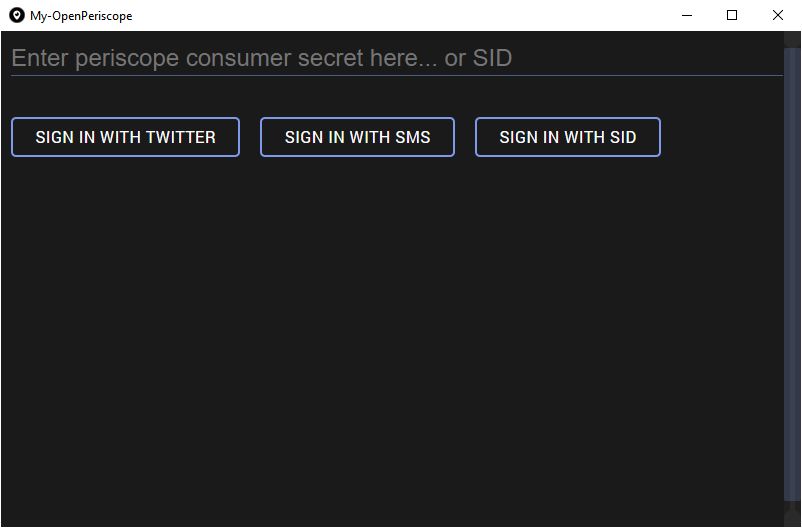
When you sign in, everything except chat and opening broadcasts should work. You can also paste there your old userdata folder from previous instalations but only if you updated files from repository, might not work if updated nwjs.
To update MY-OpenPeriscope just put the new files into the folder and overwrite if necessary.
Nwjs is shipped without neccessary codecs, download nwjs-ffmpeg-prebuilt and replace the one in your folder.
To make chat work download and install NPM (bundled with node.js): https://nodejs.org/download/release/latest/
Open folder with all the files and type cmd in folder location and press enter

type:
npm install
result:

package-lock.json and node_modules folder should appear.
Merge all files into executable.
- Compress source files from github including everything npm added. rename it from
app.ziptoapp.nw.
You can exclude some files like readme.md or license but it will work even if you don't.
- Move app.nw to unpacked nwjs folder.
- Run this there:
copy /b nw.exe+app.nw app.exe
or on linux
cat nw app.nw > app && chmod +x app
- Delete nw.exe(nw) and app.nw, rename resulting app.exe to
OpenPeriscope.exeif you want.
You can also paste there your old userdata folder from previous installations.
Link to more general instructions. http://docs.nwjs.io/en/latest/For%20Users/Package%20and%20Distribute/