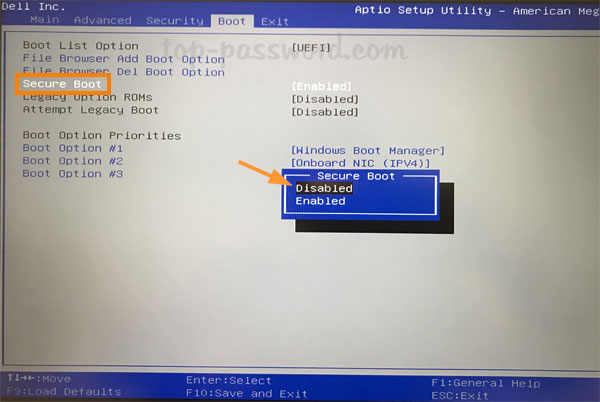
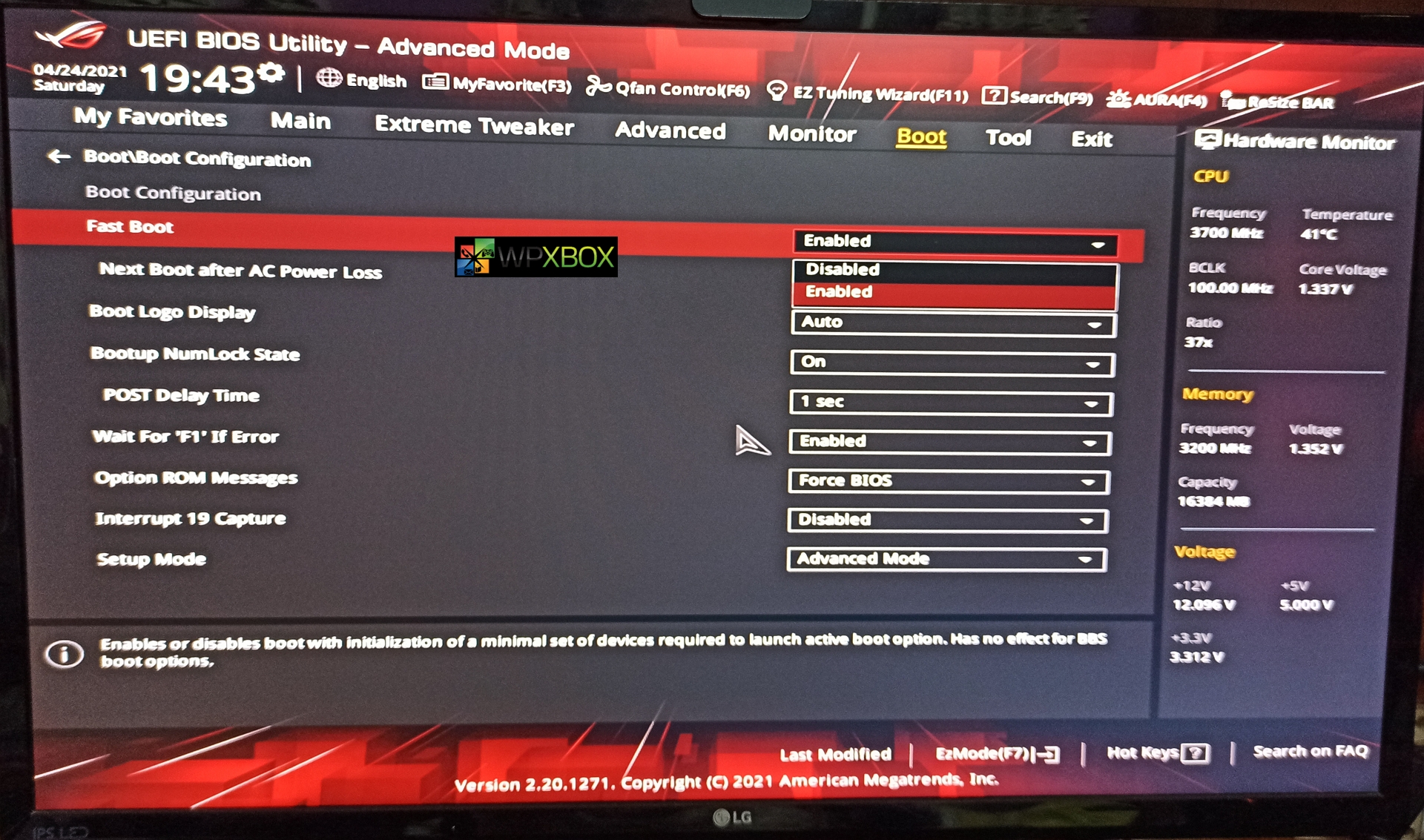
- Confirm that its EFI
ls /sys/firmware/efi/efivarsIf you see huge text output, its efi. Else if you get error, make sure you selected to boot with UEFI via bootmenu.

- Enter iwctl shell
iwctl- Show wifi devices
device list- Scan for wifis
station wlan0 scan- Show wifis
station wlan0 get-networks- Connect to wifi
station wlan0 connect "name"- Leave iwctl shell
exit- Confirm that you have internet connection
ping google.com- Update kerings
pacman -Sy archlinux-keyringThis is to prevent errors when using pacman later, that can accur if you are not using the latest installer. (skip if you just now flashed .iso)
- Check where you want to install disk NAME and SIZE
lsblk- Carefully choose disk and format it with
mkfs.ext4 /dev/nvme0n1Be sure to replace nvme0n1 with your disk name from
lsblkif its not the same
-
Calculate how much you want to have swap (i recommend 20gb at least). So for example if
lsblkshows that u have 465G size disk, subtract 1 for boot partition, 20 for swap parition. So you will have left 444G for main parition, 1G for boot partition and 20G for swap partition -
Run partitioning tool
gdisk /dev/nvme0n1-
Create 1G boot partition
- For "Command (? for help)" write
nand pressenter - For "Partition number" just press
enter - For "First sector ..." just press
enter - For "Last sector ..." write
+1Gand pressenter - For "Hex code or GUID ..." write
ef00and pressenter
- For "Command (? for help)" write
-
Create 444G main partition
- For "Command (? for help)" write
nand pressenter - For "Partition number" just press
enter - For "First sector ..." just press
enter - For "Last sector ..." write
+444Gand pressenter - For "Hex code or GUID ..." just press
enter
- For "Command (? for help)" write
-
Create 20G swap partition
- For "Command (? for help)" write
nand pressenter - For "Partition number" just press
enter - For "First sector ..." just press
enter - For "Last sector ..." just press
enter - For "Hex code or GUID ..." write
8200and pressenter
- For "Command (? for help)" write
-
Write
wand pressenter -
Format the boot partition
mkfs.fat -F32 /dev/nvme0n1p1- Format the main partition
mkfs.ext4 /dev/nvme0n1p2- Format the swap partitoin
mkswap /dev/nvme0n1p3- Mount the main partition
mount /dev/nvme0n1p2 /mnt- Create boot folder
mkdir /mnt/boot- Mount boot partitoin
mount /dev/nvme0n1p1 /mnt/boot- Mount swap partition
swapon /dev/nvme0n1p3- Install base pacakges
pacstrap /mnt base linux linux-firmware grub efibootmgr amd-ucode os-prober git nano - Generate mount points
genfstab -U /mnt >> /mnt/etc/fstab- Enter installed linux environment
arch-chroot /mnt- Create initial ramdisk environment
mkinitcpio -p linux- Install grub bootloader
grub-install --target=x86_64-efi --efi-directory=/boot --bootloader-id=GRUB- Generate grub bootloader config
grub-mkconfig -o /boot/grub/grub.cfg- Set timezone
ln -sf /usr/share/zoneinfo/Europe/Vilnius /etc/localtimeYou can list zones with
ls /usr/share/zoneinfo/or withls /usr/share/zoneinfo/Europe/
- Sync hardware clock
hwclock --systohc- Uncomment UTF-8 languages that you want by deleting
#then save and exist
nano /etc/locale.genFor example
en_US.UTF-8
- Generate the languages that you selected
locale-gen- Set the default language
echo "LANG=en_US.UTF-8" >> /etc/locale.conf- Set pc name
echo "angel-pc" >> /etc/hostnameYou can "angel-pc" to whatever you want, but don't write special characters or spaces.
- Setup host file with
nano /etc/hostsand write in it
127.0.0.1 localhost
::1       localhost
127.0.1.1 angel-pc.localdomain angel-pc
Then save and exit
- Enable multilib support with
nano /etc/pacman.confand uncomment by deleting#from:
[multilib]
Include = /etc/pacman.d/mirrorlist
Then save and exit
- (Optional) multi-threading compiling with
nano /etc/makepkg.confby uncommenting line:
MAKEFLAGS="-j2"
To uncomment, delete
#on specified line like previous times, then save and exit. Change the number2to how many threads you have on your cpu, you can check withnproc
- First update pacman database with
pacman -Sy- Install packages
pacman -S networkmanager network-manager-applet dialog wpa_supplicant mtools dosfstools reflector inetutils base-devel linux-headers bluez bluez-utils xdg-utils xdg-user-dirs alsa-utils pipewire lib32-pipewire pipewire-alsa pipewire-pulse pipewire-jack gnome gnome-extra gdm xdg-desktop-portal-gnome xdg-desktop-portal fish xorg wayland qt5-wayland qt6-wayland breeze mesa lib32-mesa xf86-video-amdgpu vulkan-radeon lib32-vulkan-radeon vulkan-radeon libva-mesa-driver lib32-libva-mesa-driver mesa-vdpau lib32-mesa-vdpau steam wine-staging lutris wine-mono wine-gecko gamemode lib32-gamemode noto-fonts noto-fonts-cjk noto-fonts-emoji noto-fonts-extra ttf-liberation- Enable services (case sensitive)
systemctl enable NetworkManager
systemctl enable bluetooth
systemctl enable gdm- Set default shell for root (Optional)
chsh -s /bin/fish- Set root password
passwd
- Create user
useradd -mG wheel angelYou can name it whatever you want, but don't use special characters or spaces.
- Set password for angel user
passwd angel- Add sudo support for wheel group with
EDITOR=nano visudoby uncommenting%wheel ALL=(ALL) ALLlike this:
## Uncomment to allow members of group wheel to execute any command
%wheel ALL=(ALL) ALL
Then save and exit.
- Switch to your user
su angel- Set default shell for user (Optional)
chsh -s /bin/fish- Go to your home folder
cd ~- Clone the repository locally
git clone https://aur.archlinux.org/yay- Enter the repository
cd yay- Install yay
makepkg -si PKGBUILD-
First exist your user by pressing
ctrl+dthen exist arch-chroot by pressingctrl+dagain -
Then unmount all partitions
umount -aErrors are expected, continue.
- Reboot
reboot