This repo is used to collect financial data from any website.
selenuim is easy to use and download a lot images from the website automacially.
As a JS developer, i would like practice with puppeteer or cheerio.
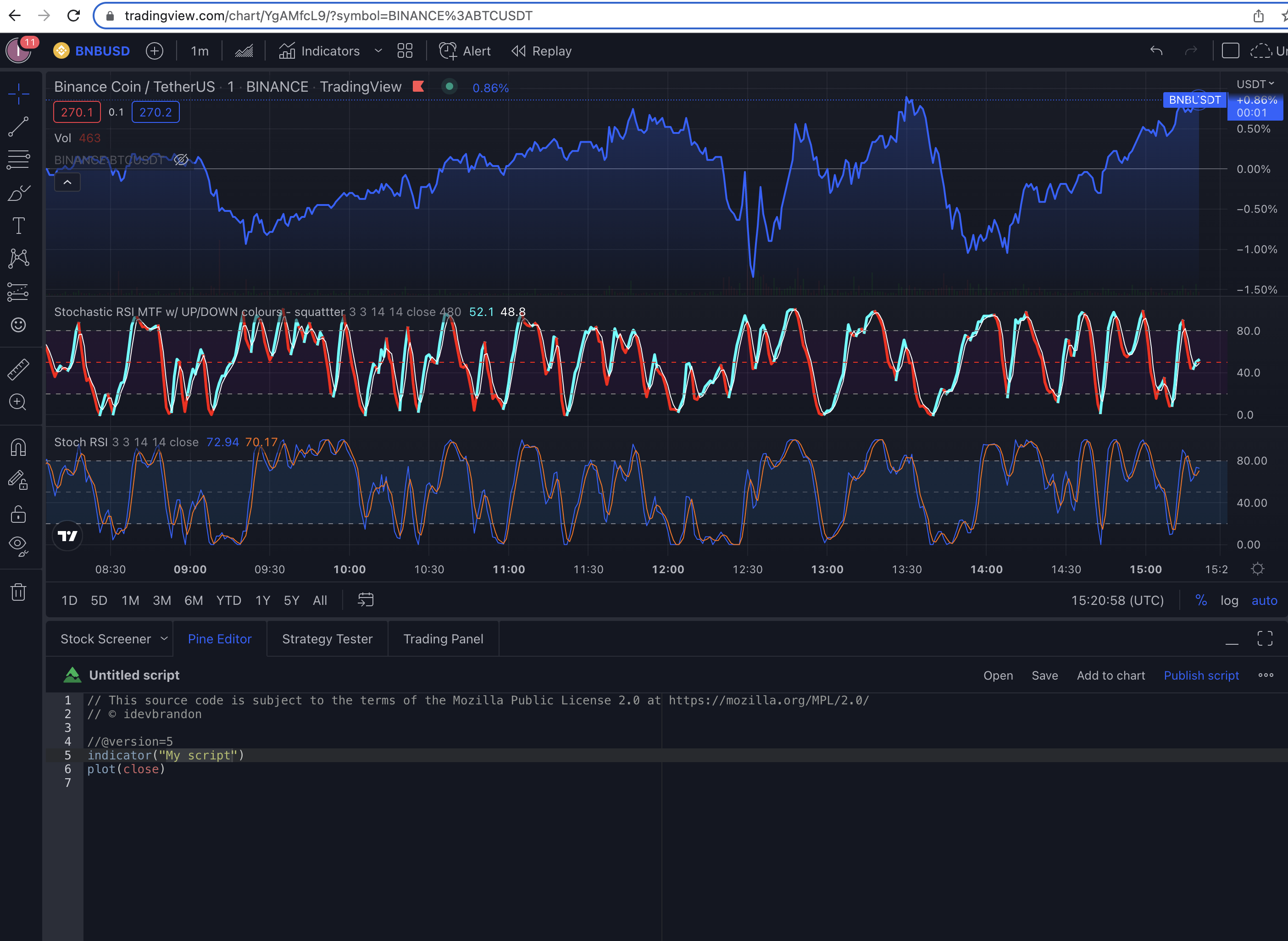
- pinescript for system
- prop trading strategies
- https://www.youtube.com/watch?v=jDT4u4BisrA
- https://www.youtube.com/watch?v=MbqSMgMAzxU&ab_channel=Fireship
Ultimate Guide To Web Scraping - Node.js & Python (Puppeteer & Beautiful Soup)
you see stoxx/old folder and i have create indices to fetch rsi from https://stockcharts.com/sc3/ui/?s=VOO&p=d&yr=1&mn=0&dy=0&id=p96797893541&listnum=30&a=965088782
fear and greed https://edition.cnn.com/markets/fear-and-greed
vix https://www.tradingview.com/symbols/TVC-VIX/ or you can find on google too
dollar index(DXY) https://www.tradingview.com/symbols/TVC-DXY/
Buffett Indicator https://www.gurufocus.com/stock-market-valuations.php or https://www.currentmarketvaluation.com/models/buffett-indicator.php
dividend from https://stockanalysis.com/quote/tsx/DOL/dividend/
This directory contains Python scripts to automatically fetch various financial indicators from different sources.
| Indicator | Source | Script | Description |
|---|---|---|---|
| RSI | StockCharts | rsi/fetch_rsi.py |
Relative Strength Index for VOO |
| Fear & Greed Index | CNN | fear-and-greed/fetch_fear_greed.py |
Market sentiment indicator |
| VIX | TradingView/Google | vix/fetch_vix.py |
Volatility index |
| DXY | TradingView/Yahoo/Investing | dxy/fetch_dxy.py |
Dollar index |
| Buffett Indicator | GuruFocus | buffett-indicator/fetch_buffett_indicator.py |
Market cap to GDP ratio |
| Dividend Data | StockAnalysis | dividend/fetch_dividend.py |
Dividend information for stocks |
-
Create and activate a virtual environment:
# Create virtual environment
python -m venv venv

# Activate it (macOS/Linux)
source venv/bin/activate

# Activate it (Windows)
venv\Scripts\activate
pip install -r requirements.txtCreate a .env file in the indices directory to enable Supabase storage:
SUPABASE_URL=your_supabase_url
SUPABASE_KEY=your_supabase_key
Note: Scripts will work without Supabase and save data to local JSON files.
Each indicator can be fetched individually:
# Fetch RSI
python rsi/fetch_rsi.py

# Fetch Fear & Greed Index
python fear-and-greed/fetch_fear_greed.py

# Fetch VIX
python vix/fetch_vix.py

# Fetch DXY
python dxy/fetch_dxy.py

# Fetch Buffett Indicator
python buffett-indicator/fetch_buffett_indicator.py

# Fetch Dividend Data (default: DOL on TSX)
python dividend/fetch_dividend.pyUse the orchestrator script to fetch all indicators:
# Fetch all indicators in parallel
python fetch_all_indicators.py

# Fetch all indicators sequentially
python fetch_all_indicators.py --sequential

# Fetch specific indicators only
python fetch_all_indicators.py --indicators dxy
python fetch_all_indicators.py --indicators vix
python fetch_all_indicators.py --indicators fear_greed
python fetch_all_indicators.py --indicators rsi

python fetch_all_indicators.py --indicators buffett_indicator


# Fetch with custom dividend symbols
python fetch_all_indicators.py --dividend-symbols AAPL:nasdaq DOL:tsx MSFT:nasdaq

# Save summary to custom file
python fetch_all_indicators.py --output my_summary.json

# Quiet mode (minimal output)
python fetch_all_indicators.py --quietpython fetch_all_indicators.py [OPTIONS]
Options:
-i, --indicators INDICATORS Specific indicators to fetch
-s, --sequential Run sequentially instead of parallel
--dividend-symbols SYMBOLS Dividend symbols (format: SYMBOL:EXCHANGE)
-o, --output FILE Output summary file
-q, --quiet Suppress detailed output
-h, --help Show help message
All fetchers save data to local JSON files:
rsi_data.jsonfear_greed_data.jsonvix_data.jsondxy_data.jsonbuffett_indicator_data.jsondividend_data.json
When configured, data is also saved to a Supabase table called financial_indicators with the following schema:
CREATE TABLE indicators (
    id SERIAL PRIMARY KEY,
    indicator_type TEXT NOT NULL,
    symbol TEXT NOT NULL,
    value NUMERIC,
    metadata JSONB,
    timestamp TIMESTAMPTZ NOT NULL,
    UNIQUE(indicator_type, symbol, timestamp)
);🚀 Starting financial indicators fetch...
⏱️ Timestamp: 2024-01-15T10:30:00
✅ RSI fetched successfully
✅ FEAR_GREED fetched successfully
✅ VIX fetched successfully
✅ DXY fetched successfully
✅ BUFFETT_INDICATOR fetched successfully
✅ DIVIDEND fetched successfully
==================================================
📊 FINANCIAL INDICATORS FETCH SUMMARY
==================================================
✅ RSI - success
└─ RSI: 45.2
✅ FEAR_GREED - success
└─ Index: 35 (Fear)
✅ VIX - success
└─ VIX: 18.5
✅ DXY - success
└─ DXY: 103.25
✅ BUFFETT_INDICATOR - success
└─ Buffett: 145.3% (Significantly Overvalued)
✅ DIVIDEND - success
└─ Dividend: $0.75 (2.1%)
--------------------------------------------------
📈 Successful: 6
❌ Failed: 0
📊 Total: 6
==================================================
📄 Summary saved to fetch_summary.json
-
Network Timeouts: Some sites may be slow. Scripts include retry logic and fallback sources.
-
Rate Limiting: Scripts include delays between requests to be respectful to servers.
-
Data Not Found: Web scraping can be fragile. Scripts attempt multiple methods to find data.
-
Supabase Errors: Check your
.envfile configuration. Scripts will continue to work with local file storage if Supabase is unavailable.
Add debug logging by setting environment variable:
export DEBUG=1
python fetch_all_indicators.pyTo run these fetchers regularly, you can use cron:
# Run every hour
0 * * * * cd /path/to/indices && python fetch_all_indicators.py --quiet

# Run every day at 9 AM
0 9 * * * cd /path/to/indices && python fetch_all_indicators.py --quiet- All scripts are designed to be respectful to source websites with appropriate delays
- Web scraping is inherently fragile - sites may change their HTML structure
- Multiple fallback sources are implemented where possible
- Data is validated within reasonable ranges for each indicator
- Scripts handle errors gracefully and continue execution