This extension is for Visual Studio Code, adds a theme titled EasyEye theme.
- Open Extensions sidebar panel in Visual Studio Code.
View → Extensions - Search for
EasyEye theme - Click
Installto install it. - Click
Reloadto reload the your editor - File > Preferences > Color Theme >
EasyEye theme
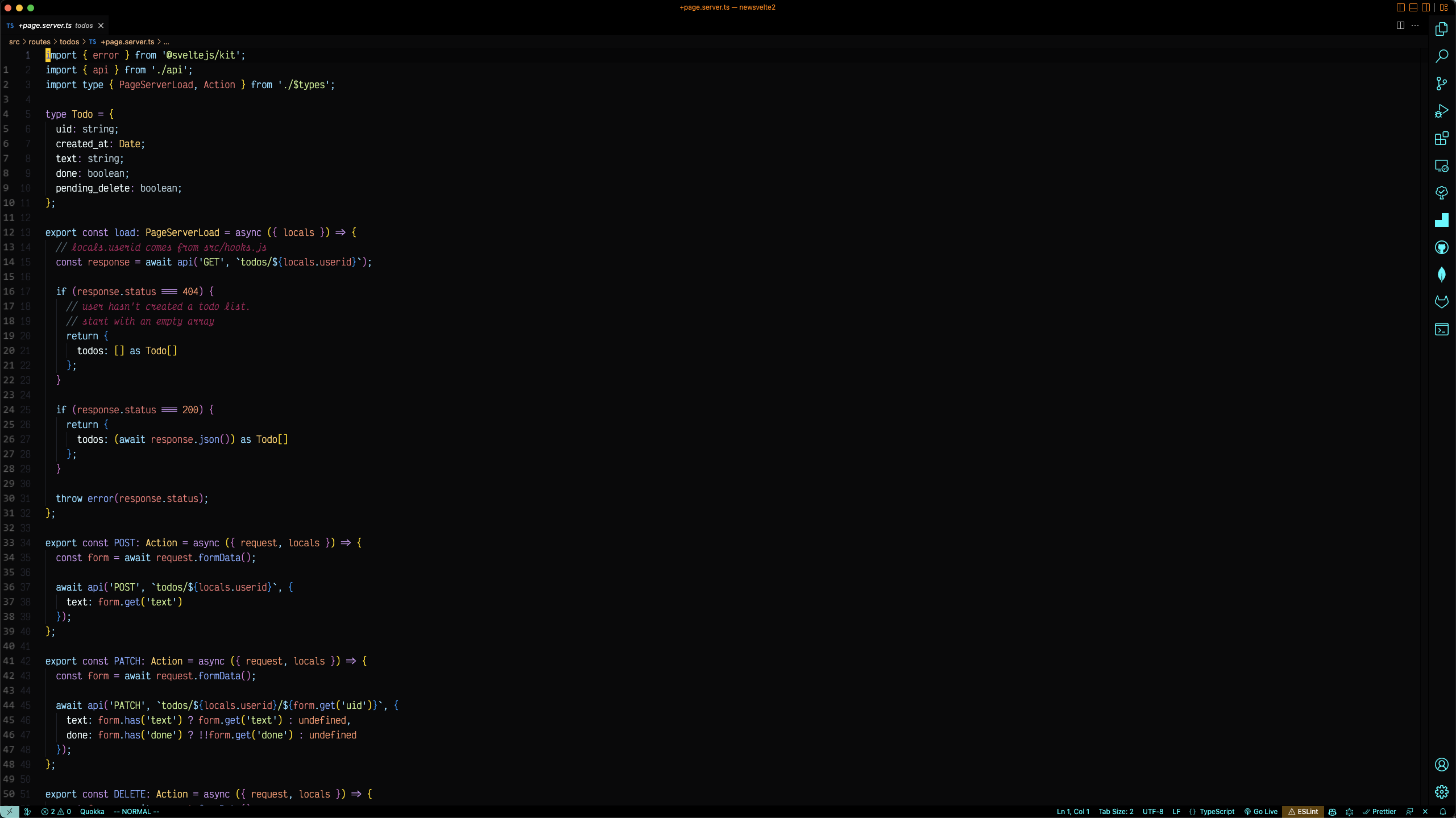
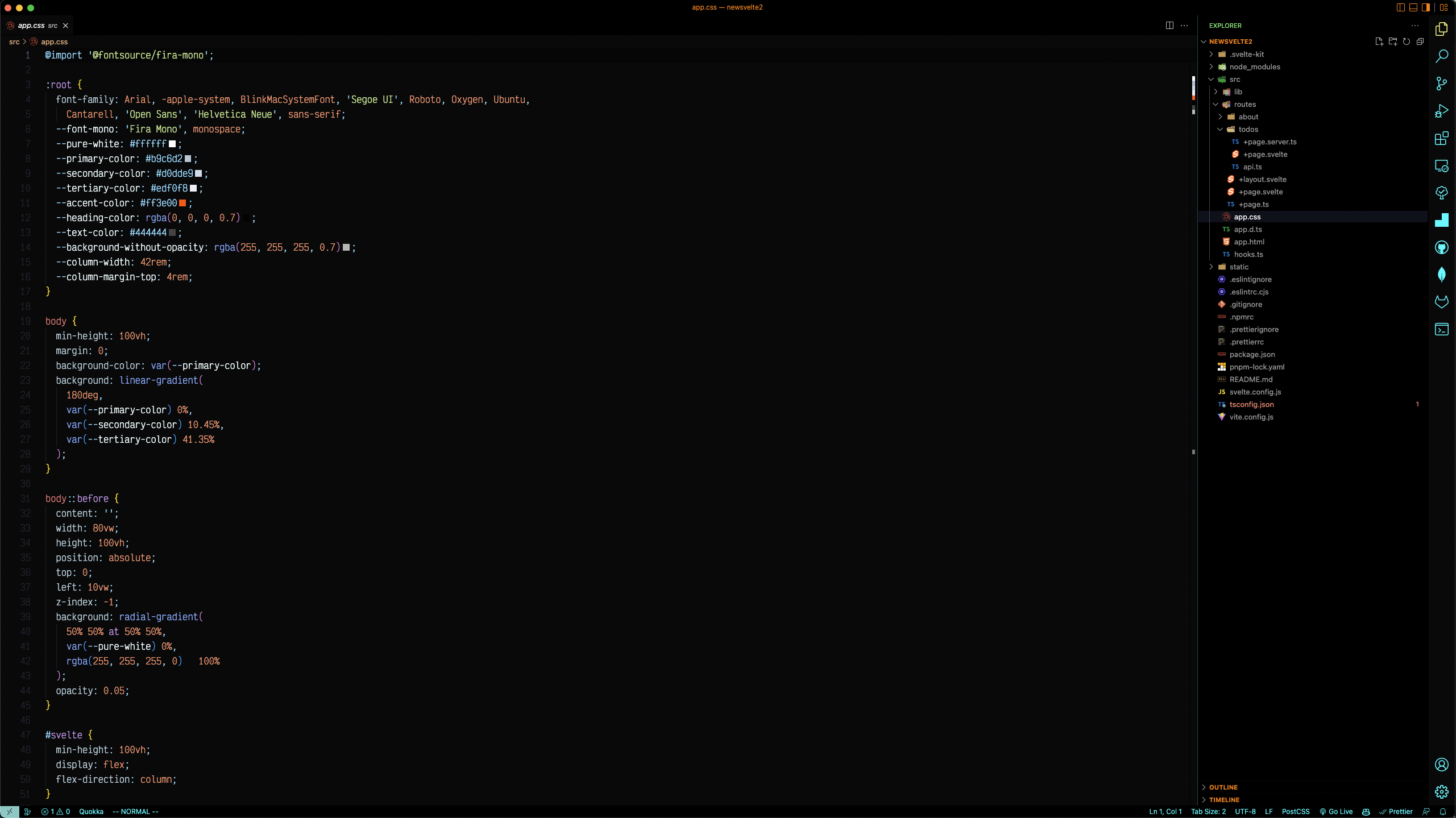
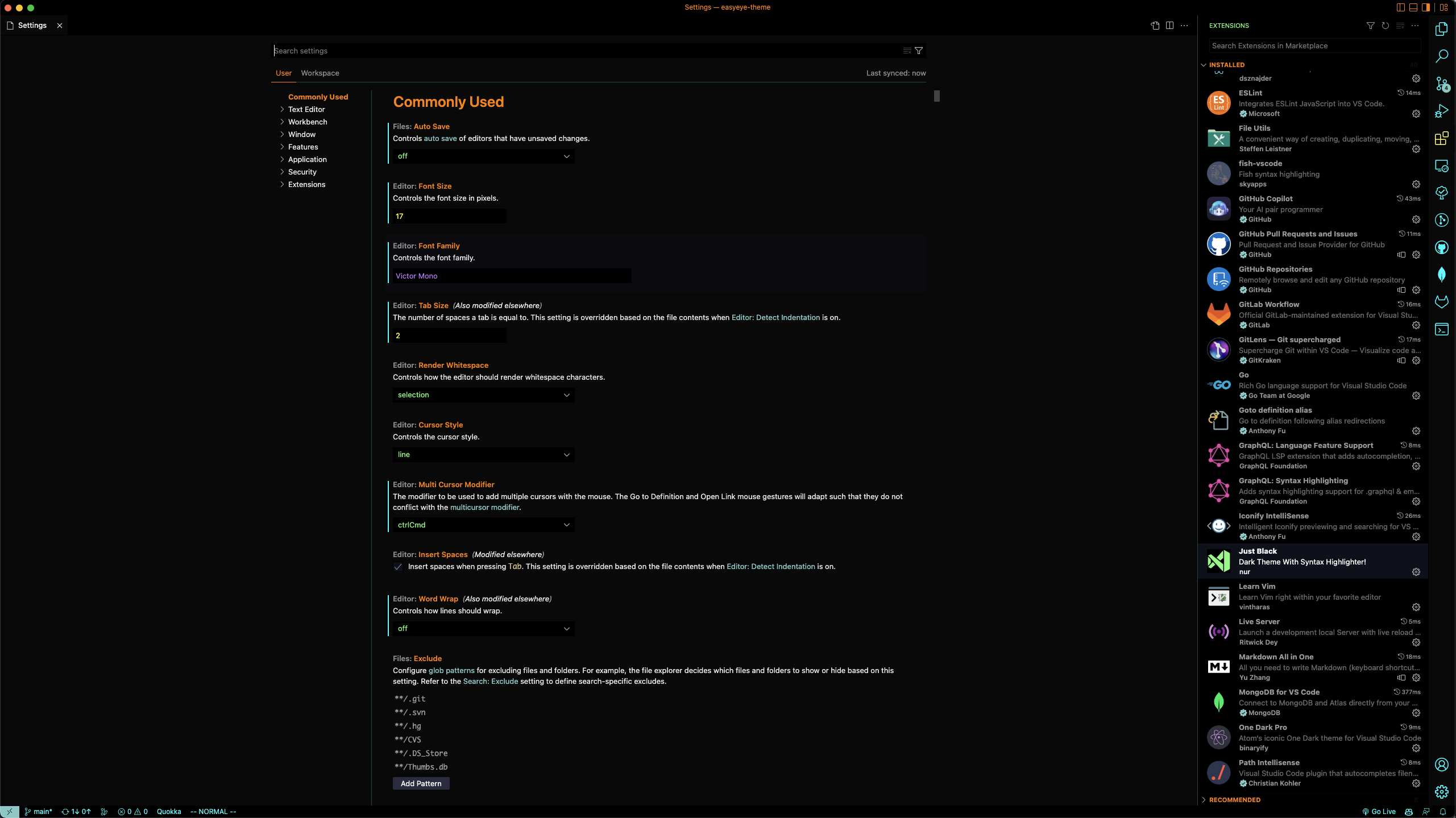
{
  "editor.autoIndent": "full",
  "editor.cursorBlinking": "expand",
  "editor.cursorSmoothCaretAnimation": true,
  "editor.cursorStyle": "block",
  "editor.fontSize": 17,
  "editor.fontFamily": "Victor Mono",
  "editor.fontLigatures": true,
  "editor.formatOnPaste": true,
  "editor.formatOnType": false,
  "editor.formatOnSave": true,
  "editor.lineHeight": 0,
  "editor.minimap.enabled": false,
  "editor.multiCursorModifier": "ctrlCmd",
  "editor.suggestSelection": "first",
  "editor.tabCompletion": "on",
  "editor.tabSize": 2,
  "editor.snippetSuggestions": "top",
  "files.autoSave": "afterDelay",
  "files.autoSaveDelay": 1000,
  "search.showLineNumbers": true,
  "workbench.iconTheme": "vscode-icons",
  "workbench.editor.labelFormat": "short",
  "workbench.sideBar.location": "right",
  "workbench.colorCustomizations": {
    "[Default Dark+]": {
      "editor.background": "#09090A",
      "sideBar.background": "#111111"
    }
  },
  "workbench.colorTheme": "EasyEye Theme",
  "zenMode.centerLayout": false,
}I use an open-source monospaced font Victor Mono with optional semi-connected cursive italics and programming symbol ligatures.
If you have suggestions, please open an issue. Please stay within the design of original theme pull request, oh and don't forget to star it.
Authored by Scott Mackey
Enjoy!