Keep in mind that this project is a “free time project” and still “work in progress,” so you may encounter bugs or missing features. You are free to use it as-is via the website or host your own version. Feel free to open pull requests for fixes or new features.
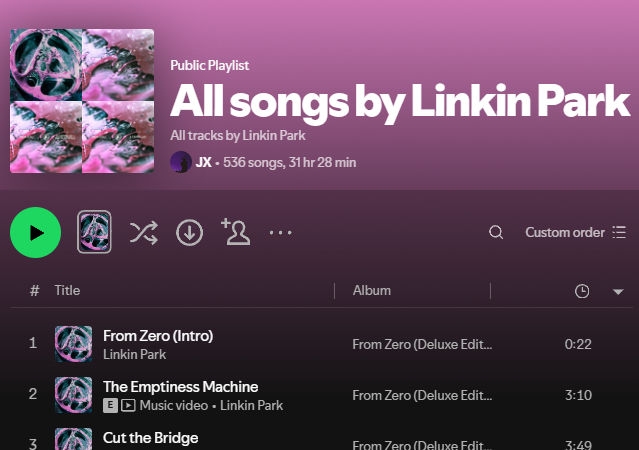
Create a playlist on Spotify with all available tracks from your favorite artist — albums, singles, and compilations included!
Built with Next.js App Router, TypeScript, and the Spotify Web API.
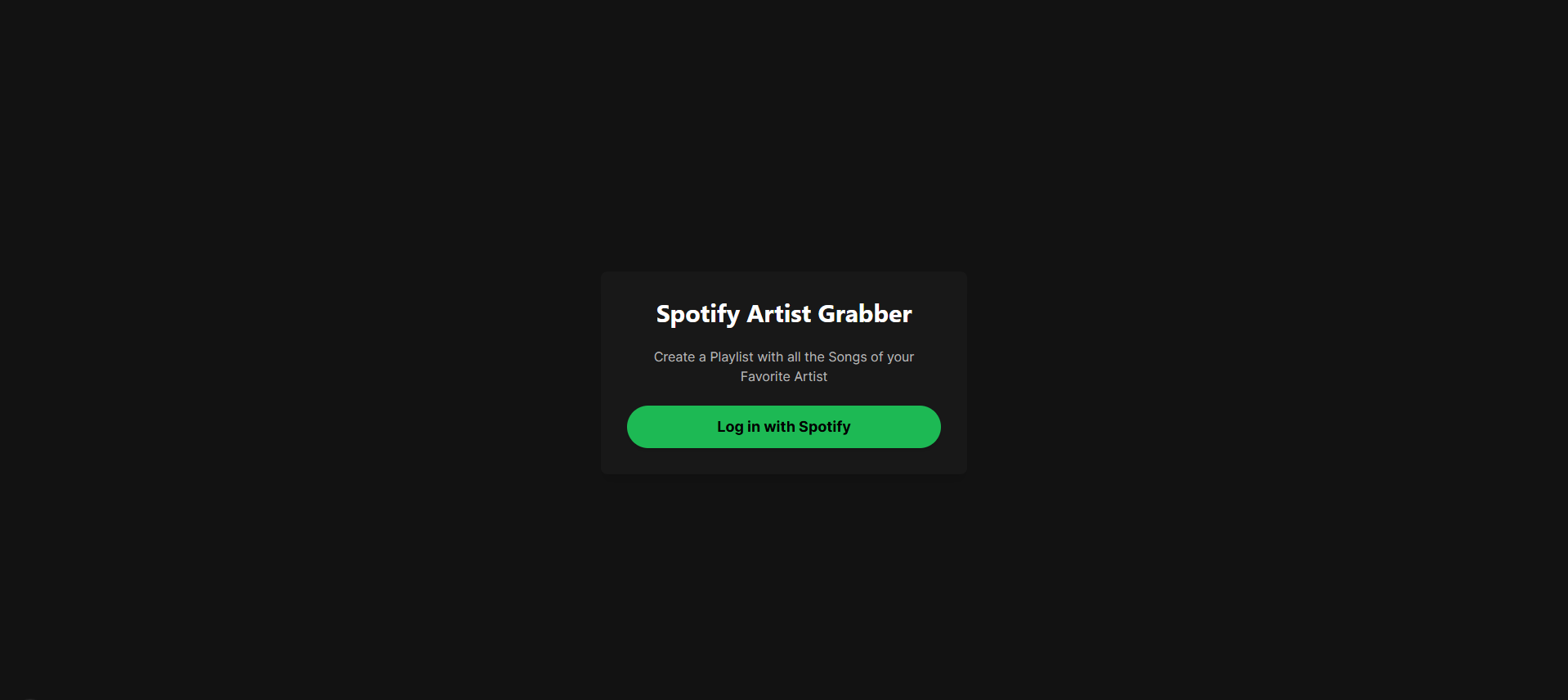
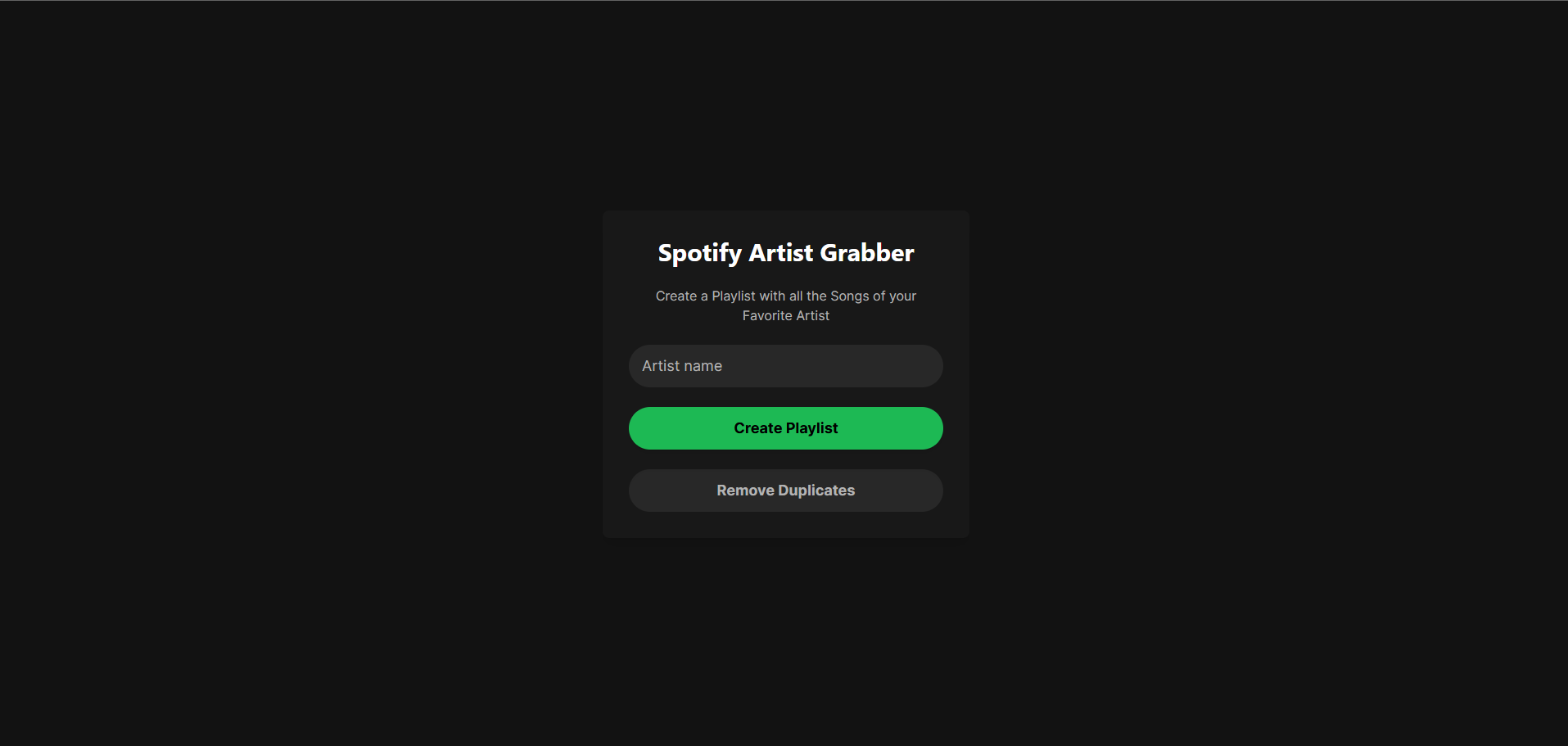
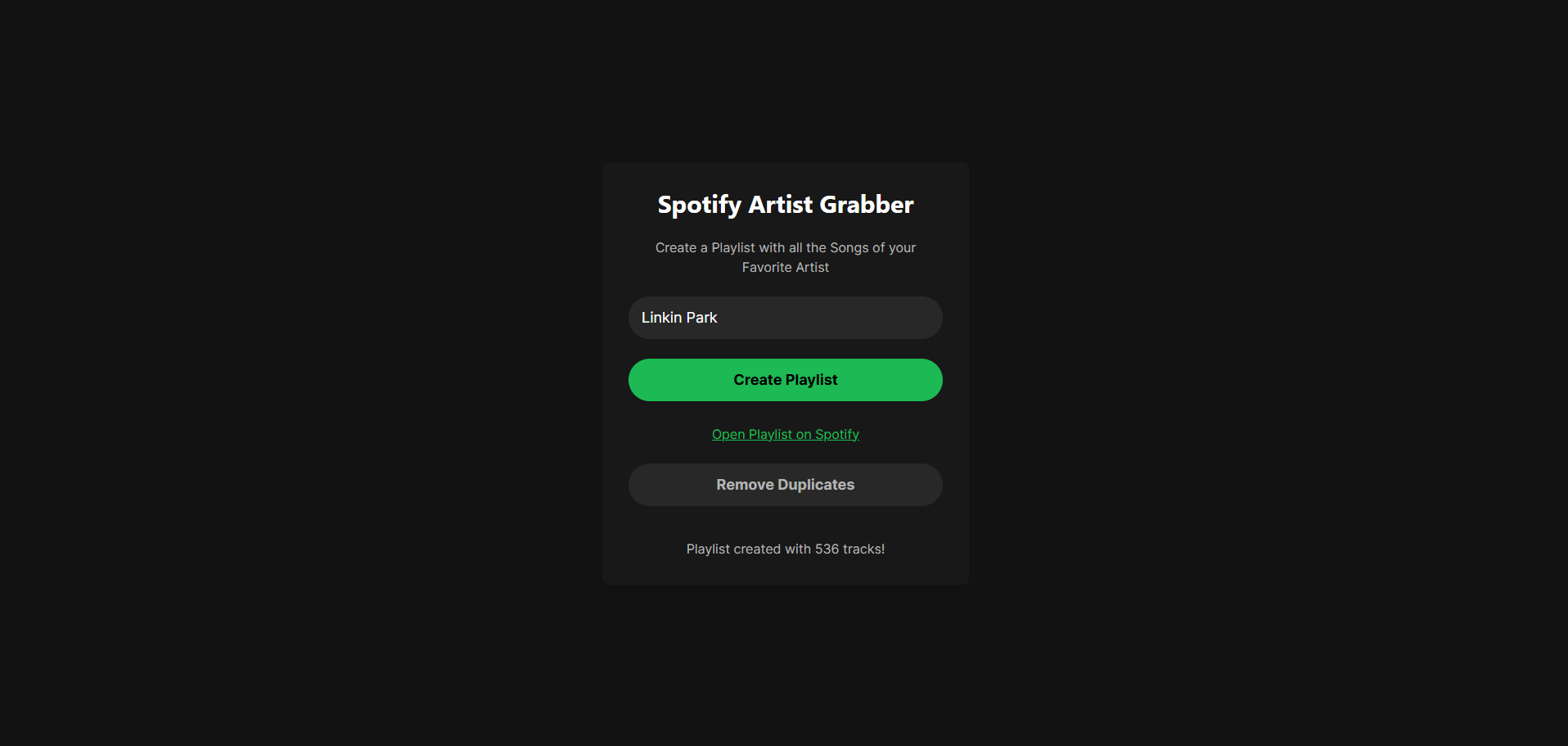
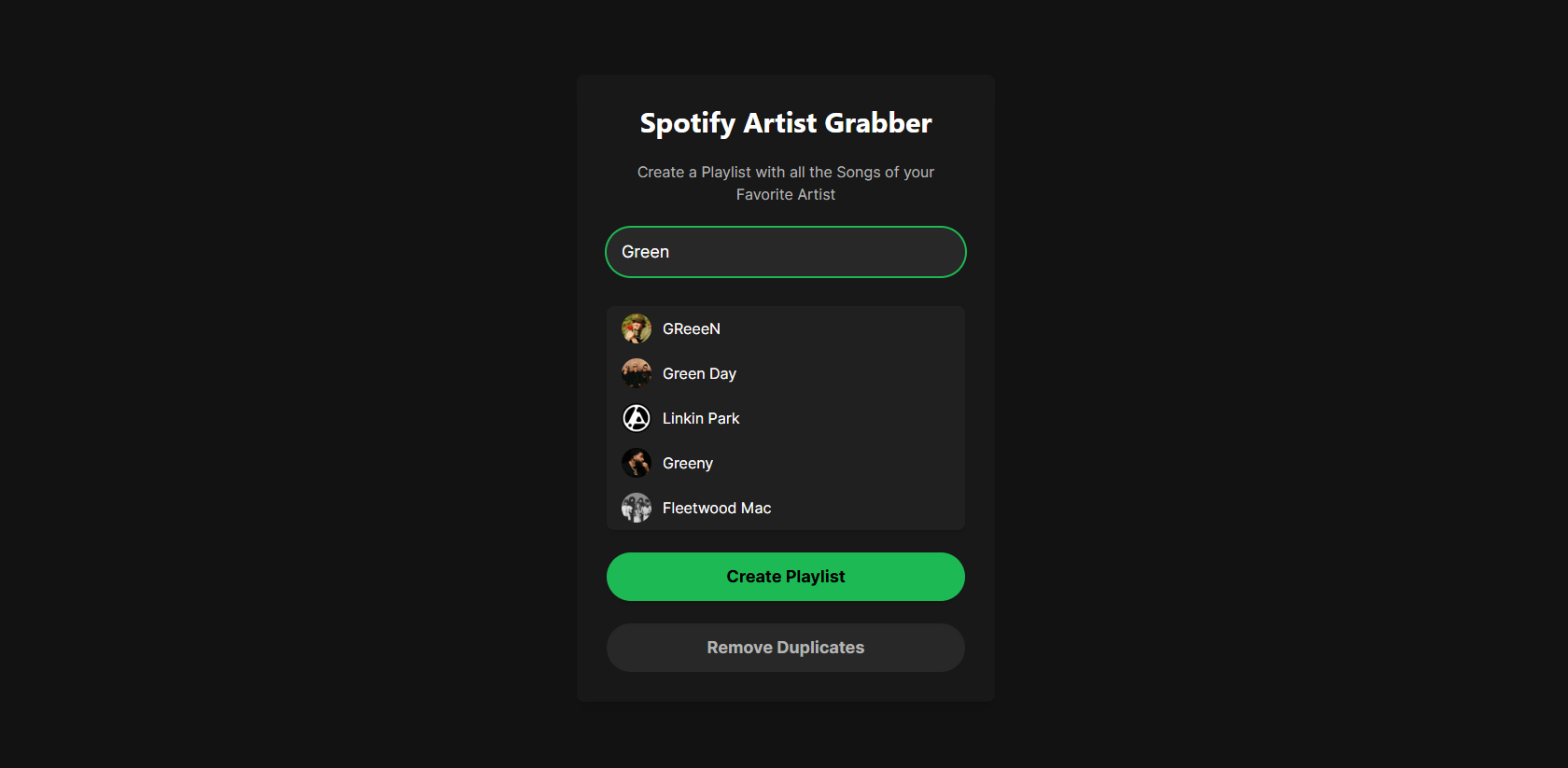
- 🔐 OAuth login with Spotify
- 🔍 Search for any artist by name
- 🎧 Automatically creates a playlist with every track from the artist’s discography
- 🚫 Duplicate remover tool (currently disabled due to bug — fix planned)
- ⚡ Clean UI inspired by Spotify’s design aesthetic
- Framework: Next.js (App Router)
- Language: TypeScript
- Styling: Tailwind CSS
- Auth/API: Spotify OAuth + Web API
- Hosting: Local Dev (fully front-end driven — no backend server needed)
- Node.js (v22+ recommended)
- pnpm (optional but recommended for faster installs)
- Basic knowledge of JavaScript/TypeScript and the terminal
git clone https://github.com/xRiddiK/SpotiGrabber.git
cd SpotiGrabber/frontendnpm install
- Go to Spotify Dev Dashboard
- Create a new app
- Add this to your Redirect URIs:
http://127.0.0.1:3000/api/callback
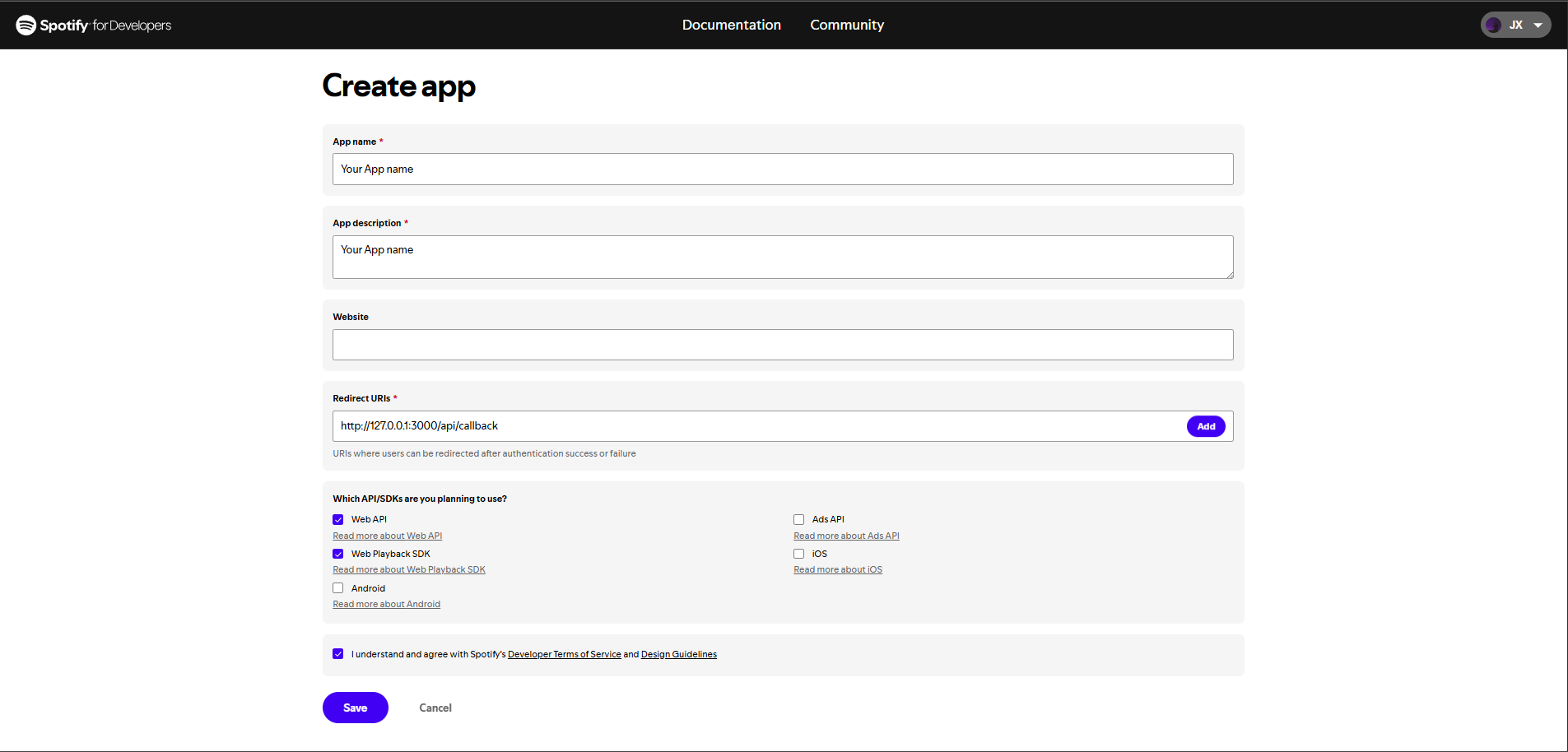
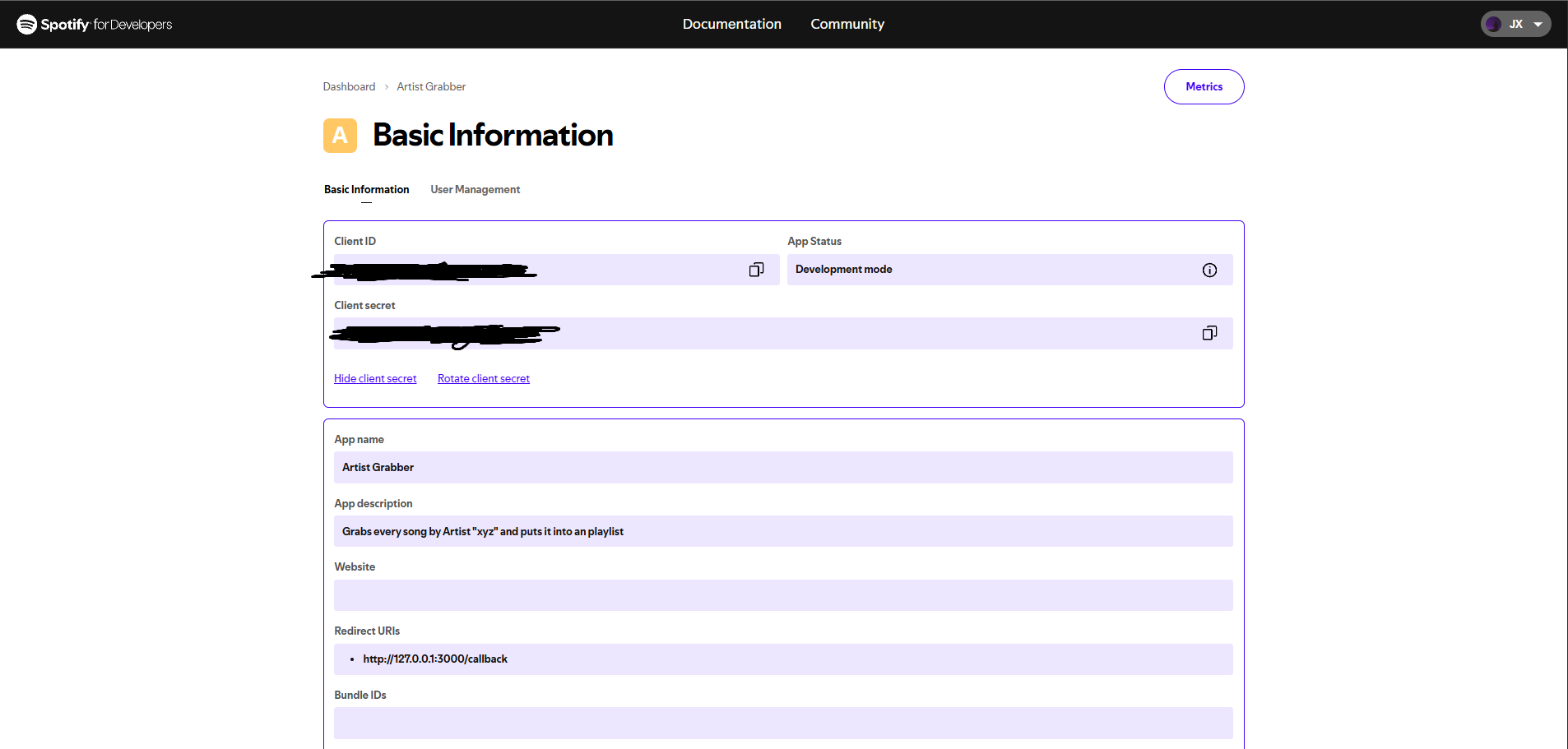
- Create a .env file in /frontend (optionally just rename ".env.example" to ".env")
NEXT_PUBLIC_API_URL=http://127.0.0.1:3000
CLIENT_ID=your_spotify_client_id
CLIENT_SECRET=your_spotify_client_secret
REDIRECT_URI=http://127.0.0.1:3000/api/callback
FRONTEND_URI=http://127.0.0.1:3000
npm run dev
Then open
http://127.0.0.1:3000
Log in with Spotify Enter an artist's name Get a full playlist automatically created in your account! Success!
-
Duplicate Remover is currently disabled — was deleting both copies instead of one.
-
Tokens are passed via URL temporarily (should be stored in cookies or session for better UX).
-
Edge cases (e.g. artists with duplicate names or massive catalogs) may need refinements.