TUI utility for interactive and fast git topic branch cleanup. Upstream site at https://github.com/lzap/git-xcleaner
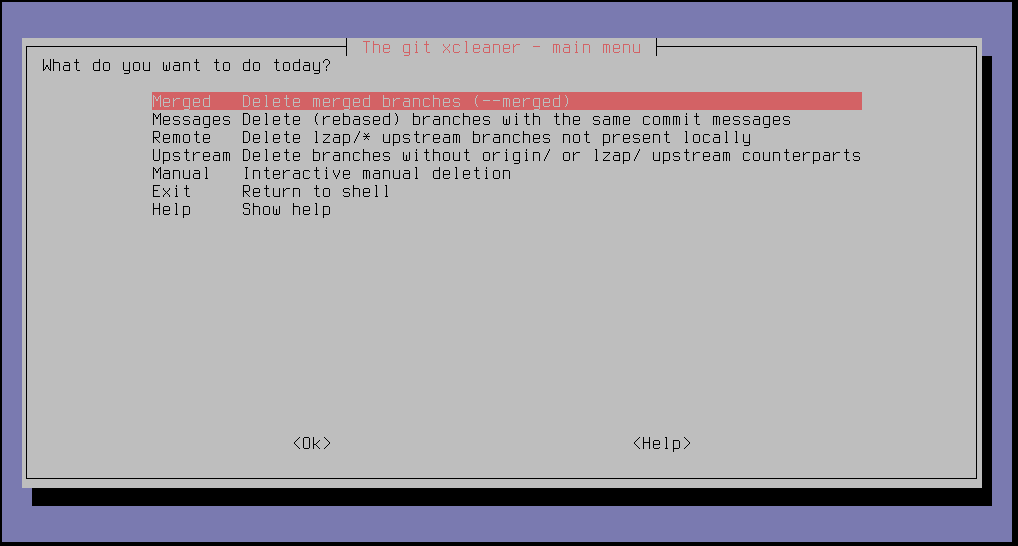
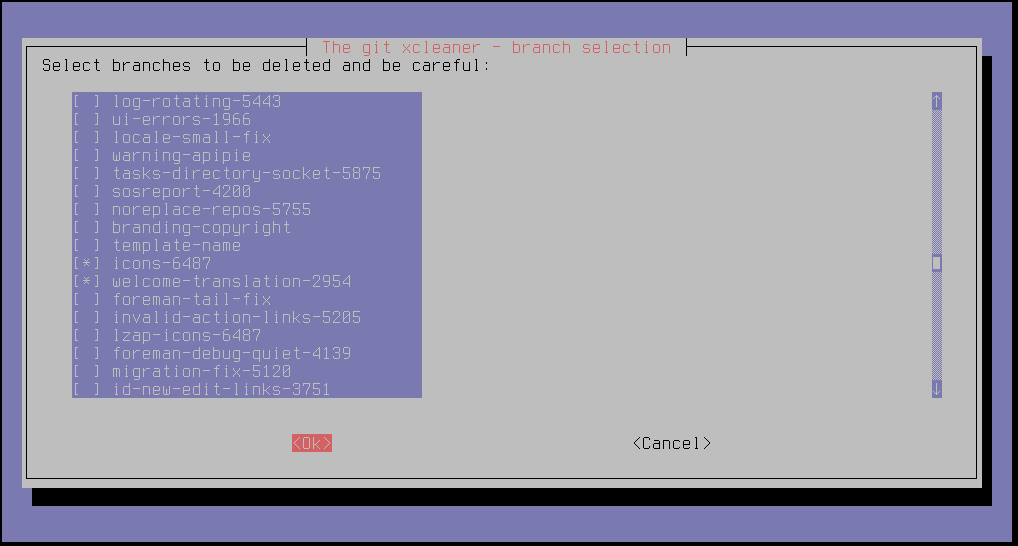

- bash
- whiptail
- resize
Install package or drop git-xcleaner on your path and
git xcleaner
I DO NOT recommend running garbage collection after cleanup, this can wipe mis-deleted branches:
git gc
If you want to do this, do it prior running cleaning, so you are still able to recover after few weeks.
To be able to delete pruned branches, fetch with prune option:
git fetch --prune
Or setup git to always prune:
git config --global fetch.prune true
On Fedora do yum install git-xcleaner, on other distros do this:
TARGET=/usr/local/bin/git-xcleaner
curl https://raw.githubusercontent.com/lzap/git-xcleaner/master/git-xcleaner > $TARGET
chmod +x $TARGET
make test
Runs test.sh, which creates a temporary repository under /tmp/ and
exercises all cleanup code paths with a mocked whiptail UI.
See the manual page.
If you mis-deleted a branch and ignored all the warnings in documentation and on the screen, check out this file which contains all the deleted branch names and commit shas:
cat ~/.git-xcleaner.log
Deleted branch feature_42 (was d82f87f).
Deleted branch feature_21 (was 796b718).
Now you know the sha, if you haven't run git garbage collection, you can still restore the branch with:
git checkout d82f87f
git checkout -b restored_branch_name
- Lukáš Zapletal (
lzap_at_redhat_dot_com)
GNU GPL v2. See the LICENSE file.